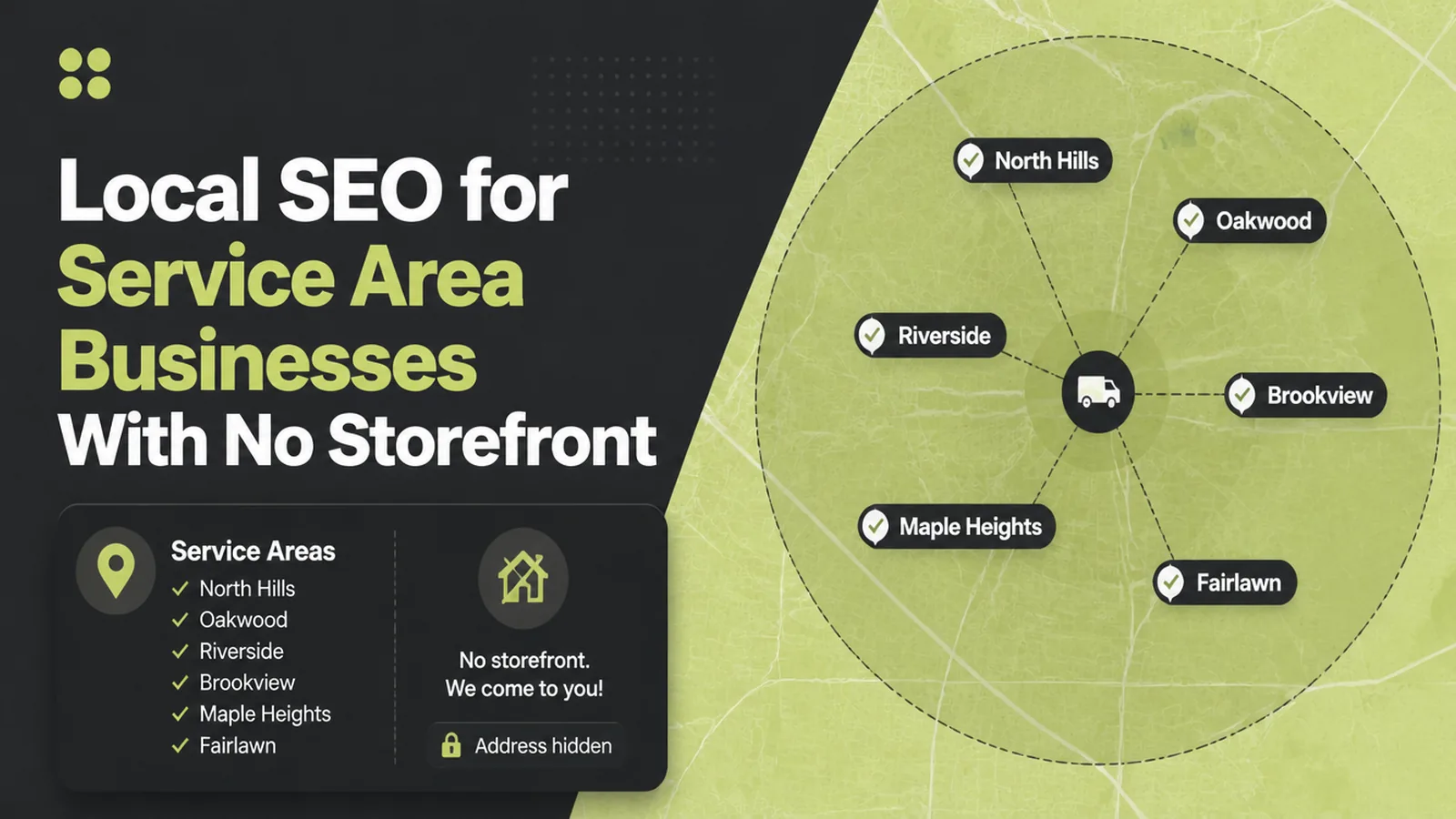
Local SEO for Service Area Businesses With No Storefront

Service area business SEO means removing your address when customers never visit, then naming up to 20 areas by city or postal code. Seed Light sets them from where work actually comes from, because Google does not allow a radius and bounds the area by driving time.
Plenty of good businesses have no premises worth visiting. The plumber, the mobile detailer, the electrician, the cleaner.
They all face the same awkward question at setup: do you put your home address on the internet, and what happens to your listing if you do not.
This guide covers what a service area business is in Google's terms, why hiding the address is the right move, and how to set the areas within the real limits.
Key Takeaways
- No visitors means no address. Google asks you to remove it from the profile.
- Up to 20 service areas. Set by city, postal code or other named area.
- A radius is not allowed. Google states that plainly.
- One profile only. Extra listings for nearby towns are duplicates.
- The website covers the rest. Area pages do what extra listings cannot.
The rules here are unusually specific, and most of the confusion comes from not having read them. Three of them decide everything else.
What Service Area Business SEO Covers
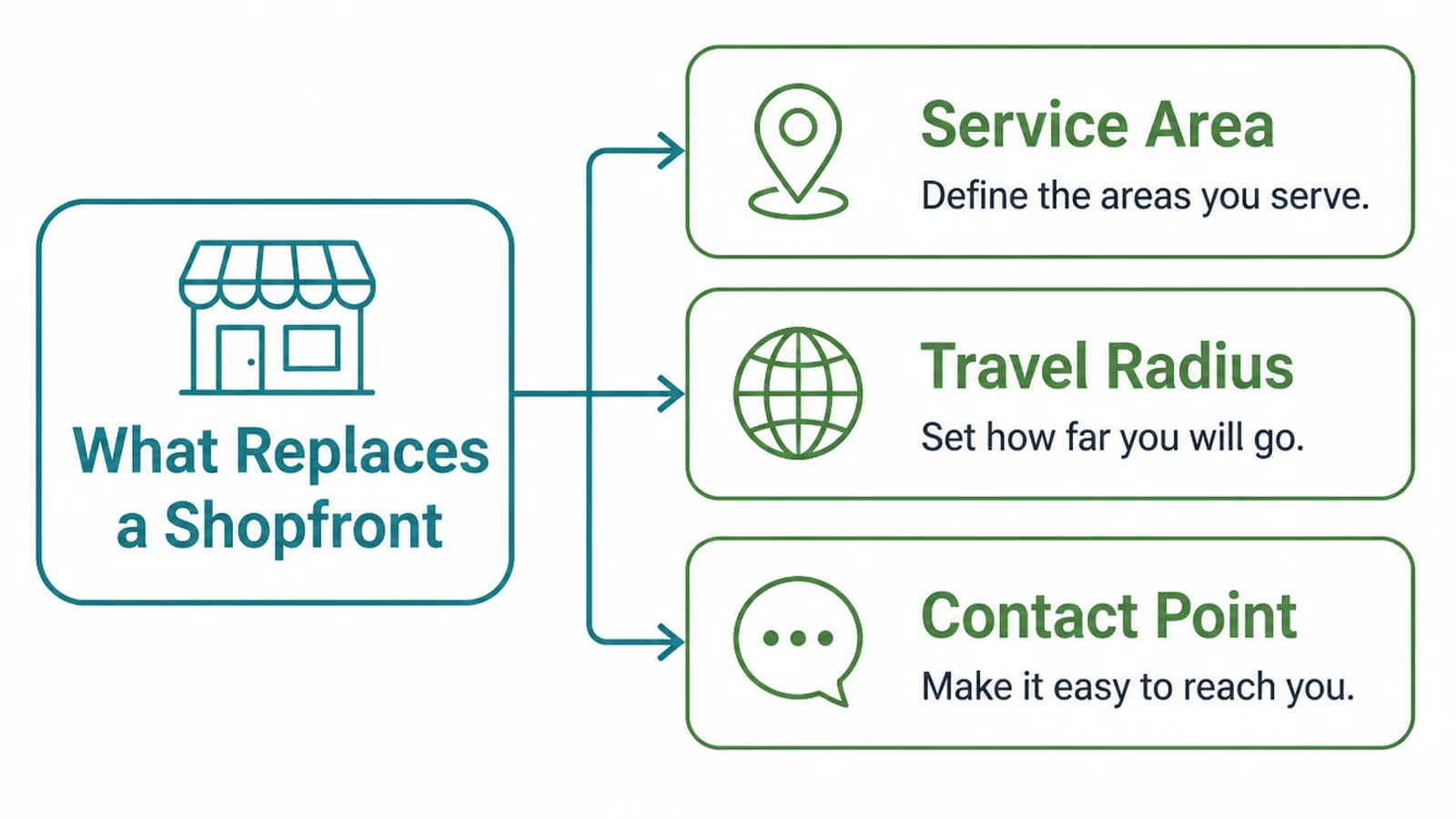
A service area business goes to its customers rather than the other way round, and the profile reflects that.
- The service area. The named places you work in, standing in for an address.
- The travel. How far you genuinely go, which Google bounds for you.
- The contact point. A phone and a website, since there is nowhere to walk into.
Google treats a hybrid business differently. If you have a counter people visit as well as doing visits yourself, hybrid businesses can show their storefront address.
Decide which you are before touching anything. A workshop nobody calls at is not a storefront, however much it feels like premises to you.
That decision drives the address, the areas and how the whole listing reads to somebody comparing three tradespeople.
It is worth saying out loud that service area business SEO is not a lesser version of the shop kind. The same three ranking factors apply; only the address field behaves differently.
Why Hiding Your Address Is The Right Move
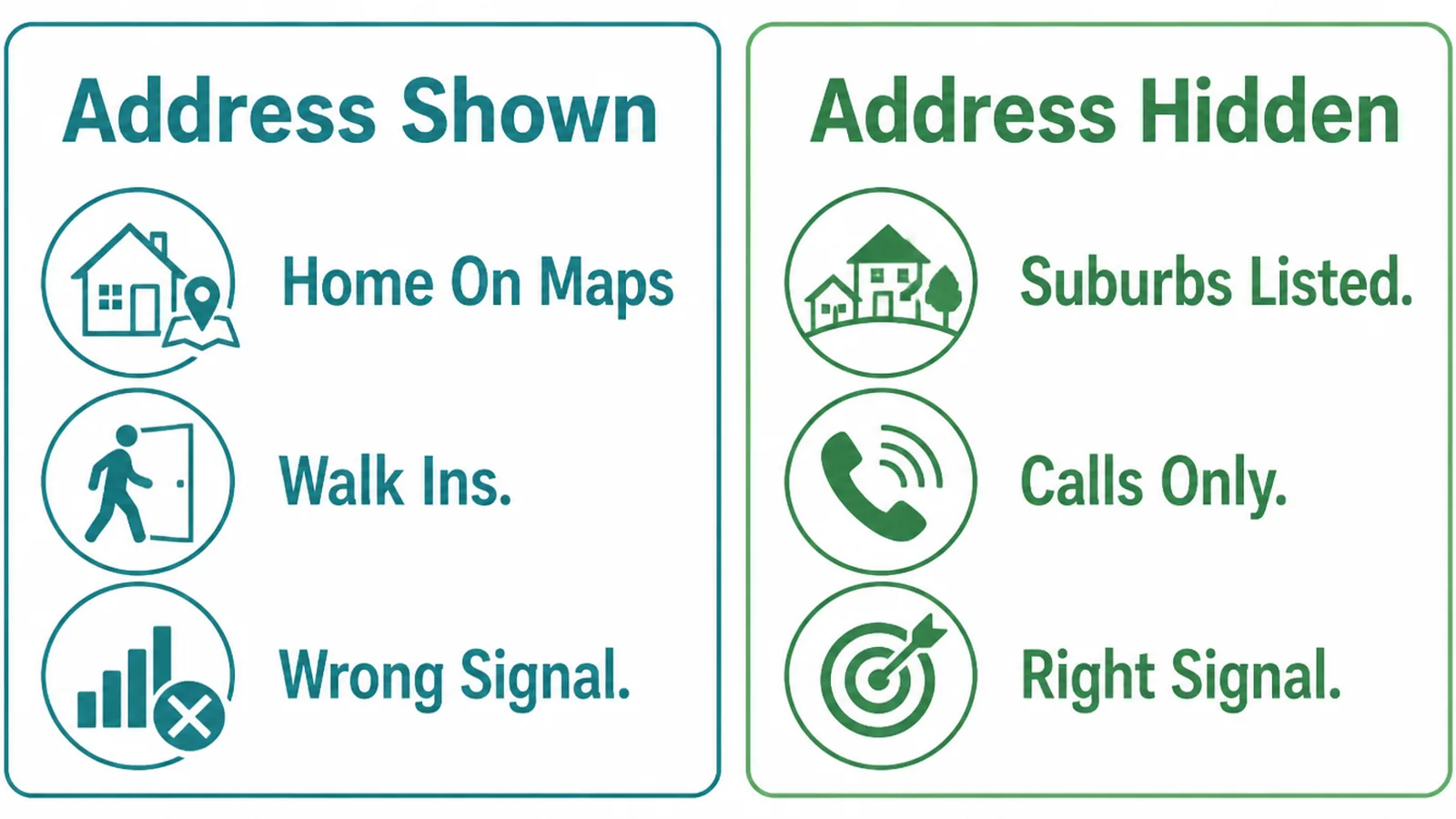
Google's instruction is direct: if you do not serve customers at your business address, remove your address from your Business Profile.
There are practical reasons beyond compliance. A home address invites visitors you do not want, appears on directories you did not submit to, and stays findable long after you move.
It also tells customers very little. Somebody choosing a plumber wants to know whether you cover their area, not which street you live on.
There is a safety argument too, and it is not theoretical for people working alone. An address on a public listing is an address anybody can act on.
The service area list answers the question the address was failing to answer. It says, in named places, whether you will come out to them.
Hiding the address does not hide the business. The listing still appears, still carries reviews, photographs and services, and still shows a phone number.
What does change is the distance factor. Without an address, Google works from the areas you named, so naming them accurately matters more than it would for a shop.
Think of the area list as the field doing the work your shopfront would do. It is the part of the profile that tells somebody you will turn up.
How To Set Up Service Area Business SEO, Step By Step
Three steps. The first two are in the profile, and the third is on your own website.
1. Hide The Address Properly
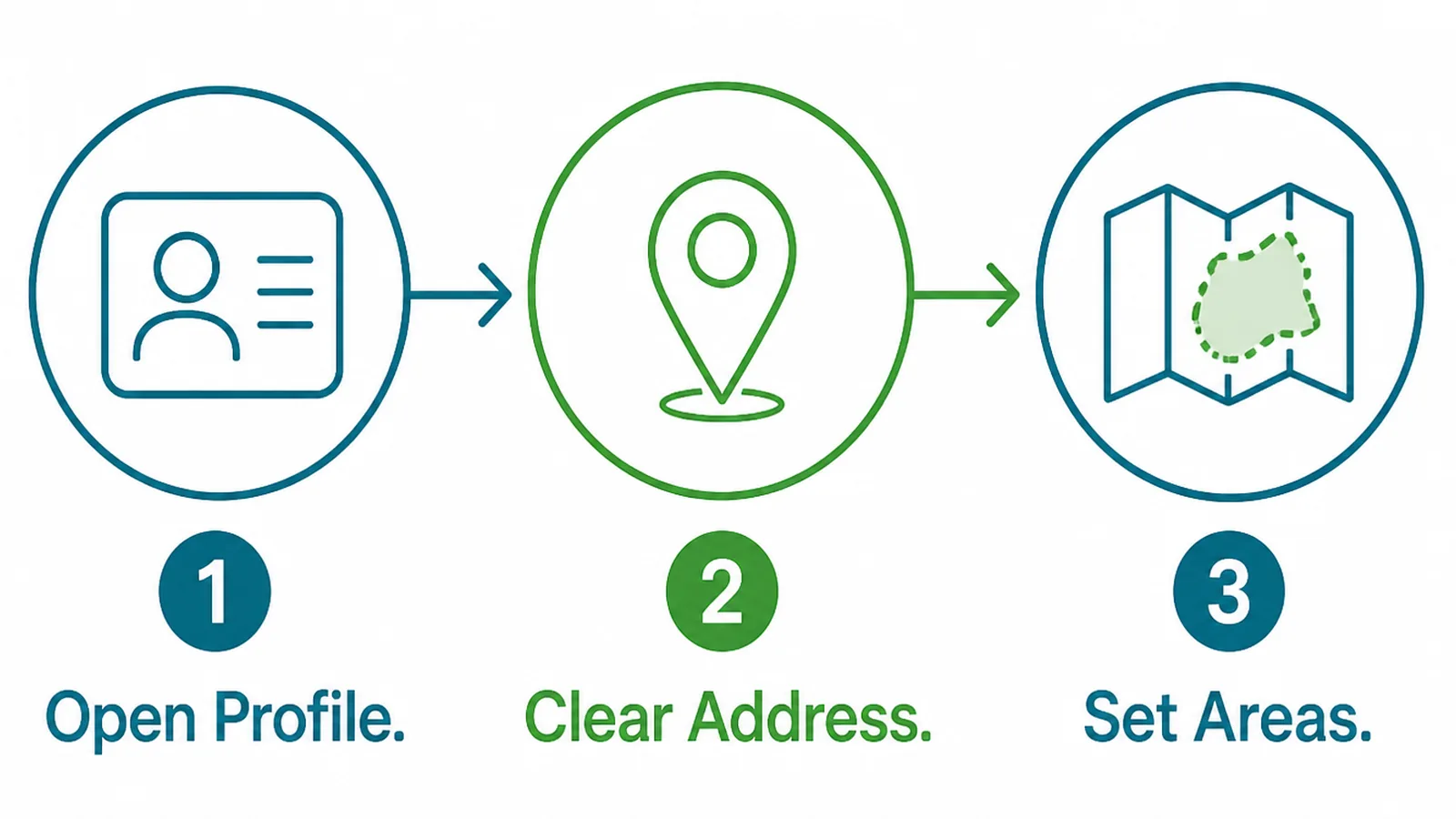
Do this in a single pass rather than leaving the profile half changed.
- Open the profile. Signed in as the business, on a computer rather than a phone.
- Clear the address. Remove it, since customers do not come to you.
- Set the areas. Add the places you serve, by name.
Expect the change to be reviewed before it appears, and check it a day later.
Do not panic if the listing looks odd for a day. An address being removed is a significant edit and it settles.
While you are there, check the other places your address has leaked: directories, your website footer, social profiles and any old listings somebody else created.
Old listings are the stubborn ones. Somebody created them years ago, often automatically, and they outlive the business decisions that made them wrong.
2. Name The Areas You Actually Serve
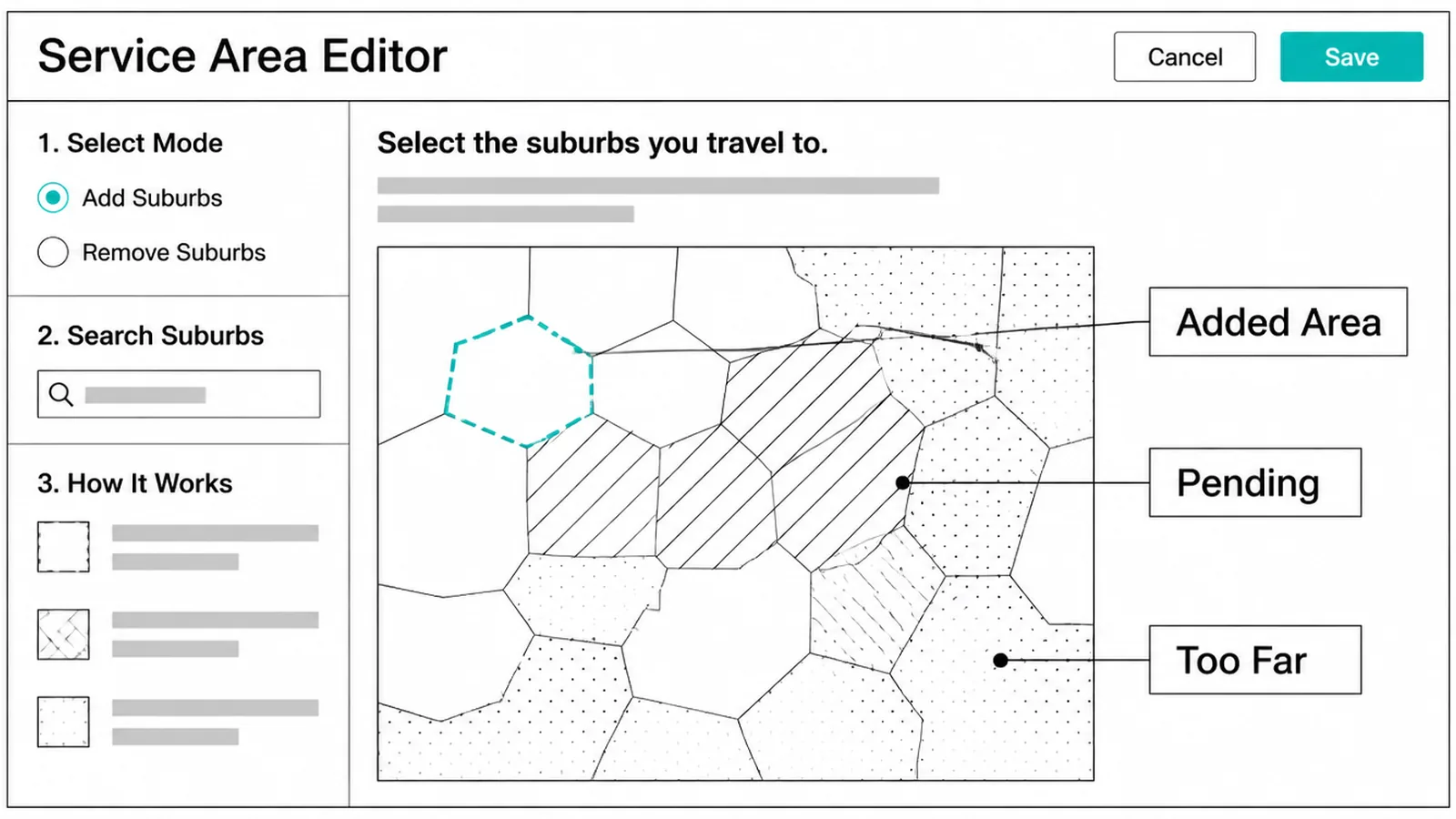
This is where the real rules live, and they are worth reading before you start typing.
- Added area. A city, a postal code or another named area you genuinely work in.
- Pending. Submitted and waiting. Normal for a day or so.
- Too far. Outside the boundary Google expects, so it will not hold.
Google allows up to 20 service areas based on the cities, postal codes, or other areas you serve, and asks you to be as specific and accurate as possible.
Two limits catch people out. You cannot set your service area as a radius distance around the business, and the overall boundary should not be more than about two hours of driving time from where you are based.
Name the places the work actually comes from, not everywhere you would drive for the right job.
Look at last year's jobs and list the towns in order. The top six or seven usually account for almost all of it.
Add a couple you want more of, if you genuinely travel there. Leave off the ones you took once and regretted.
3. Make The Website Agree
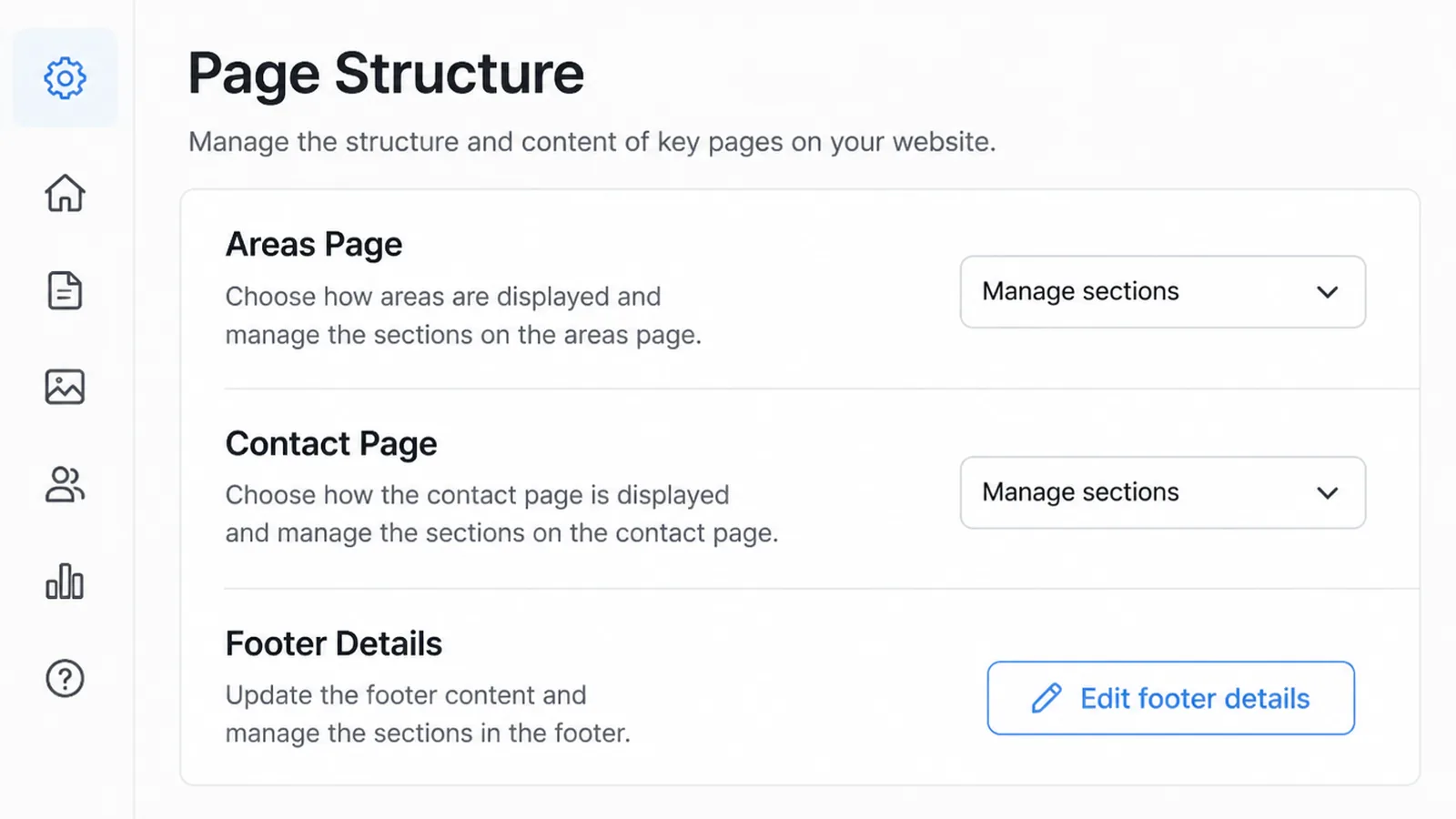
The profile is limited to 20 areas and one listing. Your website has no such limit, and it is where the rest of the coverage lives.
- Areas page. A plain list of where you work, written for a reader rather than stuffed.
- Contact page. Phone, hours and a form, with no street address if the profile has none.
- Footer details. Consistent with the profile, including the phone number format.
Where a town is genuinely important to the business, it can have a page of its own, and that page has to say something real about working there.
A page that swaps the town name into the same paragraph is worse than no page. It reads as a template to a customer and adds nothing for anybody.
Write about the work you have actually done there. Two real jobs described plainly beat six pages of the same sentence with different place names.
Service Area Ideas That Work Right Now
| The idea | Why it earns calls |
|---|---|
| Photograph jobs in the towns you serve | Shows you really work there, which a list of area names cannot |
| Say how far you travel and what you charge for it | Answers the question every caller asks in the first minute |
| Name the areas you do not cover | Saves both sides a conversation and reads as honest |
The first is the most undervalued. A photograph captioned with the town is evidence, and evidence is what a list of place names is missing.
The third sounds counterproductive and rarely is. Being told plainly that somebody does not cover your area is better service than a quotation that never arrives.
It also filters the calls you take. Fewer enquiries you have to decline is worth more than a slightly longer list of towns.
Service Area SEO Tools
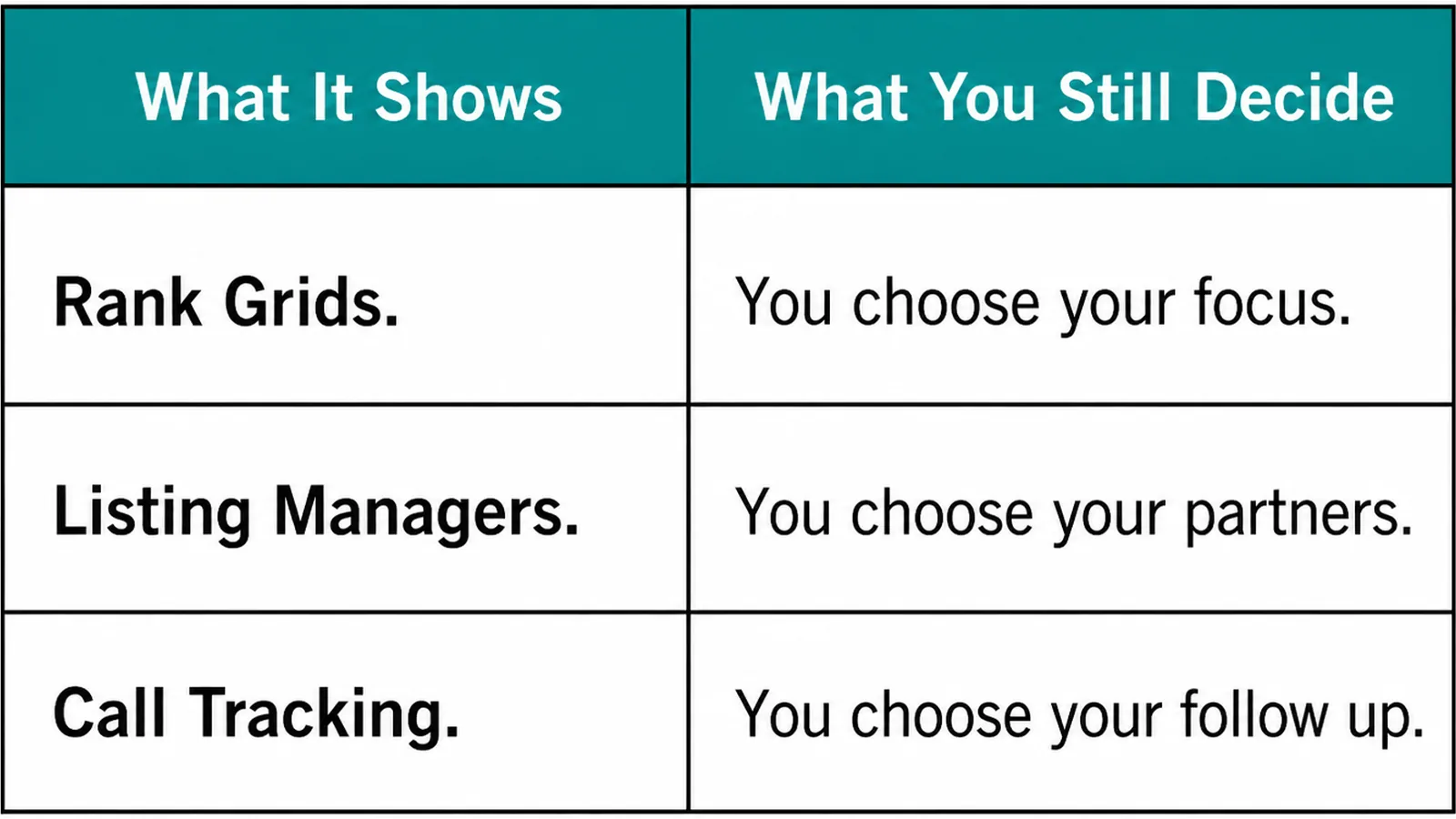
| What it does | What it leaves to you |
|---|---|
| The profile editor holds the address setting and the area list | Deciding honestly which areas you actually serve |
| Listing managers push consistent details to directories | Removing the old entries that still show your address |
| Rank trackers sample results from points across a map | Reading them knowing distance moves every result |
The middle row is the one that matters most for this kind of business. Addresses propagate, and the copy you removed from Google may still sit on three directories.
Fix the big directories first. Most of the rest copy from them, so the small ones often correct themselves.
Search your own address in quotation marks occasionally. It is the quickest way to find where it is still published.
Do the same with your phone number. It often sits on listings that carry a version of your address you thought you had removed.
Common Service Area Mistakes
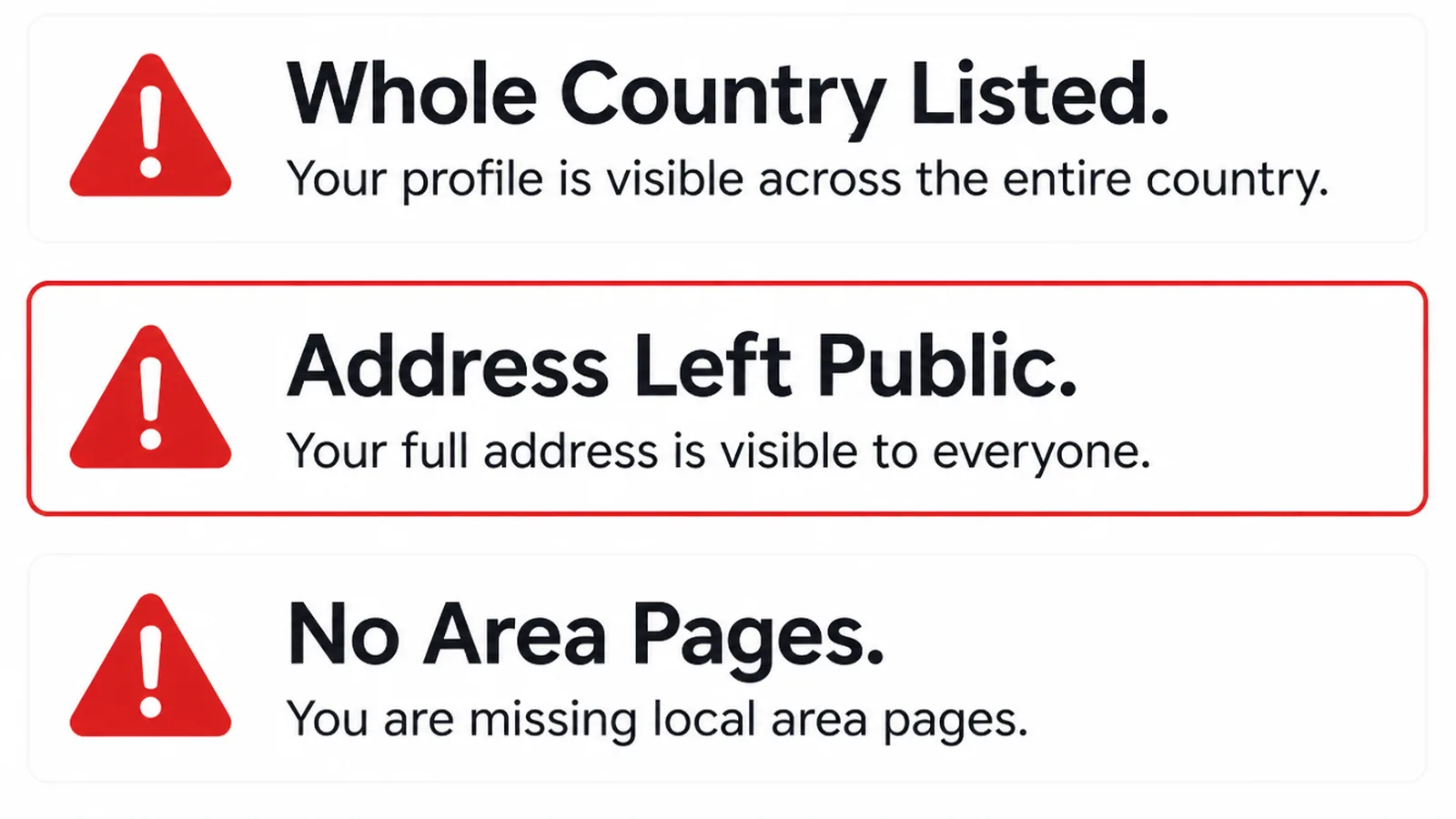
- A profile per town. Duplicates, where Google allows one profile for the whole area.
- Twenty areas you do not serve. A list written for coverage rather than for truth.
- An address left half removed. Hidden on Google, still published on six directories.
The first is explicit. Google says service area businesses can only have one profile for the whole area that they serve.
A fourth is treating the area list as the whole strategy. The listing says where you go; the reviews, the photographs and the website say whether anyone should call.
Review the list once a year. Service areas drift as a business takes on staff, changes vehicles or gets busier closer to home.
If the listing is otherwise neglected, the three factors behind local results is the piece to read next.
FAQs
Should I hide my home address?
Yes, if customers never come to you. Google's instruction is to remove your address from the profile when you do not serve customers at your business address. A hybrid business that does see visitors can show the storefront address as normal.
How many service areas can I add?
Up to 20, set by cities, postal codes or other areas. Google also asks you to be as specific and accurate as possible, so the list should describe where you genuinely work rather than everywhere you would consider travelling for the right job.
Can I set a radius instead?
No. Google states that you cannot set your service area as a radius distance around your business, so the areas have to be named places. It also asks that the overall boundary stays within about two hours of driving time from your base.
Can I have a profile for each area?
No. Google says service area businesses can only have one profile for the whole area they serve. Extra profiles for nearby towns are duplicates, and the right way to cover those places is with pages on your own website instead.
Conclusion
Service area business SEO is three rules and a website that agrees with them.
Remove the address if nobody visits, name up to 20 real areas without trying to set a radius, and keep one profile. Then let your own site cover the towns and the detail the listing has no room for.
If your address is still showing in places you did not put it, see how we approach local SEO, or get in touch and we will find where it is published.