How to Add Photos to Your Google Business Profile

How to add photos to Google Business Profile starts with knowing the slots: a listing holds a logo, a cover photo and business photos, and Google only shows them once the profile is verified. Seed Light shoots the shopfront, the inside and work in progress, because those three answer what a chooser is checking before they call.
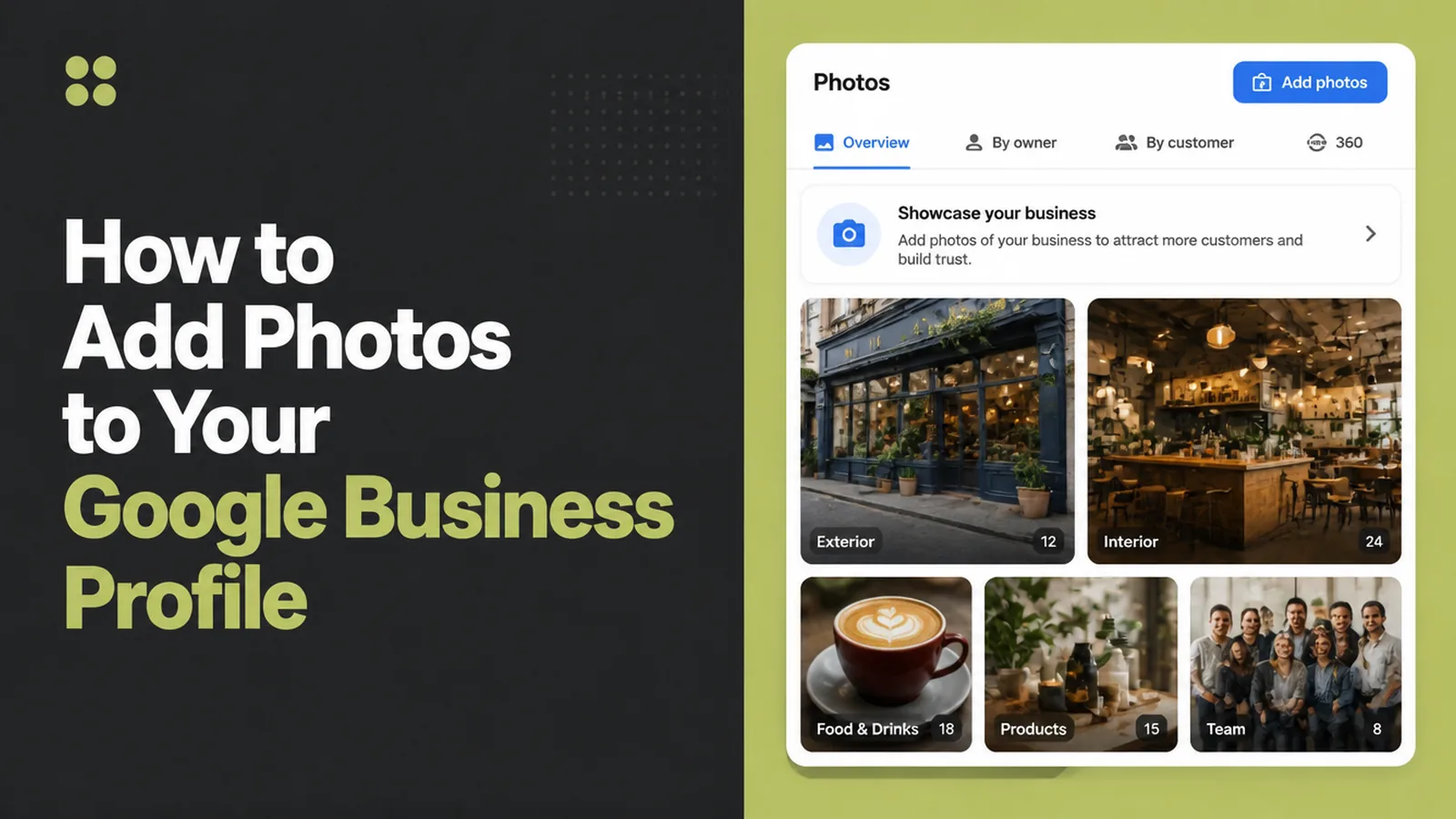
Two listings, same trade, same distance away. One has photographs of the actual place and the actual work. The other has none.
The choice a customer makes there is not close, and it is made in a couple of seconds without much thought.
This guide covers what photos a profile can hold, what to shoot, the file requirements, and how to keep the set current.
Key Takeaways
- Three kinds of photo. Logo, cover photo, and business photos.
- Verification comes first. Google only shows photos once the profile is verified.
- Shoot three things. The shopfront, the inside, and work in progress.
- A phone is enough. In focus, well lit, no heavy filters.
- Keep them current. A photo of a shopfront you left is worse than none.
This is the cheapest improvement available to most local businesses. It costs twenty minutes and a phone you already own.
It is also the one most often postponed, usually on the grounds that the premises need tidying first.
Knowing how to add photos to Google Business Profile properly takes about as long as reading this. The shooting is the part worth care.
What Business Profile Photos Your Listing Holds
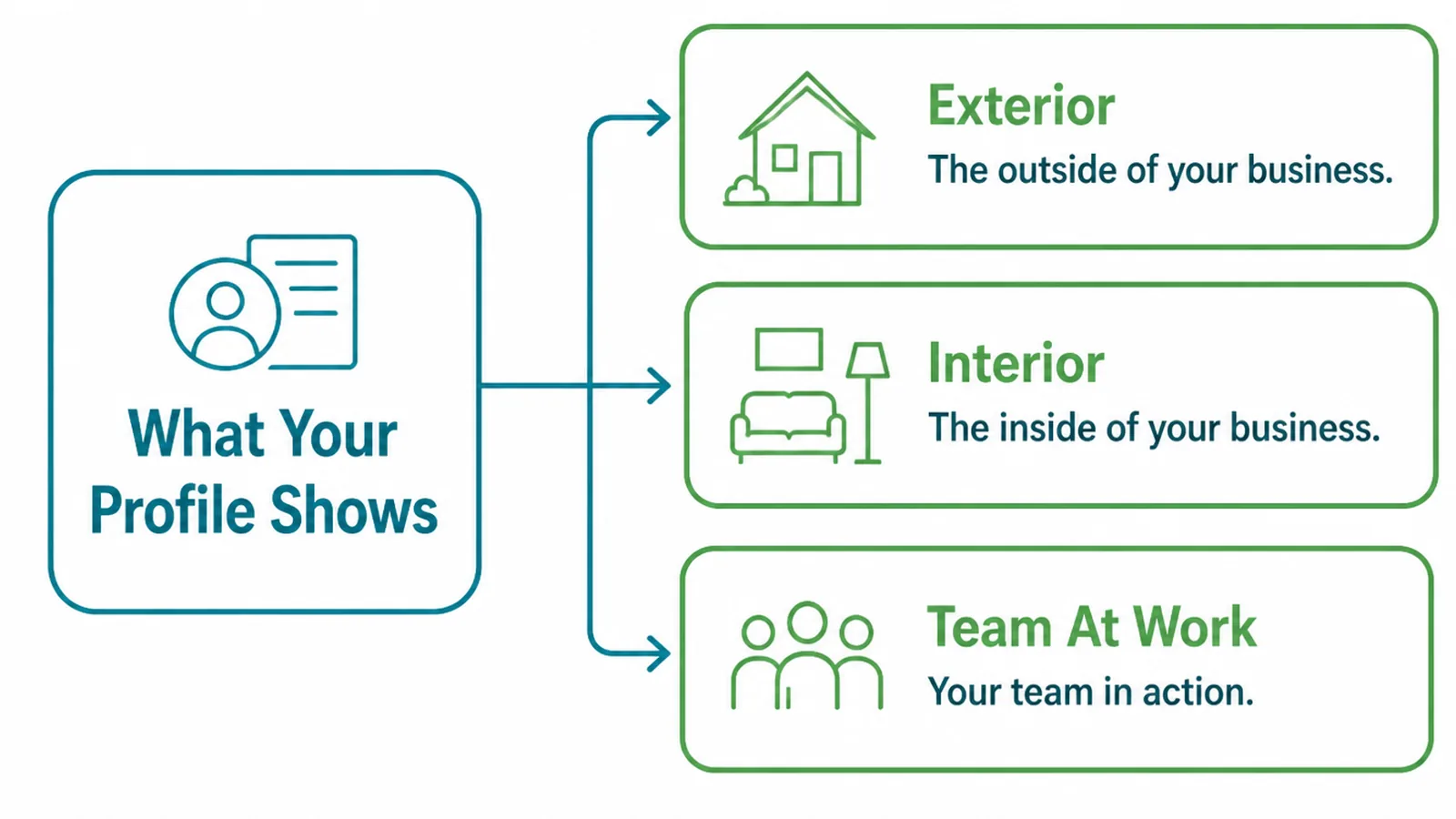
Google's own help page names three types, and they are not interchangeable.
- Logo. Described as helping customers recognise your business on Google.
- Cover photo. The one at the top of the profile that best represents the business.
- Business photos. The set that highlights features of the business to attract and inform.
The cover photo is the one worth choosing carefully. It is the picture most people see first, and a dark interior shot does the listing no favours.
Google also notes that photos and videos only show up once the profile is verified, which explains most "why can nobody see mine" questions.
Video is allowed too, up to thirty seconds and 75 MB, at 720p or higher. For most small businesses the photographs matter more and are far easier to keep current.
Think of business profile photos as three jobs rather than a gallery. One mark for recognition, one picture for the top of the profile, and a working set that shows the place and the work.
Why Photos Decide The Click
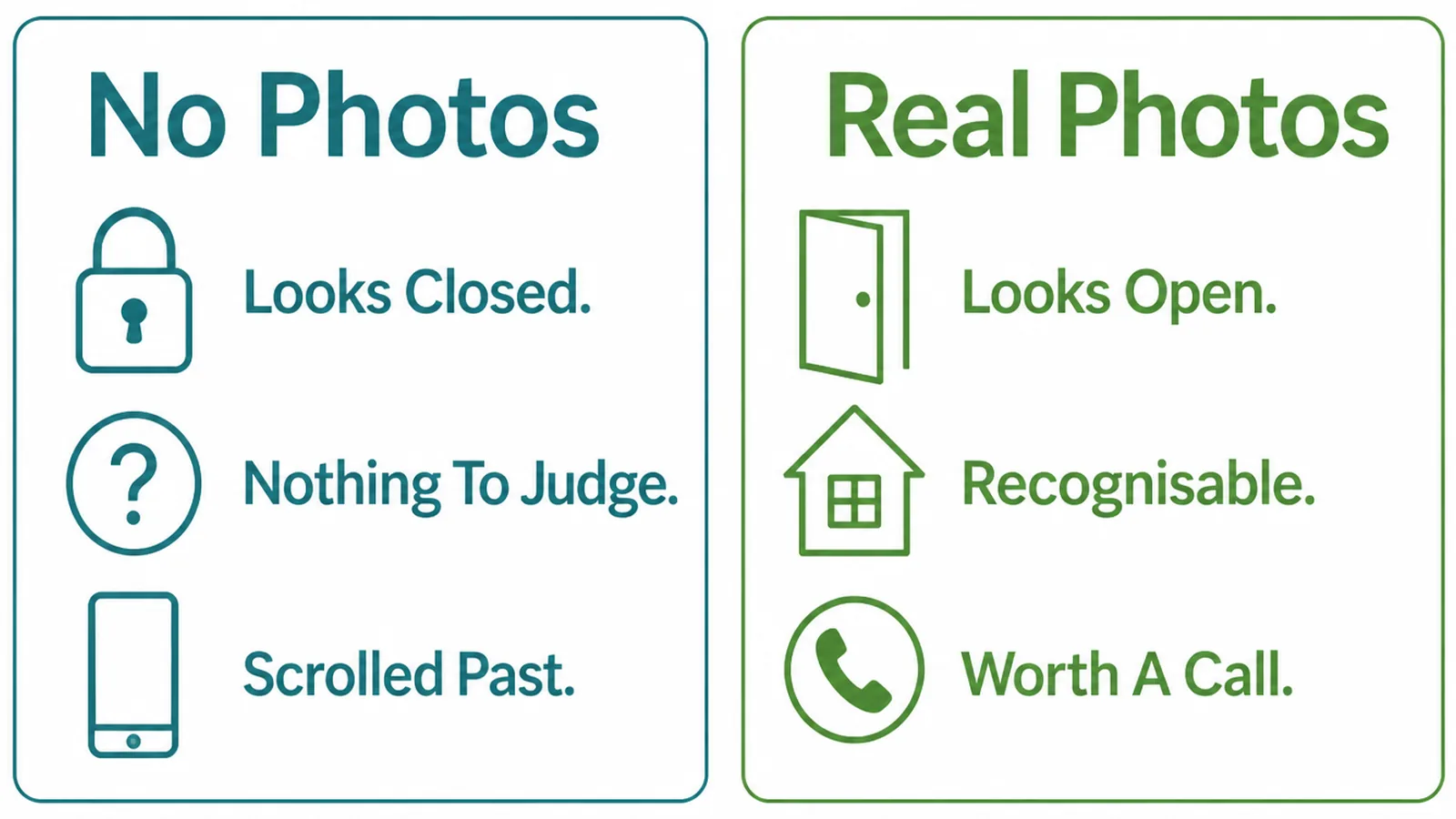
A chooser comparing two listings is answering questions no amount of text answers quickly.
Is this a real place. Will I be able to park. Does it look like somewhere I would be comfortable walking into. Does the work look like the standard I want.
Photographs answer all four at a glance. An empty listing leaves every one of them open, and open questions lose to a competitor who closed them.
Your own photographs beat better ones of somewhere else. A stock image of a generic workshop tells a customer nothing about yours and is often recognisable as stock.
There is a trust effect too. A business photographing its real premises is a business that expects you to turn up and find what you saw.
The reverse is also true, and it is why an old photograph does real damage. Somebody who arrives at a different shopfront has been told something about how the business keeps its promises.
How To Add Photos To Google Business Profile, Step By Step
Three steps, one afternoon, and most of the work is the shooting rather than the uploading.
1. Shoot The Three That Matter
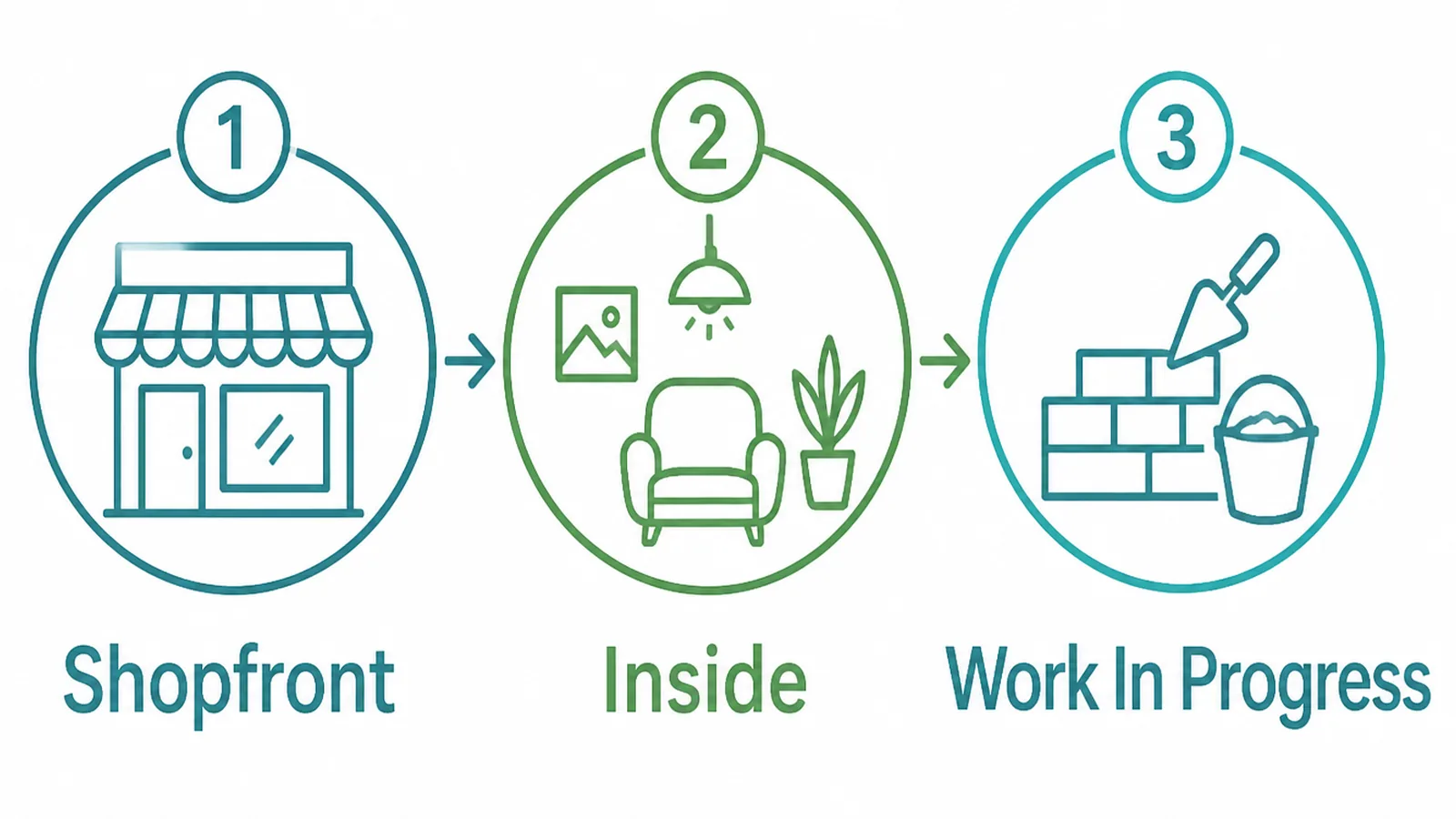
Start with three photographs. If you only ever take three, take these.
- Shopfront. Taken from where somebody would approach, so it is recognisable on arrival.
- Inside. The room a customer waits or is served in, lit and tidy.
- Work in progress. What you actually do, mid-job, with the detail visible.
Shoot in daylight, with the lights on indoors. Google's quality guideline asks for photos that are in focus and well lit, with no significant alterations or excessive use of filters.
Take more than you need and keep the best. Twenty attempts at the shopfront costs five minutes and produces one picture worth leaving up for two years.
Hold the phone level and stand far enough back to show the doorway and a little of what is either side. People use the picture to recognise the place from the pavement.
Tidy before you shoot rather than editing afterwards. Thirty seconds of moving a bin is cheaper than any amount of retouching.
2. Upload And Label Them
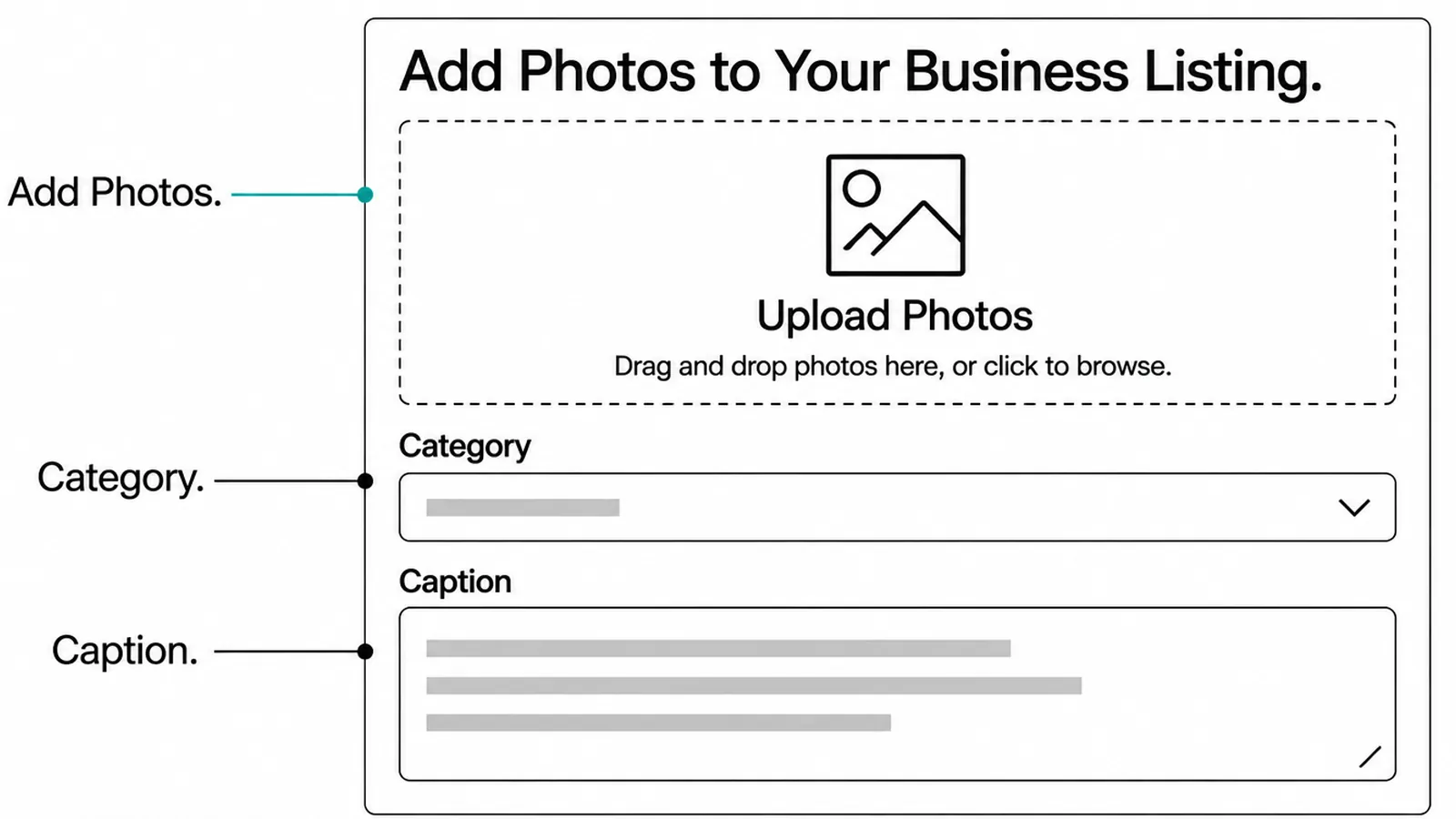
Uploading is simple, and the useful part is putting each photo in the right place.
- Add photos. From the profile itself, in the photos section, a few at a time.
- Category. Logo, cover or business photo, so each one lands where it belongs.
- Caption. Where the interface offers one, describing what is in the picture.
Check the file requirements if an upload is refused. Google asks for JPG or PNG, between 10 KB and 5 MB, recommended at 720 by 720 pixels with a minimum of 250 by 250.
Modern phones comfortably exceed the resolution and occasionally exceed the file size. Where that happens, export a slightly smaller copy rather than reshooting.
Upload the logo and the cover photo first, then the rest. Those two are the ones somebody sees before deciding whether to read anything else.
Upload a few at a time rather than fifty at once. It is easier to see what has appeared, and easier to spot anything that did not.
3. Keep Them Current
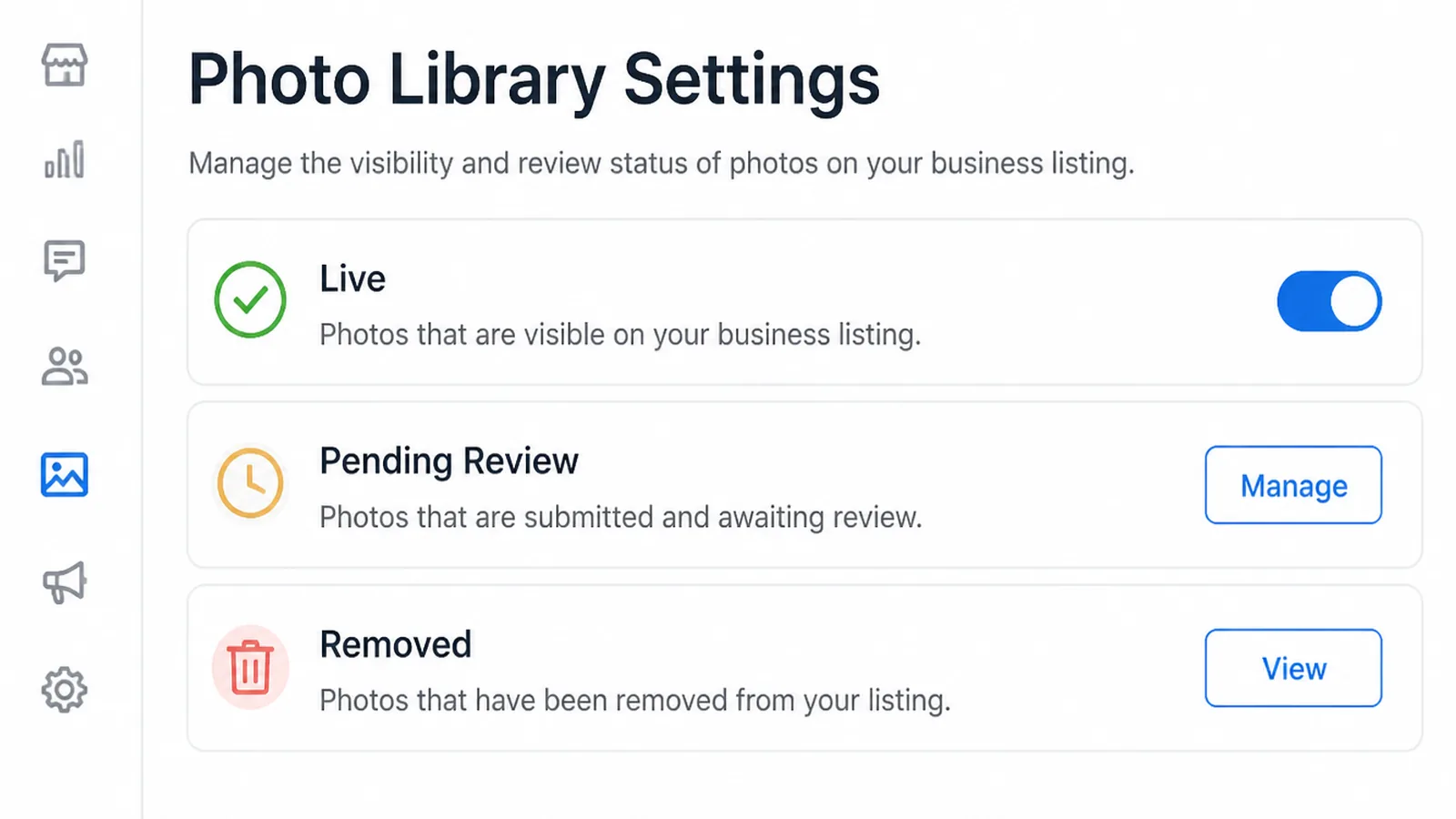
A photo set is not a one-off task. It ages in a way text does not.
- Live. Visible on the profile, doing its job.
- Pending review. Uploaded and not yet shown. Normal for a short while.
- Removed. Taken down, usually for breaking the content rules.
Diary a check every few months. Look for pictures of a signboard you have replaced, stock you no longer carry, or a van in old livery.
Do it when something changes rather than on a fixed schedule. A refit, a new sign or a new vehicle is the moment the old pictures became wrong.
A photograph of a shopfront you have left is worse than having no photograph at all, because somebody will drive to it.
Customers can add photos too, and those appear alongside yours. You cannot control them, and a steady supply of your own is the practical answer.
Where a customer photo genuinely breaks the rules, it can be reported. That is slow and uncertain, so treat it as a last resort rather than a plan.
Photo Ideas That Work Right Now
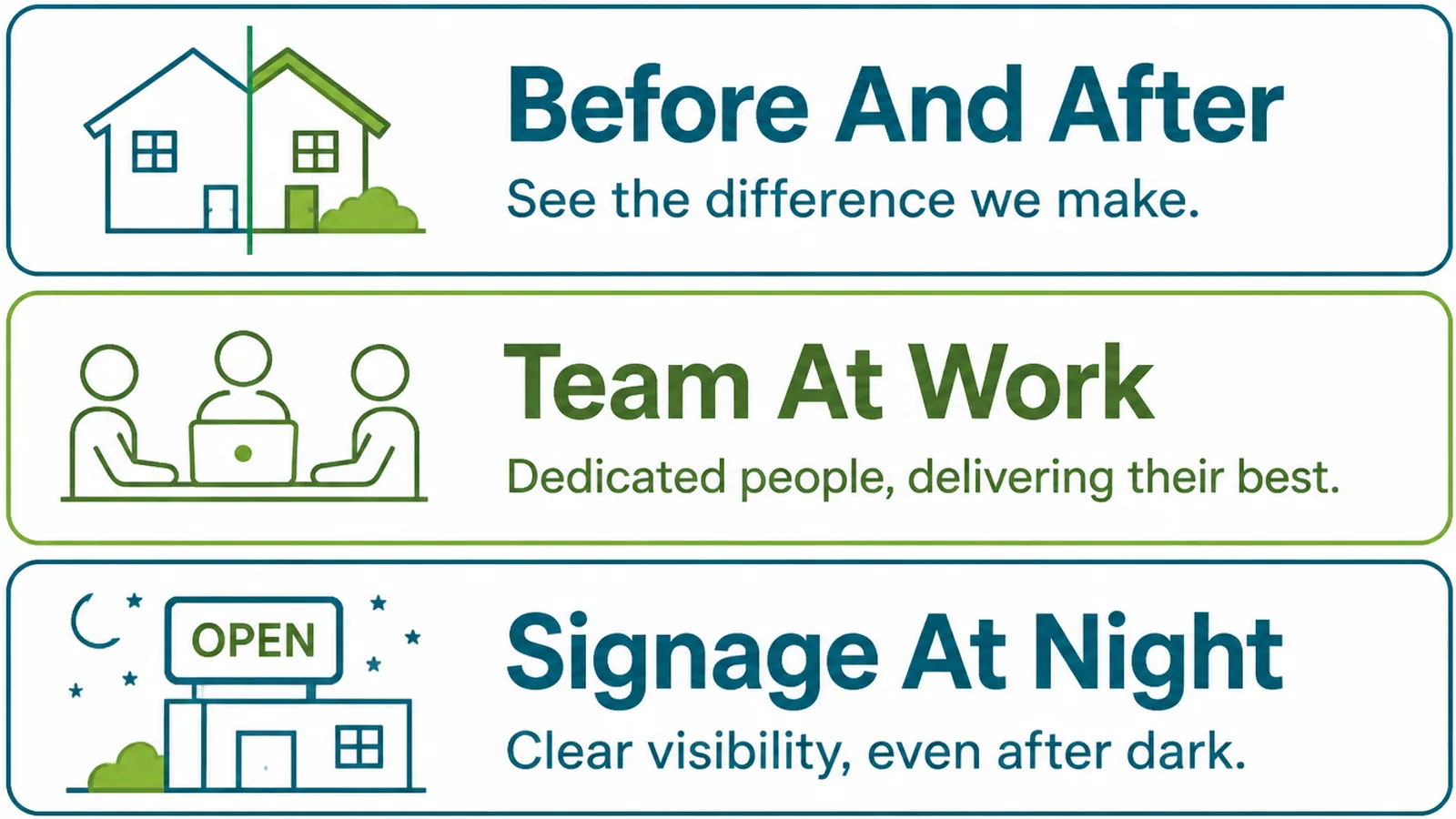
Once the basic three are up, these are the ones that tend to be missing.
- The entrance at night. If you open in the evening, show what people will be looking for.
- Parking or access. Where to leave the car, or which door to use in a shared building.
- A finished job. The outcome rather than the premises, since the outcome is what people are buying.
The access shot is the one customers thank you for. Plenty of small businesses sit behind a confusing entrance, and one photograph removes the phone call.
If you are upstairs or inside a mall, photograph the route as well as the door. Two pictures can save a customer a lap of the building.
Caption each of these plainly. A picture of a side door means little until a line says it is the entrance after six o'clock.
A Google photos listing full of pictures nobody labelled is still better than an empty one. Captions simply make each picture answer a question rather than decorate the profile.
Business Photo Tools
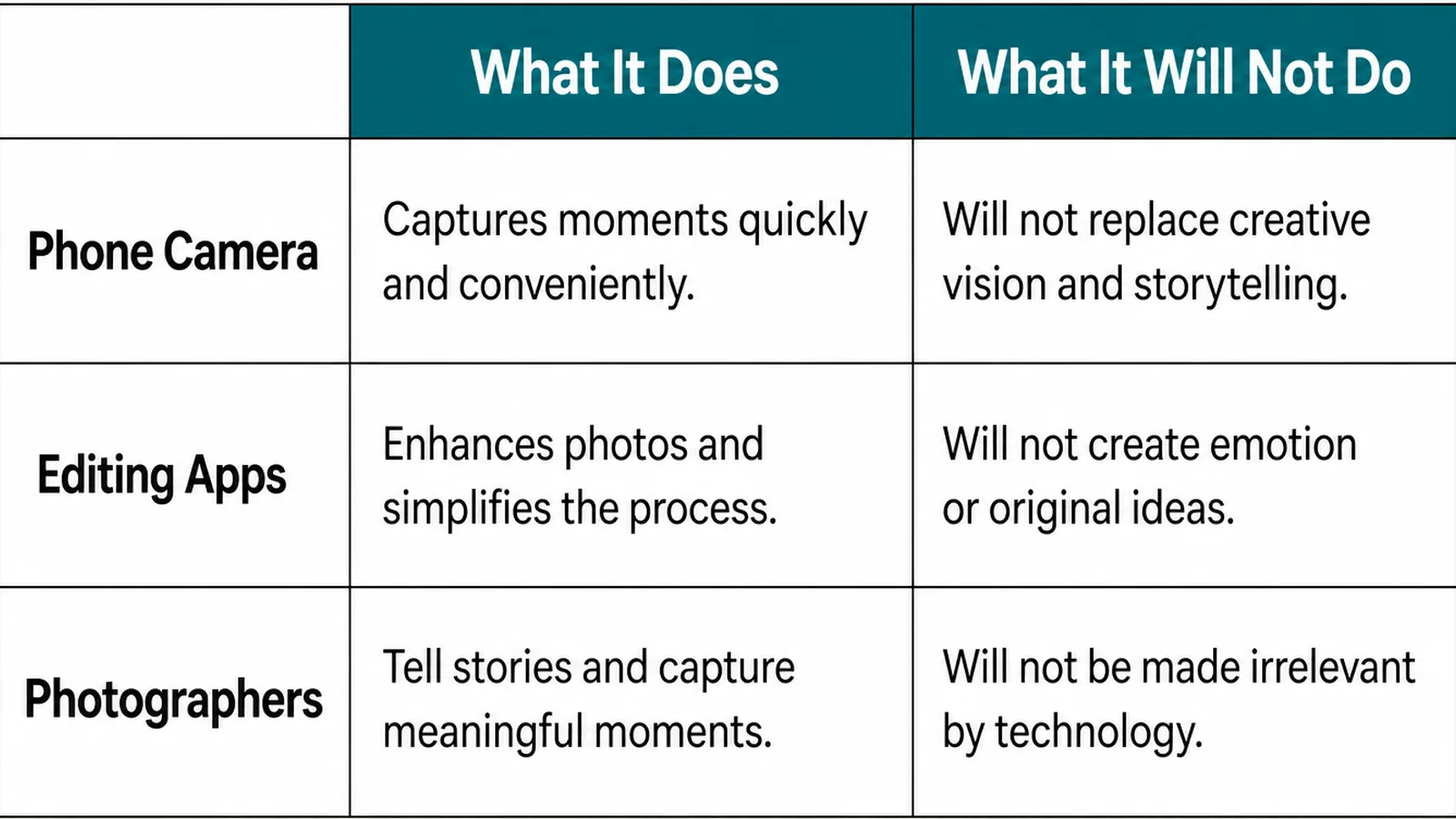
| What it does | What it leaves to you |
|---|---|
| Your phone takes photos that meet Google's requirements | Daylight, a tidy frame and taking twenty of each |
| Editing apps straighten, crop and brighten a picture | Staying inside the no heavy filters guideline |
| Compression tools bring an oversized file under the limit | Keeping a full size original somewhere safe |
Keep the originals in one folder, named by what they show. The same pictures are wanted by your website, your social accounts and any directory you are listed in.
Back that folder up somewhere other than the phone. Photographs of a shopfront that has since changed cannot be retaken.
Shooting once for all of those is far less work than finding a photograph each time something needs one.
Name the folder after the business and the month. Listing photos get reused for years, and a dated folder tells you at a glance when the set was last refreshed.
Common Business Photo Mistakes
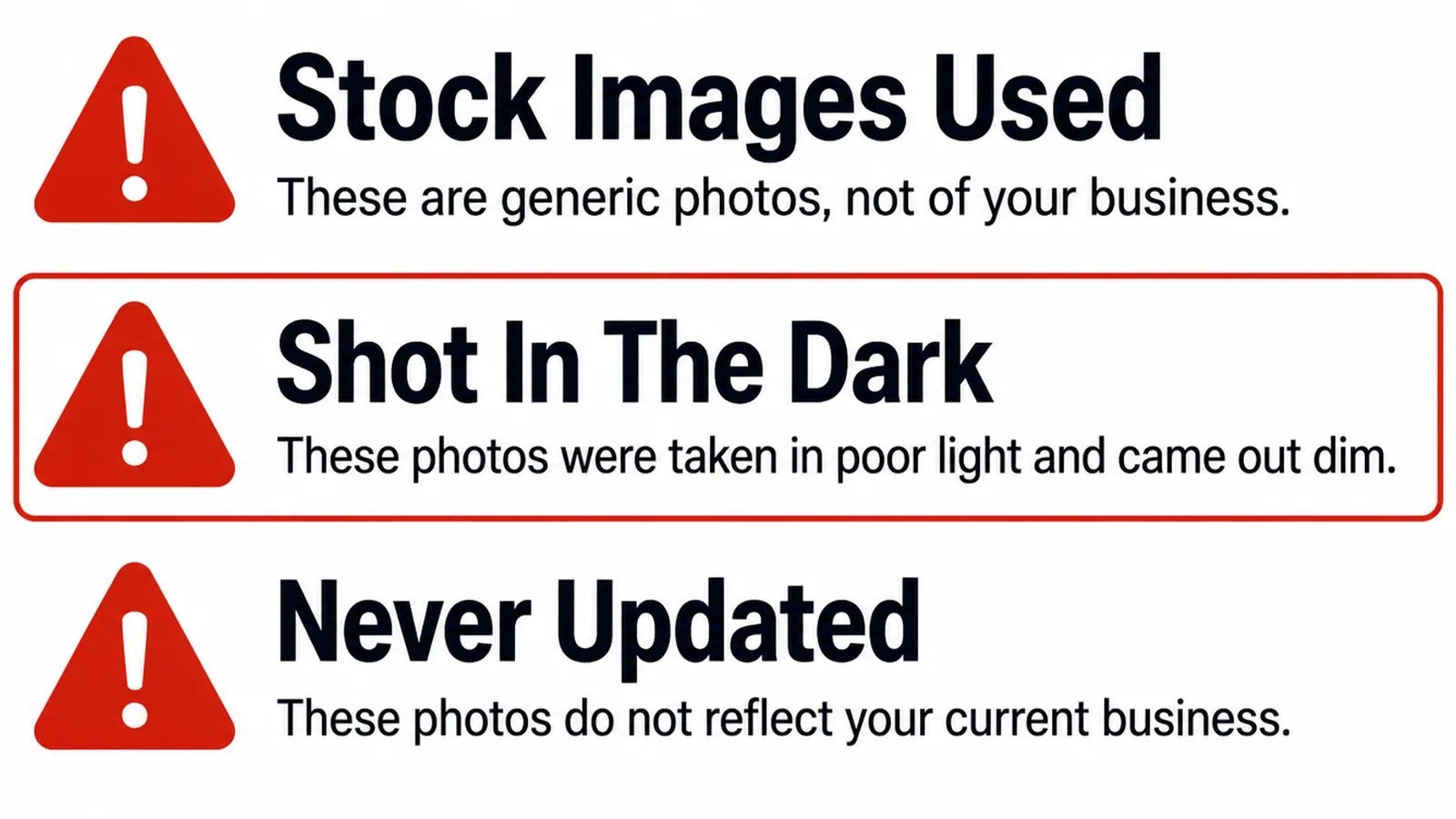
- No photos at all. A verified listing with nothing to look at, losing to one that has.
- Stock photography. Generic images of somewhere that is not your premises.
- Out of date. Old signage, old stock, a layout that changed two years ago.
A fourth is heavy editing. A dramatically filtered shopfront can sit outside Google's quality guideline and sets an expectation the real place cannot meet.
If you are improving the listing generally, the category you chose is the other field worth revisiting on the same afternoon.
FAQs
What size should my photos be?
Google asks for JPG or PNG files between 10 KB and 5 MB, recommends 720 by 720 pixels and sets a minimum of 250 by 250. A photo straight off a modern phone meets all of that, so the practical limit is file size rather than resolution.
Why are my photos not showing?
Google says photos and videos only appear once your Business Profile is verified. Beyond that, uploads can take a short while to appear, and anything that breaks the content rules is removed. Check verification first, since it explains most cases.
Can I use edited photos?
Light editing is fine. Google's guideline is that the photo should be in focus, well lit, and have no significant alterations or excessive use of filters. Straightening and brightening a picture is normal; making the premises look like somewhere else is not.
How often should I add photos?
Often enough that the listing shows the business as it is now. A handful every few months is plenty for most trades, and a seasonal business should update whenever the premises, the stock or the vehicles visibly change from one season to the next.
Conclusion
How to add photos to Google Business Profile, in one line: three slots, three shots and a diary reminder.
Verify the profile, put a clear logo and a bright cover photo in place, then add the shopfront, the inside and the work itself. Revisit the set every few months and remove anything no longer true.
If the listing needs more than photographs, see how we approach local SEO, or get in touch and we will go through the profile with you.