How to Pick the Right Google Business Profile Categories

Google Business Profile categories work best when the primary one is the most specific one describing your core business, with as few additional categories as possible. Seed Light picks it from what the business actually earns most from, because Google says to use categories to describe the business and never as keywords.
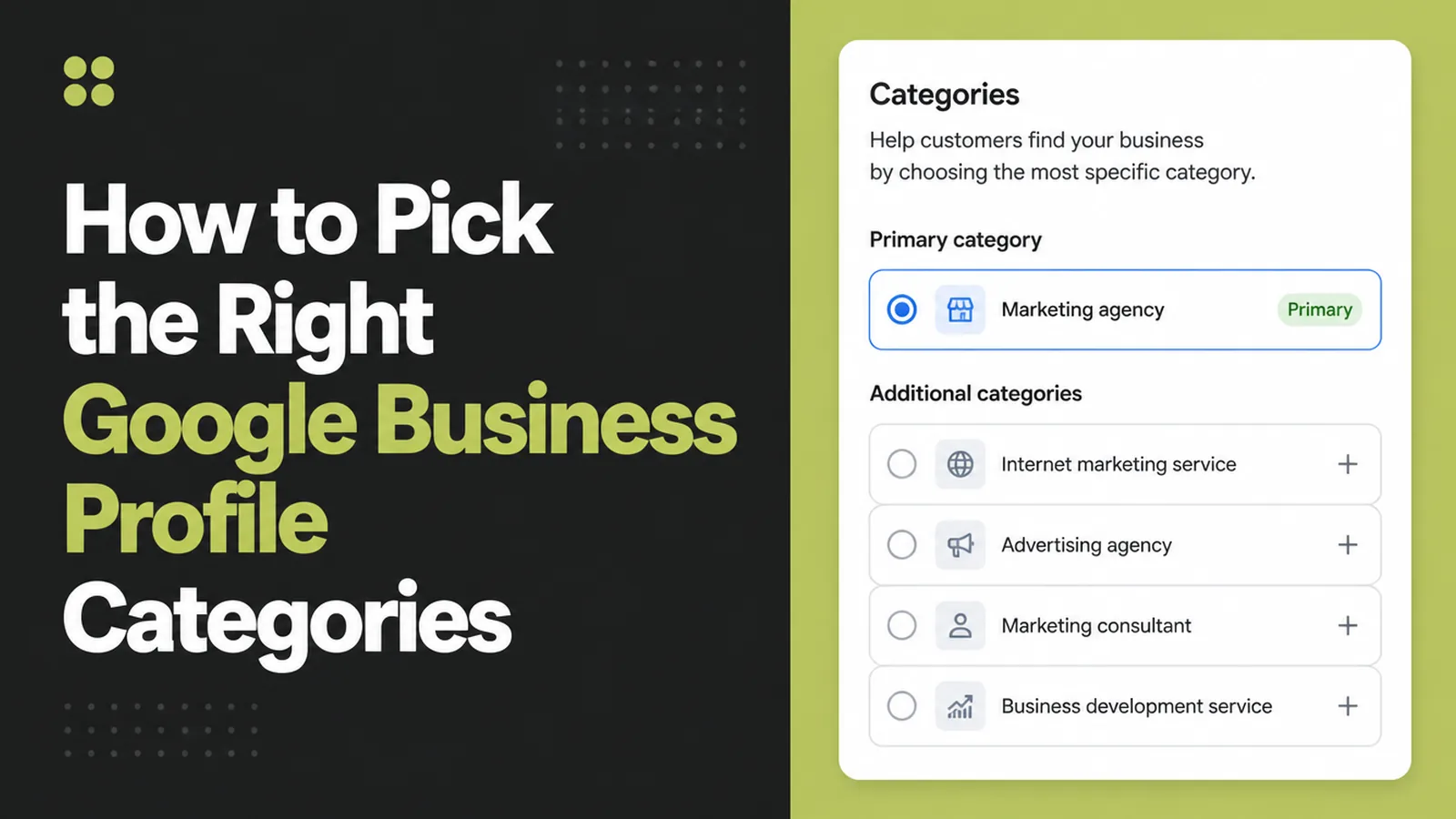
The category field on a business listing looks like filing. It behaves like a switch.
It decides which searches the listing is eligible for, and which fields and features appear on the profile at all. Most owners choose it in ten seconds and never look at it again.
This guide covers what the category controls, why the primary one carries most of the weight, and how to choose it from what the business actually does.
Key Takeaways
- Pick the most specific honest category. Google adds the broader ones itself.
- Use as few as possible. Google's own guidance, not a theory about dilution.
- Never use categories as keywords. Google says so explicitly.
- The category unlocks features. Menus, bookings and service lists depend on it.
- Review it when the business changes. Most listings carry a category chosen years ago.
Google's guidance here is short and often ignored. Describe the business, do not advertise with the field.
Everything below follows from that, including why a long list of categories usually makes a listing worse rather than broader.
It is worth half an hour, once. The field is set in a dropdown and it quietly decides what the listing can do for the next few years.
What Google Business Profile Categories Control
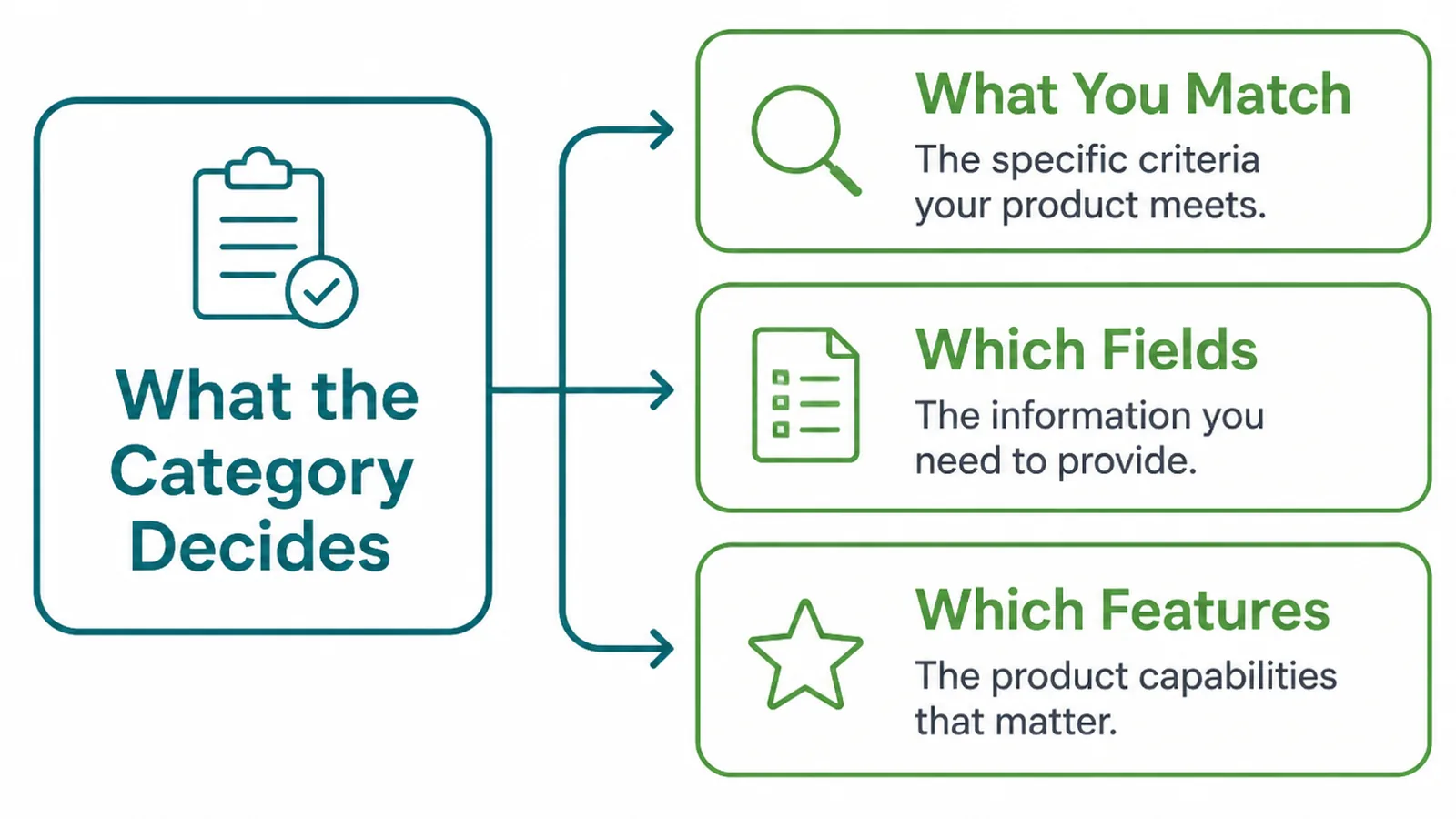
Choosing a category is not a label on a folder. It changes three separate things.
- What you can match. The kinds of search your listing is eligible to appear in.
- Which fields you get. Some information fields only appear for certain categories.
- Which features appear. Menus, bookings, service lists and similar extras.
Google describes the purpose plainly: categories help customers find accurate, specific results for services they are interested in.
The feature consequence is the one that surprises people. A business wondering why it has no booking button often has a category that does not offer one.
Google also says it detects category information from your website and from mentions of your business elsewhere, so the listing is not working from the dropdown alone.
Why The Primary One Matters Most
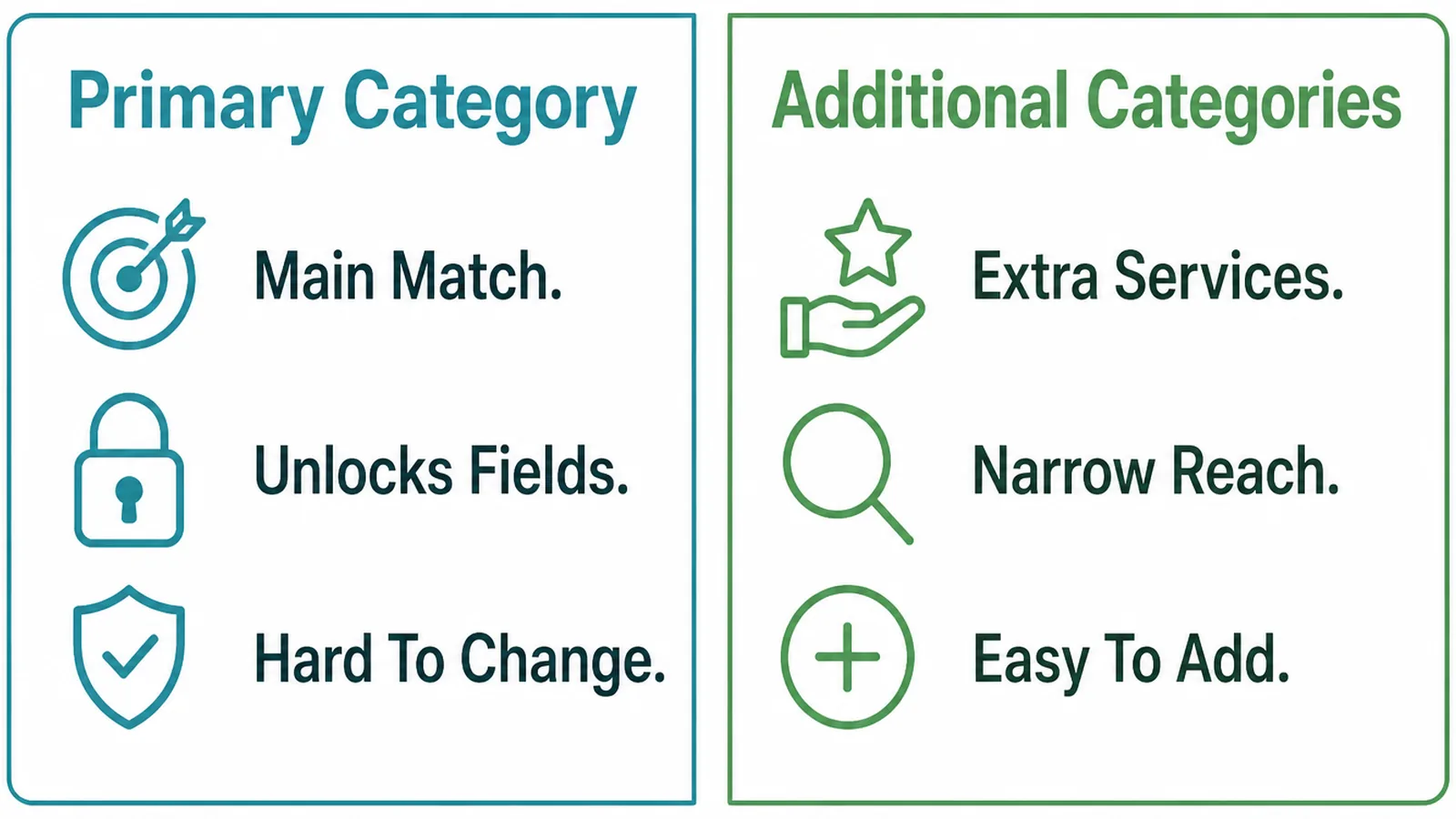
The primary category is the one answer to "what is this business". Everything else is a qualifier.
Google's instruction is to choose categories as specific as possible, but representative of your main business, and to focus on the most specific one rather than listing general ones.
It gives a worked example: choosing Golf Resort implicitly includes Resort Hotel, Hotel and Golf Course, so adding those as well is redundant.
That is the argument against a long list in one sentence. The broader categories are already covered, so extra entries mostly add things you do not really do.
Additional categories earn their place when you genuinely run a second line of work with its own customers. A cafe that also does wholesale roasting is two things; a cafe that sells cake is one.
The test is whether a customer would search for the second thing by name without knowing about the first. If they would not, it belongs in your services rather than in the category list.
How To Choose Google Business Profile Categories, Step By Step
Three steps, and the first happens in a notebook rather than in the dropdown.
1. List What You Actually Sell
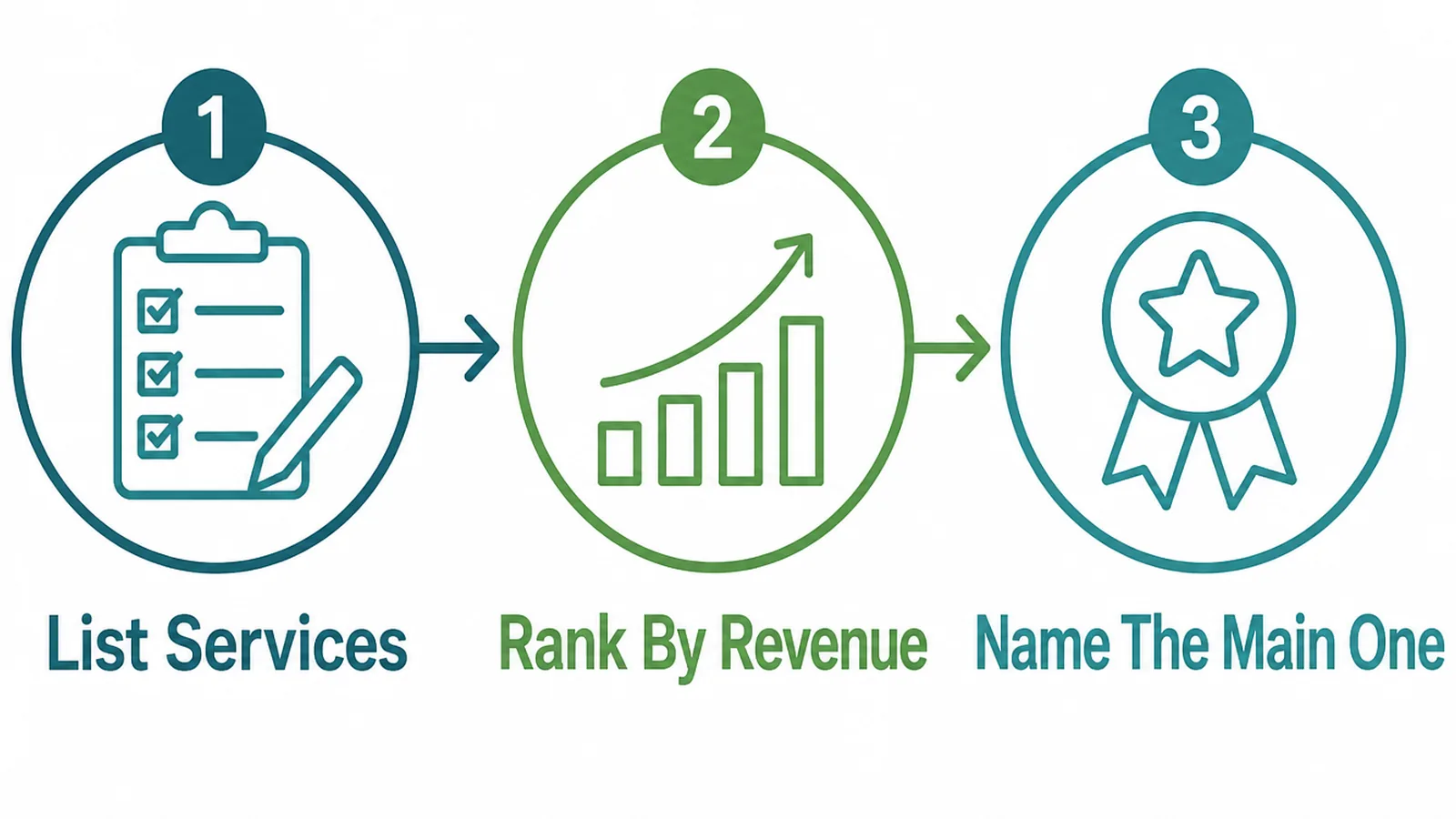
Write down what the business sells and how much of the money each line brings in.
- List the services. Everything you actually take money for, in plain words.
- Rank by revenue. Not by what you enjoy or what you want to grow into.
- Name the main one. The single line of work the business is for.
The ranking step prevents the commonest mistake. People choose the category they want to be rather than the one they are.
Use last year's invoices rather than memory. The line of work that feels like the business and the line that pays for it are not always the same.
A listing that describes an aspiration attracts enquiries you cannot serve well. Grow the work first, then change the category.
2. Search The Category List
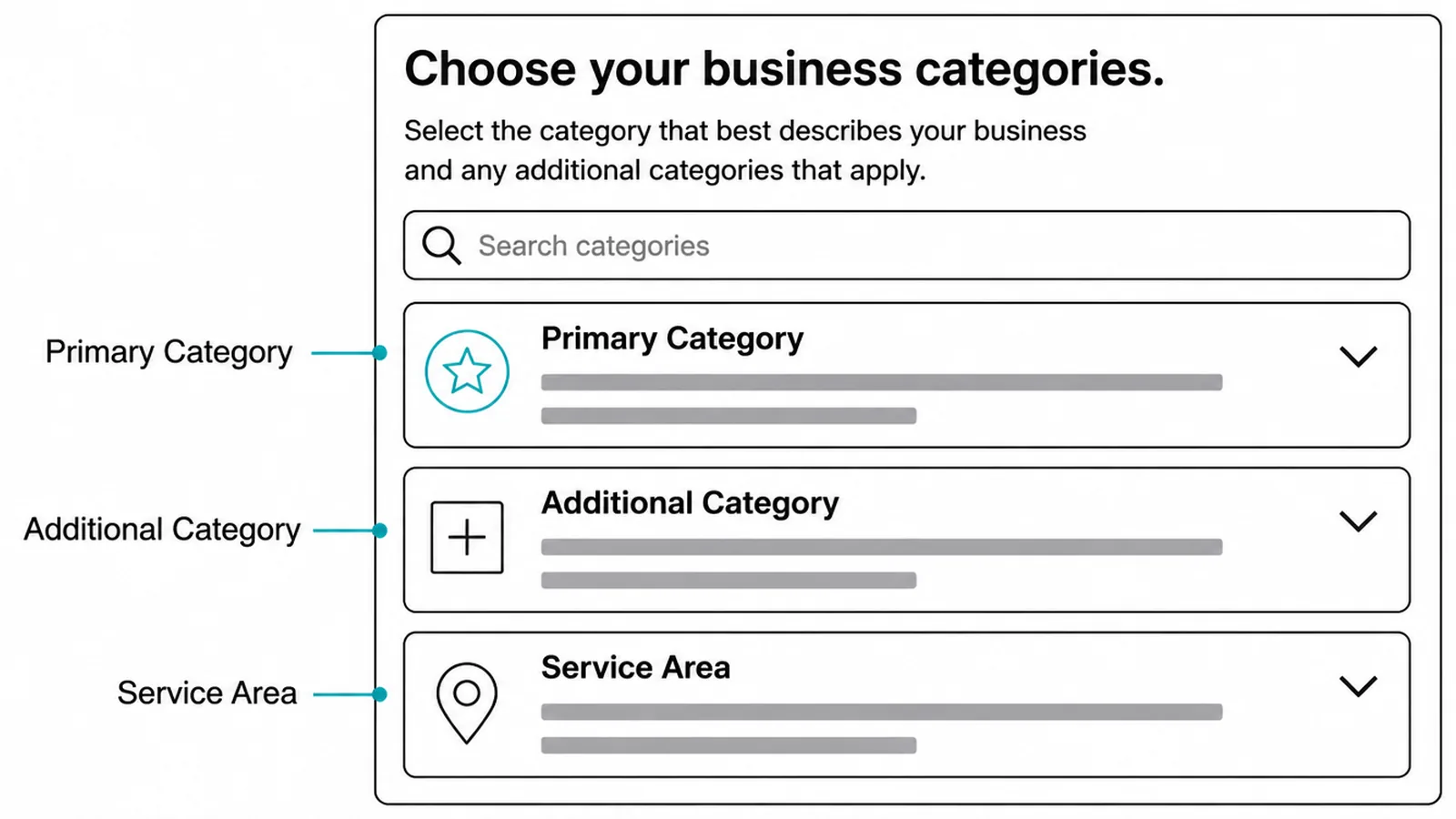
Now open the picker and search the words a customer would use, not the words your trade uses.
- Primary category. The most specific honest match for the main line of work.
- Additional categories. Only genuine second businesses, kept to a minimum.
- Service area. Where you actually travel, if you serve customers at their address.
Try several search words. The list uses its own vocabulary, and the right category is often sitting under a synonym you would not have typed first.
Write down the one you pick and why. The next person to open the listing will otherwise change it on instinct.
Where nothing fits, Google's instruction is to choose one that is more general. A general honest category beats a specific wrong one.
Check what your competitors use while you are there. It is a useful sanity check on vocabulary, and a poor reason to copy somebody who chose badly.
If two plausible categories both fit, pick the one a customer would recognise. The listing is read by people as well as matched by software.
3. Check What The Category Unlocked
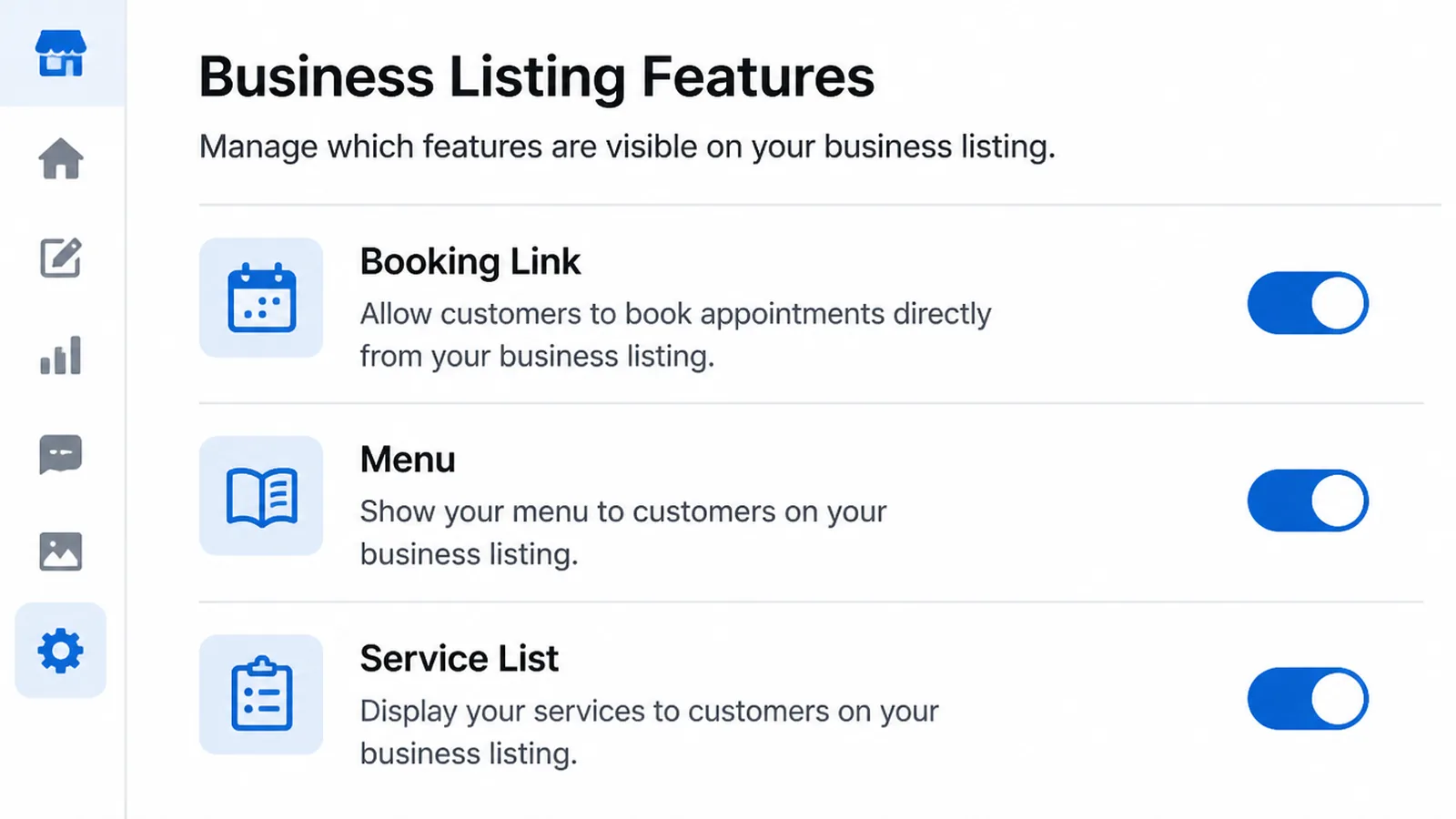
Changing a category changes the profile, so go back through it afterwards.
- Booking link. Appears for some categories and not for others.
- Menu. Food and drink categories unlock it; others do not.
- Service list. Where you can describe individual services in the profile itself.
Fill in every field the new category offers you. They are free, they rarely appear on their own, and most listings leave them empty.
Edits are reviewed before they go live, so give the change a little time before concluding that nothing happened.
Take a note of what the profile looked like before the change, too. If something you were using disappears with the new category, you want to know which field it was.
Then leave it alone for a few weeks. Changing a category twice in a fortnight tells you nothing about either choice.
Category Ideas That Work Right Now
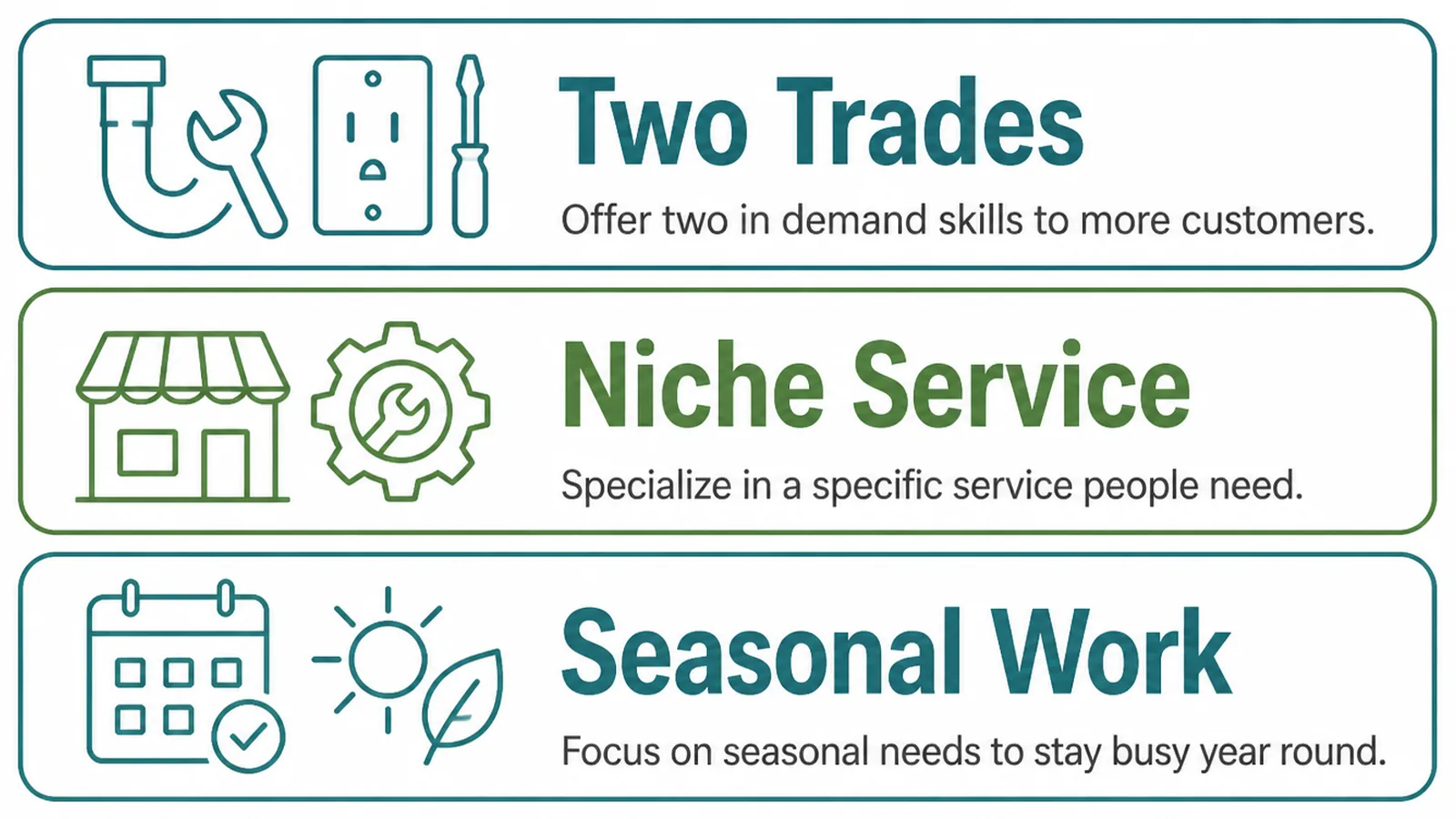
Three situations cover most of the awkward cases. In each one the GBP category question is really a question about what the business is.
| The situation | What to pick |
|---|---|
| You do several things for the same customers | The one that earns most as primary, the rest as services rather than categories |
| Your trade has no exact entry in the list | The nearest general category, with the detail in your services and description |
| You run two genuinely different businesses | Two listings where the rules allow it, rather than one listing with split categories |
The second row is the most common and the least satisfying. Specialists often find the list stops one level above what they do.
That is survivable. The description, the services and the website carry the specificity, and the category only has to put you in the right neighbourhood.
Write the specific words into your services list while you are there. That list is read by customers and it is the natural home for the term the category list does not carry.
The same goes for the description. One plain sentence naming what you actually do is worth more than a second category that only half fits.
Category Research Tools
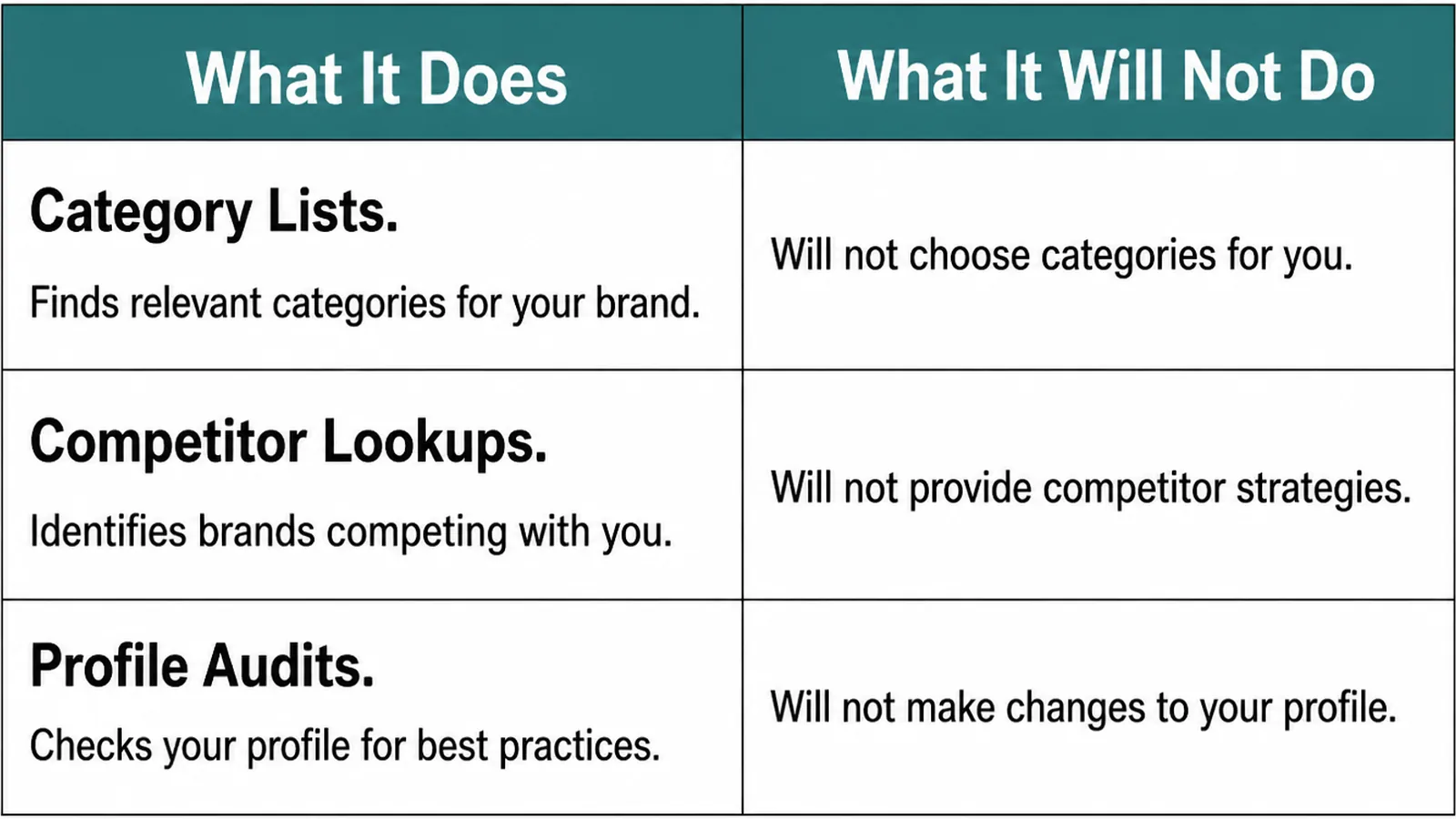
| What it does | What it will not do |
|---|---|
| The picker itself lists every category Google recognises | Tell you which one your customers actually search with |
| Competitor listings show what similar businesses chose | Tell you whether they chose well |
| Third party tools list categories and the features they unlock | Stay current, since the list changes without announcement |
Treat third party category lists as a starting point and confirm in the picker. The official list is the only one that is definitely current.
Searching business category google turns up plenty of spreadsheets of the full list. They are useful for browsing and should never be the final word.
Re-check your own choice once a year, or whenever the business changes shape. Most listings are carrying a category somebody picked on the afternoon the profile was created.
Common Category Mistakes
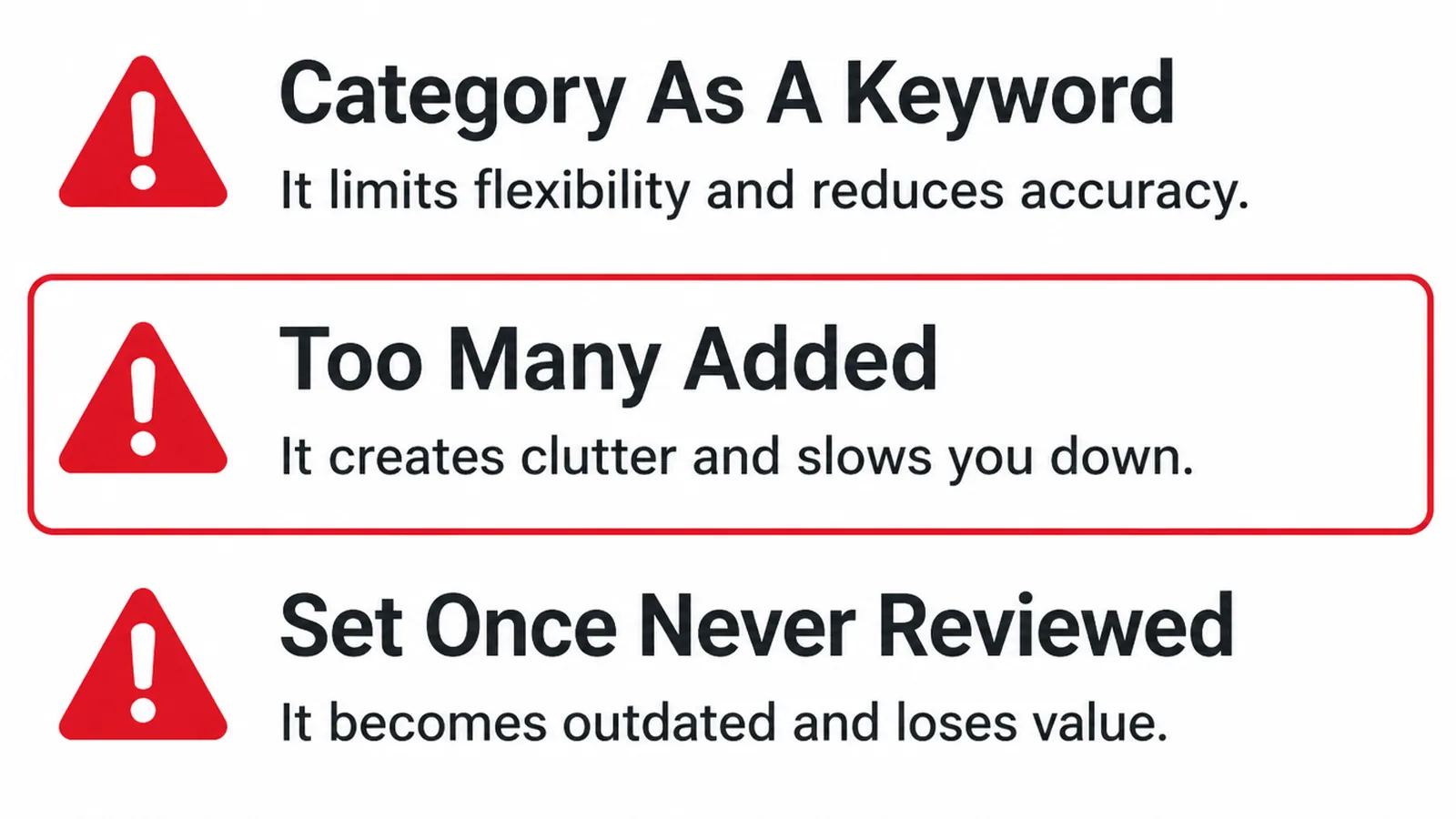
- Categories as keywords. Adding every related term in the hope of appearing for more.
- Too general a primary. Choosing the broad word when a specific one exists.
- Never revisited. A category from years ago describing work you no longer do.
The first is explicitly against the guidelines: Google says not to use categories solely as keywords or to describe attributes of your business.
A fourth, specific to businesses with several locations, is worth knowing. Google says all locations of a business must share the one category that best represents the business.
Listing categories are also the first thing to check when a profile suddenly performs differently. A category edit, by you or by somebody else with access, changes what the listing is eligible for.
If you are setting a profile up from scratch, asking for reviews properly is the next thing worth getting right.
FAQs
How many categories should I add?
As few as describe the business. Google's guidance is to use as few categories as possible and to pick the most specific one that represents your core business, because it adds the broader ones behind the scenes. A long list dilutes rather than widens.
Can I add categories as keywords?
No. Google states plainly that categories should not be used solely as keywords or to describe attributes of your business. Adding categories you do not genuinely operate risks the listing and tends to attract enquiries for work you do not want anyway.
What if my exact category is not listed?
Google says to choose a more general one when you cannot find a category for your business. Pick the nearest honest fit, then let your services, description and website carry the detail the category list does not have a word for.
Does changing my category reset anything?
Edits are reviewed before going live, so a change can take a short while to appear. The bigger effect is on which features your profile offers, because some fields only appear for certain categories, so check the profile after the change lands.
Conclusion
Google Business Profile categories are one consequential field and a short rule: the most specific honest description of what you mainly do.
Rank your work by revenue, pick the primary from the top of that list, add as few extras as the business genuinely justifies, then go back and fill in whatever fields the choice unlocked.
If your listing has been sitting on the same category for years, see how we approach local SEO, or get in touch and we will tell you what the current one is costing you.