Starting an Email List From Nothing

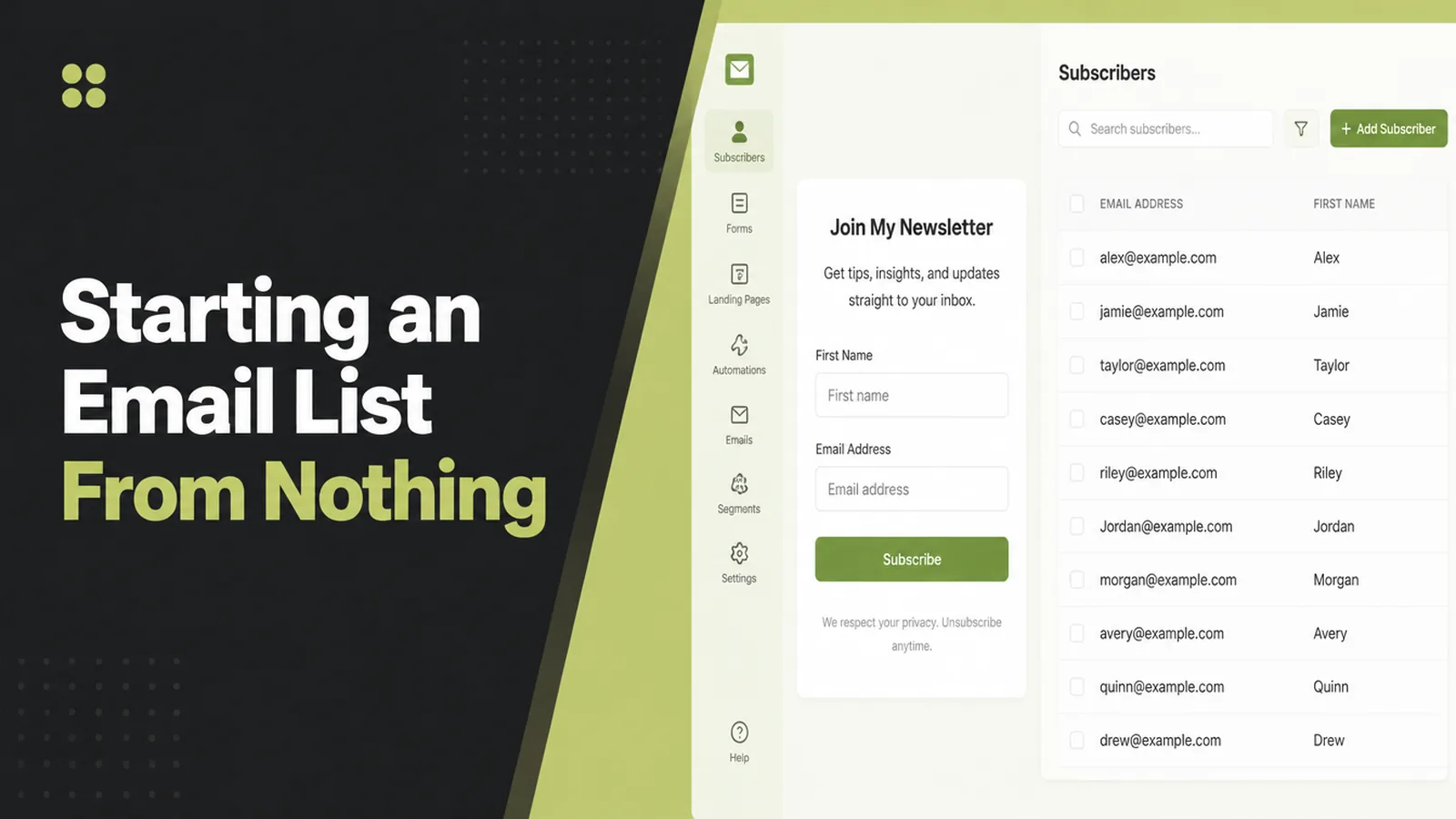
Starting an email list needs three things: a reason to join, a place to join, and something to send. Seed Light sets the welcome email up before collecting a single address, because the rules on unsubscribes and sender authentication apply from the very first send, not once you get big.
Social platforms lend you an audience. They change the rules, the reach drops, and the followers you built were never yours to move.
This guide covers how to build an email list from scratch: what to offer, where the form goes, what to set up before anyone signs up, and the rules that apply from the first send.
By the end you will have a list of four decisions to make, and know which one most people skip.
Key Takeaways
- Three things, in order. A reason to join, a place to join, and something to send them afterwards.
- The law applies at one subscriber. A postal address, a clear opt-out and honest subject lines are not optional at any size.
- Authentication applies to every sender. Google expects SPF or DKIM from every sender, whatever your volume.
- Complaints have a hard ceiling. Google says keep spam reports under 0.10% and never let them reach 0.30%.
- Rhythm beats volume. A list sent to predictably outperforms one that goes quiet for six months.
An email list is slow to build and difficult to take away from you. That second part is the whole reason to bother.
What You Need Before You Start
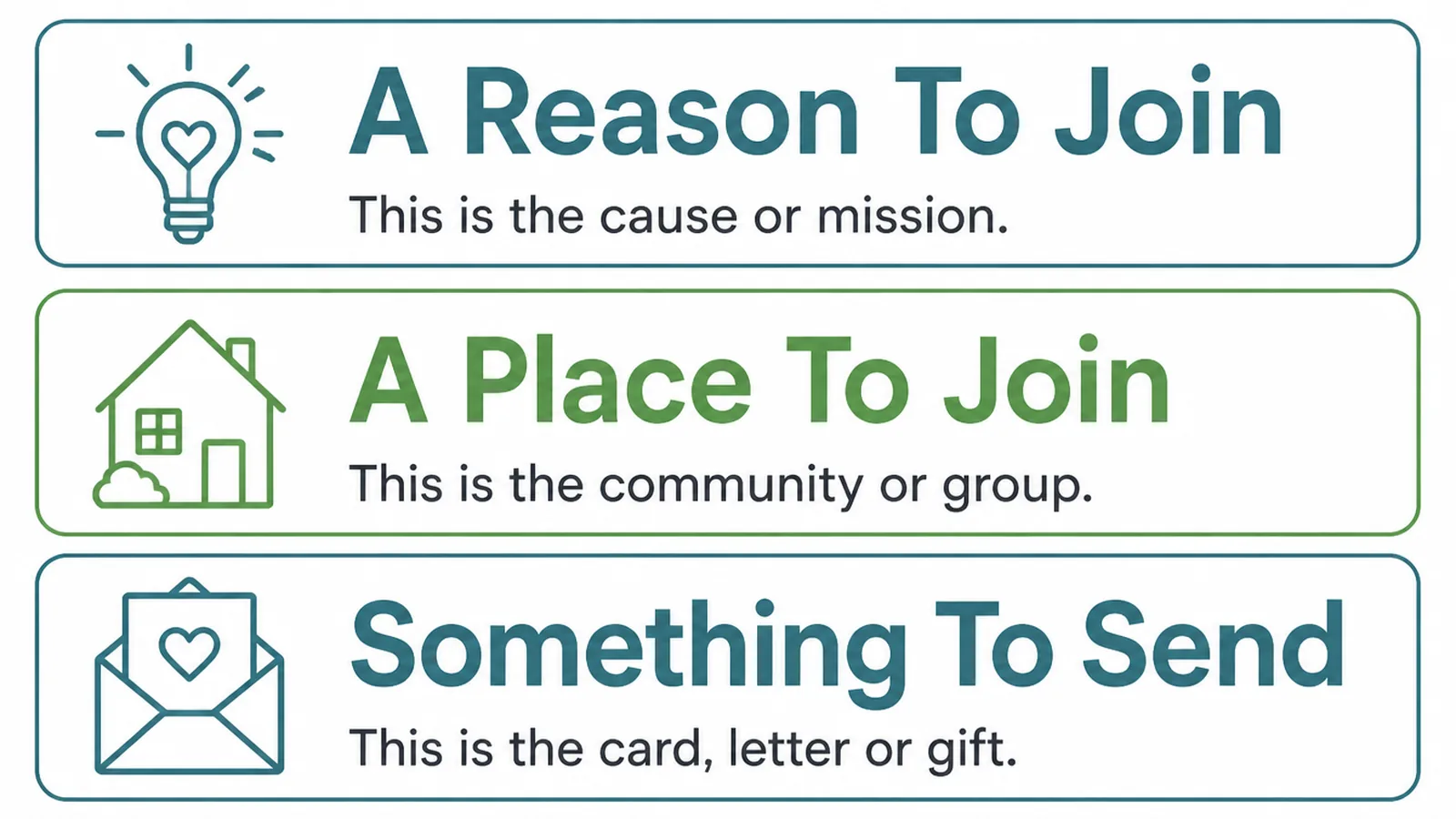
Nearly every stalled list is missing one of three pieces, and it is usually not the form.
- A reason to join. Something specific a visitor wants now, not the vague promise of news.
- A place to join. A form on the pages people actually land on, not buried on a contact page.
- Something to send. At least a welcome email, written before you collect a single address.
You also need a sending domain that is set up properly. Google's guidelines ask every sender to have SPF or DKIM in place, with the heavier requirements saved for bulk senders.
Bulk, in Google's definition, means more than 5,000 messages to Gmail addresses in a single day. Those senders also need DMARC and one-click unsubscribe.
You will not hit that on day one. Set the authentication up anyway, because retrofitting it after your messages start landing in spam is much harder than doing it first.
Starting an email list is mostly these preparations. The visible part, the form on the page, takes an afternoon once the rest is decided.
One more thing belongs in this list, and it is free. Decide who the list is for, narrowly enough that you know what would be useful to them.
A list for everyone gets emails about nothing in particular. That is the real reason most of them fade out after four sends.
Starting An Email List, Step By Step
Four decisions, in this order. The order matters because each one constrains the next.
1. Decide What They Get
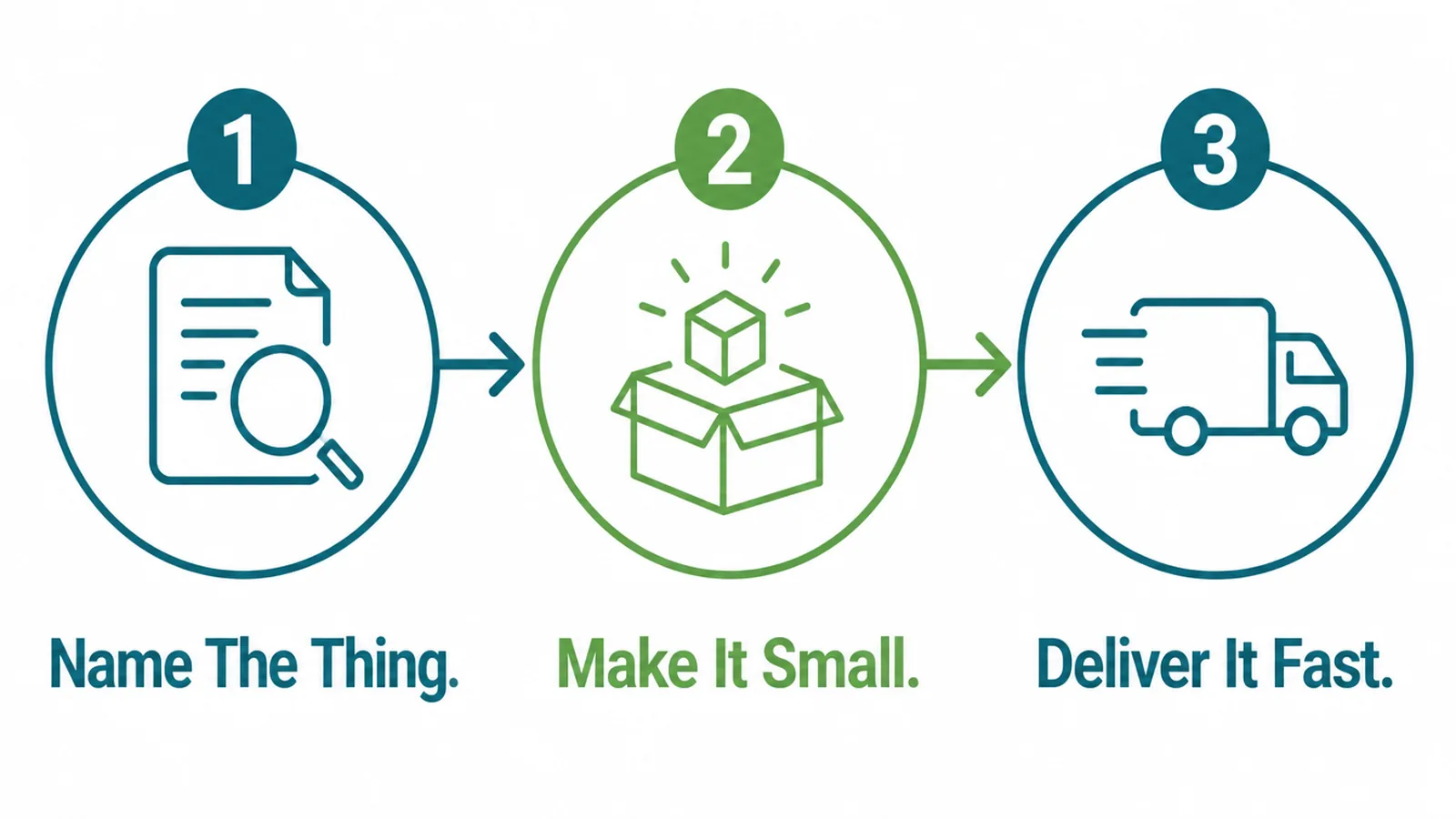
"Subscribe for updates" is not an offer. It asks for an address and promises more email.
Name the thing instead. A checklist, a price guide, a short series that answers the question your customers ask on every first call.
Keep it small. Something a reader can use in ten minutes beats a forty page document nobody opens, and it is far quicker for you to make.
Then deliver it immediately, automatically, in the first email. A promise fulfilled within a minute sets the tone for everything after it.
If you sell one service, build the offer around the decision before buying. People researching are a much larger group than people ready today.
A good test: would someone hand over an address for this if they had never heard of you? If not, it is a brochure rather than an offer.
The thing you give away can be small and still work. What it cannot be is vague, because a vague promise gives the reader nothing to picture.
2. Put The Form Where People Are
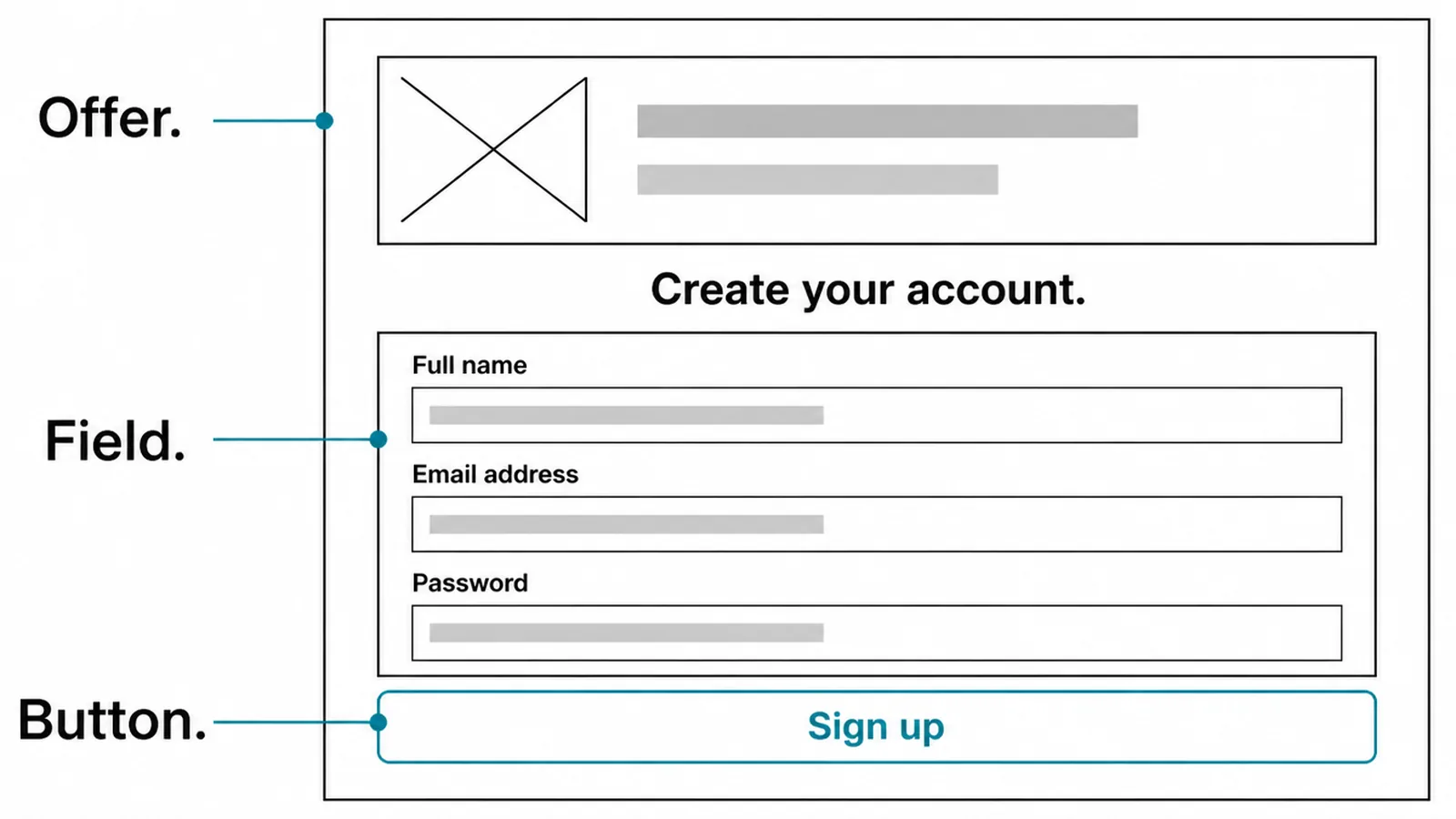
Open your analytics, find the three pages that get the most visits, and put the form on those.
A form has three parts worth thinking about:
- The offer line. Restates what they get, in the same words as the page they are reading.
- The fields. Email alone is enough to start. Each extra field is another reason to stop.
- The button. Says what happens, so "Send me the checklist" rather than "Submit".
Say what else they are agreeing to, briefly and near the button. Under UK rules, consent to marketing email has to be given, not assumed.
The exception is narrow. The soft opt-in under PECR Regulation 22 only covers details taken during a sale of similar products, with a refusal offered both then and in every message since.
A bought list never qualifies. Neither does a list collected for something unrelated. People who scrape addresses end up with deliverability problems rather than customers.
3. Set The Delivery Up
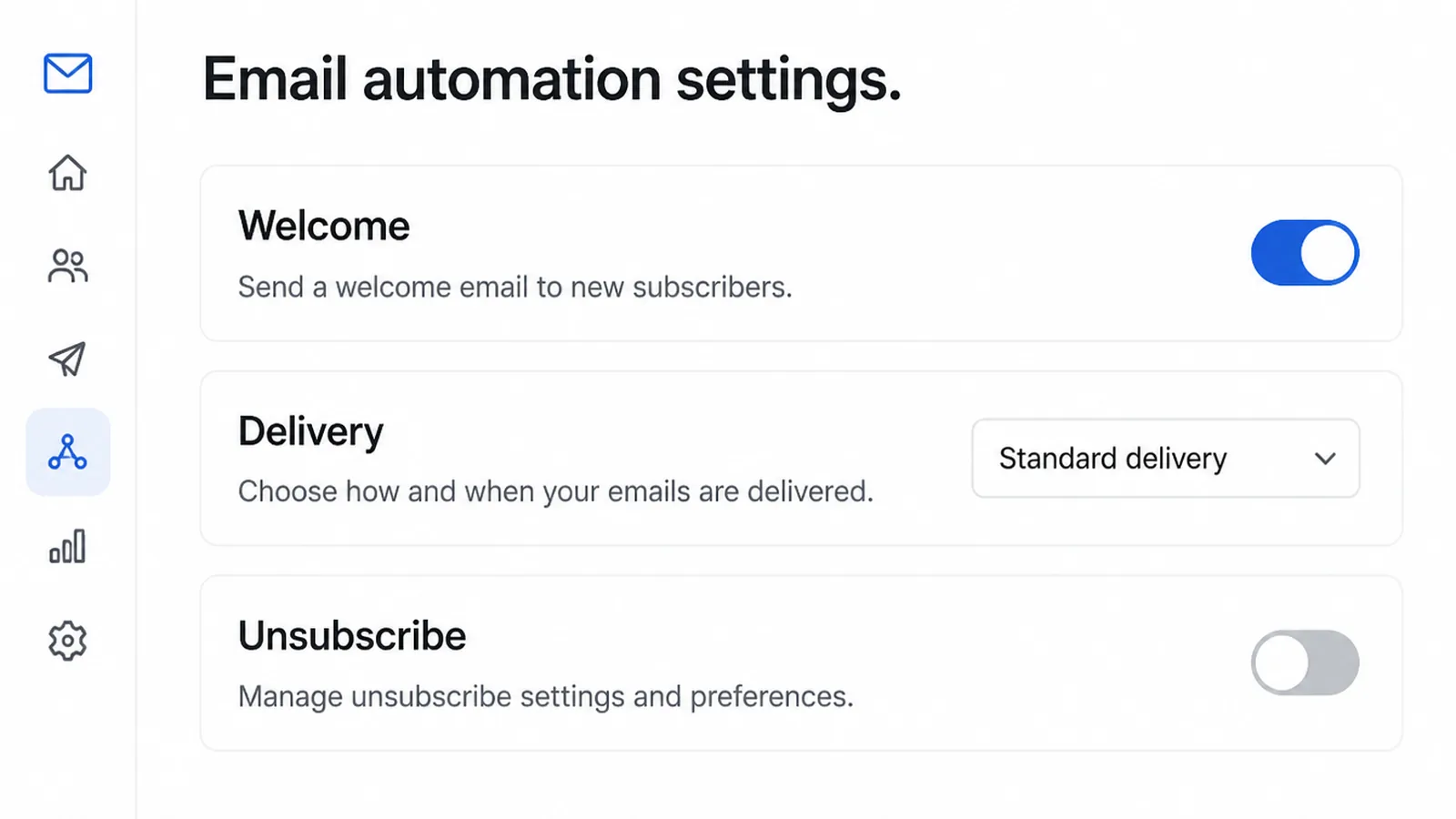
This is the step people skip, and it is the one with legal weight attached.
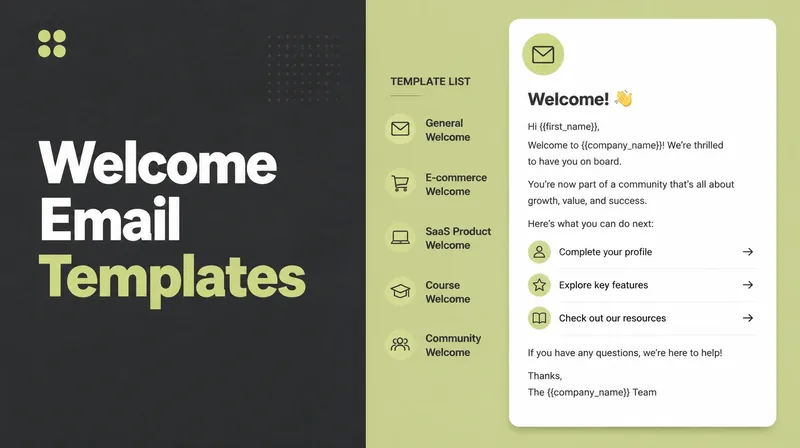
The welcome email delivers what you promised and says what happens next. Write it before you publish the form, because an unfulfilled signup is worse than no signup.
The unsubscribe link is not a leak to be minimised. The FTC requires you to honour an opt-out within ten business days and to keep the mechanism working for at least thirty days after sending.
Penalties are real. The same guide puts them at up to $53,088 for each email in violation.
There is a practical reason too. Someone who cannot find the unsubscribe reports you as spam, and Google tells senders to keep complaints below 0.10% and never at or above 0.30%.
At that point your email stops arriving for everyone, including the people who wanted it.
4. Send Something Regularly
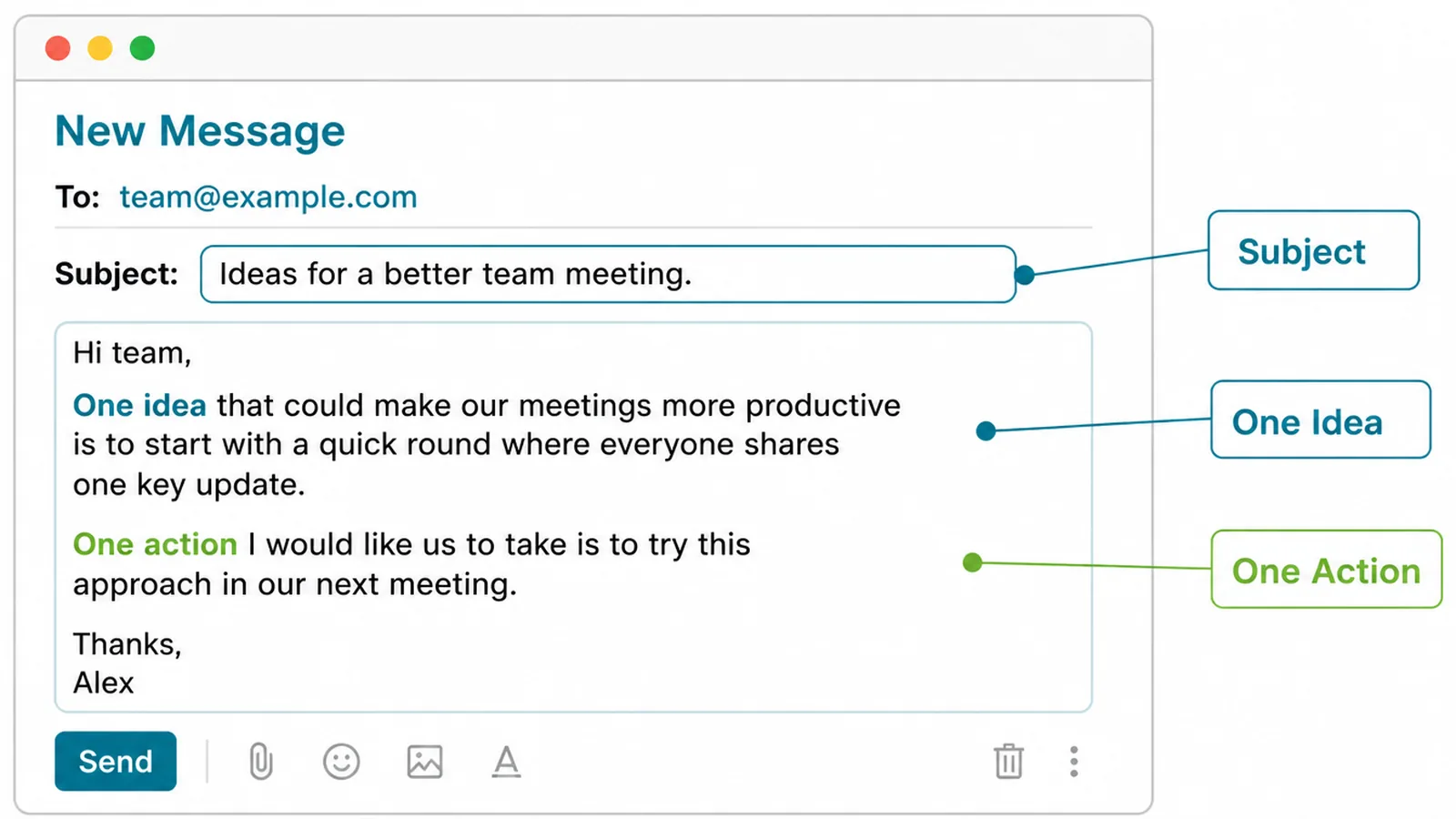
Pick a frequency you can hold in a bad month. Monthly that actually happens beats weekly that lasts three weeks.
Keep the shape simple:
- A subject line that describes the contents. Not a tease. Misleading subject lines are specifically prohibited.
- One idea. A single useful thing, explained properly, rather than five links.
- One action. Reply, read, book. More than one and most readers choose none.
Email marketing for small business works best when it sounds like one person wrote it, because one person did.
Write the first three before you launch. A queue of three removes the pressure that makes people miss the first month and then quietly stop.
What Good Looks Like
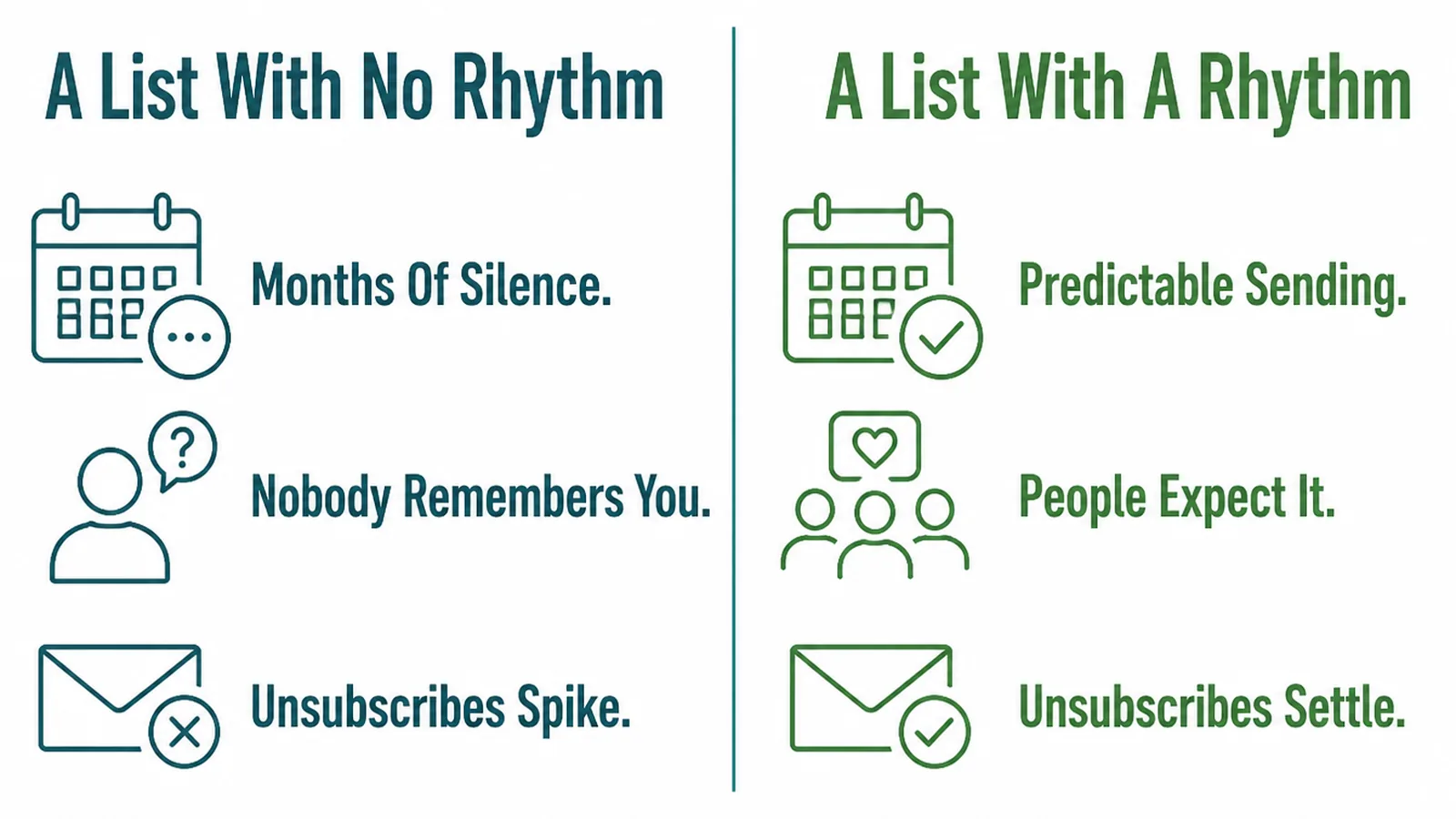
A list with no rhythm goes quiet for months, then arrives unannounced. Readers have forgotten who you are, so they report it rather than unsubscribe.
A list with a rhythm is expected. People recognise the sender, and the ones who no longer want it unsubscribe cleanly, which protects everyone else's delivery.
Judge it on the right things. Open rates have been unreliable since Apple Mail Privacy Protection began loading images automatically, which counts as an open nobody performed.
Published averages range from roughly twenty to forty percent depending on whose platform produced them, which tells you they are not comparable.
Watch replies, clicks and unsubscribes instead. Google's Postmaster Tools reports spam rate, reputation, authentication and delivery errors, which are the numbers that decide whether you arrive at all.
A rising unsubscribe rate is information, not failure. It usually means the offer that brought people in does not match what you have been sending since.
Early on, the only number that really matters is whether you sent at all. A list of eighty people emailed monthly is worth more than eight hundred who hear nothing.
Tools
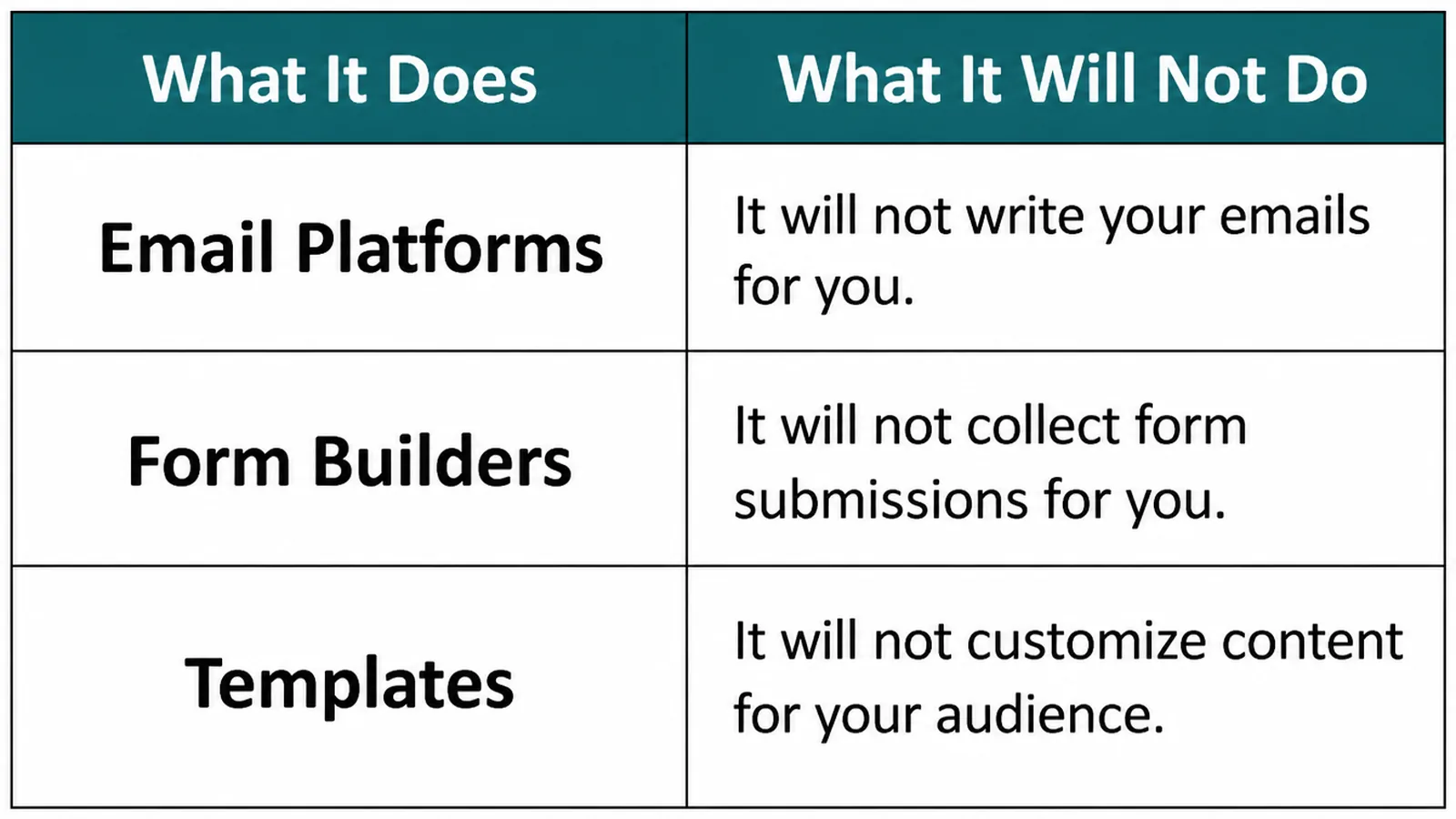
Any established email platform will do the mechanical work. None of them does the part that makes a list worth having.
| What it does | What it will not do |
|---|---|
| Email platforms send, store the list and handle unsubscribes | Decide what you send, or write it |
| Form builders collect addresses and pass them across | Give anyone a reason to fill the form in |
| Templates make a message look designed | Make a plain message worth opening |
| Deliverability dashboards report spam rate and errors | Fix a list built without consent |
Choose on two things only when you are starting: whether you can set up authentication on your own domain, and whether the unsubscribe handling is automatic.
Everything else, the templates and the scoring and the branching sequences, is a problem you do not have yet.
Where It Goes Wrong
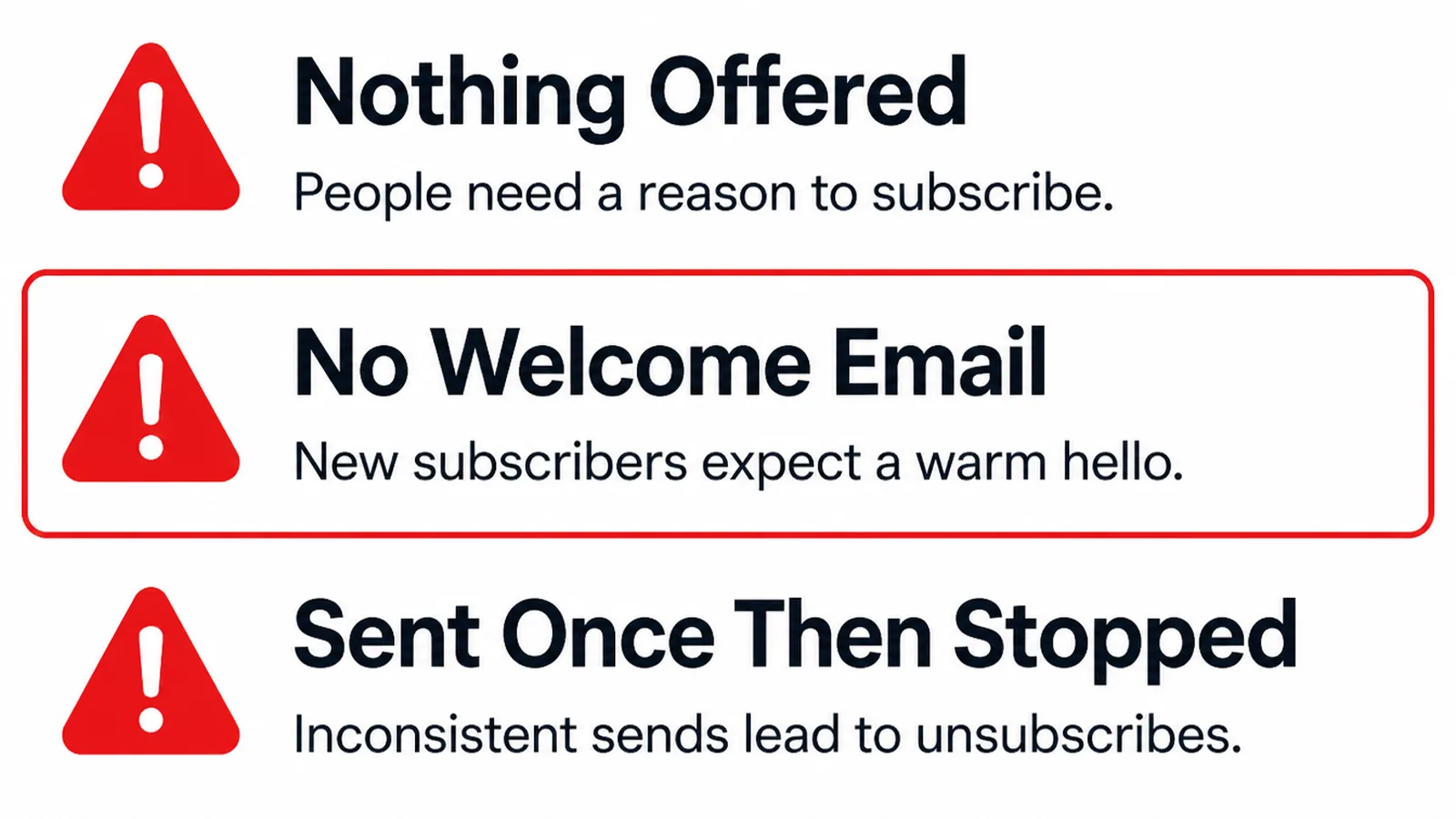
- Nothing is offered. The form asks for an address and promises updates, so almost nobody fills it in.
- No welcome email. The first contact is silence, and the next one arrives weeks later from a stranger.
- Sent once, then stopped. The hardest one to recover from, because the list ages while you decide what to say.
There is a fourth that catches people building an email list from scratch in a hurry. They import contacts who never asked.
Old customers, business cards, a list someone sold them. Those addresses did not consent, and under PECR Regulation 23 you also cannot disguise who the message is from.
Complaints follow, then the spam rate rises, and the people who did want your email stop receiving it.
FAQs
What do I legally have to include in a marketing email?
Under the US CAN-SPAM Act you must not use misleading headers or subject lines, must disclose the message is an advertisement, must include a valid physical postal address, and must tell people how to opt out. Other countries add consent rules on top of that.
How quickly do I have to action an unsubscribe?
The FTC gives you ten business days to honour an opt-out request, and the mechanism has to keep working for at least thirty days after you send. Google asks bulk senders to process unsubscribe requests within two days. Treat that as the standard you work to.
Do the Gmail sender rules apply to a tiny list?
Partly. Google defines a bulk sender as one sending over 5,000 messages to Gmail addresses in a day, and reserves the heaviest requirements for them. Every sender, however small, still needs SPF or DKIM authentication set up on the sending domain.
What open rate should I expect?
No honest single number exists any more. Apple Mail Privacy Protection loads images automatically, which inflates opens, and published averages range from roughly twenty to forty percent depending entirely on whose platform produced them. Watch replies and clicks instead, because both record something a reader actually chose to do.
Conclusion
Starting an email list is four decisions and one afternoon of setup, not a campaign. The offer, the form, the delivery and the rhythm.
Get the welcome email and the unsubscribe right before you collect a single address, because both are far harder to add later.
If you would like help setting it up properly, see how we handle marketing automation, or get in touch and we will tell you what to offer first.