Welcome Email Templates You Can Copy and Paste

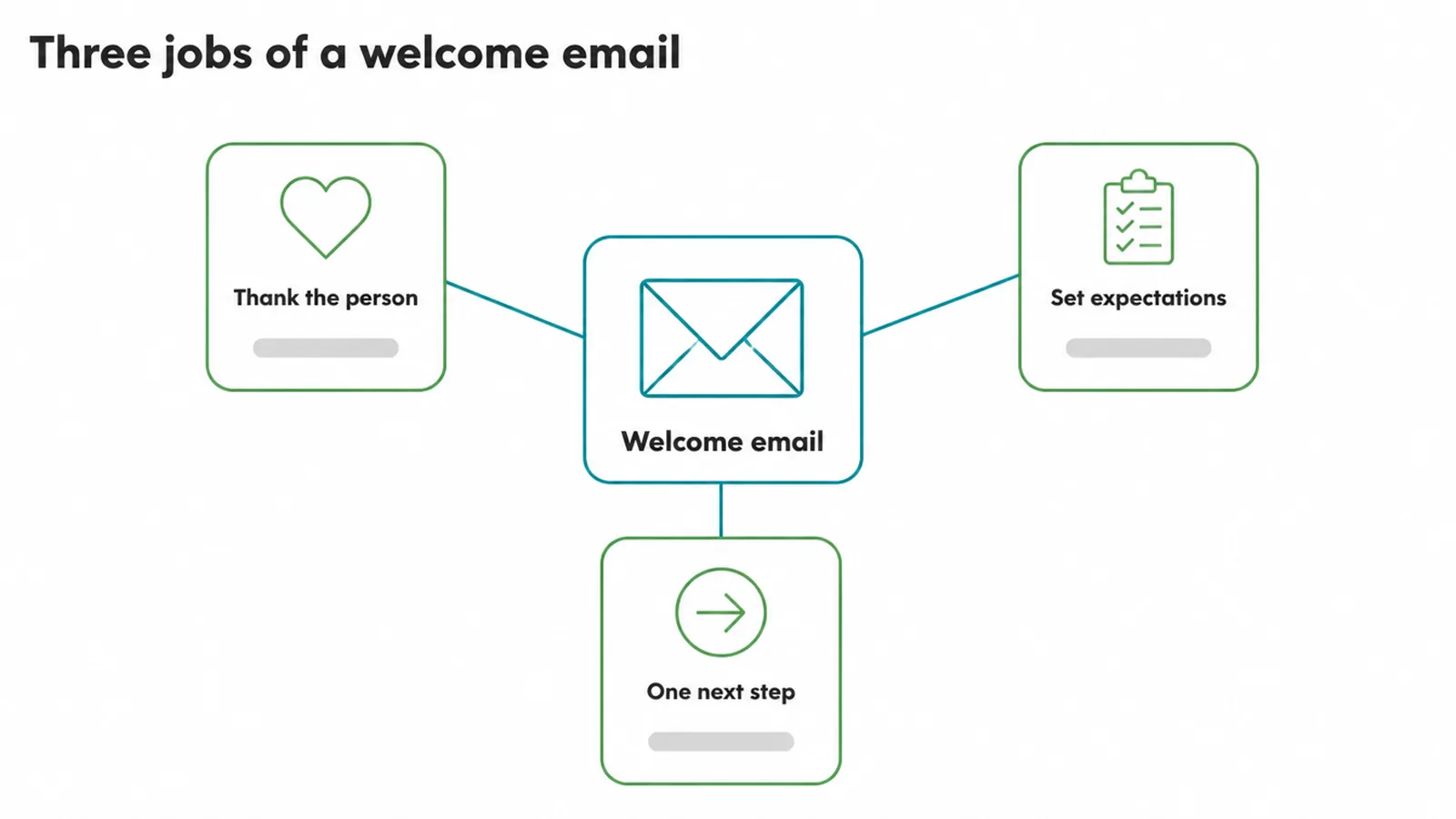
A welcome email template covers three jobs in a few short paragraphs: thank the person, say what you will send and how often, and give one clear next step, then one button. Send it within seconds of someone joining, and follow with two more emails about two days apart. Seed Light keeps each one to a single action.
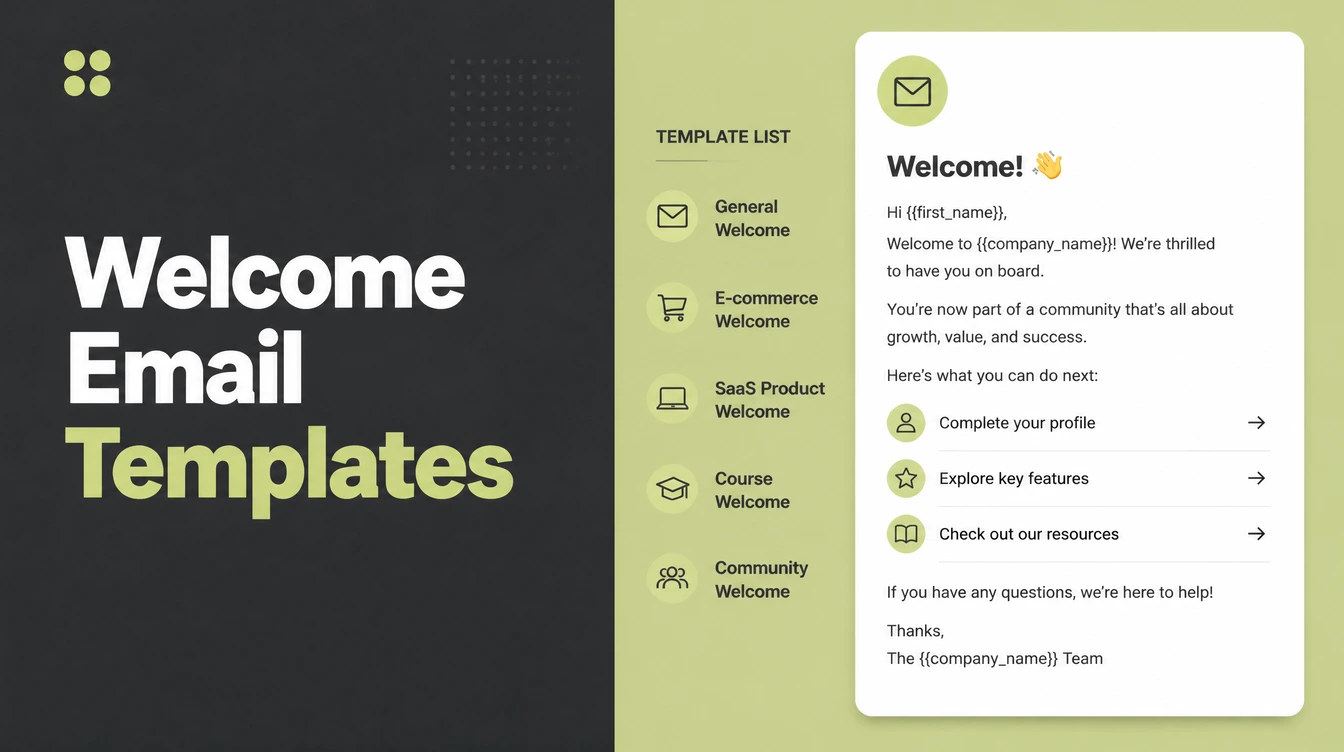
The welcome email is the most read message you will ever send, and most businesses waste it on a logo and the word Welcome.
Somebody has just handed you their email address. They are expecting something, and they are paying attention in a way they never will again.
Welcome email templates are easy to find and most of them are too long, too formal and written for a company nobody has heard of.
Below are templates you can copy, the three jobs each one has to do, and how to turn a template into something that sounds like you.
Key Takeaways
- Send it immediately. Within seconds, while they still remember.
- Three jobs only. Thank, set expectations, one next step.
- One button. Several choices produce no choice at all.
- Promise a frequency you keep. Weekly means weekly.
- Replace every placeholder. People do receive the square brackets.
What a Welcome Email Does
Three jobs, in a few short paragraphs. Thank the person, say what you will send and how often, and give one clear next step.
It helps to know what the email is competing with. It arrives in a crowded inbox from somebody the reader has known for about ninety seconds.
Thanking also confirms the sign up worked, which is the first question in somebody's mind after they press a button.
That is the first question in somebody's mind after pressing a button, and answering it immediately is most of what the email is for.
Setting expectations is the part that protects your list. Somebody who knows a weekly email is coming does not report it as spam in March.
The next step is where most welcome emails fail, by offering four things or none.
Four options is the more common fault. A sidebar of links, a social row, a newsletter box and a product banner all competing in a message that had one job.
Pick the single thing you most want a new subscriber to do. Read your best post, browse the shop, book a call, reply with a question. One of those.
The Single Welcome Email
If you send only one, this is its shape. It is the version to start with, and you can add the sequence later without changing it.
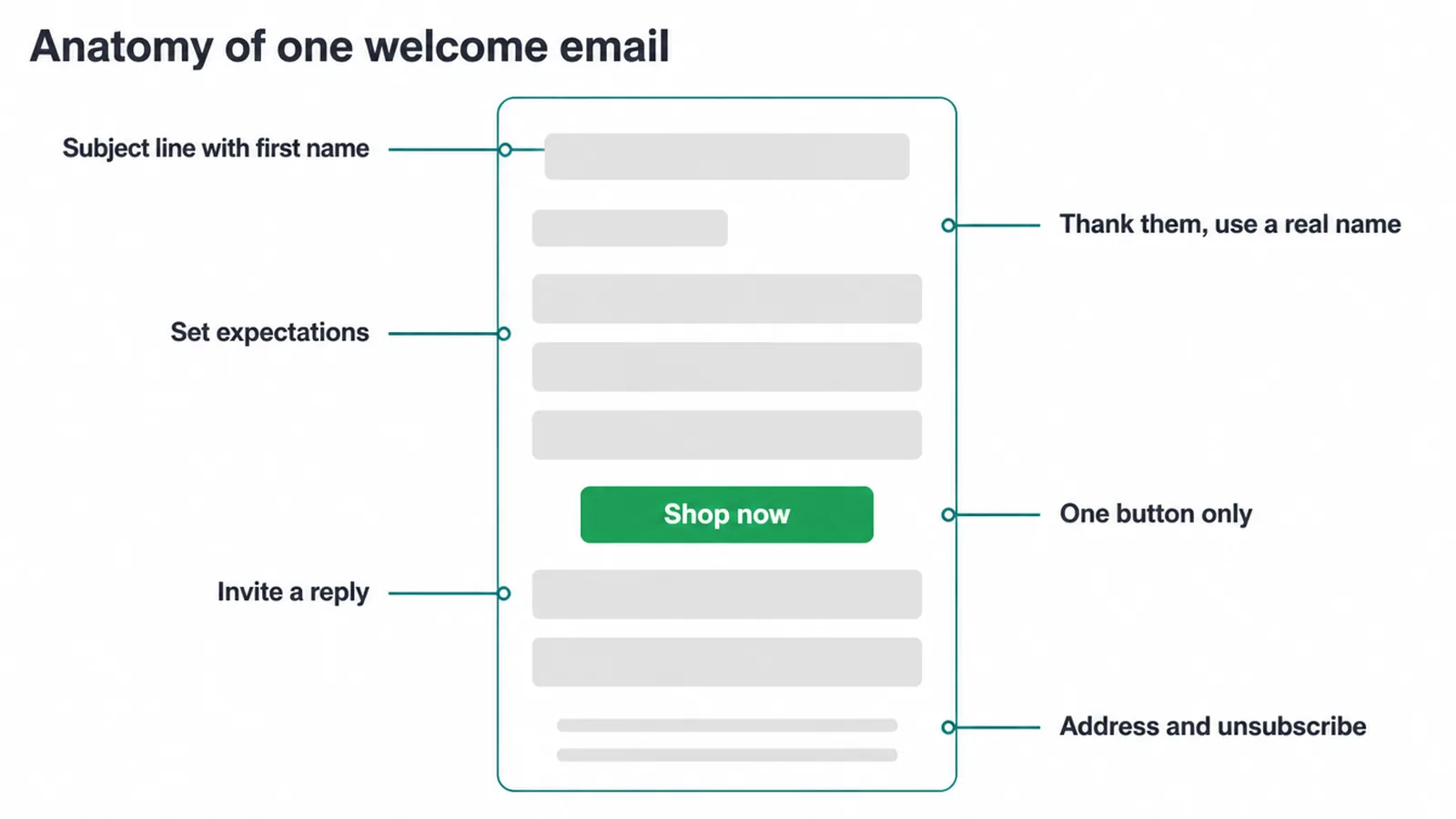
A subject line using their first name where you have it. An opening that thanks them in a human voice, signed by a person rather than a department.
Then one short paragraph saying what they will receive and how often. Then one button, with text naming what happens when it is pressed.
Then an invitation to reply. Asking somebody what they are working on turns a broadcast into a conversation, and the replies tell you what to write next.
Here is the whole thing, written out. Replace the bracketed parts and keep everything else short.
Subject: Thanks for joining, [first name]
Hi [first name], thanks for signing up. I am [your name], and I run [business name].
Every [week or fortnight] I send one short email with [what it contains]. Nothing else, and you can leave at any time with the link at the bottom.
While you are here, [the one thing you want them to do]. It is the piece most people find useful first.
And if you hit reply and tell me what you are working on, I read every one.
Keep the whole thing under about two hundred words. It is a greeting rather than a newsletter, and length here reads as effort being spent in the wrong place.
Three Ways to Make It Work
The template is the easy part, and copying one is about ten minutes of work.
These three are what separate a welcome email that gets read from one that technically exists.
1. Set the timing properly
The welcome email goes out within seconds of somebody joining, not in the next batch, not overnight.
Attention decays fast. Somebody who signed up two minutes ago remembers why, and somebody who signed up yesterday has to be reminded.
A welcome email for new subscribers is the one message where timing beats wording. The best copy sent a day late loses to ordinary copy sent immediately.
Every email tool handles this with an automation. One trigger, one email, and it runs forever without anybody thinking about it.
Test it by subscribing yourself from a different address. It is the only way to see what a real person receives, including how it looks on a phone.
Check what happens on a phone while you are there. Most of these are read on a phone, and a button that wraps onto two lines looks broken.
Check the sending address as well. A welcome email from a no reply address contradicts the invitation to reply sitting inside it.
2. Use a short sequence rather than one email
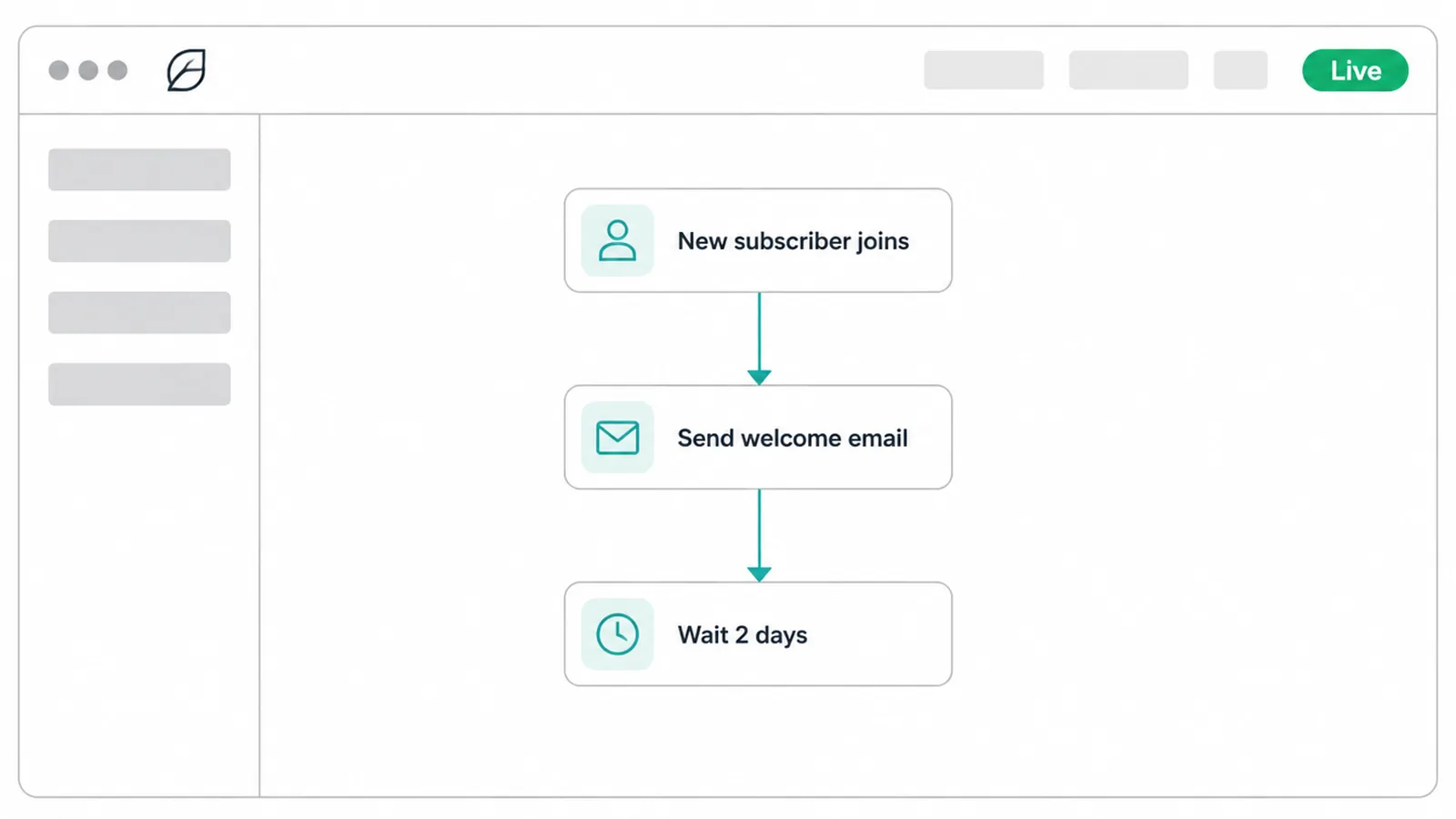
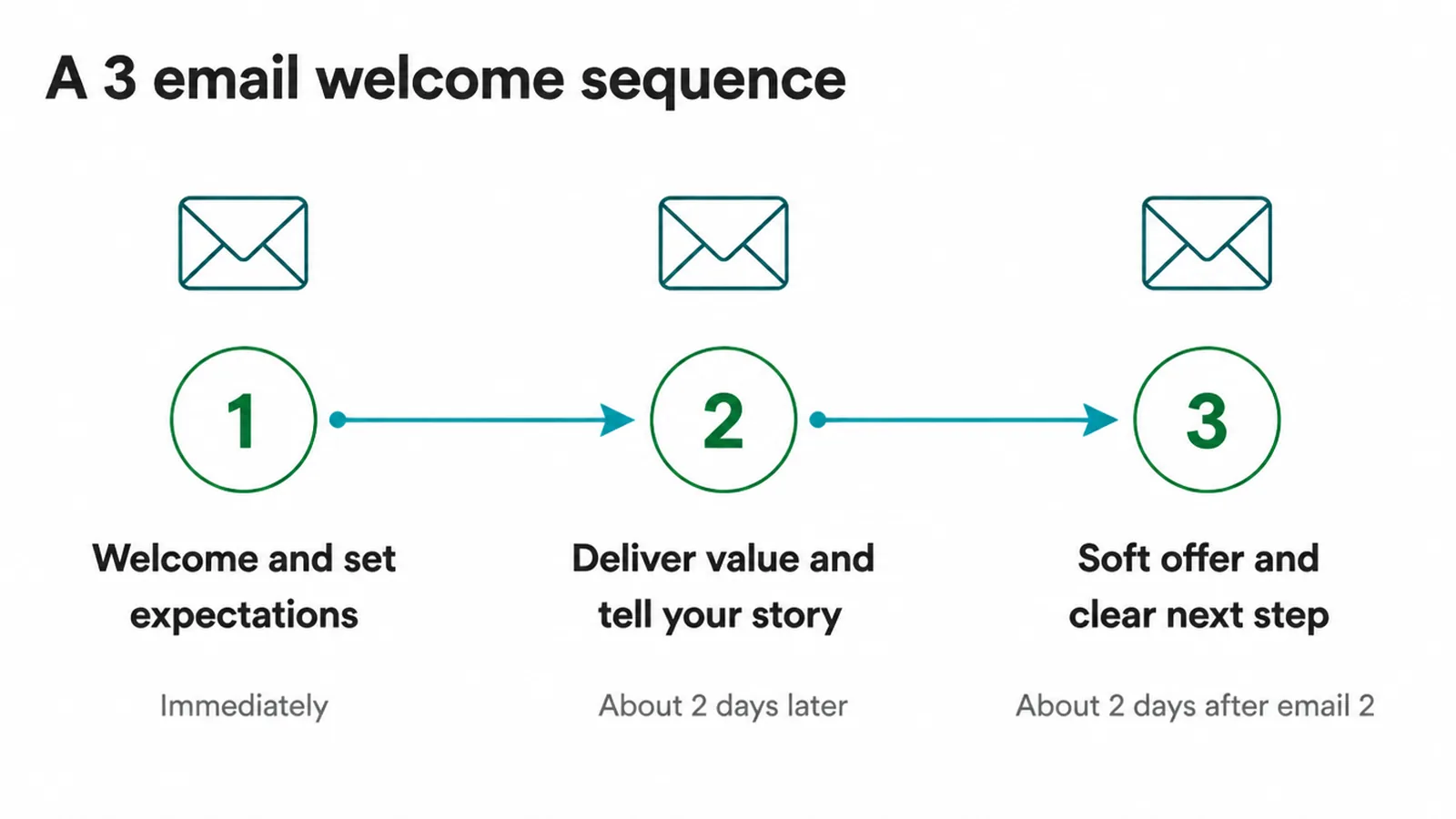
One welcome email works. Three, spaced about two days apart, work better, because each one can do a single job properly.
The first welcomes and sets expectations. The second gives something genuinely useful, usually your best existing piece of writing.
The second email has a shape of its own. Open by referring to the first, give the useful thing without asking for anything, and finish with one line pointing to where more of it lives.
The third makes an offer or asks a question, by which point you have given twice and asked once.
Two days is a starting point rather than a law. Shorter suits an impulse sign up from an advert, and longer suits a considered one from a guide.
That ratio matters more than the wording. A sequence that asks in the first message gets unsubscribes rather than customers.
Write all three before turning any of them on. Writing the first and intending to do the others produces one welcome email and a note in a list somewhere.
Keep each one to a single action, the same as the standalone version. Three emails with one job each beats one email with three.
3. Make the template yours
A template copied unchanged sounds like a template, and people recognise one immediately.
A welcome email template for customers needs different wording from one for subscribers. A customer has already paid, so the next step is usually about getting started rather than about reading something.
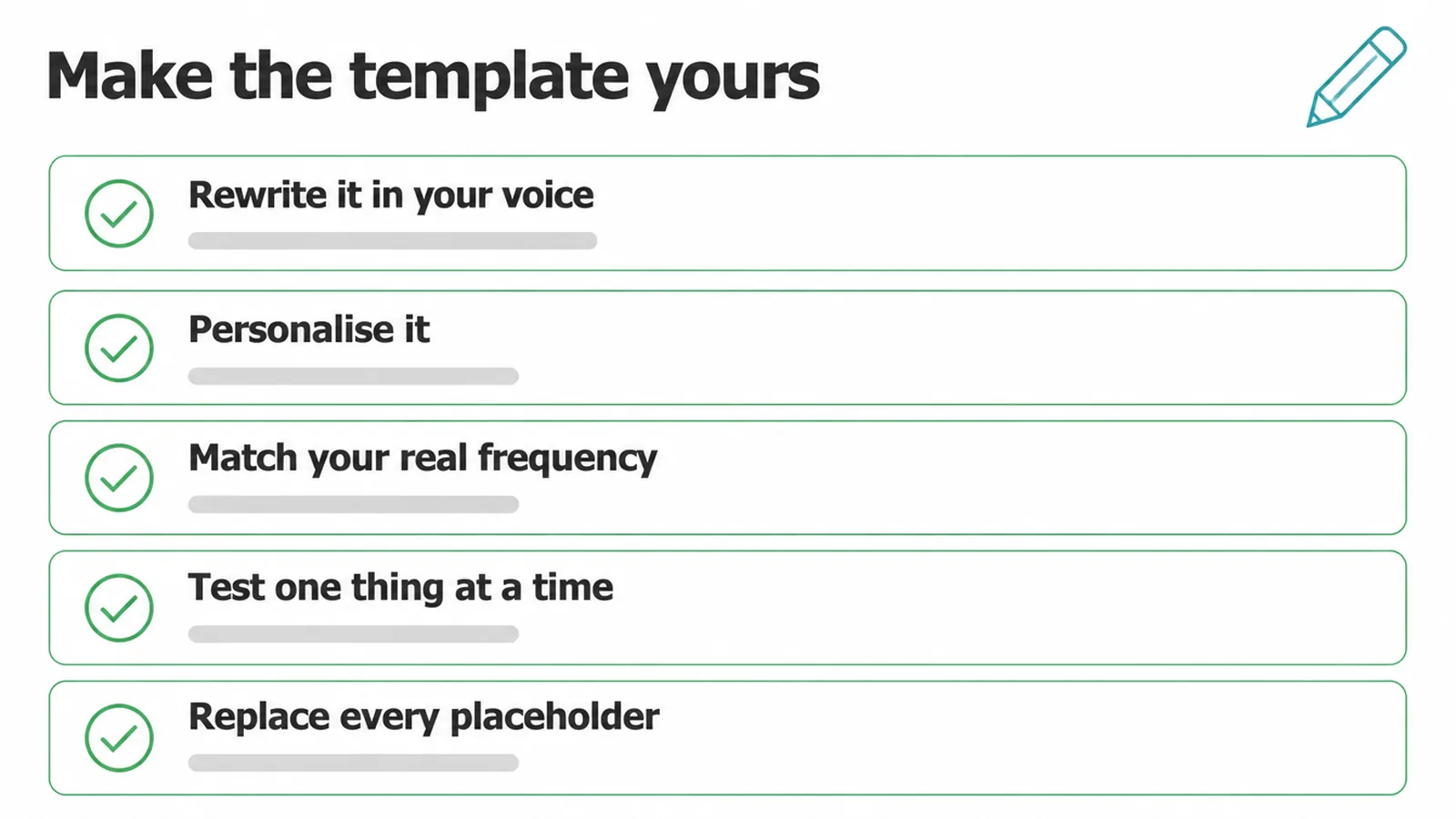
Rewrite it in your own voice. Read it aloud, and wherever it sounds like a company rather than a person, change the words.
Match the frequency to what you will genuinely send. Promising weekly and sending monthly trains people to ignore you.
Check the unsubscribe link works too. It is a legal requirement in most places and it is also the polite version of letting somebody leave.
Replace every placeholder. Square brackets reach real inboxes more often than anybody would believe, and they undo the whole impression.
Signing it personally is the single cheapest change available. A real name and a real reply address turn a broadcast into something a person sent.
Use their first name where you have it, and leave it out entirely where you do not. A greeting addressed to a blank space is worse than no greeting at all.
Then change one thing at a time if you test. Rewriting the subject, the button and the opening together tells you nothing about which one helped.
What to Send and When
A reference for the whole sequence.
| Its single job | |
|---|---|
| Immediately | Thank them, set expectations, one next step |
| Two days later | Give your best existing piece of writing |
| Two days after that | Make one offer, or ask one question |
| Afterwards | Whatever frequency you promised, kept |
Nothing in that table is complicated, and all of it is set up once. The sequence then runs for every new subscriber without anybody touching it again.
The last row is the one that decides whether any of this was worth doing. A welcome sequence followed by silence is a good first impression and nothing else.
Common Mistakes
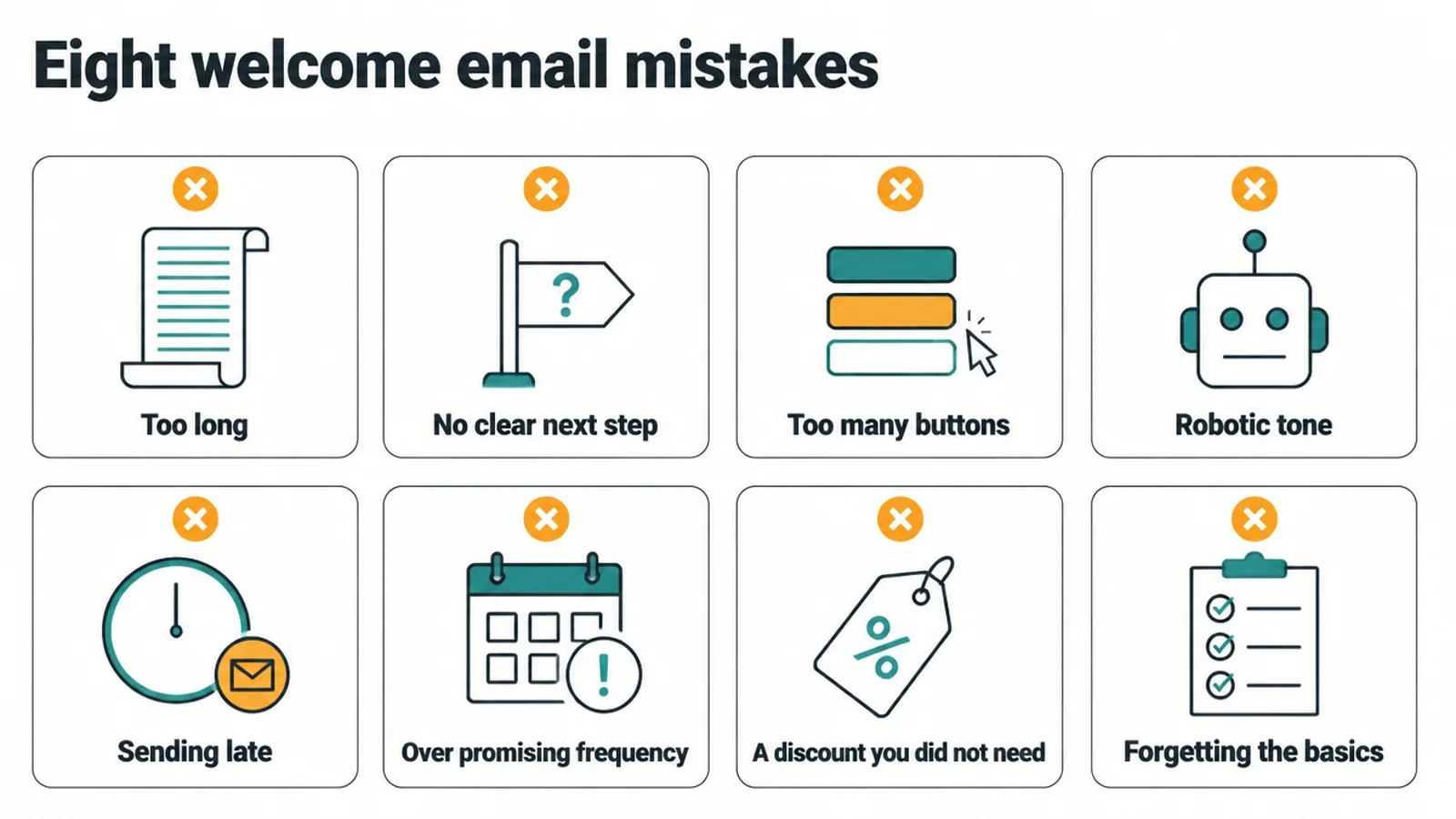
- Too long. It is a greeting, not a newsletter.
- No clear next step. The reader finishes and does nothing.
- Too many buttons. Several choices produce no decision.
- A robotic tone. Nobody warms to a department.
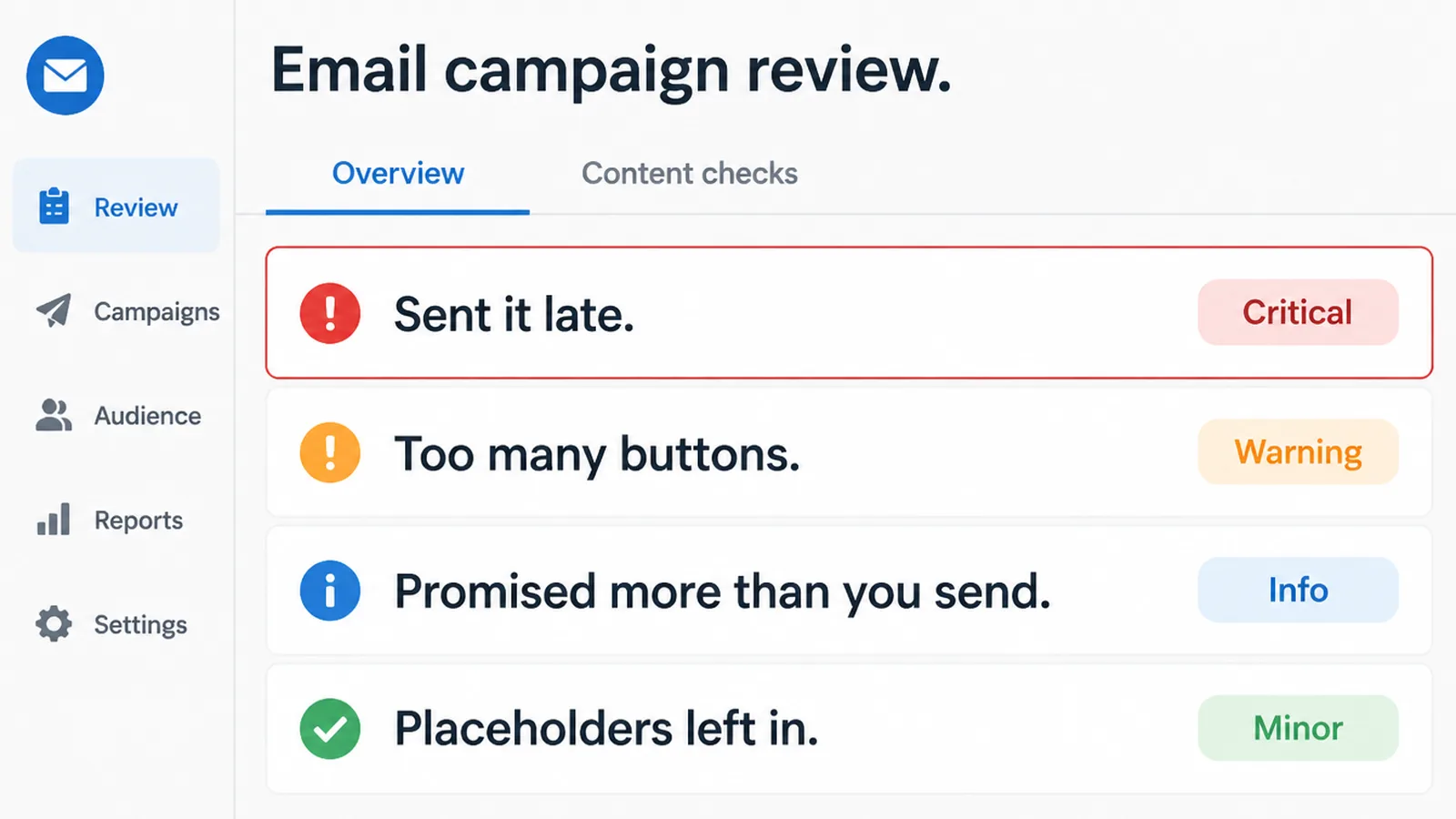
- Sending it late. The attention has already gone.
- Over promising frequency. Weekly promised, monthly sent.
- Leaving the placeholders in. The square brackets do arrive.
The fifth one is invisible and expensive. An email that arrives a day late is read by far fewer people than one that arrives immediately, and nothing on your end looks wrong.
The sixth is the slow one. Promising weekly and sending monthly trains people to stop expecting anything from you, and the damage shows up months later as an unopened list.
Check the timing first whenever a welcome email is underperforming. It is more often the delay than the writing.
FAQs
What should a welcome email say?
Three things. Thank the person for joining, say what you will send them and how often, and give one clear next step. Sign it from a person rather than a department, and invite a reply, since the replies tell you what to write next.
When should a welcome email be sent?
Within seconds of somebody joining. Attention decays quickly, so a message that arrives a day later is read by far fewer people. Every email tool handles this with an automation triggered by the sign up, which then runs without anybody watching it.
How long should a welcome email be?
Around two hundred words. It is a greeting rather than a newsletter, and a long one reads as effort being spent in the wrong place. Keep it to a thank you, the expectations, one button and an invitation to reply.
Should I send one welcome email or a sequence?
A sequence of three, spaced about two days apart, lets each message do one job properly. The first welcomes, the second gives something useful, the third asks. Giving twice before asking once is what separates a sequence from a sales pitch.
How do I personalise a welcome email template?
Rewrite it aloud in your own voice, change anything that sounds like a company rather than a person, match the promised frequency to what you actually send, and replace every placeholder. Square brackets reach real inboxes more often than anybody expects.
Conclusion
A welcome email has three jobs and about two hundred words to do them in.
Thank them, say what is coming, ask for one thing, and send it within seconds rather than overnight.
Write it once, test it from another address, and leave it running. It is one of the few pieces of marketing that keeps working with no further attention.
Then keep the frequency you promised, because that is the part the whole sequence was setting up.
If you would rather hand it over, see how we approach marketing automation.