How to Write a Blog Post: A Clear Drafting Process

How to write a blog post, in order: start from a question customers actually ask, check that people search for it, outline it answer first, write plainly, add the title, meta description, headings and internal links, then edit hard. Seed Light writes and edits blog content using this process.
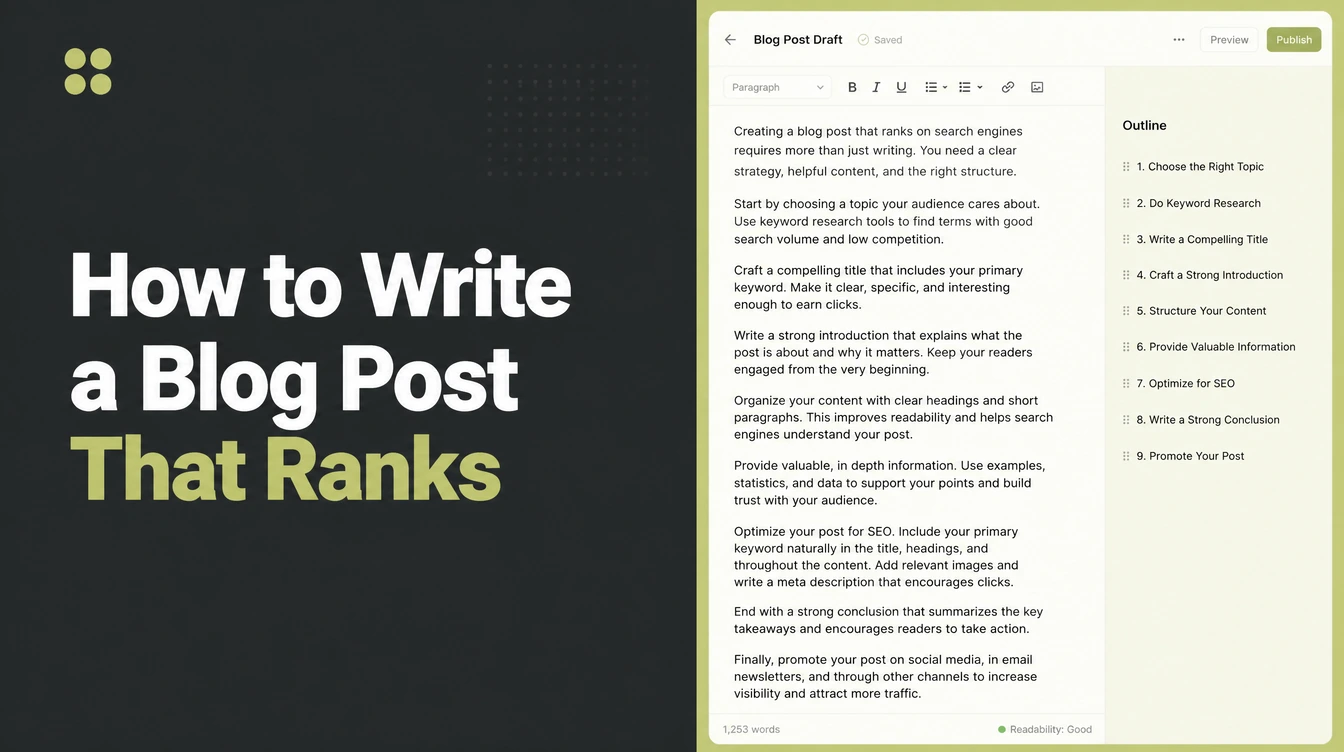
Learning how to write a blog post for small business starts earlier than most people think. Most posts fail before a word is written, because the topic was chosen by whoever was in the room rather than by anybody searching for it.
The writing itself is the easy part once that is settled. What makes a post work is a process you can repeat on a Tuesday afternoon without inspiration.
Blog writing for beginners is mostly this. This guide covers the six steps, the checks worth running before publishing, and how long to wait before judging the result.
Key Takeaways
- Start from a question people ask. Then check that they search it.
- Answer in the first paragraph. Nobody is reading for suspense.
- Write plainly. Short sentences, ordinary words, no throat clearing.
- Edit harder than you wrote. The first draft is always too long.
- One call to action. Several choices produce no choice.
The Short Version
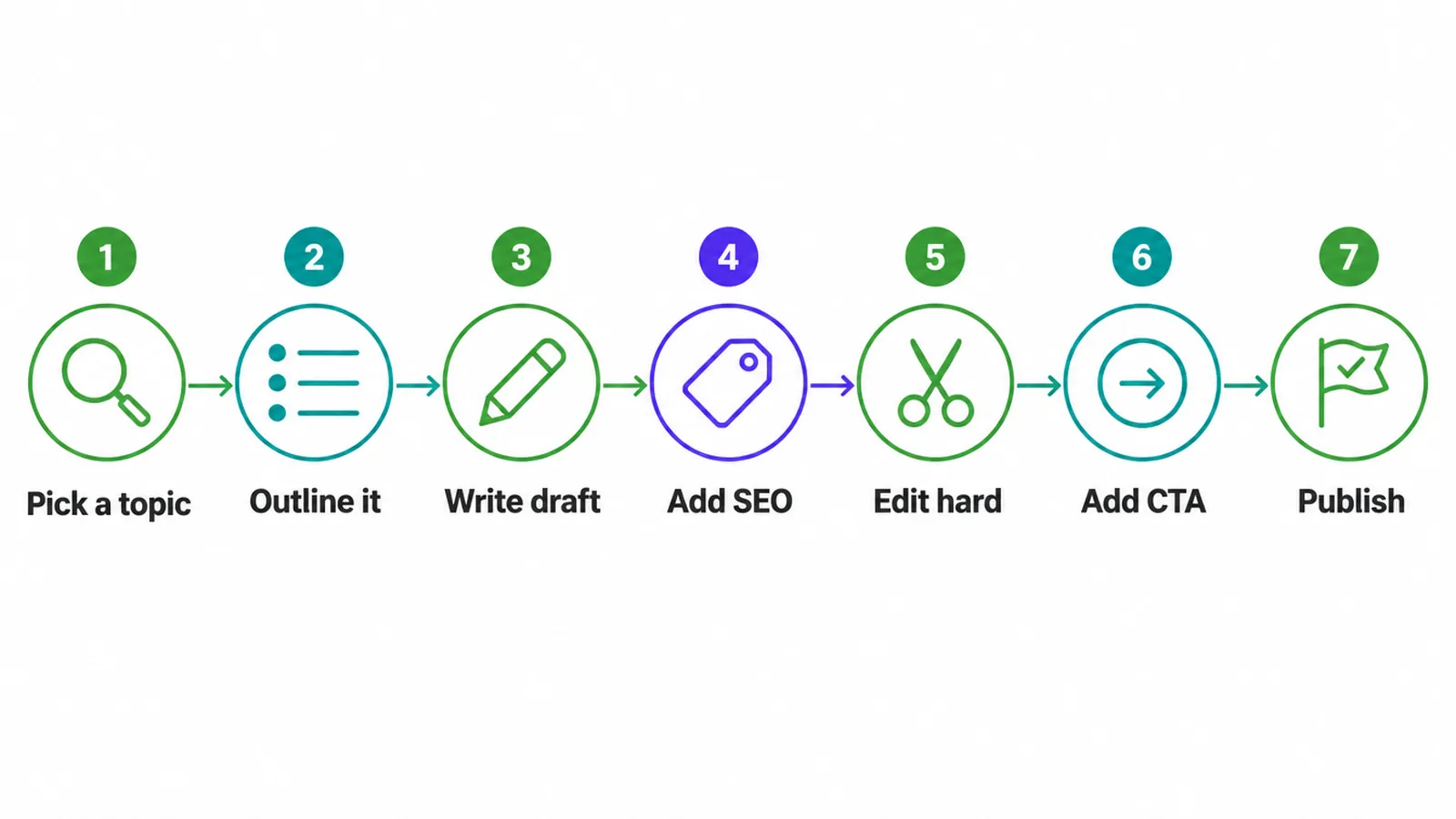
Pick a topic, outline it, draft it, add the SEO basics, edit hard, add one call to action, publish. Seven moves, in that order.
The order matters more than any individual step. Writing before checking demand produces good work nobody finds, and adding SEO before editing means you optimise sentences you were going to cut.
Most people do steps three and four and skip the rest. That is why so many business blogs read as effort with no result.
It is also a process rather than an inspiration, which matters for a small business. You can run it on a Tuesday afternoon when you do not feel like writing.
None of this takes special talent. It takes a question somebody actually asked you and the discipline to answer it properly.
How to Write a Blog Post in Six Steps
Each one is a session rather than a project, and none of them needs a tool you do not already have.
1. Pick a topic people search for
Start from the questions customers genuinely ask you. Your inbox and your phone calls are a better topic list than any tool will generate.
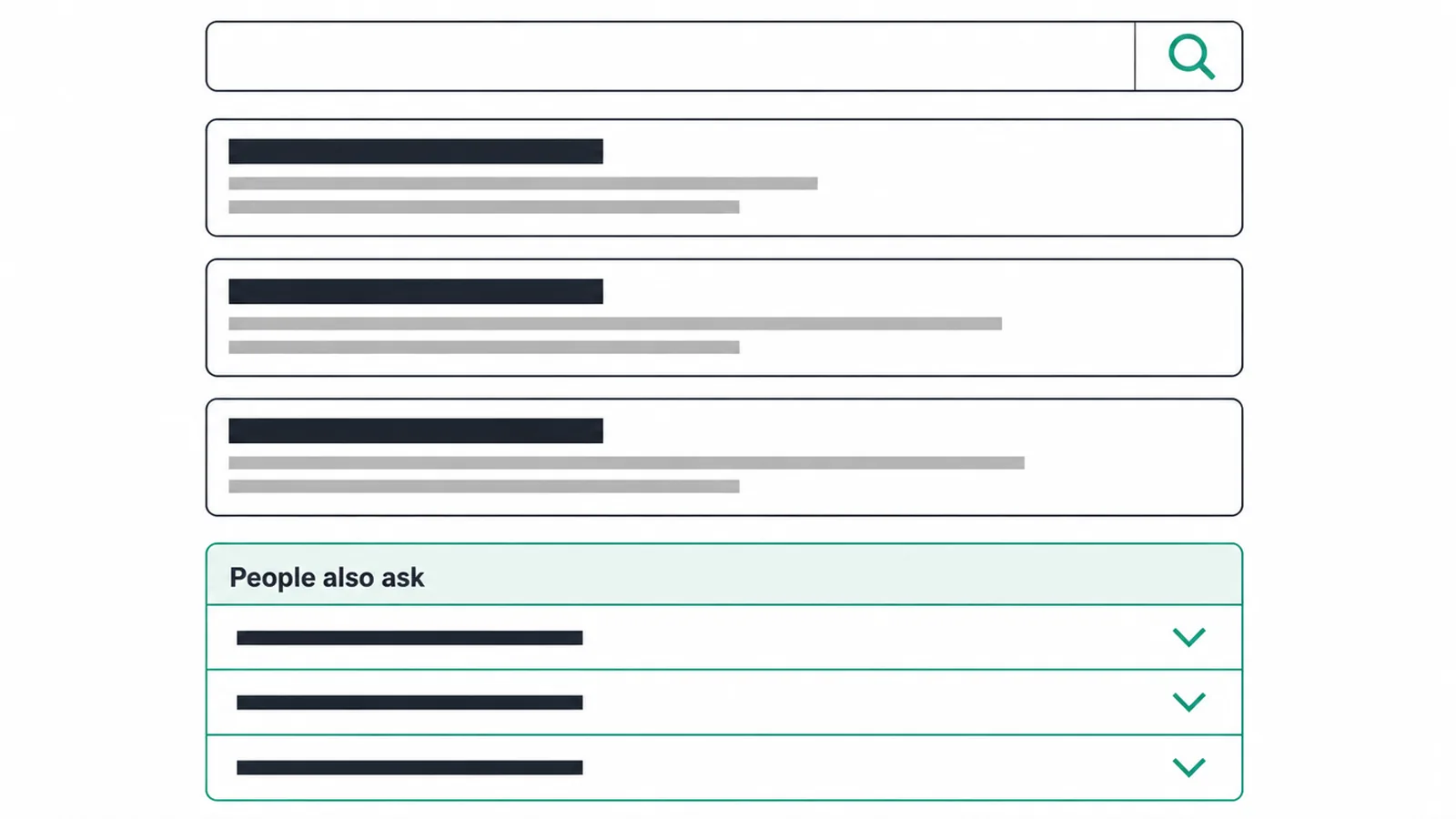
Then check that other people are asking the same thing. Type the question into a search engine and read what comes back.
The related questions panel is the most useful free research available. It is a list of what people actually want to know about your subject, written in their words.
Search demand is the one thing you cannot write your way around. Everything else on this list can be improved afterwards, and this cannot.
Look at what already ranks as well. If the first page is covered thoroughly, ask whether you can genuinely do better or whether a narrower question is a better target.
A narrower question you can answer properly beats a broad one you cover thinly. That is the single most useful rule in this guide.
2. Outline it answer first
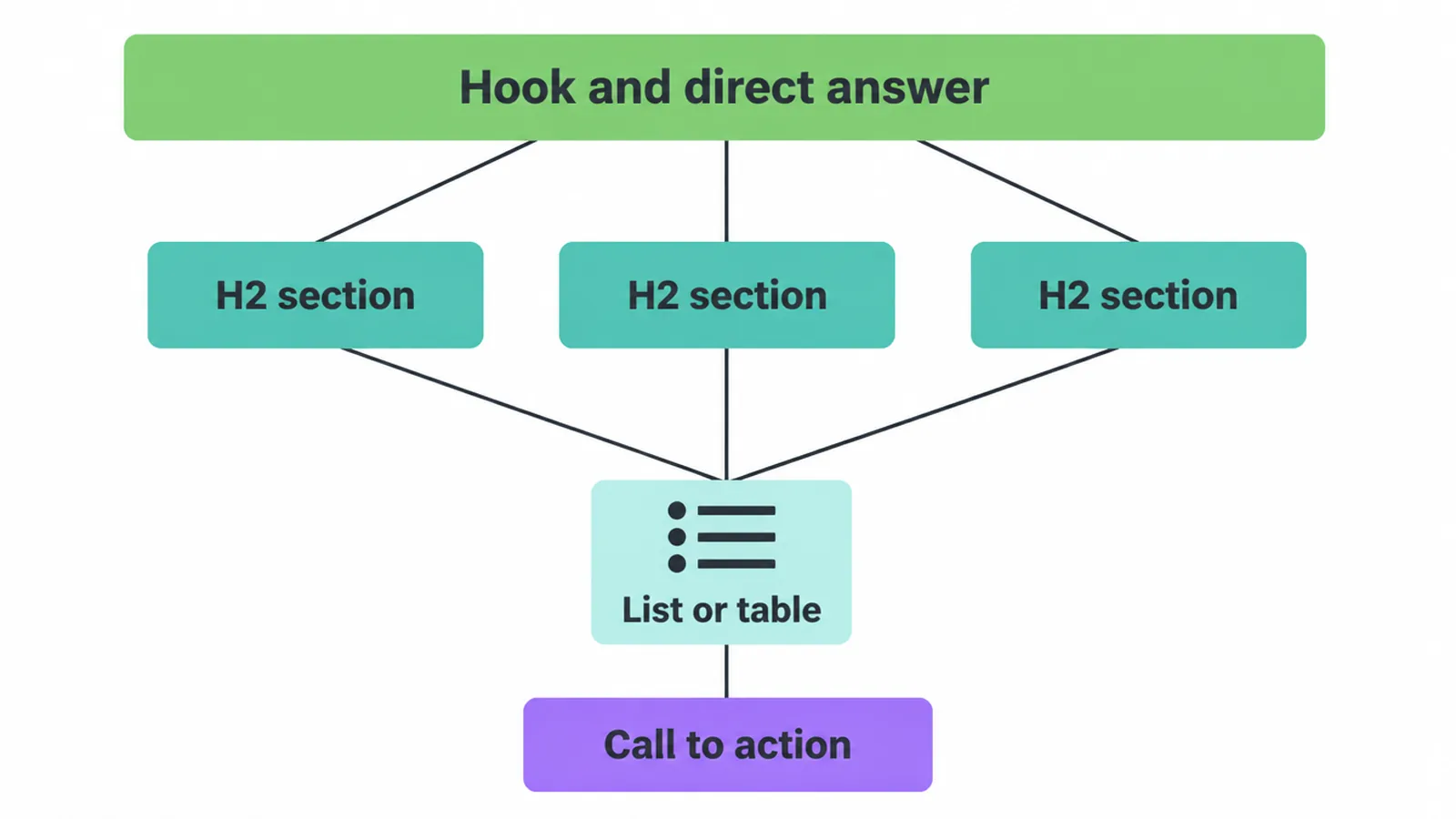
Blog post structure is simpler than it looks. Write the outline before the prose, and put the answer at the top of it.
A hook of a sentence or two, the direct answer, then the sections that explain, qualify and extend it. A list or a table where one genuinely helps, and one call to action at the end.
Answer first helps readers as much as search engines. Somebody who skimmed your first paragraph and got what they came for will often stay and read the rest.
Someone who has to scroll through three hundred words of preamble to find out whether you answer their question frequently does not.
Outlining also stops the drift that produces a post covering four subjects badly. If a section does not serve the question at the top, it belongs in a different post.
Give every section a heading that says what is in it. A reader scanning headings should be able to reconstruct the argument without reading a word of the body.
3. Write the draft plainly
Write it the way you would explain it to a customer standing in front of you, then tidy the grammar afterwards.
Short sentences. Ordinary words. One idea per paragraph, and a paragraph that runs past four lines on a phone is two paragraphs.
Say the specific thing rather than the general one. Three concrete examples teach more than a page of principle, and they are also what makes a post yours rather than anybody's.
Do not stop to edit. A draft that is written straight through and then cut is almost always better than one polished sentence by sentence.
Keep your own voice in it. A business blog that sounds like every other business blog gives a reader no reason to remember who wrote it.
If you genuinely cannot start, write the section you understand best first. The introduction is usually the hardest part and it is rarely the part to begin with.
4. Apply the SEO basics
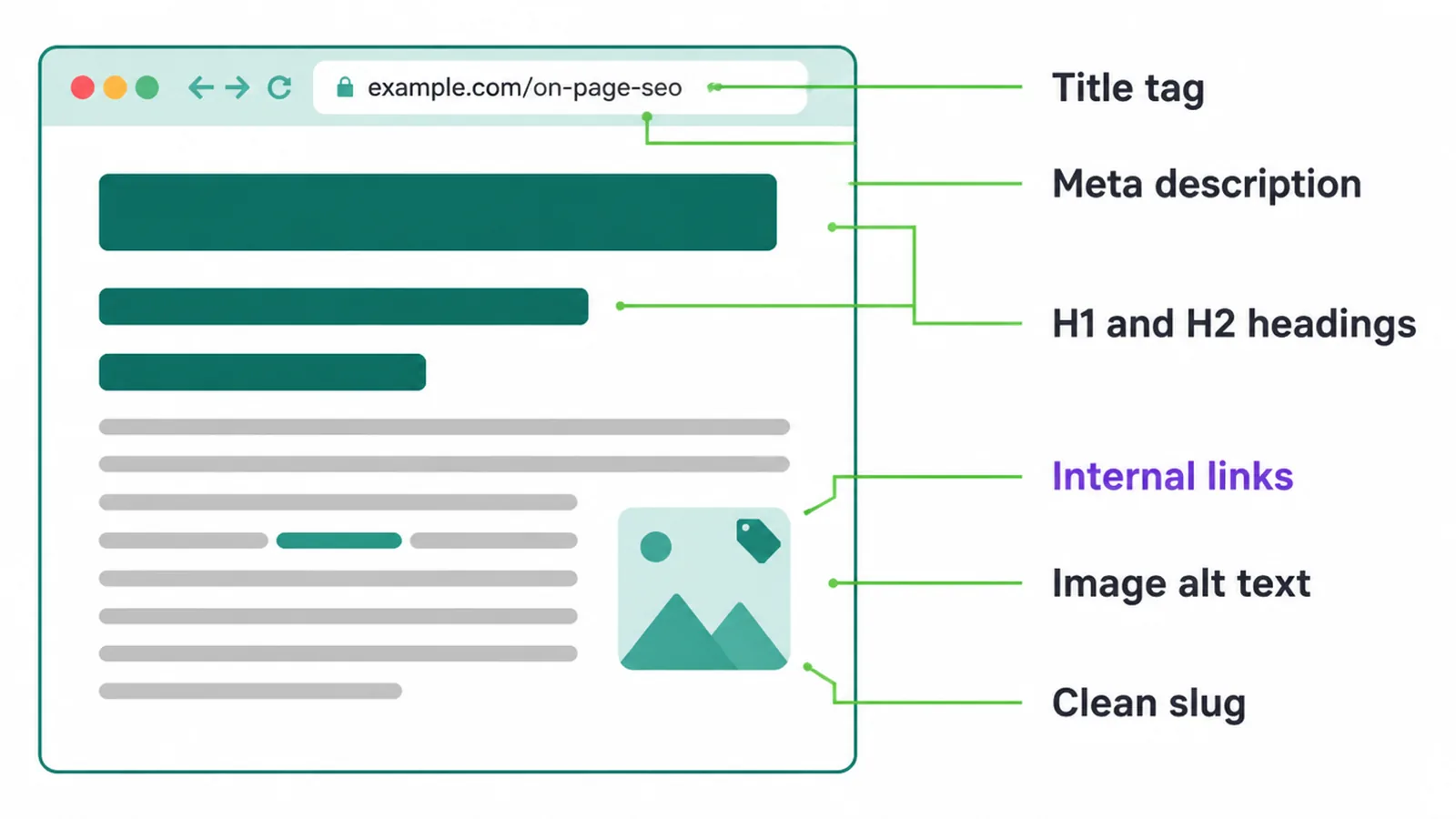
Six things, and all six take about ten minutes once the draft exists.
A title that contains the question, a meta description that makes the result worth clicking, one main heading, sub headings that describe their sections, a clean address, and alt text on every image.
Write the title for a human first and the search result second. A title nobody wants to click is correctly optimised and useless.
Then internal links. Two to four to other pages on your site, placed where they are genuinely useful rather than scattered to hit a number.
Use the keyword the way a person would. Once in the title, once early, and naturally wherever it belongs. There is no count to hit.
Google often rewrites meta descriptions anyway, and there is no published character limit for them, so write something true and useful rather than counting to a figure somebody told you.
5. Edit hard
The edit is where the post becomes good. Everything before it was getting the material onto the page.
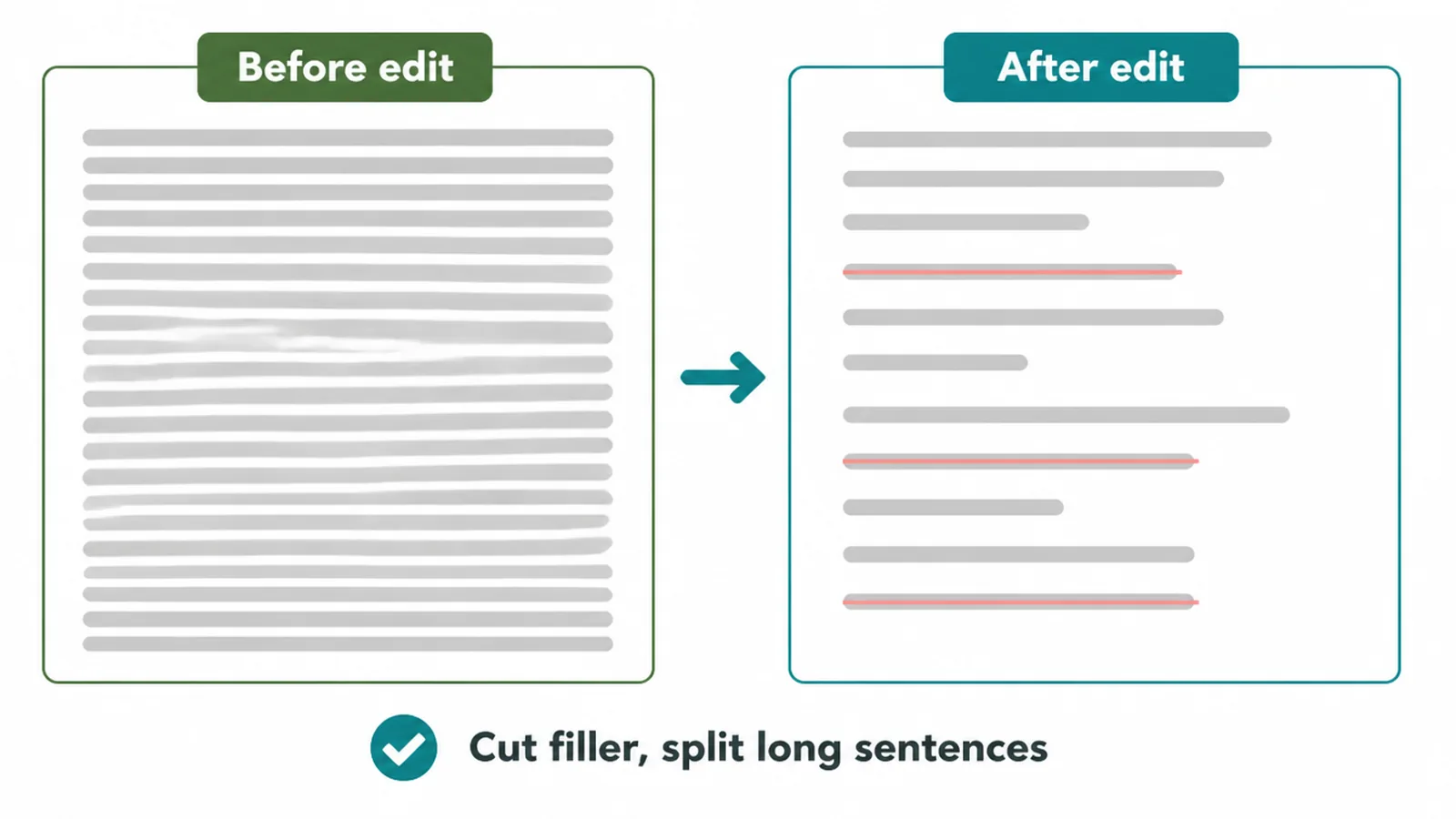
Cut the filler first. Words like really, very, just and actually, and whole sentences that exist to introduce the next sentence.
Split anything long. A sentence that needs a comma to survive is usually two sentences that will both be clearer apart.
Read the whole thing aloud. Your ear catches what your eye forgives, and it finds every place where the rhythm has gone wrong.
Leave it overnight if you can. The same draft read the next morning gives up faults that were invisible an hour after writing it.
Expect to lose a fifth of the draft. If the edit is not uncomfortable, it probably has not happened.
6. Add one call to action
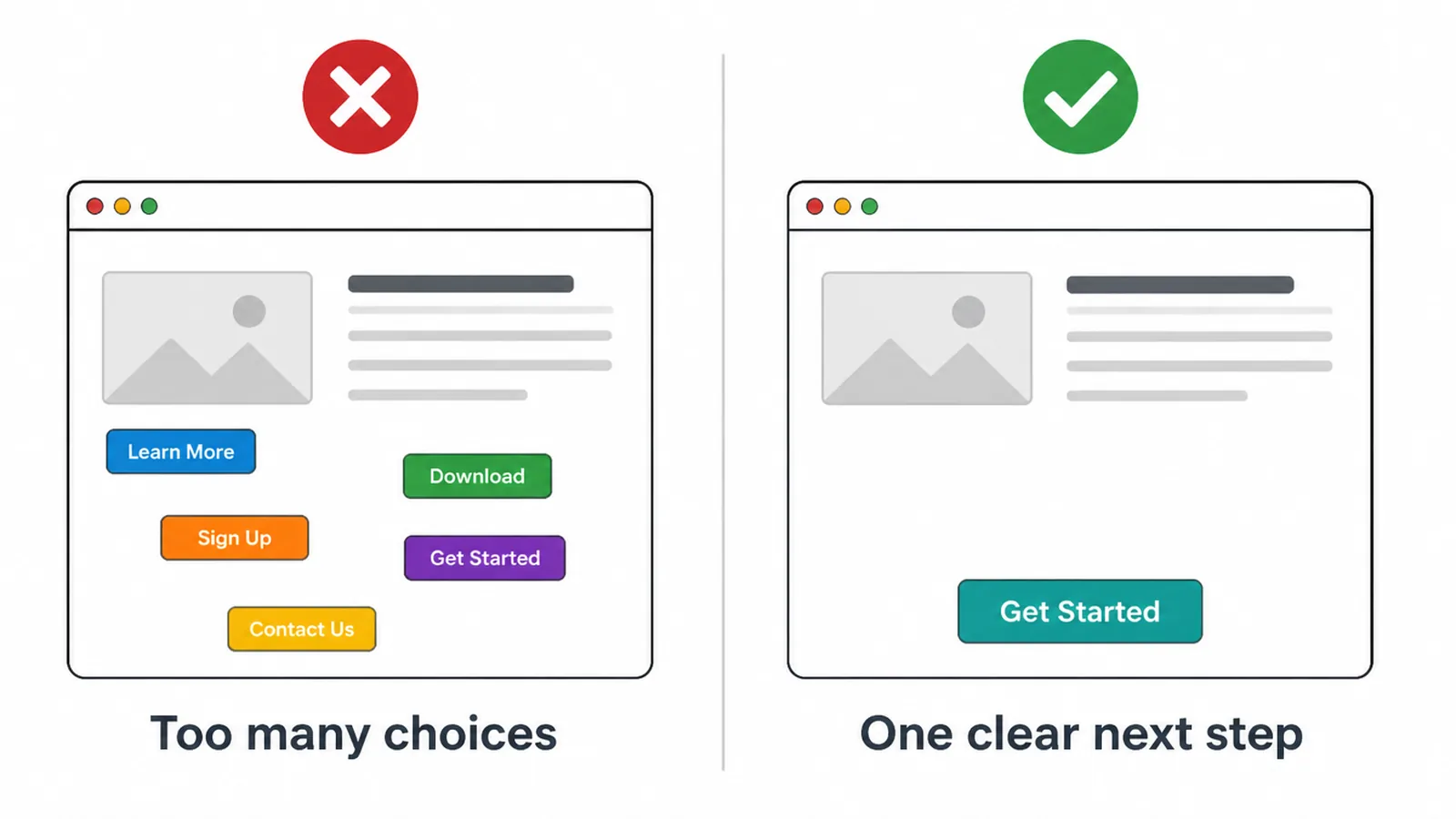
One. Not a sidebar of options, a banner, a newsletter box and a download, all competing at the end of a good piece of writing.
Decide what you most want a reader of this particular post to do next, and ask for that one thing clearly.
It should follow from what they just read. A post answering a question about shipping should offer the thing somebody with that question would want next.
Several options produce no decision. The reader scans them, picks none, and leaves.
Before You Publish
Ten minutes, every time, and it catches most of what goes wrong.
| Check | What good looks like |
|---|---|
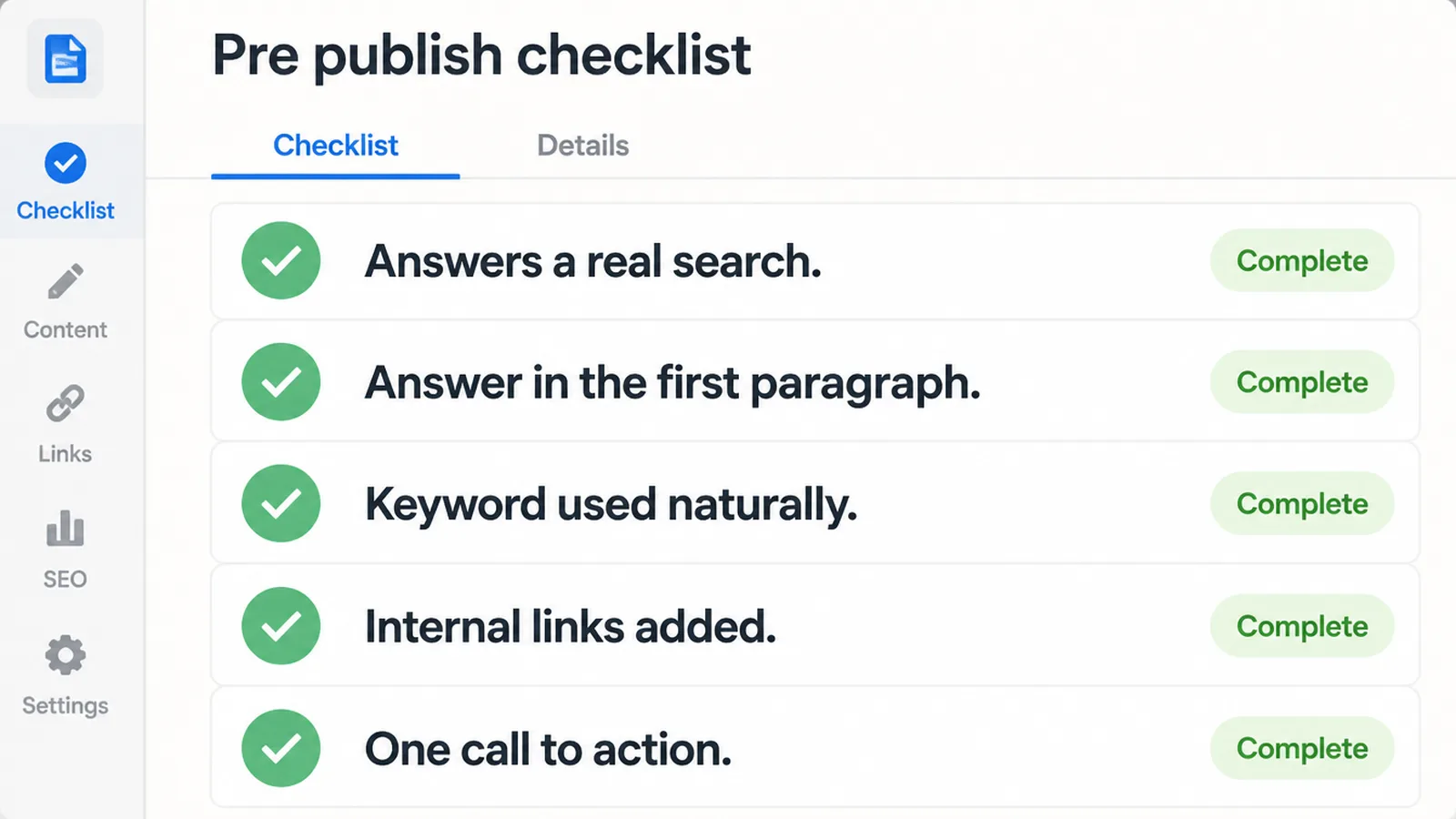
| Topic | Answers something people actually search |
| Answer | Present in the first paragraph |
| Headings | Describe their sections, scannable alone |
| Keyword | Used naturally, never counted |
| Links | Two to four internal, each one useful |
| Images | Every one carries alt text |
| Byline | Says who wrote it and why they would know |
| Call to action | Exactly one, following from the post |
The byline row is the one businesses skip and the one that separates a post from anonymous filler.
How Long Until It Ranks
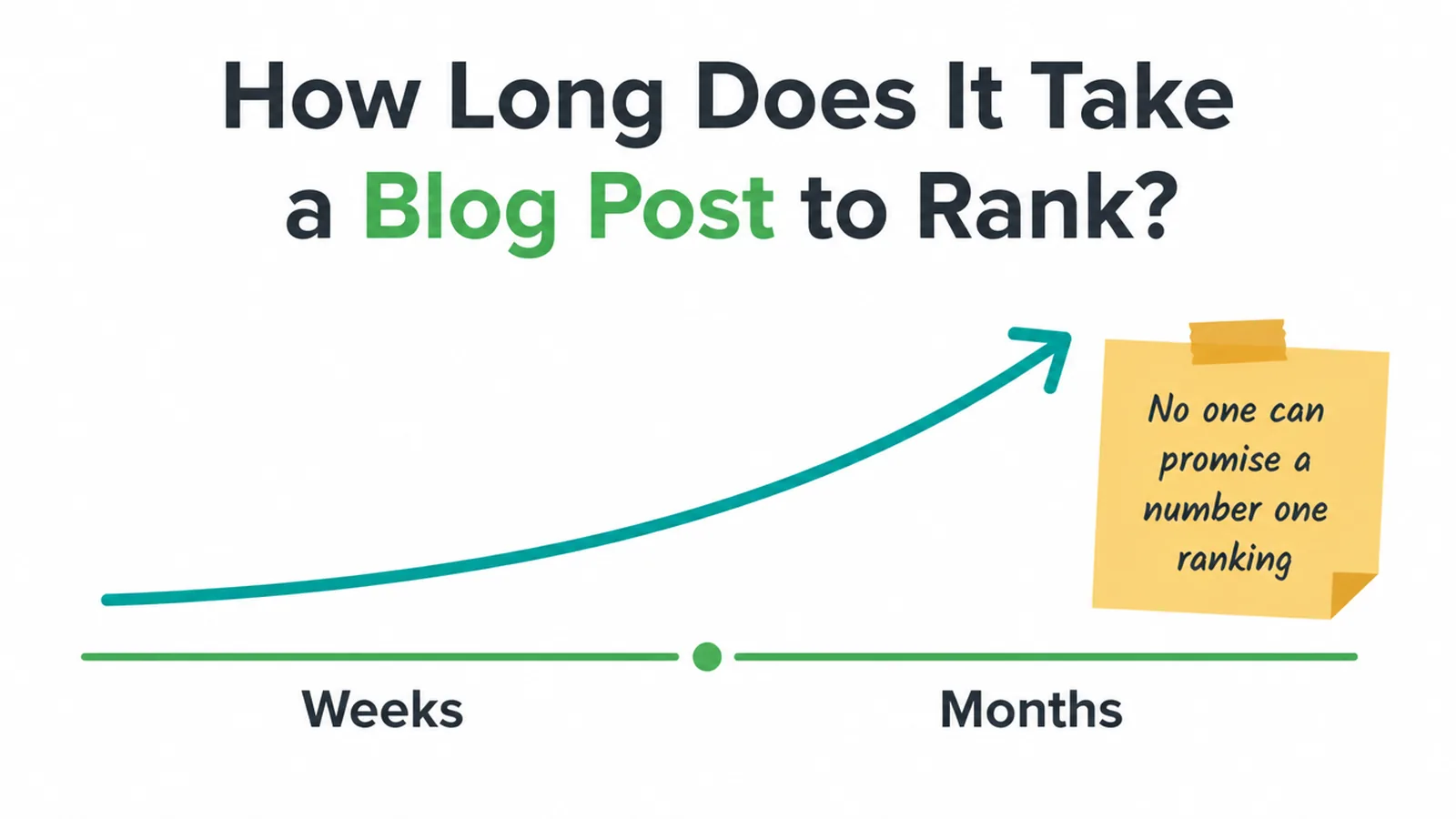
Longer than you want and shorter than people fear. Weeks for something uncompetitive, months for anything contested.
Nobody can promise you a position and anybody who does is selling something they do not control.
What you can expect is a pattern. A new post appears somewhere low, moves around for a few weeks, then settles into a position that reflects how well it answers the question against everything else available.
Publishing consistently is what compounds. One post is an experiment, and twenty posts on related questions is a reason for search engines to treat you as covering the subject.
Check it after a month and again after three. Before that you are reading noise.
If it has settled badly, the usual cause is the topic rather than the writing. That is worth knowing, because rewriting a post about the wrong question does not help.
Common Mistakes
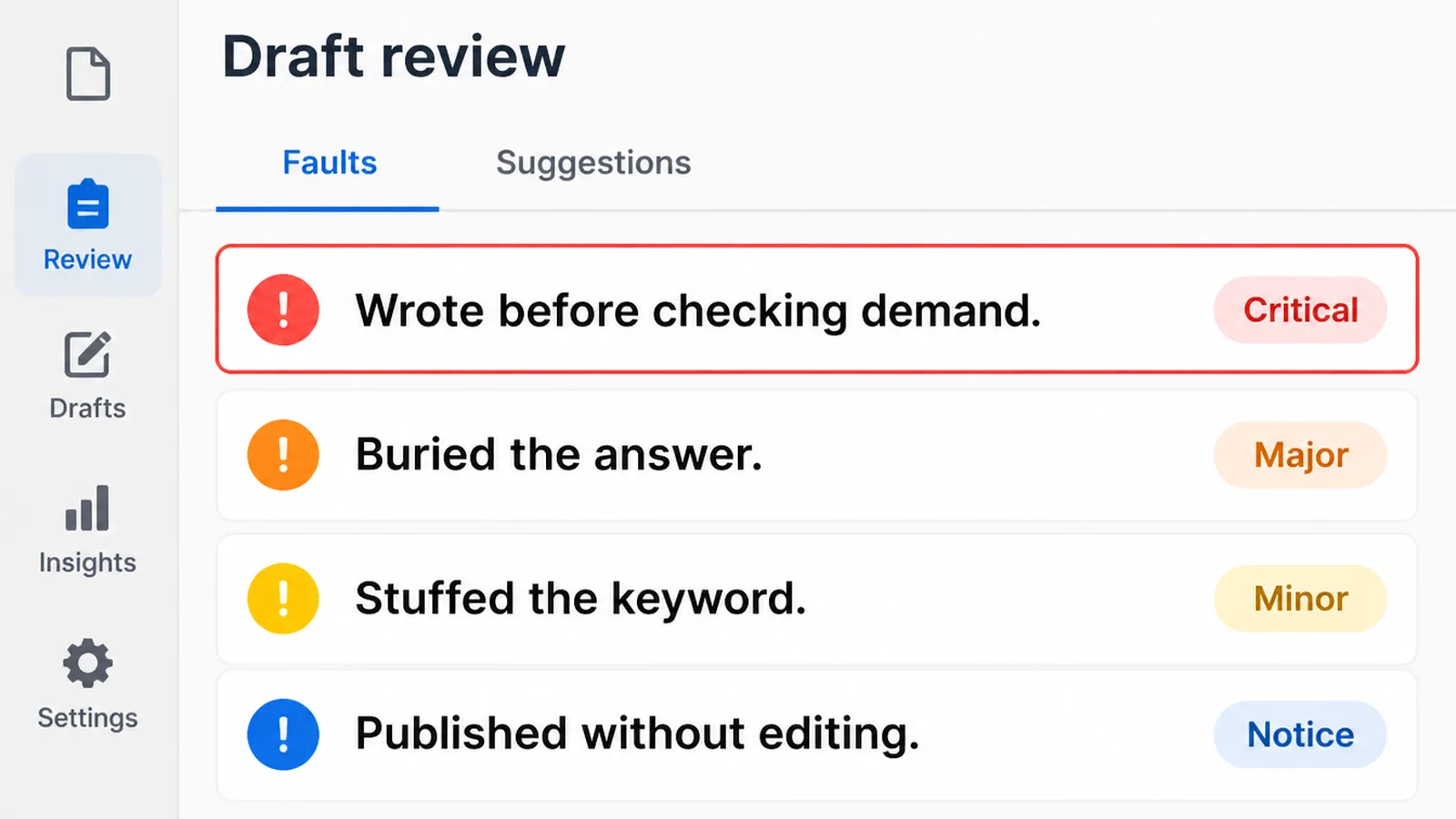
- Writing before checking demand. Good work nobody searches for.
- Burying the answer. Three hundred words of preamble first.
- Stuffing the keyword. It reads badly and helps nothing.
- Publishing without editing. The draft is not the post.
- Several calls to action. The reader picks none of them.
- Writing about yourself. Nobody searches for your company news.
- Judging it in a fortnight. Nothing has settled by then.
The first one is the expensive mistake, because every other fault on this list can be fixed afterwards.
A post on a question nobody asks cannot be rescued by better writing, better headings or more links. It is the only mistake here that is structural.
FAQs
How long should a blog post be?
Long enough to answer the question properly and no longer. A narrow question may take six hundred words, a comparison or a process guide considerably more. Length is the result of answering fully rather than a target to hit before you start writing.
How do I structure a blog post?
A hook, the direct answer, then sections that explain and qualify it, a list or table where one helps, and a single call to action. Give every section a heading that describes it, so somebody scanning the headings can follow the argument.
How do I pick a blog topic?
Start with the questions customers ask you by phone and email, then check that other people search for the same thing. The related questions panel in a search result shows you what else they want to know, in their own words.
How many times should I use my keyword?
There is no number. Use it in the title, once early in the piece, and anywhere else it genuinely belongs. Repeating it to hit a count makes the writing worse and helps nothing, and readers notice the padding long before a search engine does.
How do I write an intro that hooks readers?
Say something true and specific about the problem, then answer the question immediately. Suspense belongs in fiction. A reader who gets what they came for in the first paragraph is more likely to stay for the rest of it, rather than less.
Conclusion
Knowing how to write a blog post is mostly knowing the order. Demand, outline, draft, basics, edit, one action.
The writing is rarely the bottleneck. Choosing the right question and cutting the draft properly are where posts are won.
Pick the question a customer asked you this week and write that one.
If you would rather hand it over, see how we approach content marketing.