Why Your Business Isn't Showing Up on Google Maps

How to rank in Google Maps starts with being visible at all. A business usually fails to appear because its profile was never verified, because an edit is still under review, or because its name or category breaks Google's guidelines. Seed Light checks visibility before ranking, because an unverified profile is not ranked at all.
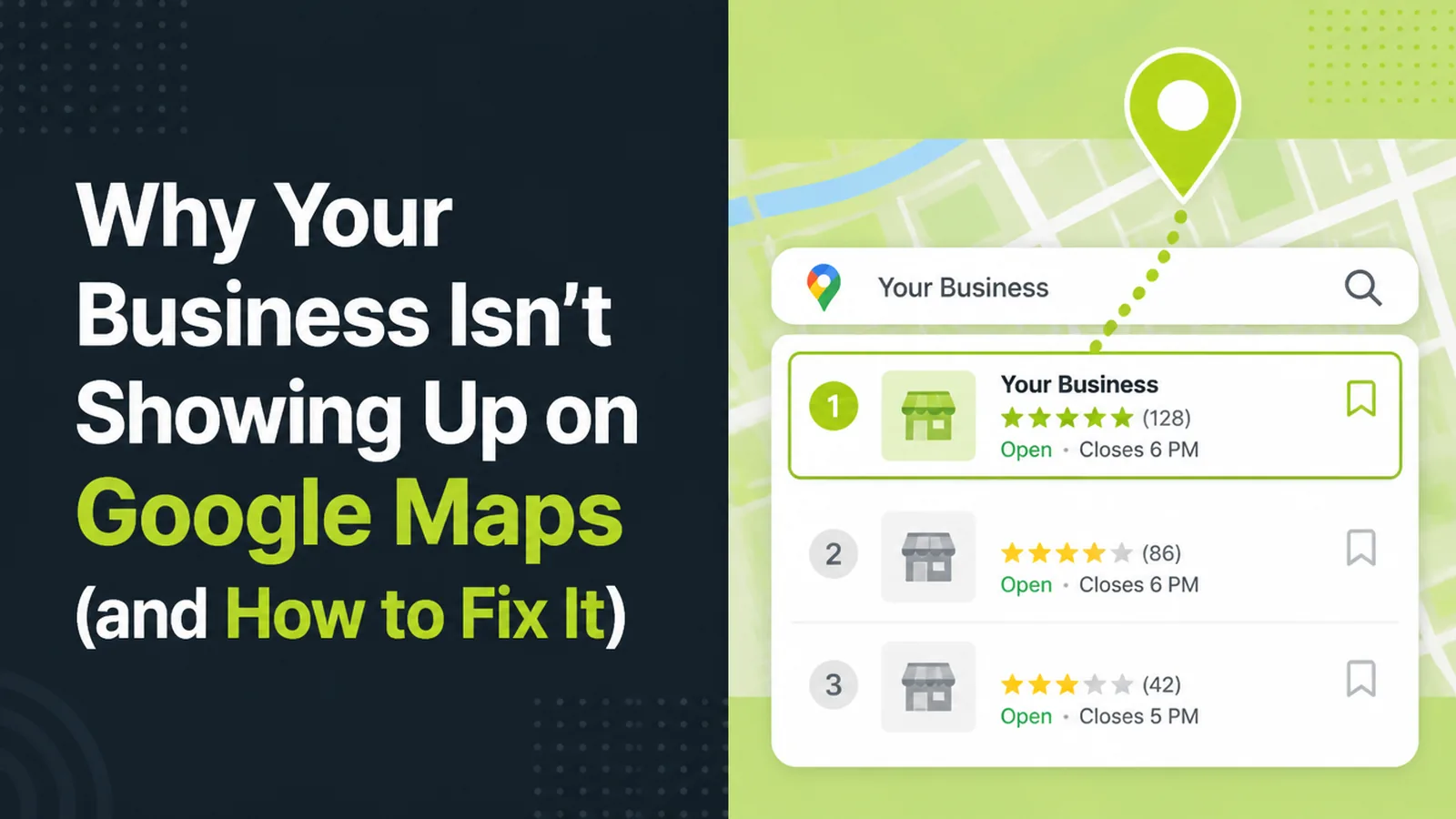
A customer tells you they searched for your trade, your town, and could not find you. You search it yourself and there is the map, three competitors in it, and no sign of your business anywhere.
This guide covers why that happens. It separates the reasons your profile is invisible from the reasons it ranks poorly, because they are different problems and most advice blurs them together.
By the end you will know which one you have, and the order to work through the fixes.
Key Takeaways
- Invisible and low ranked are different problems. One is usually verification, the other is relevance and prominence.
- Google names three ranking factors. Relevance, distance and prominence, and no way to pay for a better local ranking.
- Verification is the gate. Google requires it before a business shows across Search and Maps.
- Your category does more than your keywords. It decides what Google matches you against in the first place.
- Edits are reviewed before they go live. A change that has not appeared yet is not always a change that failed.
Google ranks local results on three things it publishes openly, and it ranks nothing at all for a profile it has not verified.
So the first question is never "how do I rank higher". It is "can Google see me yet".
If your profile has never been verified, no amount of optimisation will move it, because it is not in the running. Work out which situation you are in before you spend a weekend on the wrong one.
The test takes a minute. Search your exact business name plus your town, in a browser where you are not signed in to the account that manages the listing.
If the profile appears, you have a ranking problem and the steps below apply. If nothing appears at all, you have a visibility problem, and the next section is the one that matters.
What Decides How To Rank In Google Maps
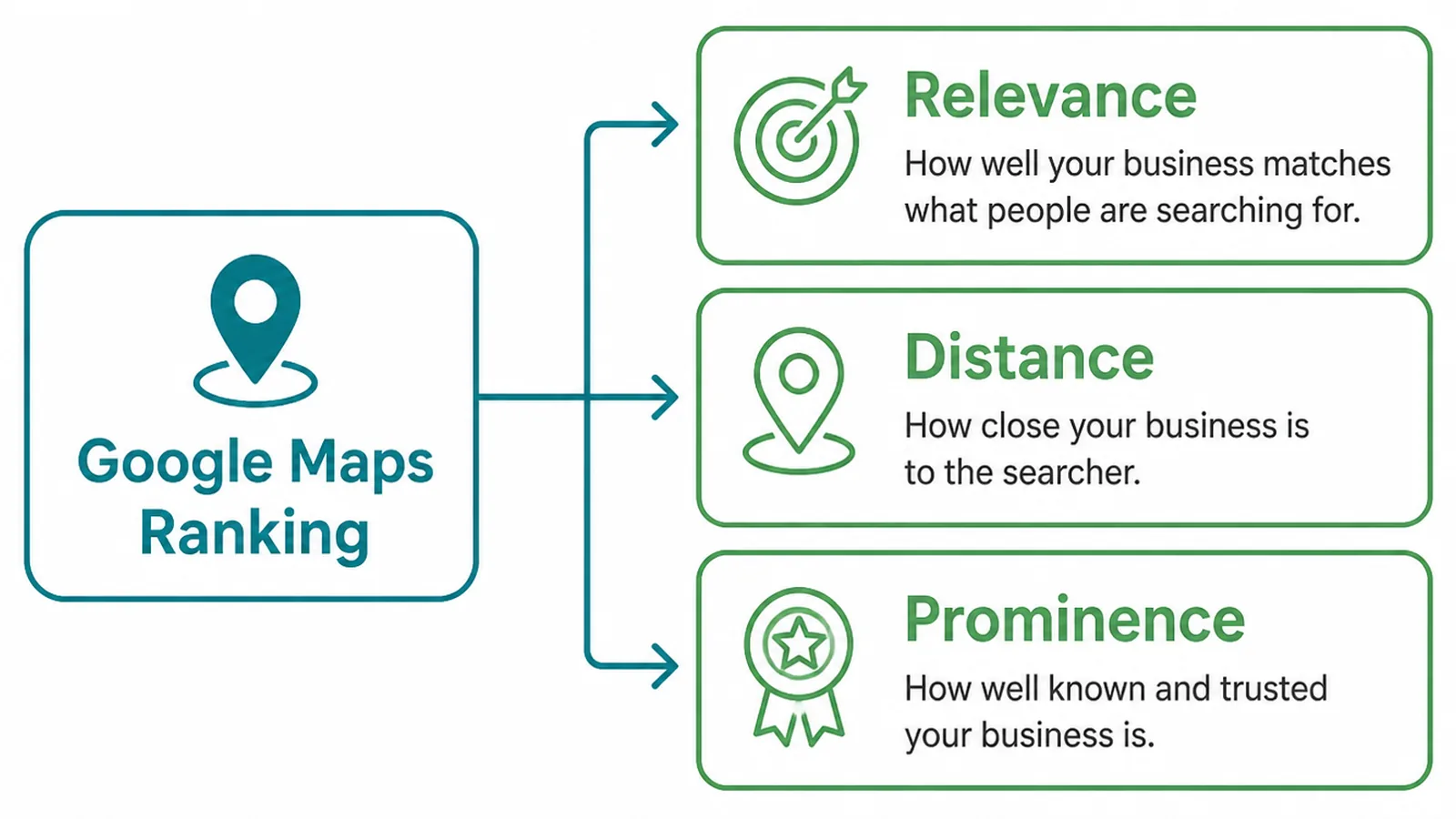
Google defines them as relevance, how well a profile matches what somebody searched for; distance, how far the business is from the searcher; and prominence, how well known a business is, which it says is based partly on links to your site and the number of reviews you have.
Two of those you can act on. Distance you cannot, unless you move premises.
That is worth sitting with, because it explains the result that frustrates people most. A business three streets further out can outrank you for a searcher standing nearer to them, and nothing is wrong.
Google also keeps the rest of the algorithm private. Everything beyond those three factors is somebody's inference, including ours, so treat confident numbers about "ranking weight" with suspicion.
If you want the maintenance side of this rather than the diagnosis, our local SEO checklist covers the recurring work.
Why Your Google Business Profile Is Not Showing
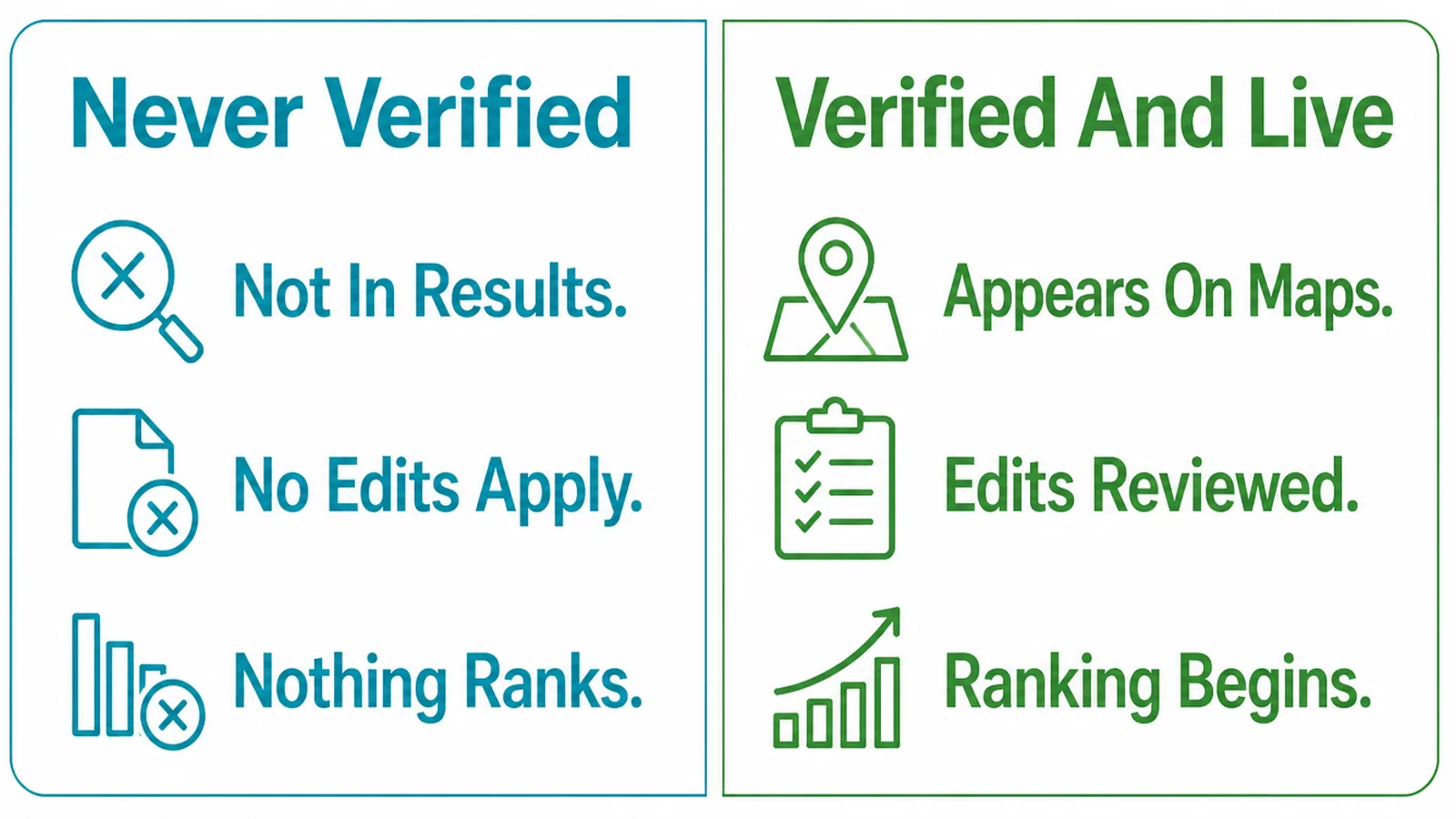
Before you tune anything, rule these out in order:
- It was never verified. Google is explicit that you must add or claim the business and then verify it before it shows on Search and Maps.
- An edit is still under review. Google reviews changes before they go live, so a correction you made on Monday may simply not have landed yet.
- The name breaks the guidelines. Google asks for the business name as it appears on real world signage. A name padded with services is the single most common reason a listing gets pulled.
- You moved and did not re-verify. Google requires verification again after a change of address.
- There is more than one listing. Duplicates split your reviews and your signals, and the weaker one often wins.
Only the first four are documented by Google directly. Duplicates are widely reported by people who manage listings, including us, so treat that one as experience rather than policy.
Check the edit status before you conclude anything failed. It is the cheapest test on this page and it resolves a surprising share of "Google ignored my change" problems.
How to Rank in Google Maps, Step by Step
Work through these in order. Each one assumes the one before it is done.
1. Claim And Verify The Profile
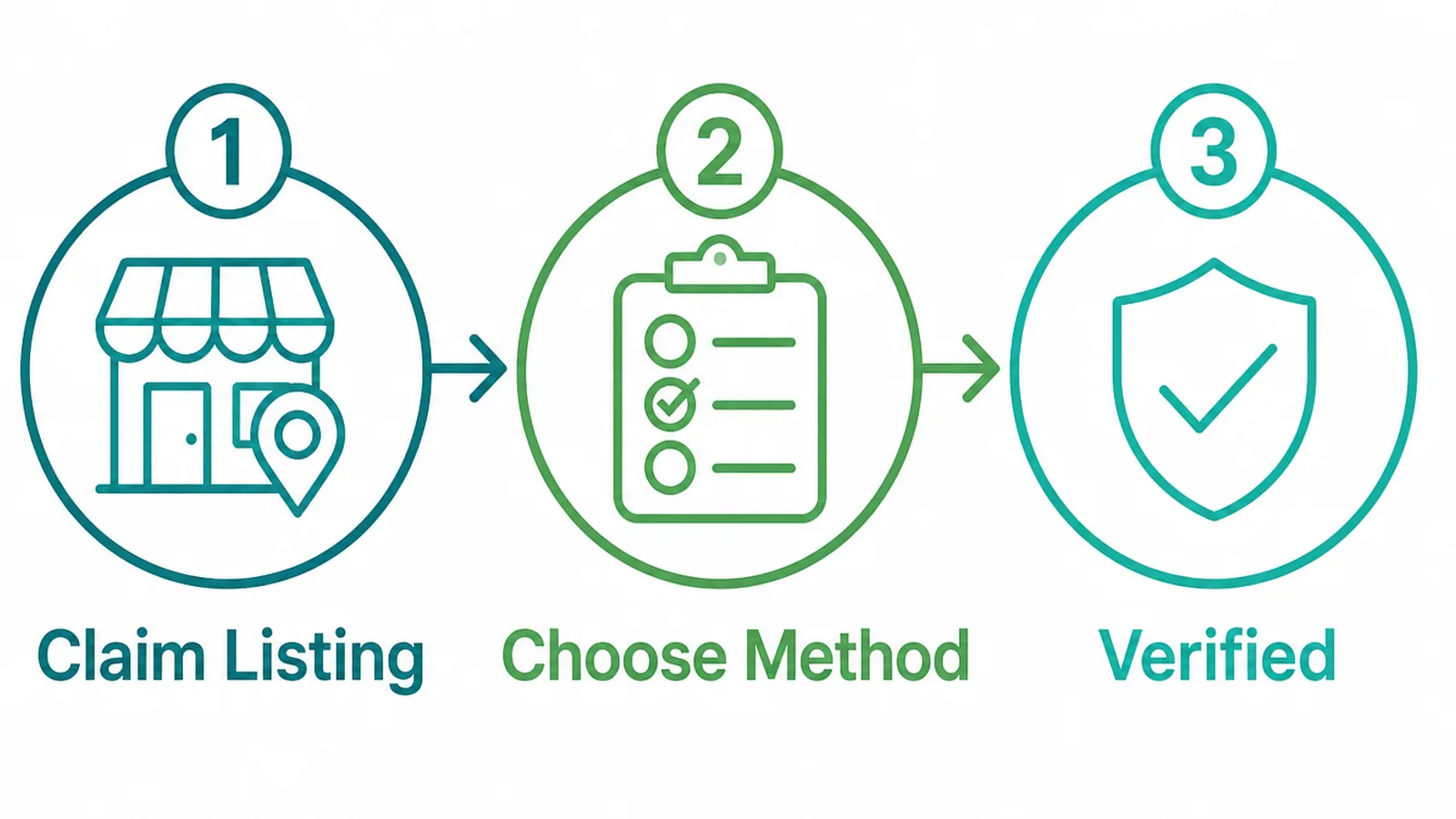
Search your business name and look for the option to claim it. If somebody else has already claimed it, Google has a process to request access, and that is the route rather than creating a second listing.
Verification is the gate on everything else. Until it clears, the rest of this list is theory.
2. Fix The Name Address And Phone
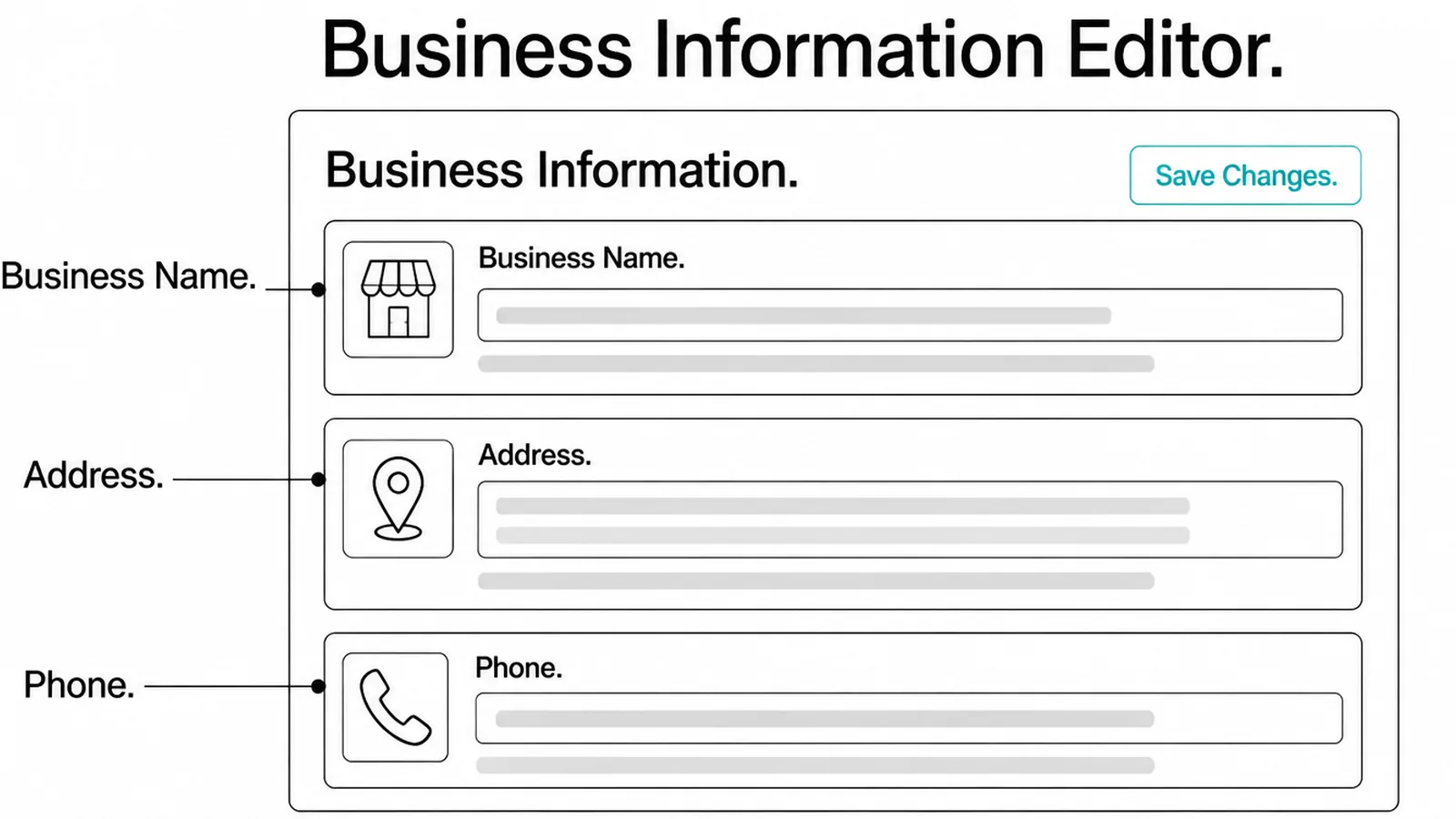
Use the name on your door. Not the name plus your two best keywords.
Then make the address and phone number identical on your website, your profile and any directory that lists you. Abbreviations count. A unit number that appears in one place and not another is a disagreement.
This is dull and it is the highest return hour on the list, because inconsistency is the thing you can fix completely and permanently.
3. Pick The Right Primary Category
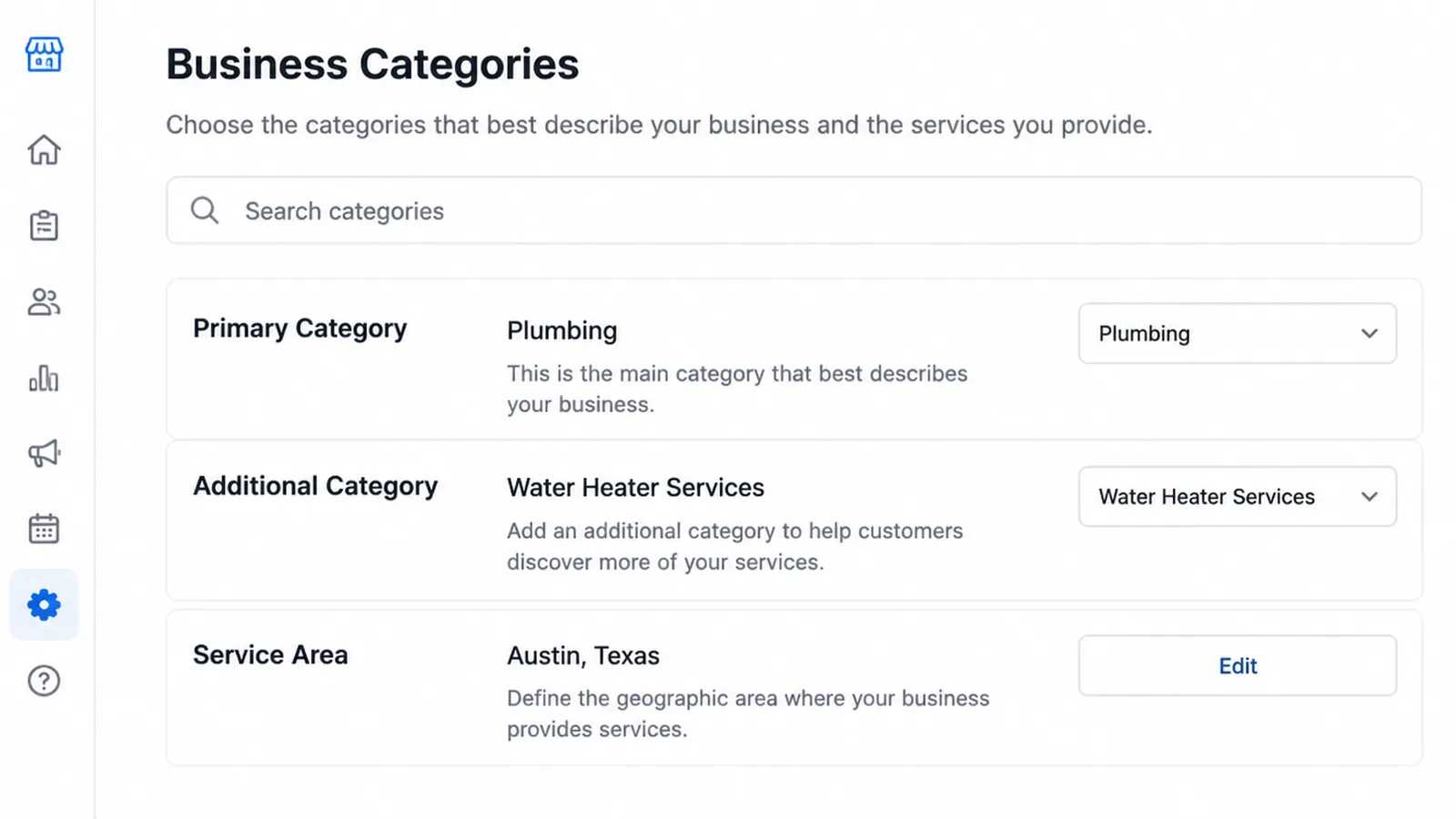
Your primary category is the biggest single lever in the profile, and it is the one most often set in a hurry during setup and never revisited.
Pick the one that names what you actually do, not the broadest one available. Add secondary categories for genuine additional services.
Google's guidelines warn against categories chosen as keywords, so resist the urge to add every category you could argue for.
4. Earn Reviews And Reply To Them
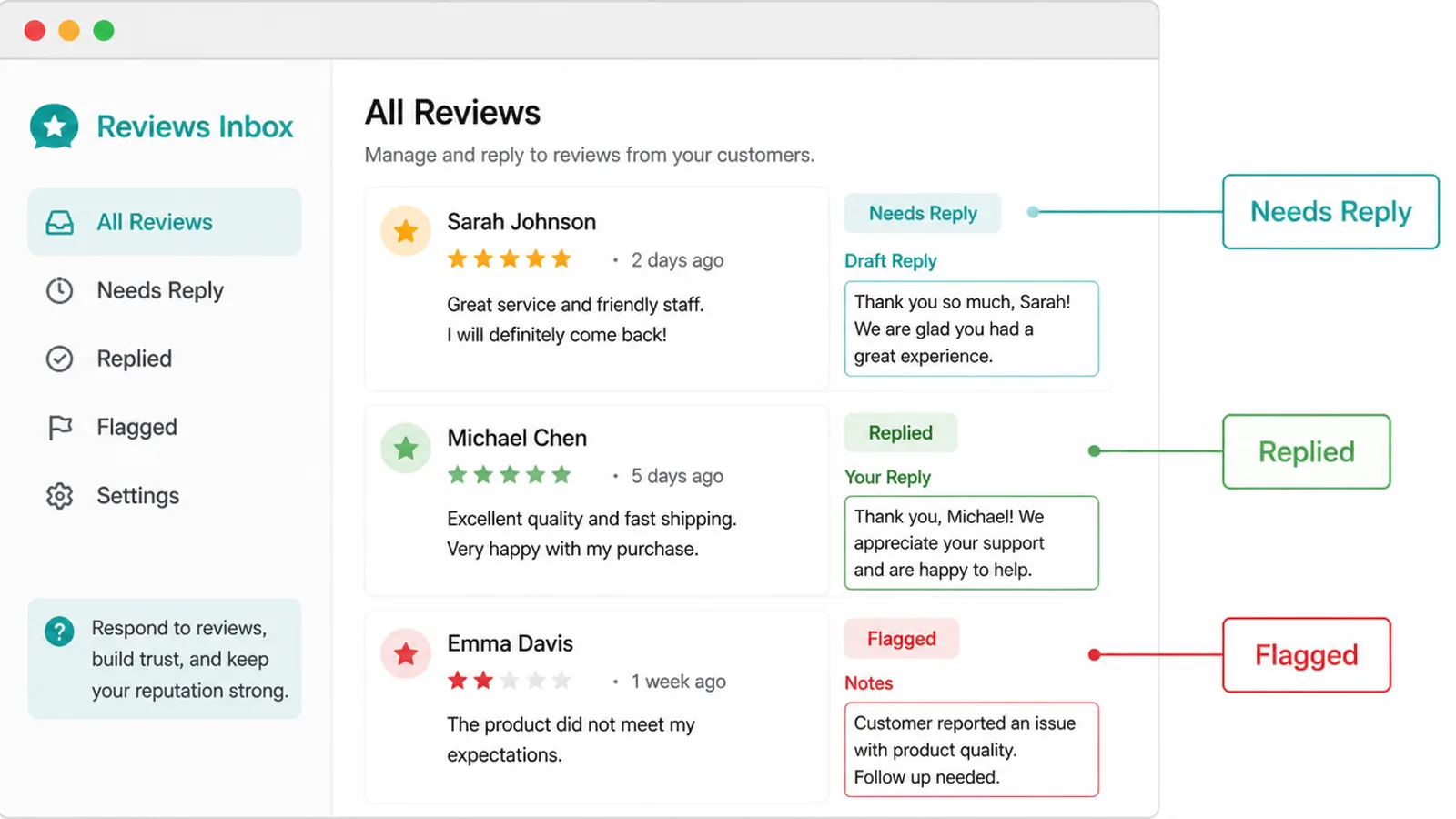
Google names the number of reviews as part of prominence, and says that replying shows you value feedback.
Build asking into the job rather than running a push. The invoice, the handover, the follow up message a week later. Pick one moment and use it every time.
Reply to the bad ones in public, briefly and without arguing. The reply is not for the person who wrote it.
5. Add Real Photos And Services
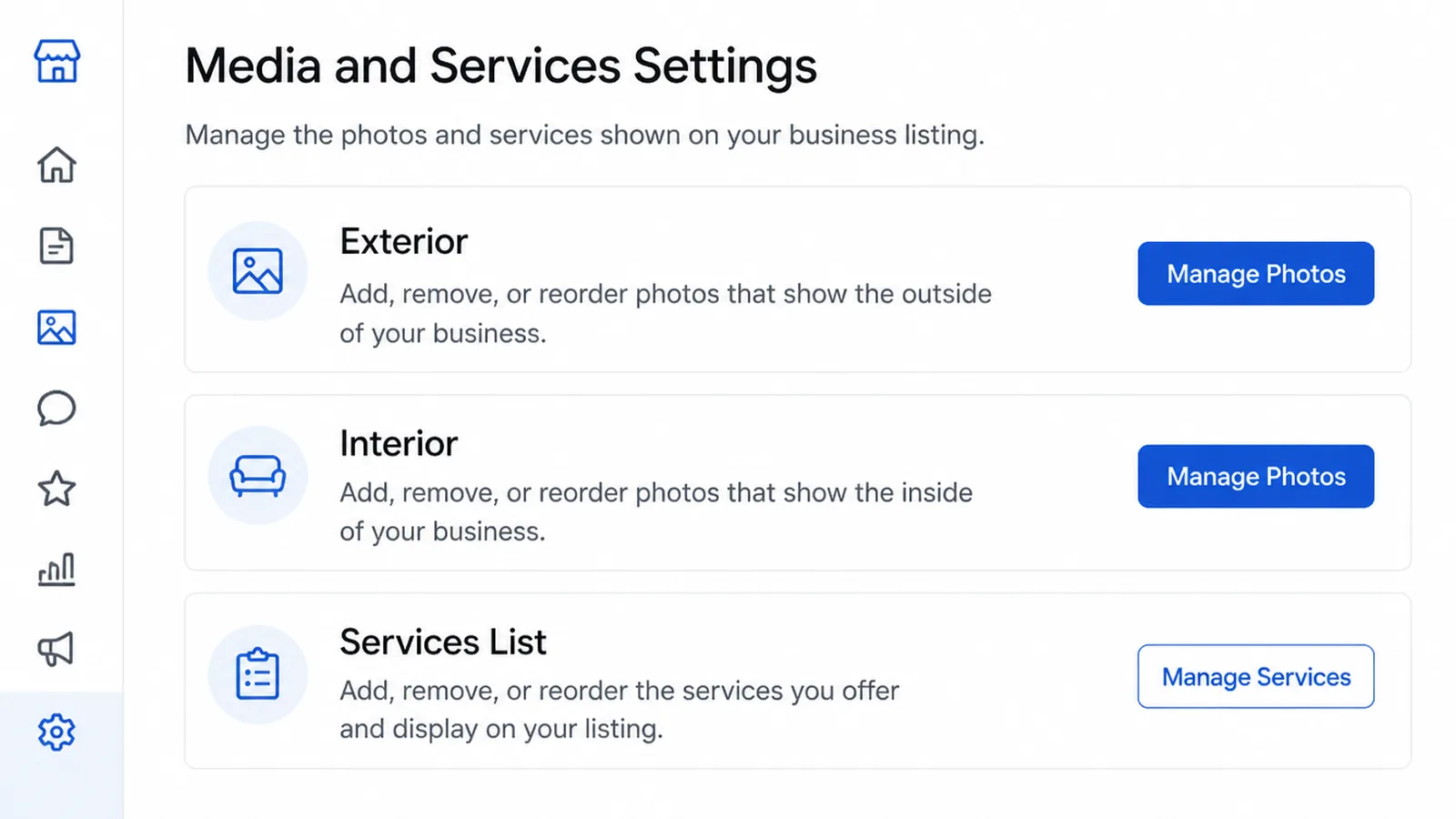
Here is a correction worth making, because plenty of advice gets it wrong. Google says photos help show customers what you offer. It does not say they improve your ranking.
Add them anyway. Exterior shots so people recognise the building, interior so they know what they are walking into, and your actual services listed out.
Photos rarely decide whether you are found. They often decide whether you are chosen.
How To Rank In Google Maps: Wins That Work Right Now
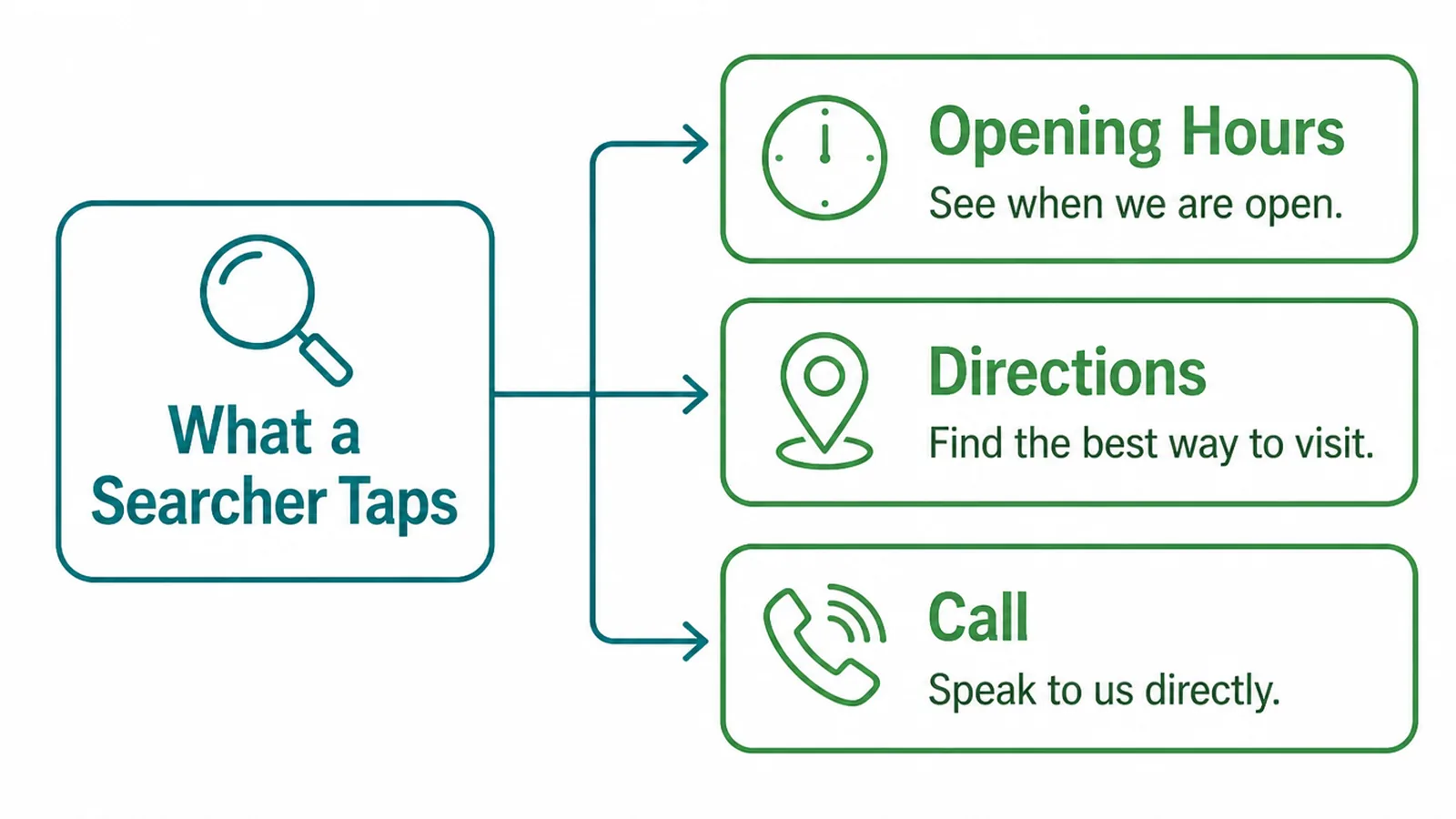
Most of what a searcher does in the local pack happens without visiting your website at all:
- Opening hours. Keep them current, including holidays. A business shown as closed loses the click to one that is open.
- Service areas. If you travel to customers, set the areas rather than leaning on your office address alone.
- The call button. Make sure it rings a phone somebody answers during the hours you published.
- Your website link. Point it at a page about the service, not always the home page.
None of this is clever. All of it is checkable in ten minutes, and it is the part that most often sits wrong for years.
Treat the profile as a shopfront rather than a directory entry. Somebody deciding between you and two others is reading hours, distance and recent reviews, in that order, and leaving as soon as one of them answers badly.
That is also why a holiday closure left unset costs more than it looks. It does not lose you a ranking position. It loses you the customer who was ready to call.
Google Maps Ranking Tools
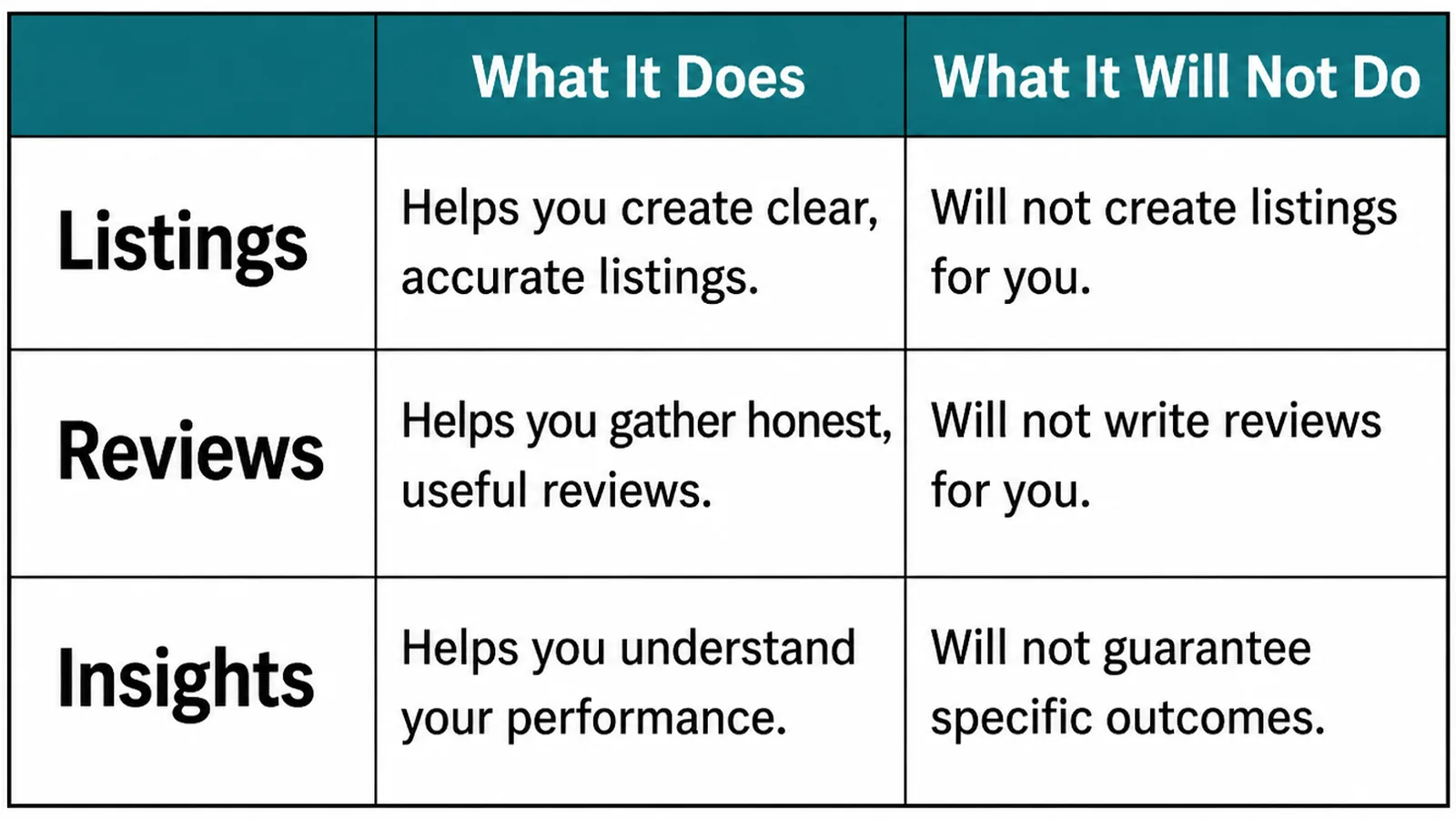
| Tool type | What it does | What it will not do |
|---|---|---|
| Listing managers | Push one set of details to many directories | Decide what your details should be |
| Review platforms | Automate the asking and collect replies in one place | Write a reply that sounds like you |
| Rank trackers | Show where you appear from different points on a map | Explain why, because the algorithm is private |
Buy a tool for the hours it saves, not the ranking it implies. Every one of these reports on work you still have to do.
Common Google Maps Ranking Mistakes
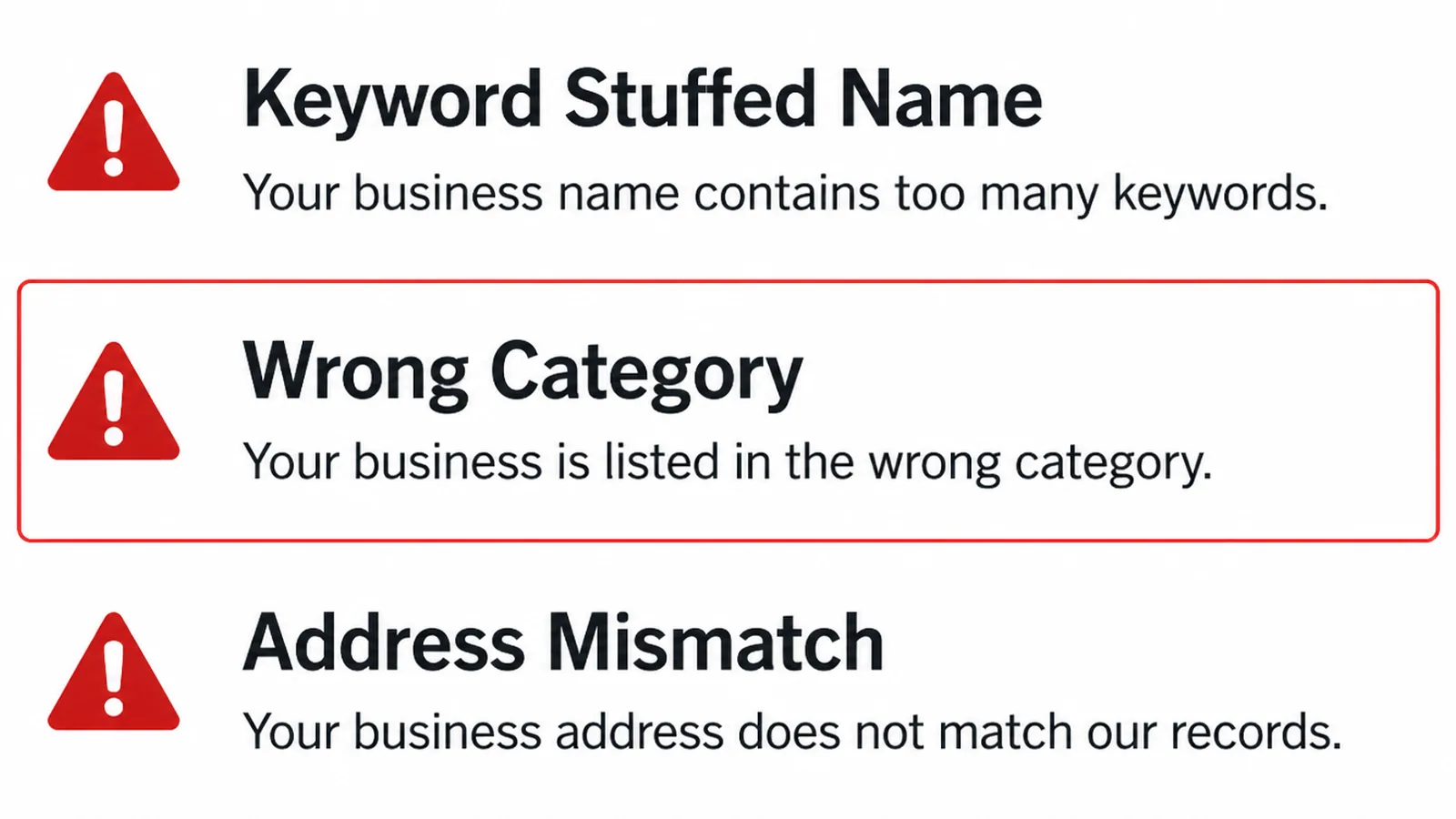
- Keywords in the business name. It is against the guidelines and it risks the listing you are trying to promote.
- A category set once and forgotten. Businesses change what they sell and the category stays where it was in year one.
- Addresses that disagree. Usually a unit number, an abbreviation or an old suite from a previous office.
- A second listing nobody closed. Often created accidentally when somebody could not get into the first one.
- Chasing a tactic instead of checking visibility. Reading ranking advice while the profile sits unverified.
FAQs
Why is my business not showing on Google Maps?
The most common reason is that the profile was added but never verified. Google requires verification before a business appears across Search and Maps. After that, the usual causes are an edit still under review, a business name that does not match real signage, or a category that does not describe the work.
How long does it take to rank in Google Maps?
Google does not publish a timeframe, and anyone who gives you one is guessing. Verification and profile edits are reviewed before they go live, so changes are not instant. Treat the work as upkeep rather than a launch, and judge it on whether calls and direction requests move.
Can I pay Google for a better map ranking?
No. Google states plainly that there is no way to request or pay for a better local ranking. Ads can place you above the local results, but they are labelled as ads and they do not change where your profile ranks underneath them.
Do photos improve Google Maps ranking?
Google says photos help show customers what you offer, but it does not say they affect ranking directly. They are still worth adding, because they are often what decides whether somebody who has already found your listing picks up the phone rather than scrolling on to the next result.
Does moving premises affect my Google Maps listing?
Yes. Google requires you to verify the business again after you move. Update the address first, expect the profile to go quiet while the new location is reviewed, and keep the old address off your website so the two do not disagree.
Conclusion
Being absent from Maps and ranking badly on Maps are two problems wearing the same coat. Check visibility first, then work the profile.
Verify, fix the name and the details, set the right category, and make asking for reviews part of the job. That order matters more than any single tactic in it.
If you would rather not work through it yourself, see how we approach local search, or get in touch and we will tell you which of the five situations above you are actually in.