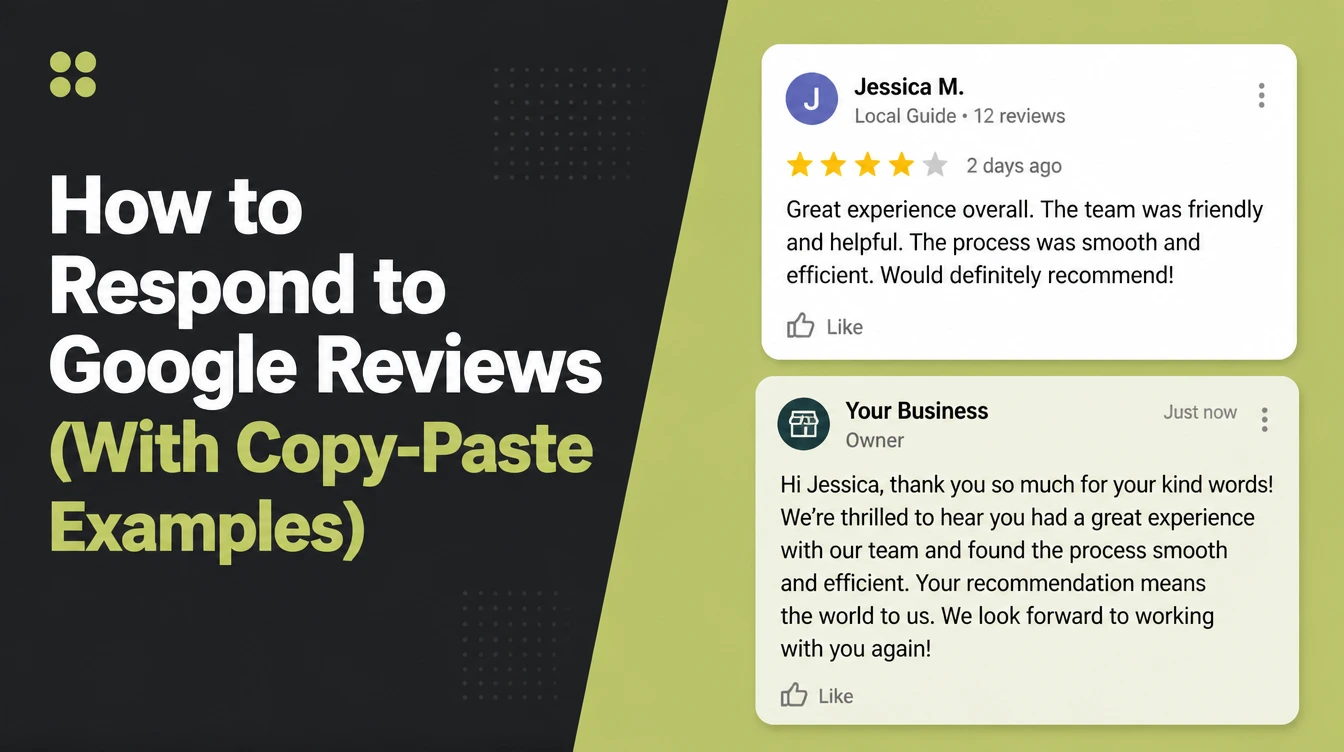
How to Respond to Google Reviews (With Copy-Paste Examples)

A Google review response is a public reply you post under a customer's review from your verified Business Profile. Name the customer, mention the specific point they raised, answer any complaint briefly, then take the rest private. Reply within a week, which 81% of consumers expect in BrightLocal's 2026 survey. Seed Light follows that practical approach.
There's a review sitting on your Google Business Profile that you've read four times and still haven't answered. Maybe it's a bad one. Maybe it's a good one and you don't know what to say back.
This guide covers what a reply actually does for you, the six steps I use to write one, and a set of examples you can copy for every kind of review you'll get.
By the end you'll be able to clear a backlog of unanswered reviews in an afternoon, without sounding like a form letter.
Key Takeaways
- Replying is expected, not optional. BrightLocal found 89% of consumers expect business owners to respond to reviews, and 42% say they're unlikely to use a business that never does.
- Google does not say replies improve your ranking. Its own guidance says replies help you stand out, which is a different claim, and worth knowing before you're sold on one.
- Templates get you started, not finished. Half of consumers are put off by generic or templated replies, so the specific detail you add is the whole job.
- Speed matters more than it did. 81% expect a reply within a week, and same-day expectations tripled between 2025 and 2026.
- A bad review isn't a removable review. Google will only take one down for breaking its content policy, and says plainly not to report a review because you disagree with it.
What Is a Google Review Response?
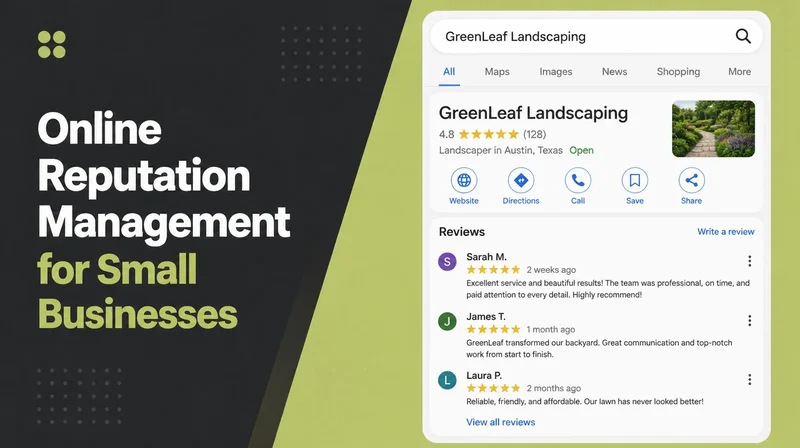
A review response is a public reply you post underneath a customer's review from your own Google Business Profile. It shows with your business name attached to it.
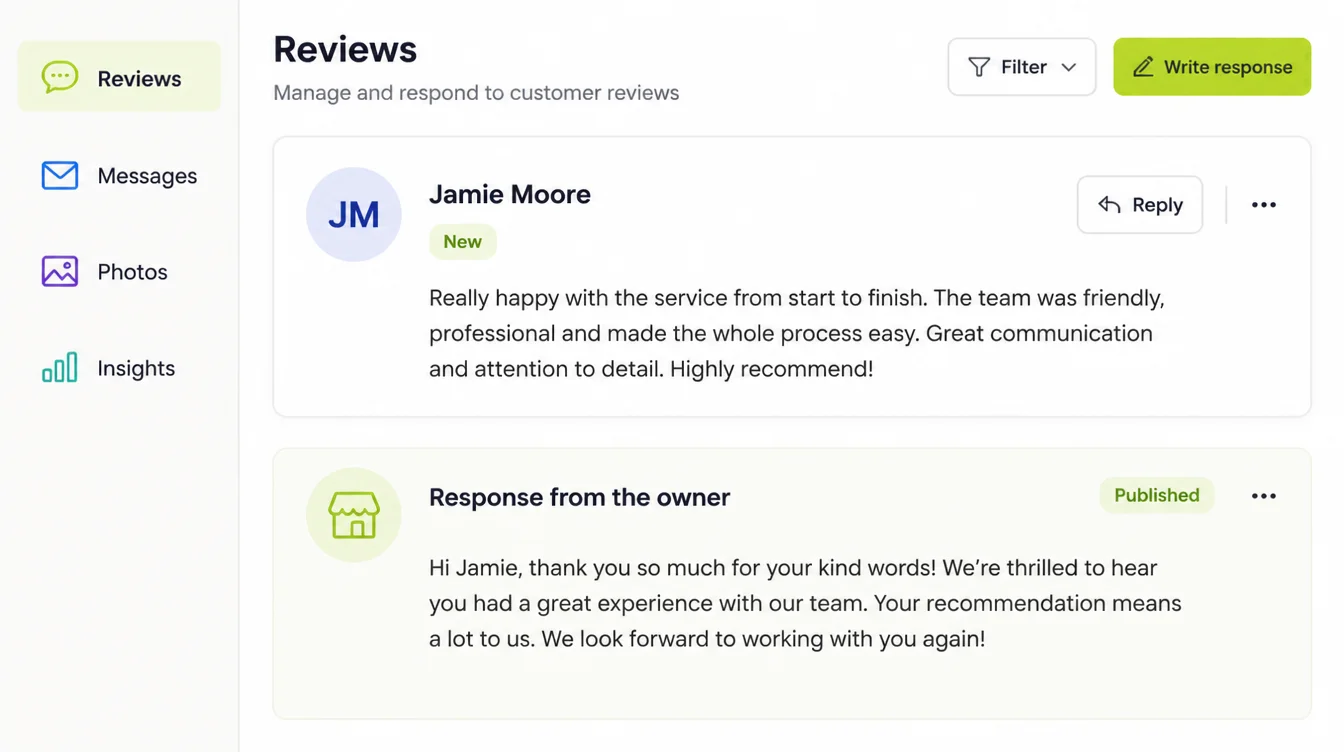
Two mechanics catch people out. You have to verify your business before you can reply at all, and the person who wrote the review gets notified when you do.
That notification is the part I'd think about hardest. You're writing to a real person who will read it.
If your profile itself is half filled in, fix that first. The Google Business Profile checklist is the shorter job of the two.
Replies aren't set in stone either. You can edit or delete your own reply afterwards, which takes some of the pressure off getting it perfect first time.
One thing to expect: Google moderates your reply before it appears. It says this usually takes up to 10 minutes, though it can take up to 30 days.
Why Replying Matters More Than It Used To
Start with what buyers say they want, because that's the honest reason.
BrightLocal's 2026 Local Consumer Review Survey found 80% of consumers are likely to use a business that responds to all of its reviews, and 42% are unlikely to use one that never replies.
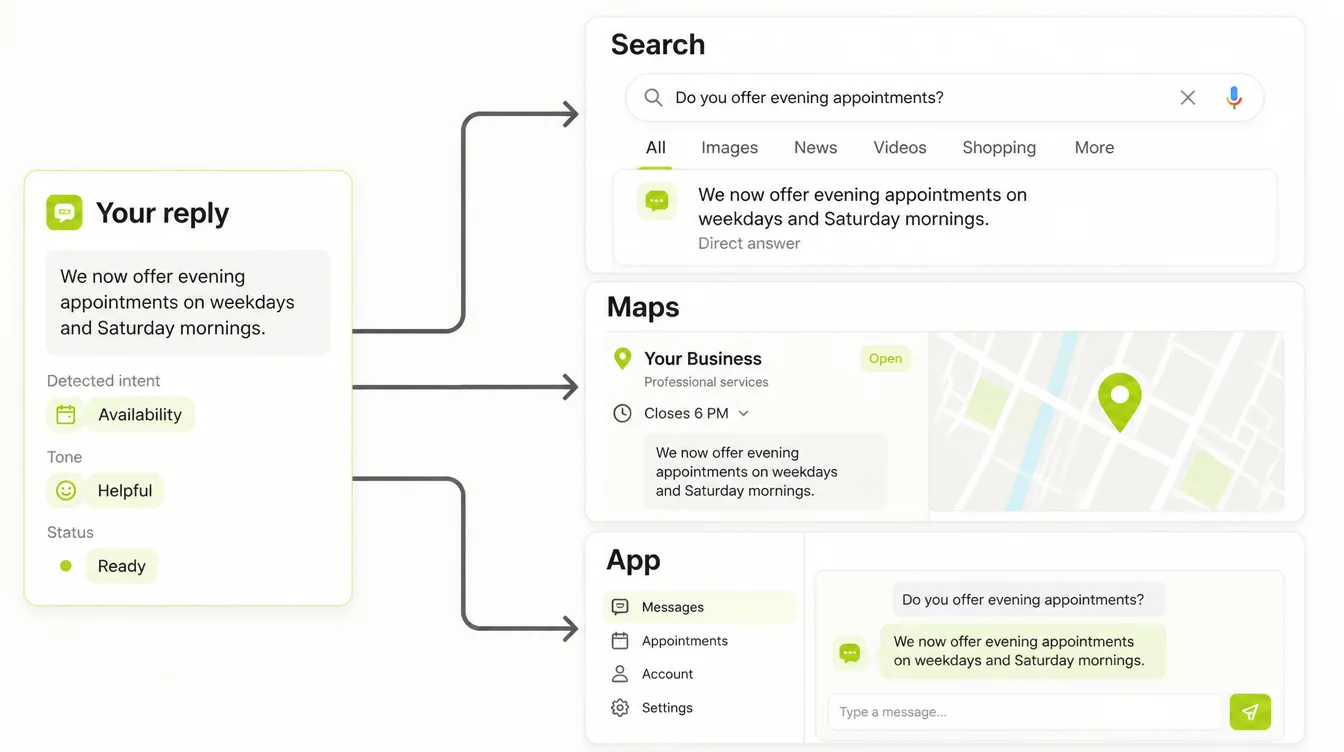
The same survey found 89% expect business owners to respond, and 81% expect a reply inside a week. Same-day expectations climbed from 6% in 2025 to 19%.
In its 2022 study of 353 enterprise brands, SOCi found the highest yearly reply rate it observed was 5.4%. The same page cites a 36.2% average reply rate from a separate 2022 report, so neither figure describes businesses on one street.
Now the part most articles get wrong. Google's guidance on local ranking names three factors: relevance, distance and prominence. Prominence draws on things like links to your site and how many reviews you have.
Replies are not on that list. What Google actually says is that replying "shows that you value their feedback" and that "positive reviews and helpful replies can help your business stand out."
Standing out to the person choosing between you and the shop next door is worth plenty. It just is not a ranking lever, and anyone selling it as one is overreaching.
How to Write a Reply That Works
Here's the order I work in. It takes about two minutes per review once you stop staring at the box.
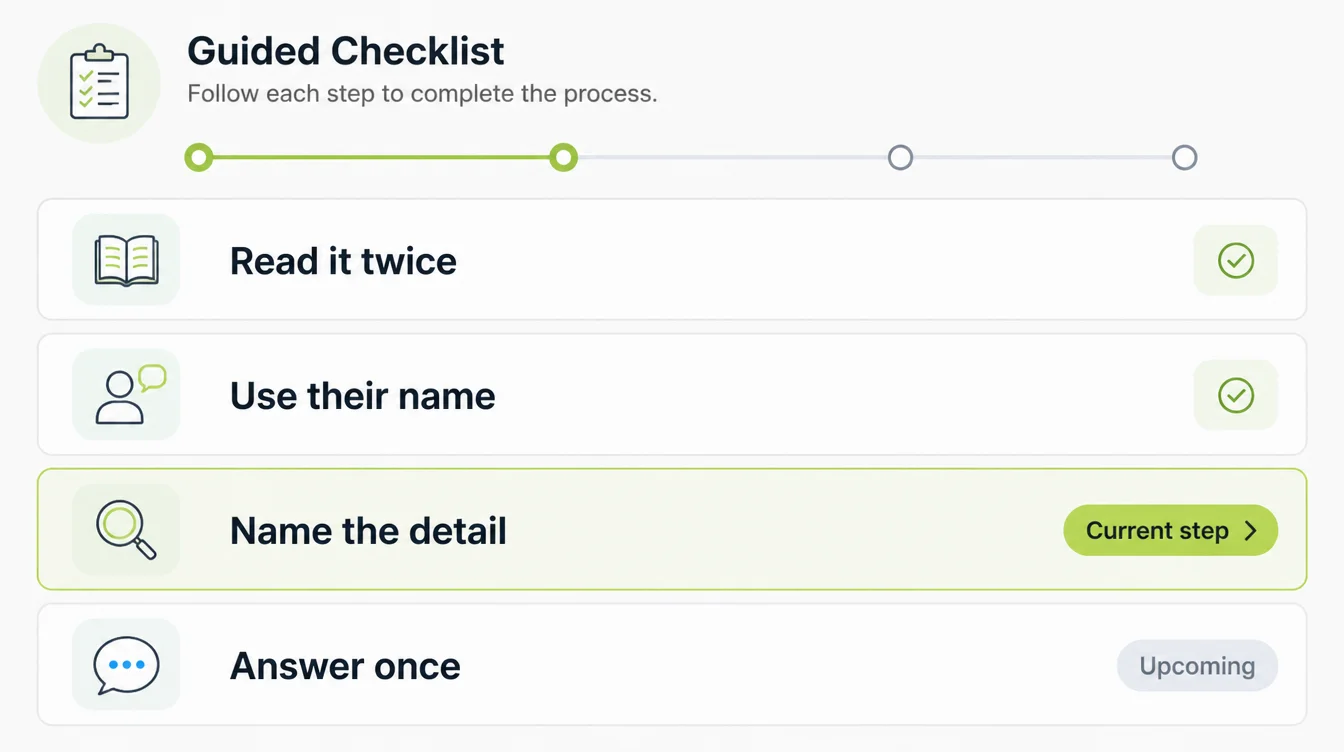
1. Read the review twice before you type
The first read is emotional. The second one tells you what the person actually wants, which is usually smaller than it first looked.
Write down the one thing they're really saying. That sentence becomes your reply.
2. Open with their name and a real thank you
Use the first name shown on the review. It signals a person read this, not a queue.
Skip "Dear valued customer." It reads like a bank letter and it's the fastest way to sound automated.
3. Name the specific thing they mentioned
This is the step that separates a reply from a template. If they mentioned the delivery driver, the Saturday opening, or the flat white, say that thing back.
It matters because generic or templated replies put off 50% of consumers. The template gives you the shape. The detail is what stops it reading as one.
4. Answer the complaint in one plain sentence
Say what happened or what you've changed. One sentence, no legal throat-clearing.
Don't argue the facts in public, even when you're right. Everyone reading has already decided the arguing business is the difficult one.
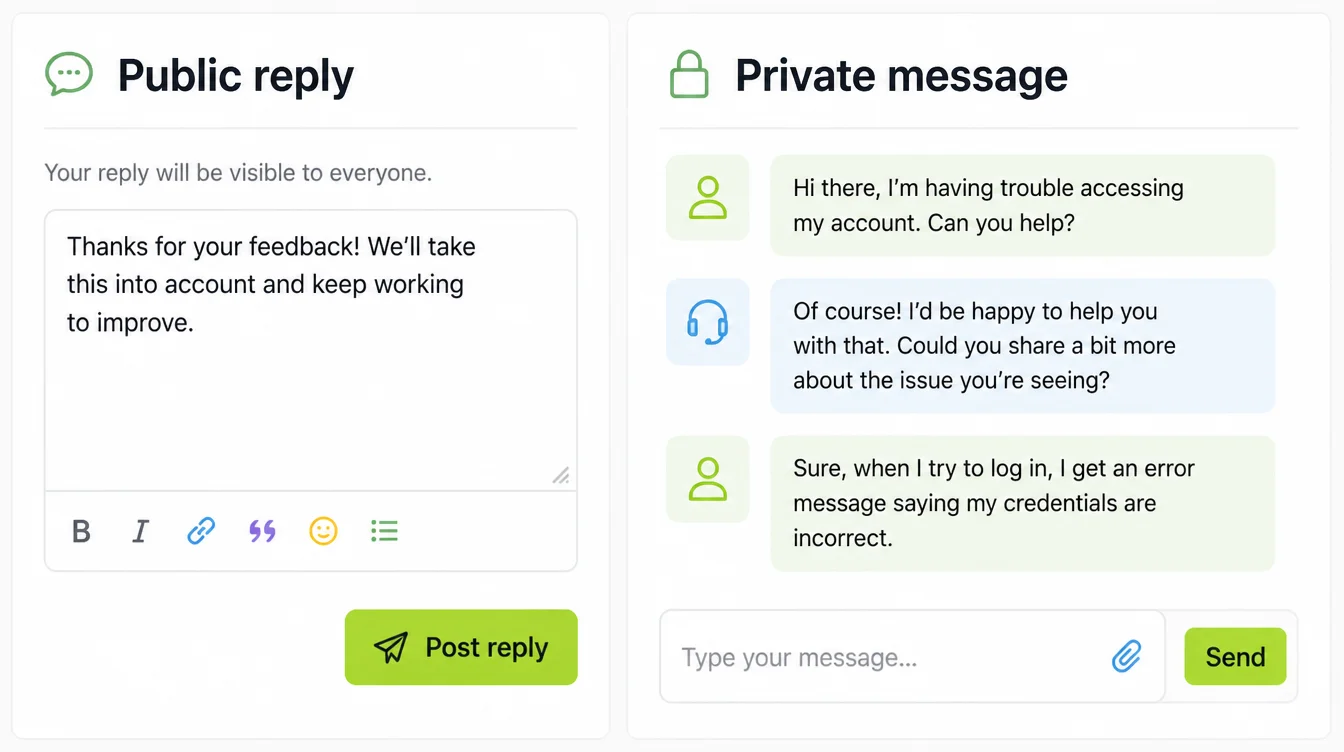
5. Move the argument off the page
Give one route to reach you and stop there. A WhatsApp number or a direct email works better than "contact our support line" for a small business.
6. Close without a sales pitch
No discount code, no "check out our new menu." A review reply is customer service that happens to be public.
Invite them back in five words and stop typing.
Reply Examples You Can Copy
Swap the bracketed parts for the real detail. If you change nothing else, change those.
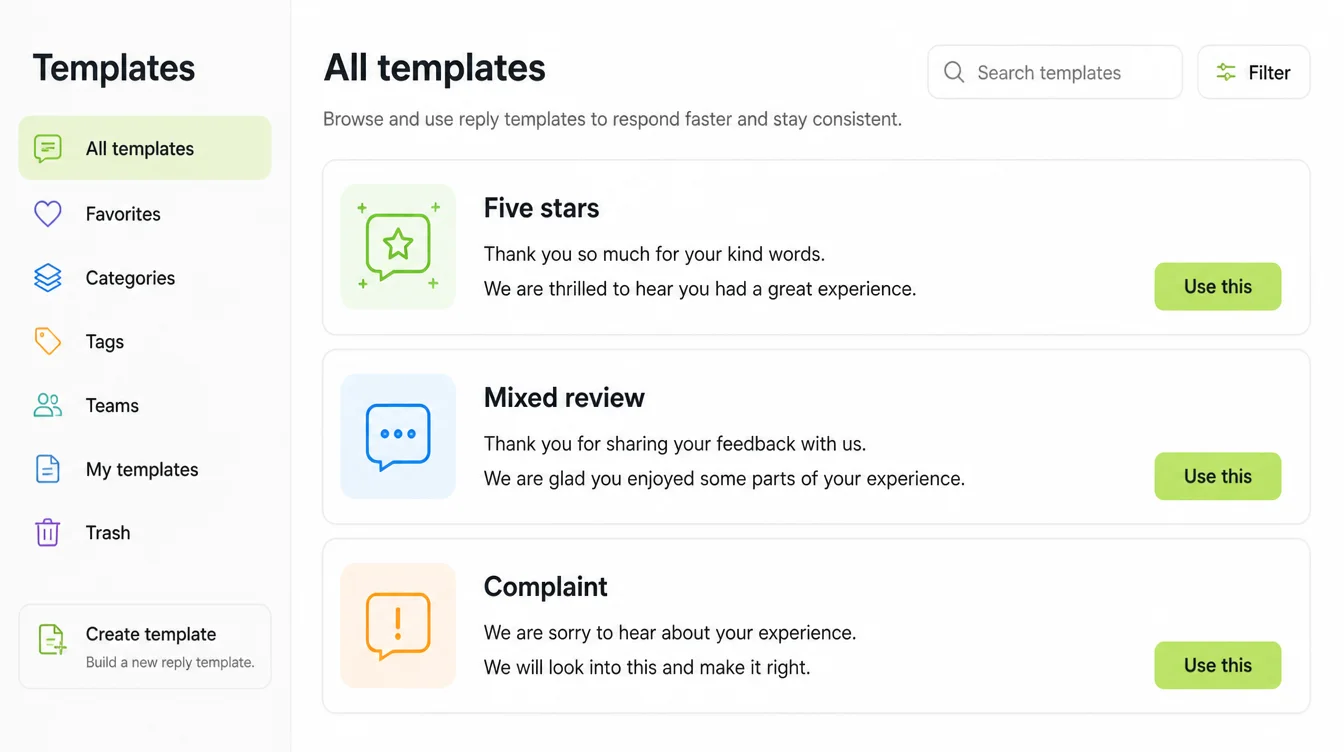
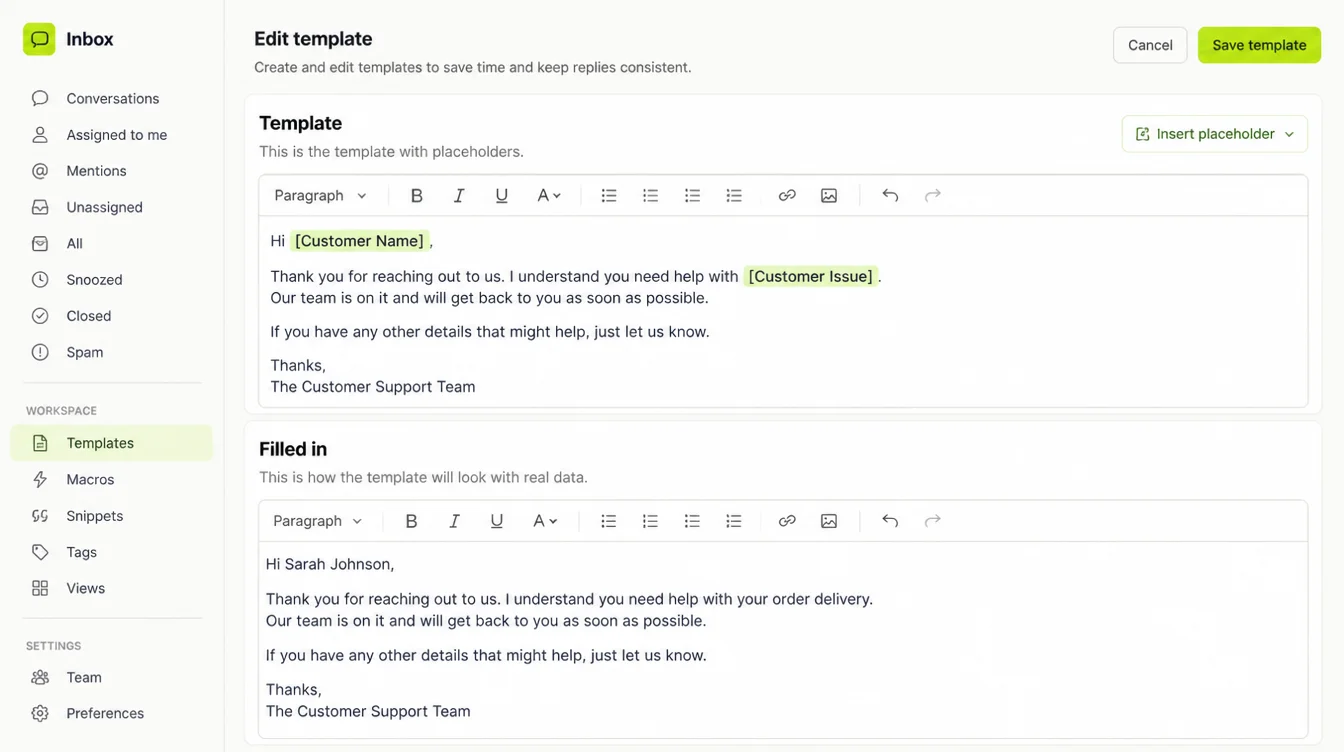
- Five stars with words. "Thanks [name], really glad [the specific thing] worked out. [Team member] will be happy to hear it. See you next time."
- Five stars, no words. "Thanks for the rating, [name]. If there's anything we could do better, I'd genuinely like to hear it."
- Four stars with a niggle. "Thanks [name]. Fair point about [the niggle]. We've [what you changed] since, so it should be better next visit."
- Three stars, mixed. "Appreciate the honesty, [name]. [The good bit] is what we aim for, and [the weak bit] clearly wasn't there that day. Working on it."
- One star, fair complaint. "I'm sorry, [name]. [What went wrong] shouldn't have happened and I've [what you did about it]. Message me on [number] and I'll sort it out properly."
- One star, no detail. "Sorry to see this, [name]. I can't find a booking under this name, so I may be missing something. Message me on [number] and I'll look into it."
- A review you believe is fake. "We have no record of this order, [name]. If you've dealt with us I'd like to fix it, so please reach me on [number]. Otherwise we'll ask Google to review it."
Those bracketed slots exist for a reason. A reply with none of them filled in is exactly the template half of your customers dislike.
Tools That Make Replying Easier
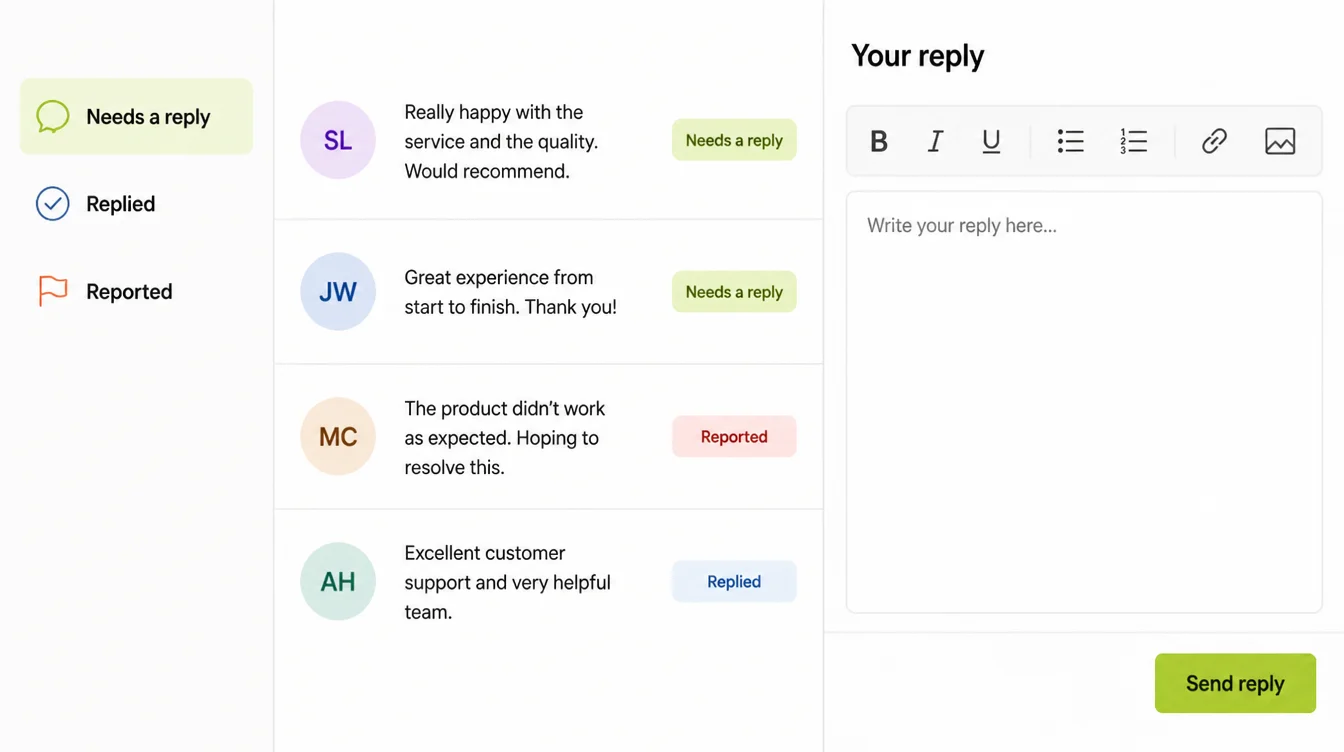
You don't need software for this. You need somewhere the reviews land so you notice them.
| Tool | What it does for you |
|---|---|
| Google Business Profile on desktop | Where you verify, read and reply, and where you edit a reply you got wrong |
| Google Maps app | The realistic option for replying between jobs, on the phone you already carry |
| Google Business Profile notifications | Email or app alerts so a review doesn't sit for three weeks unnoticed |
| A shared inbox or WhatsApp Business | Where you continue the conversation once you've moved it off the public page |
| A saved notes file | Your seven openers, so you start from a sentence instead of a blank box |
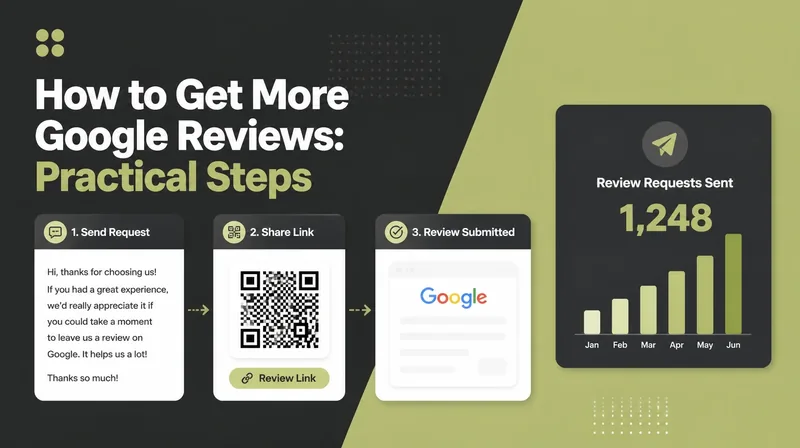
Replying is only half of it. Getting the reviews in the first place is a separate job, and I covered that in how to get more Google reviews.
Common Review Reply Mistakes
These are the expensive ones, and each is avoidable in about ten seconds.
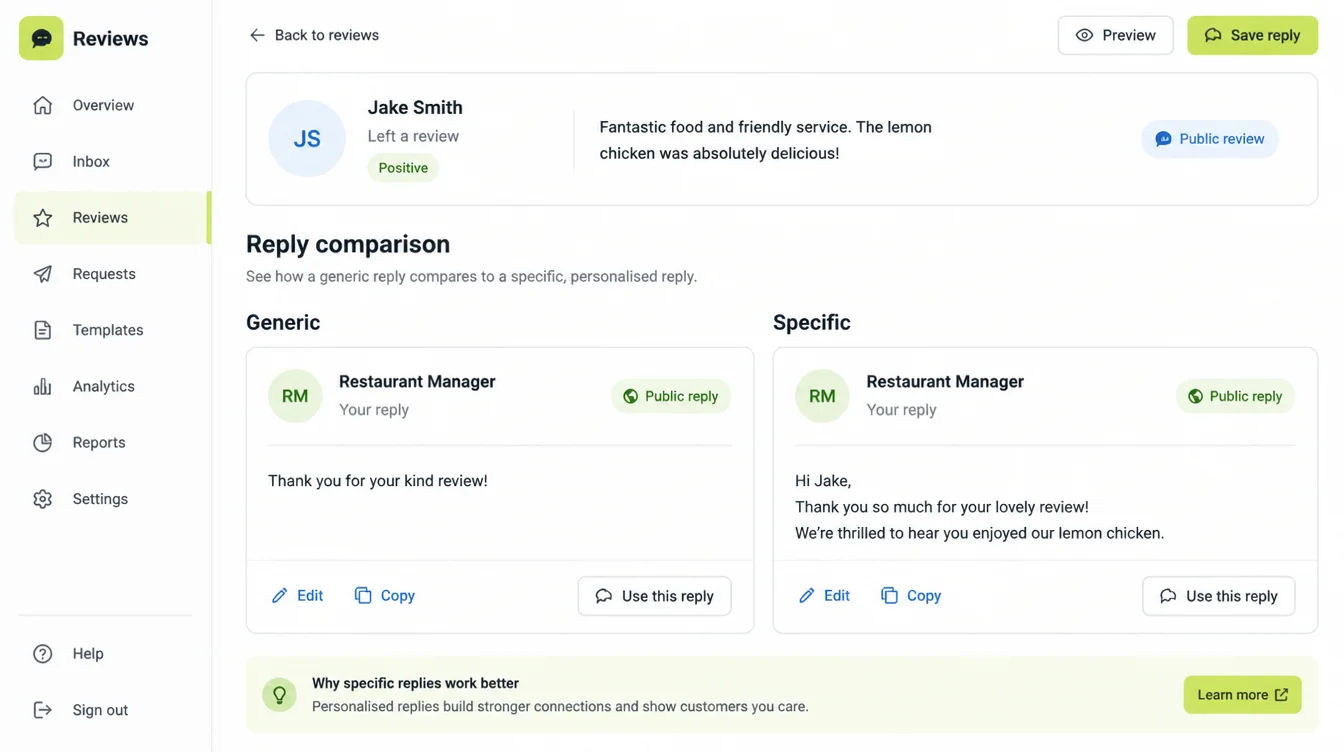
- Pasting the identical reply under every review. Customers scroll the list and see the repetition instantly, which is the failure mode the templated-reply finding describes.
- Arguing with a one star in public. You may win the point and lose the next reader, who only sees a business that fights back.
- Reporting a review you simply disagree with. Google says plainly not to report a review just because you disagree with it or dislike it.
- Asking for a review while the customer is standing there. Google's content policy says merchants should not pressure people to leave reviews on the premises.
- Selling in the reply. A discount code under an apology reads as if the complaint was an opportunity.
- Answering the five stars and ignoring everything else. The silence under a two star is louder than any reply you could have written.
If a review does break the rules, that's a different route. Google's prohibited and restricted content policy covers fake content, impersonation, conflicts of interest, off-topic posts and harassment, and those are the grounds worth reporting on.
Expect it to take a while. Google says assessment of a reported review typically takes several days, and reply while you wait rather than instead of waiting.
FAQs
Does replying to Google reviews help SEO?
Not in the way it's usually sold. Google's local ranking guidance names relevance, distance and prominence, and lists review count among the prominence signals, not replies. What Google does say is that positive reviews and helpful replies can help your business stand out, which is about the person reading.
How fast should I reply to a Google review?
Within a week covers most people. BrightLocal's 2026 survey found 81% expect a reply within a week, 32% expect one the next day, and 19% expect one the same day. Same-day expectations rose sharply from 2025, so the old 48 hour folk rule is getting tight.
Can I delete a bad Google review?
Not for being bad. You can report a review that breaks Google's content policy, covering things like fake content, impersonation, off-topic posts or harassment. Google states you shouldn't report a review just because you disagree with it, and says assessment typically takes several days.
Does the customer know when I reply?
Yes. Google notifies the person who wrote the review when you post a reply. You can also edit or delete your reply afterwards, so a clumsy first attempt is fixable. Replies go through moderation first, usually within 10 minutes, though Google says it can take up to 30 days.
Should I use templates for review replies?
Use them as a starting shape, not a finished answer. BrightLocal found generic or templated replies put off 50% of consumers. A template that names the customer, the specific thing they mentioned and what you did about it stops reading as a template, which is the entire point of the exercise.
Conclusion
Replying to reviews is one of the cheapest things you can do for how your business looks to a stranger.
It costs an afternoon to clear a backlog, and roughly two minutes each after that. Most of your competitors won't bother.
Keep the promise small and keep it public: read it twice, name the detail, answer once, take the rest to a private message.
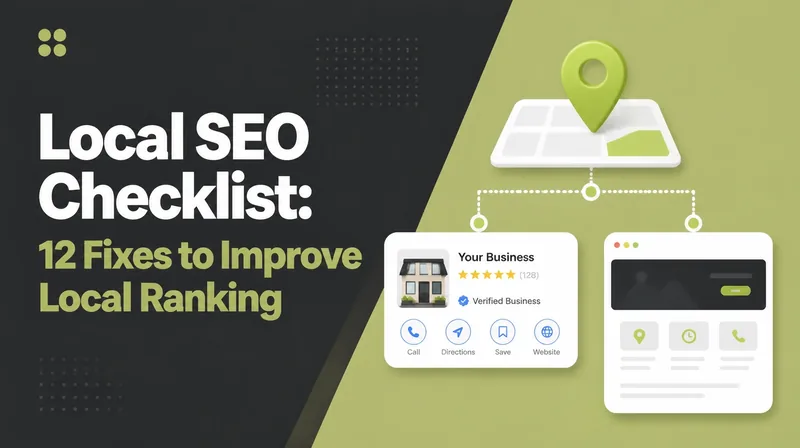
Reviews are one line on a longer list. Our local SEO checklist has the rest of it in order.
If you'd rather have your profile, your reviews and your local search handled together, see how we approach local SEO, or reach out to my team at Seed Light.