How to Create a Facebook Ad and Launch It

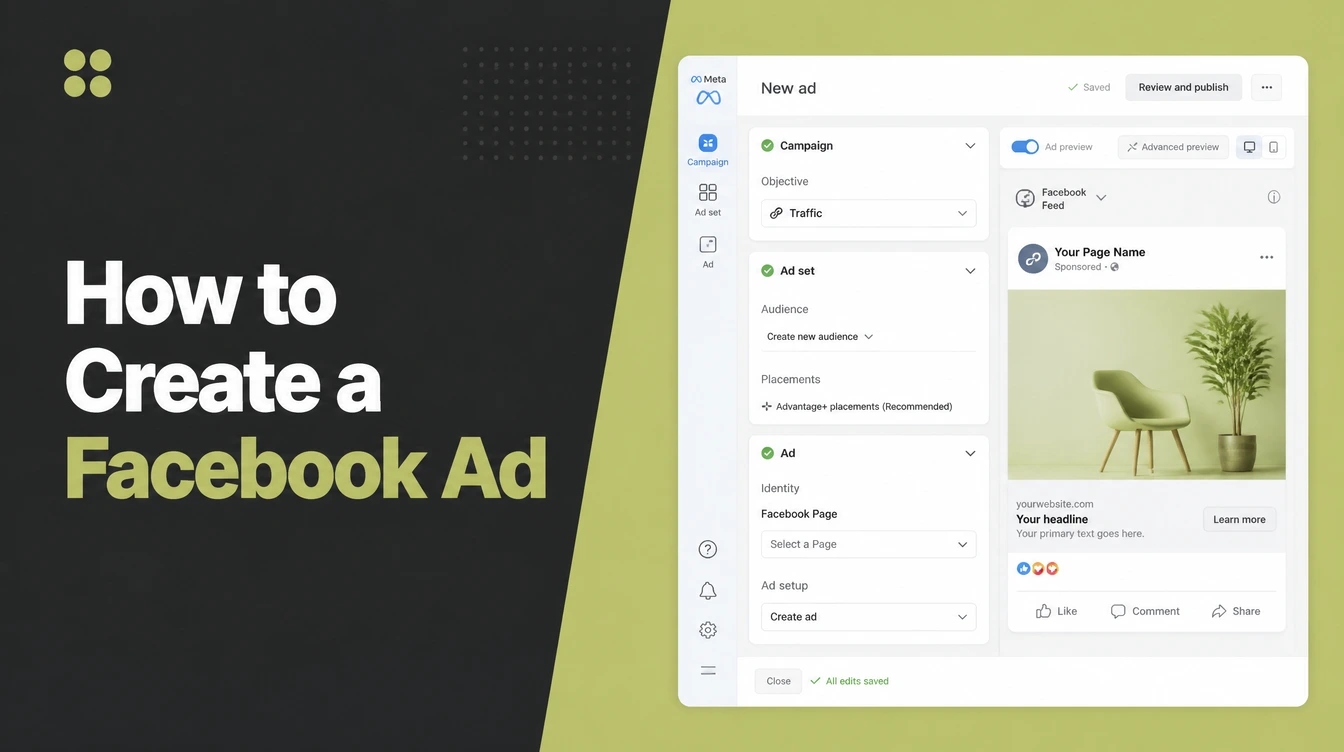
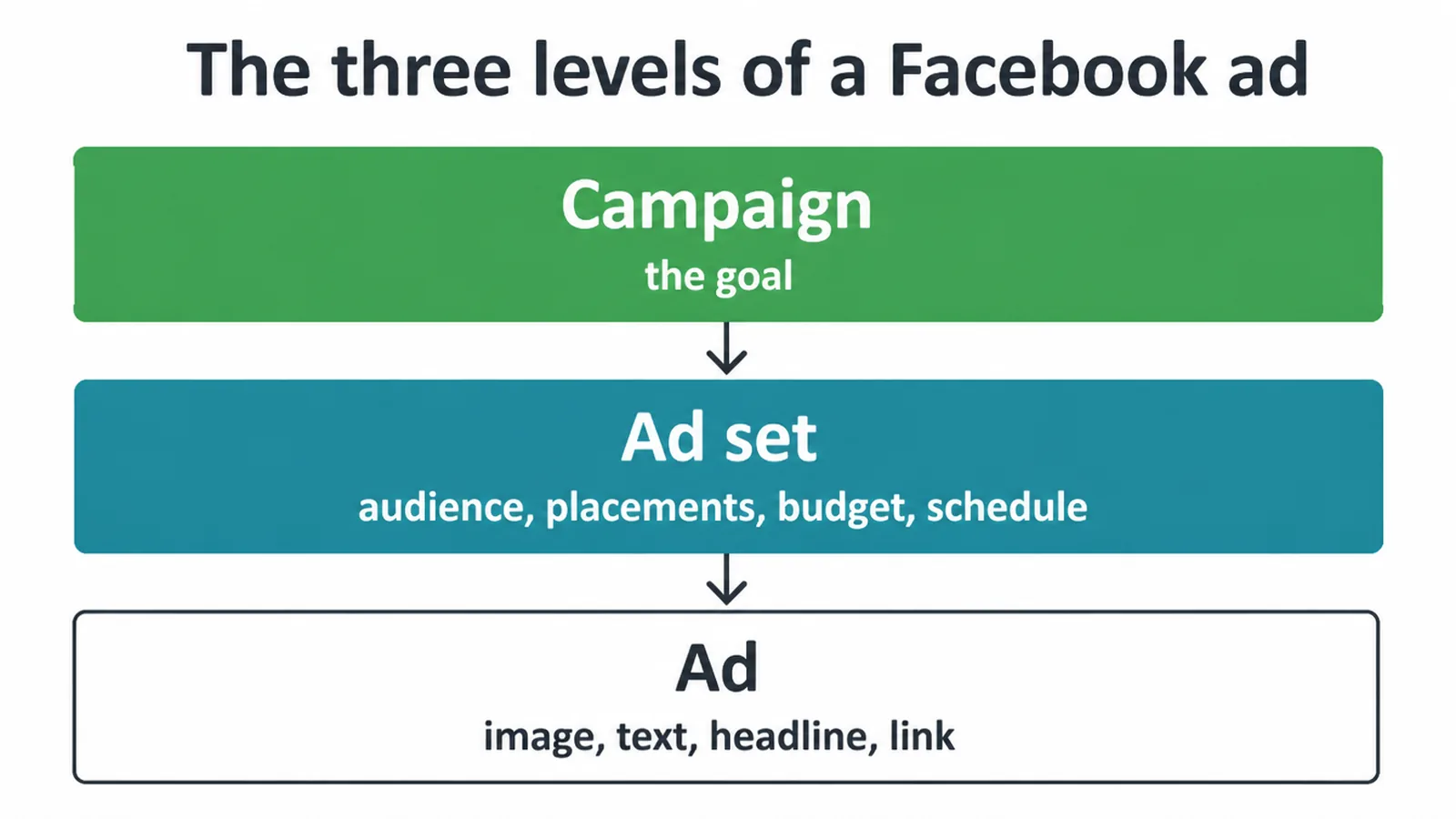
Learning how to create a facebook ad means learning three levels in Meta Ads Manager. The campaign holds the objective, the ad set holds the audience, budget and schedule, and the ad holds the creative and the link. Narrow the audience and match the landing page. Seed Light runs these for small businesses.
Creating a Facebook advert is not hard. Creating one that does not quietly waste money takes about three more decisions.
The interface asks you a long sequence of questions, and nothing in it tells you which answers actually matter.
This guide covers what you need before you start, the three levels everything is built on, the steps in order, and the few choices that decide whether it works.
Key Takeaways
- Three levels, three jobs. Campaign, ad set, ad.
- The objective shapes delivery. Choose the action you want.
- Narrow the audience. Everybody nearby is not an audience.
- Send the click somewhere matching. Never to the home page.
- Give it time before judging. One day tells you nothing.
What You Need Before You Start
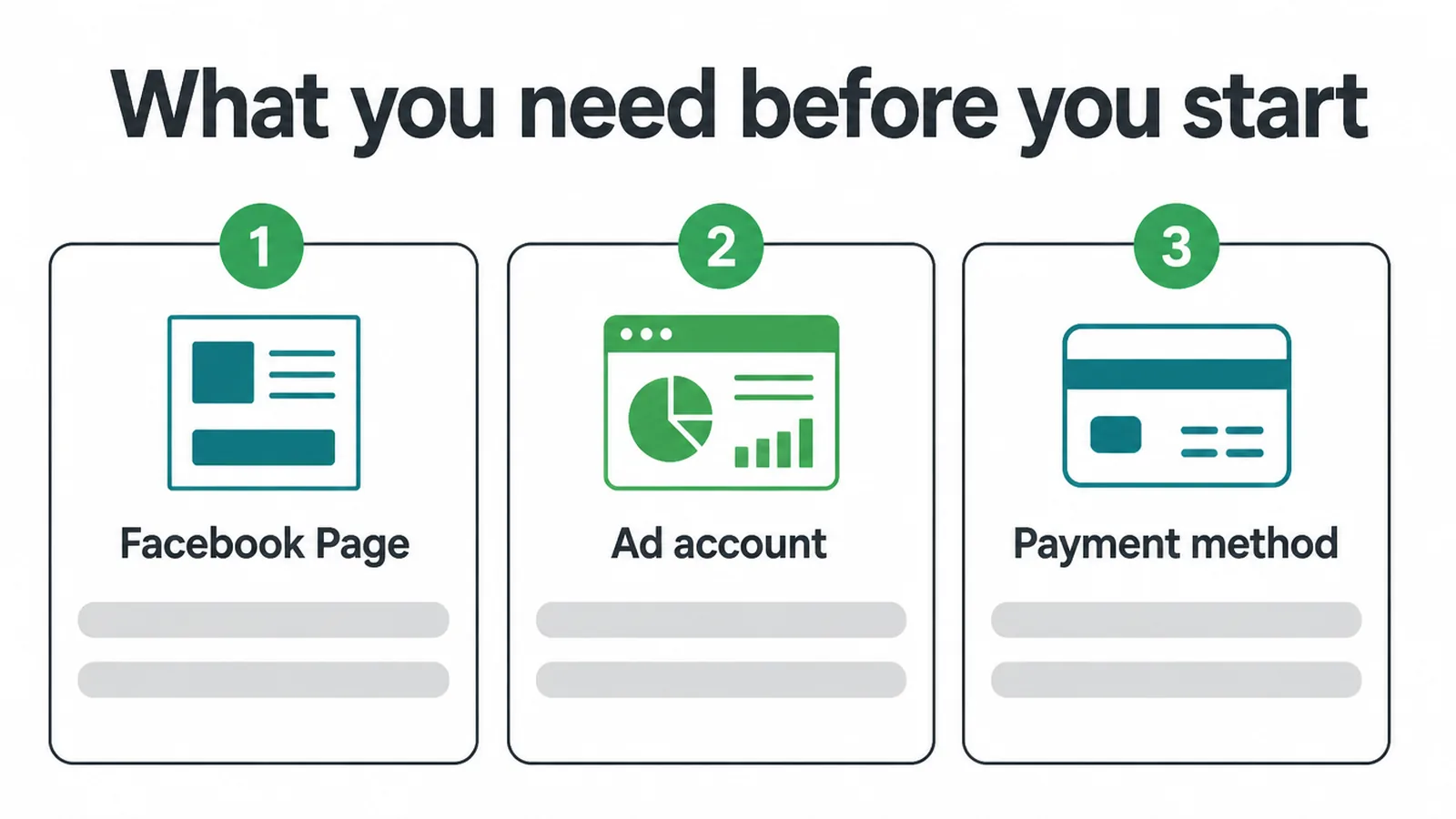
Three things, and all three take minutes rather than hours.
Set them up before you have an advert in mind. Doing the admin while impatient to launch is how payment details get entered wrongly.
A Facebook Page for your business, because adverts run from a Page rather than from a personal profile.
An ad account inside Meta Ads Manager. That is where everything is built and where the reporting lives.
A payment method on the account, since nothing publishes without one attached.
Use a card you watch rather than one you forget about, because advertising spends daily and quietly.
Boosting a post is not the same as this. A boost is a shortcut with almost none of the controls, and it is where most wasted budget goes.
It is also worth having something ready to send people to before you start. An advert pointing at a page that does not answer the advert is money spent to create disappointment.
Write the offer down in one sentence first. If that sentence is hard to write, the advert will be harder.
The Three Levels
Everything in Ads Manager sits in one of three layers, and knowing which layer you are in removes most of the confusion.
The campaign holds the goal. One decision, made once, and it shapes everything underneath it.
The ad set holds the audience, the placements, the budget and the schedule. This is where the money is actually controlled.
The ad holds the creative. The image or video, the text, the headline and the link.
Most problems people describe as advert problems are ad set problems.
One campaign can hold several ad sets, and each ad set can hold several adverts. That structure is how you test one thing at a time.
Keep it simple at first though. One campaign, one ad set, two adverts is plenty to learn from.
Choosing the Objective
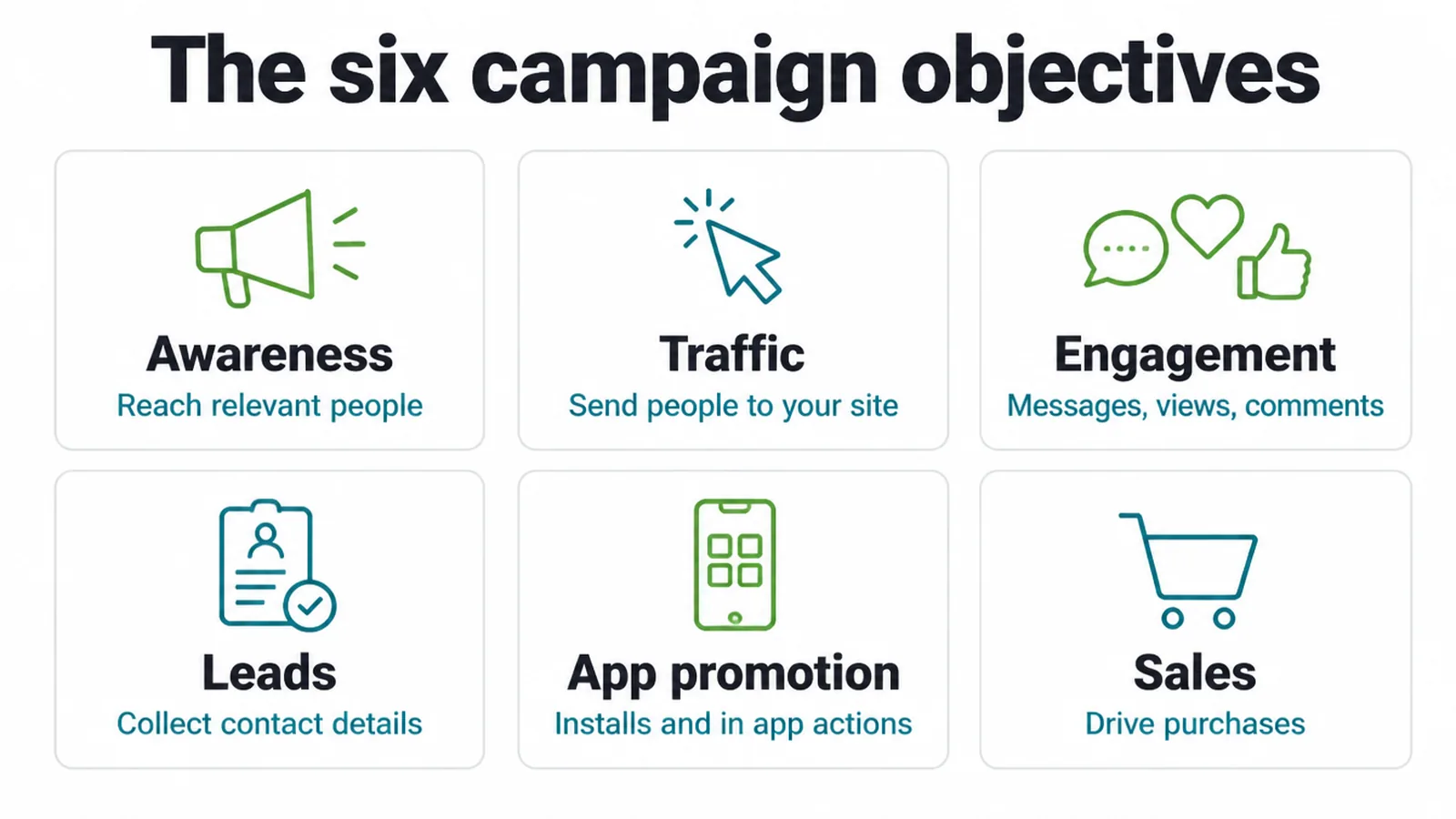
Meta groups campaigns under six objectives, and the choice genuinely changes who sees your advert.
Awareness reaches relevant people. Traffic sends them to your site. Engagement is for messages, views and comments.
Leads collects contact details. App promotion is for installs. Sales drives purchases.
These names change from time to time as Meta reorganises the interface, so read what each one says it does rather than relying on remembering the list.
Pick the one matching what you actually want to happen, rather than the one that sounds most ambitious.
The system optimises towards the action you named, so naming the wrong one sends your budget towards the wrong people.
For most small businesses the honest choice is leads or traffic. Sales requires purchase tracking installed and working, and awareness is rarely what somebody spending their own money actually wants.
How to Create a Facebook Ad
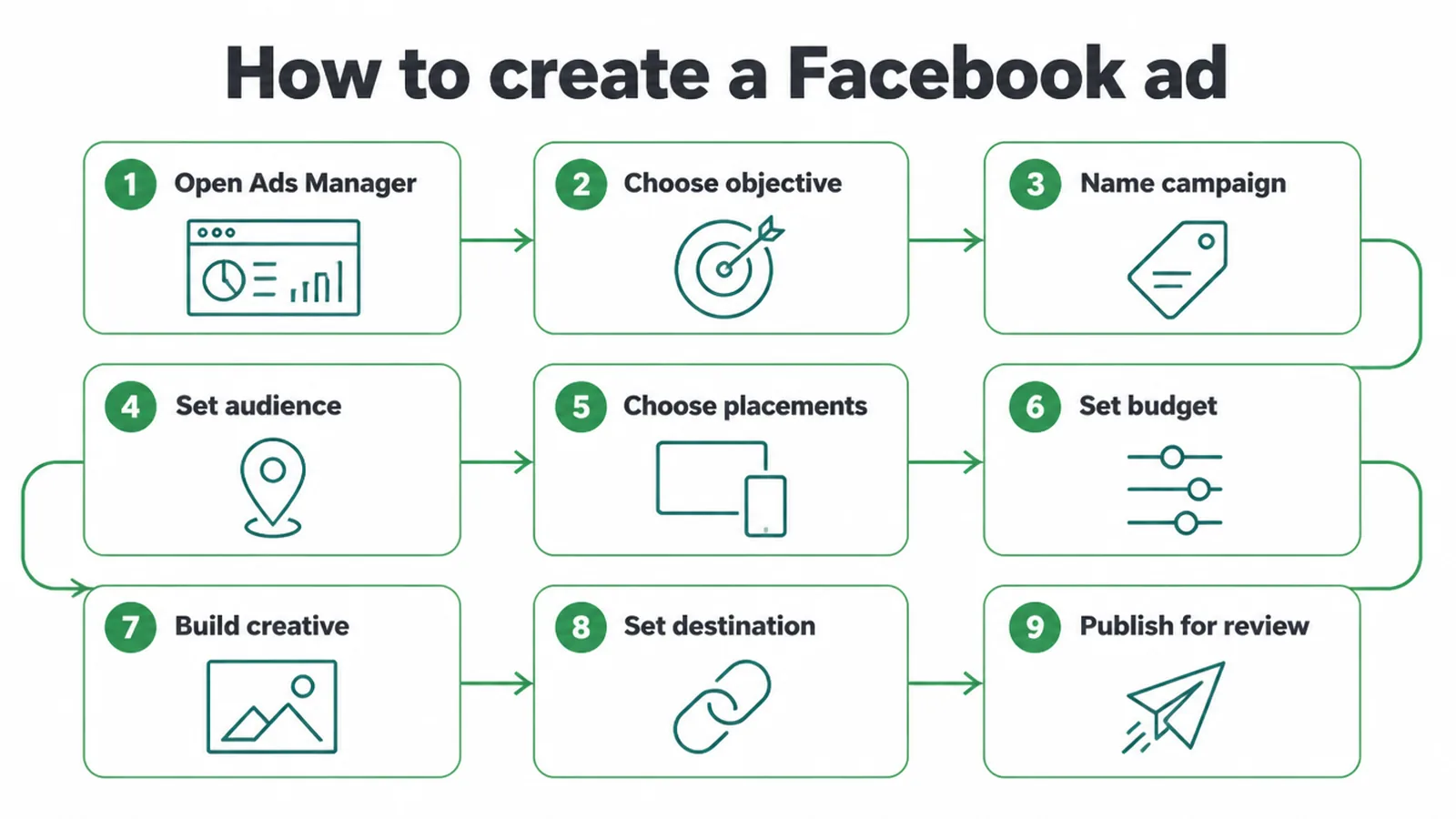
Most guides on how to create a facebook ad list all nine steps as equals. Three of them matter, inside a sequence the interface walks you through.
1. Set the campaign and name it properly
Open Ads Manager, create a campaign, and choose the objective you decided on.
Then name it something you will understand in three months. The service, the audience and the month.
Use the same naming pattern every time. Comparing two campaigns is far easier when their names are built the same way.
Naming feels like admin and it is the thing that makes reporting readable later, when there are nine campaigns and you cannot remember what any of them were.
Leave the advanced budget options alone to begin with. The defaults are reasonable and the options are easier to judge once you have data.
Some objectives also require setup elsewhere before they will run properly, such as a tracking setup on your website. The interface will tell you, and it is worth doing rather than working around.
2. Narrow the audience and set the budget
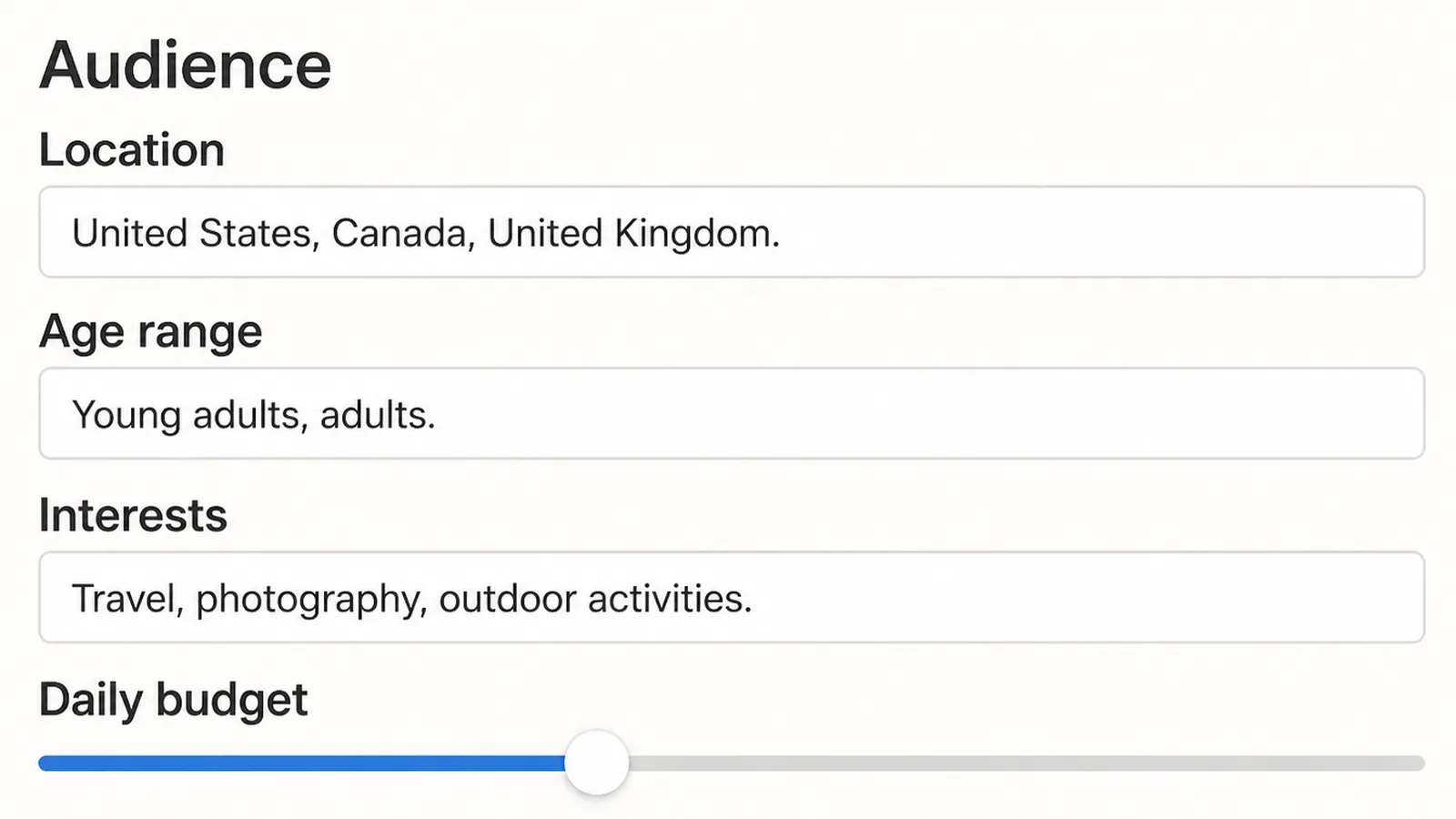
This is the ad set, and it is where most money is lost.
Start with location, then add the detail that genuinely describes a customer. Age range, interests, behaviours.
Resist adding every interest that sounds adjacent. Each one you add widens the audience rather than narrowing it, and people usually expect the opposite.
Everybody within thirty miles is not an audience. It is a budget being spread evenly across people who will never buy.
Leave placements on the automatic setting at first, because manually restricting them usually raises your costs without improving anything.
The system is better at finding cheap placements than most people are, and restricting it early removes that advantage.
Set a daily budget you would be relaxed about losing entirely. You are buying information before you are buying customers.
A small daily budget running for two weeks teaches you more than a large one running for two days, because the system needs time to find the people it is looking for.
3. Build the creative and point it somewhere sensible
One image or one short video, one message, one call to action.
The visual has to stop a thumb. People are scrolling, and nothing else in your advert happens if the picture does not interrupt that.
Write the first line as the hook. Most people read that line and nothing after it unless it earns the next one.
Say the offer plainly rather than teasing it. An advert that withholds what it is selling gets scrolled past by the people most likely to buy.
Then send the click to a page matching the advert. The same offer, the same words, the same picture if possible.
Sending advert traffic to your home page is the most common and most expensive error on this list.
Build two adverts rather than one, changing only the image between them. That is the cheapest test available and the image usually matters more than the words.
After You Publish
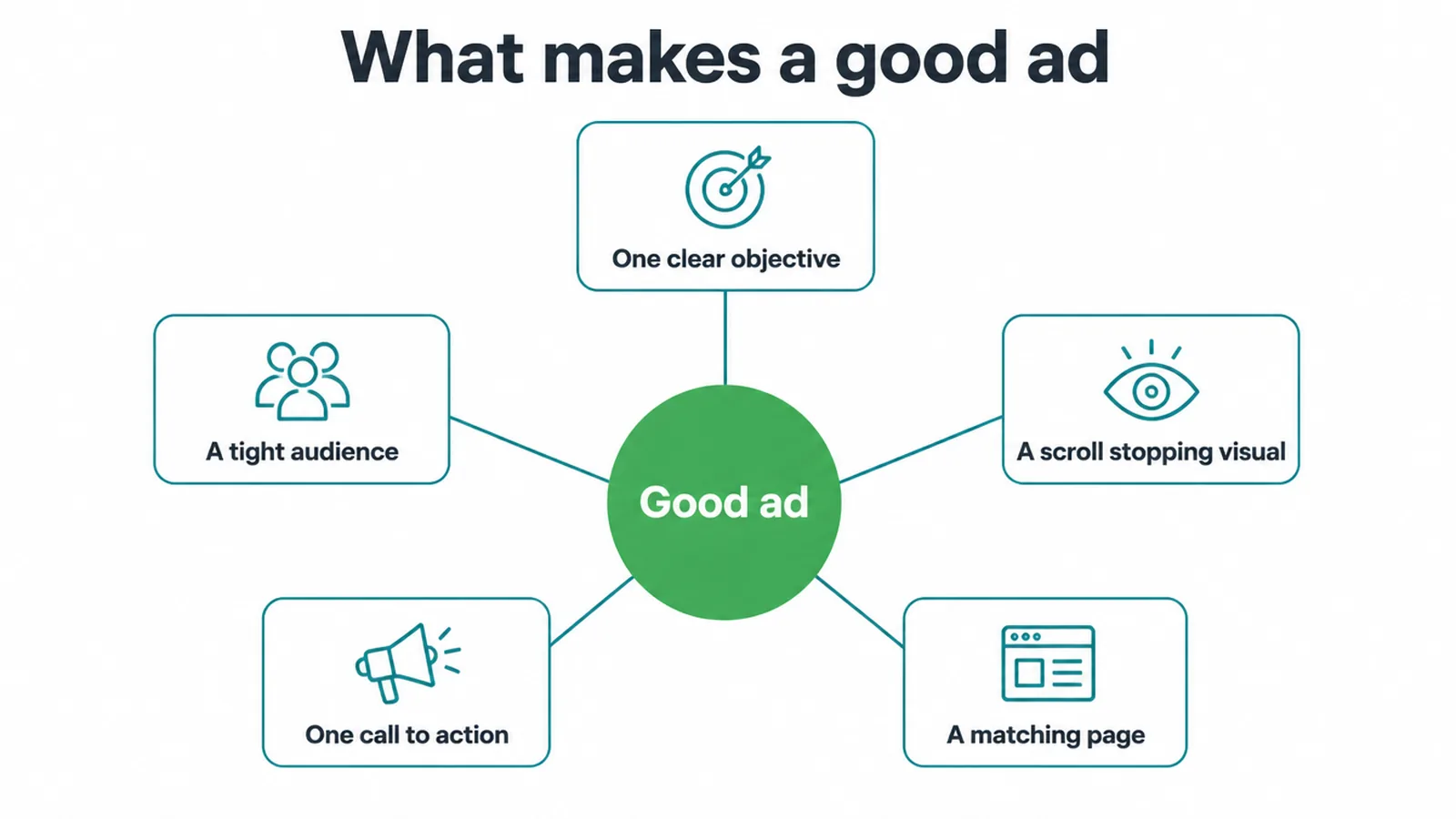
Your advert goes into review before it runs. Meta's advertising standards documentation says review is typically completed within 24 hours, though it can take longer.
Ads Manager shows the status while you wait, and an advert can be reviewed again later, including after it has already been running.
Once it is live, leave it alone for a few days. Editing an advert can send it back through review and resets what the system has learned.
If it is rejected, read the specific reason given rather than guessing. Most rejections are about a policy detail in the wording or the image rather than about the business itself.
Judge it on the action you asked for rather than on likes. An advert with plenty of engagement and no enquiries is not working.
Check the comments daily as well. People ask questions there, and an unanswered question under a live advert is a lost customer with an audience.
What Shapes the Cost
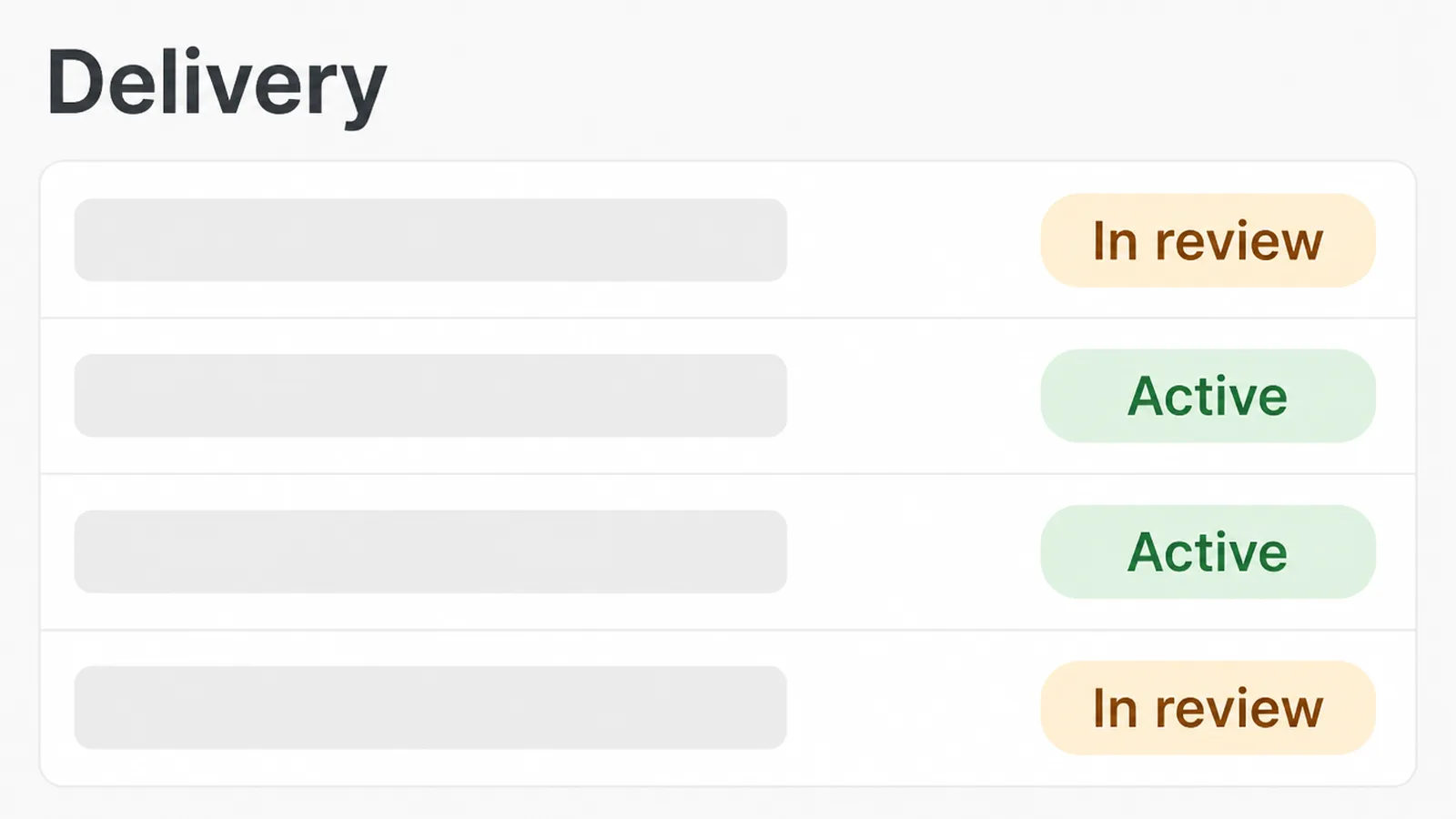
| What goes into the auction | What you can do about it |
|---|---|
| Who you are trying to reach | Narrow it, since harder audiences cost more to reach |
| How many others want the same people | Little, beyond avoiding the busiest periods |
| How relevant your advert is to them | Most of it, by matching the creative to the audience |
There is no fixed price. That is why no honest answer exists to what a Facebook advert costs, since you are entering an auction whose price depends on all three of those.
Relevance is the lever you actually hold. A better matched advert reaches more people for the same money.
Common Mistakes
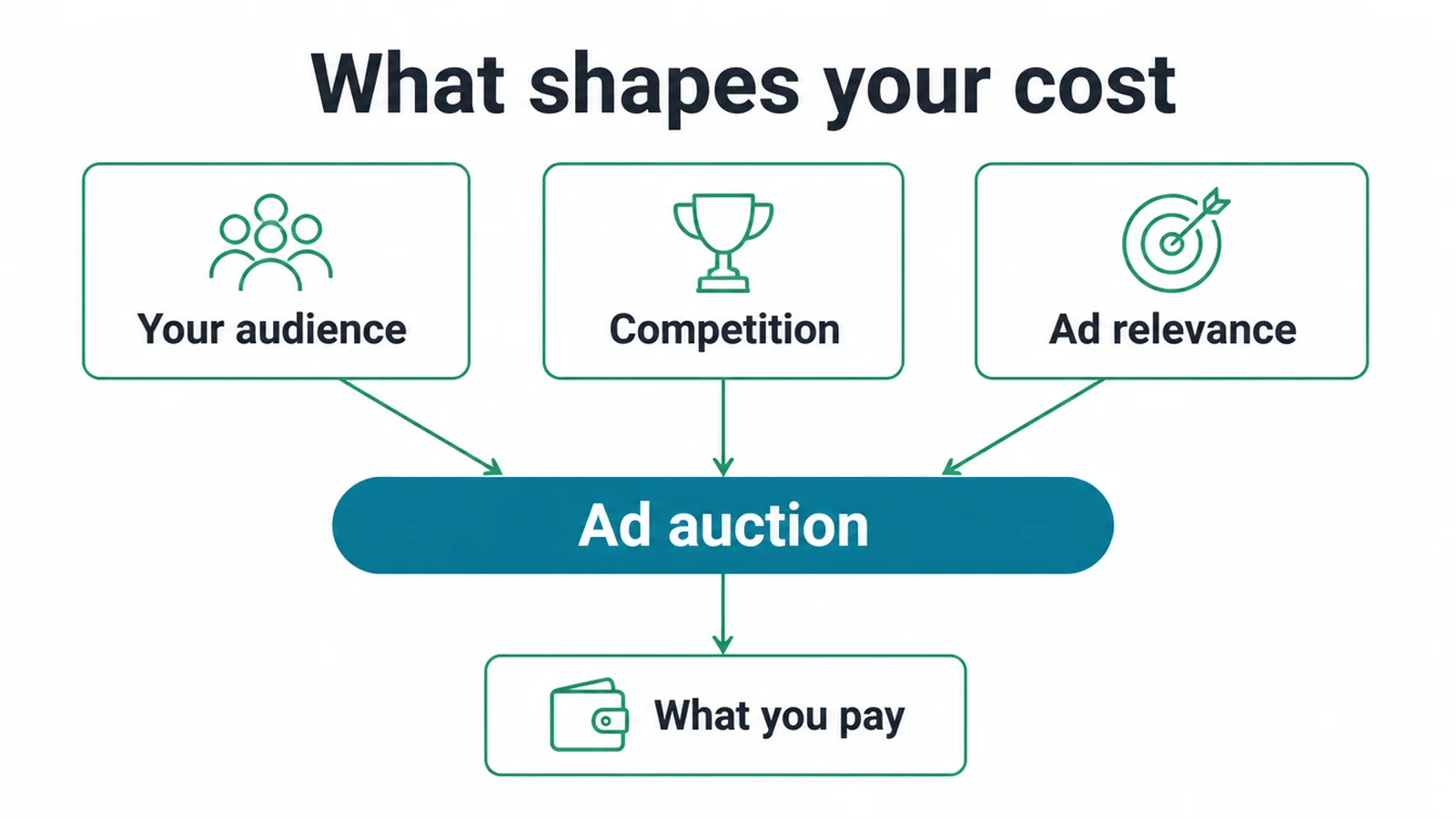
- An audience far too broad. Budget spread across non buyers.
- Sending clicks to the home page. The offer disappears.
- Judging it after one day. There is nothing to judge yet.
- Four offers in one advert. People choose none of them.
- Editing it constantly. Back to review, learning reset.
- Boosting instead of building. Almost none of the controls.
- Ignoring the comments. An unanswered question is a lost customer.
FAQs
How do I create a Facebook ad?
Open Meta Ads Manager, create a campaign and choose an objective, then set your audience, placements, budget and schedule at the ad set level, then build the creative and the link at the ad level. Publish it, and it goes into review before running.
What is the difference between a campaign, an ad set and an ad?
The campaign holds the goal, the ad set holds the audience, placements, budget and schedule, and the ad holds the image, text, headline and link. Most problems people describe as creative problems are actually audience problems at the ad set level.
How long does Facebook take to review an ad?
Meta's advertising standards documentation says review is typically completed within 24 hours, although it may take longer, and an advert can be reviewed again later. Ads Manager shows the status while you wait, so there is nothing to do but leave it.
How much does a Facebook ad cost?
There is no fixed price, because you are entering an auction. What you pay depends on who you are trying to reach, how many other advertisers want those same people, and how relevant your advert is to them. Relevance is the part you control.
Should I boost a post or create an ad?
Create the advert properly. Boosting is a shortcut that removes almost all of the controls, including the proper objectives and the detailed audience settings. It is quicker to do, and the money generally goes further through Ads Manager even on a very small budget.
Conclusion
Knowing how to create a facebook ad is mostly knowing which of the nine steps actually matter.
Choose the objective matching the action you want, then narrow the audience until it describes a real customer.
Make one clear offer with a visual that stops a thumb, and send the click to a page carrying that same offer.
Then leave it running for a few days and judge it on enquiries rather than on likes.
If you would rather hand it over, see how we approach digital marketing.