How to Start an Online Store and Take Your First Order

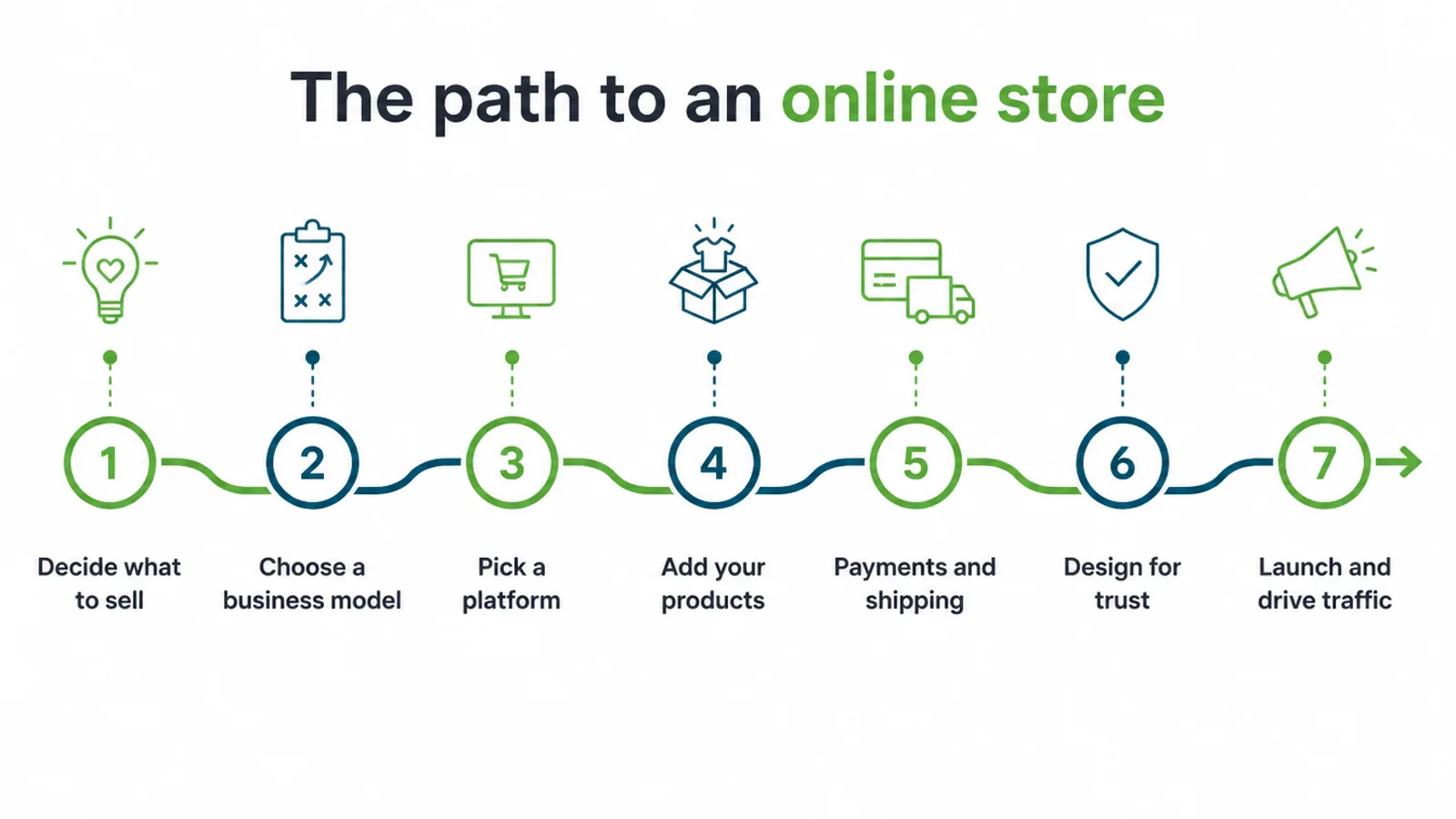
How to start an online store is seven steps in order: decide what to sell, choose a business model, pick a platform, add products properly, set up payments and shipping, design for trust, then launch. Seed Light treats the first two as the decisions that matter.
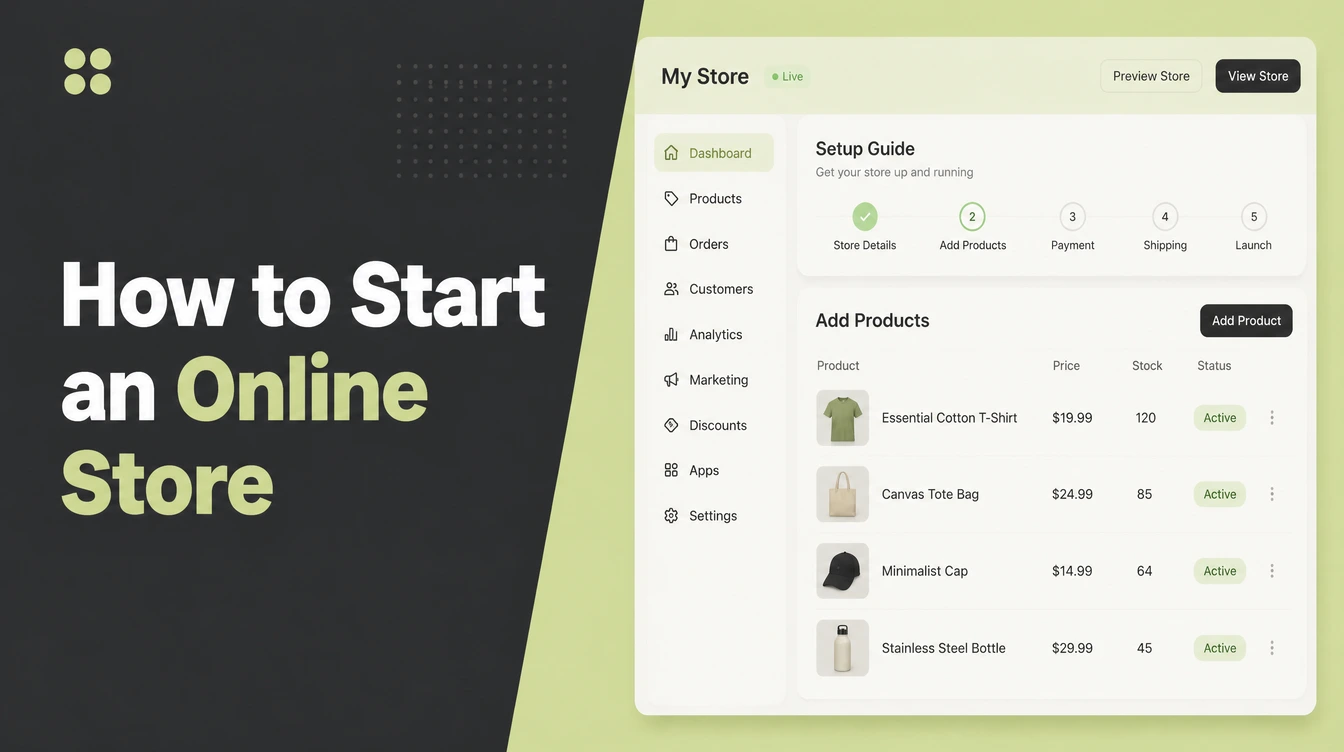
Opening an online store is genuinely quick now. Getting somebody to actually buy from it is the part that still takes real work.
The technical steps take a weekend. The decisions underneath them, what to sell and to whom, are what separate a store that takes orders from one that sits there.
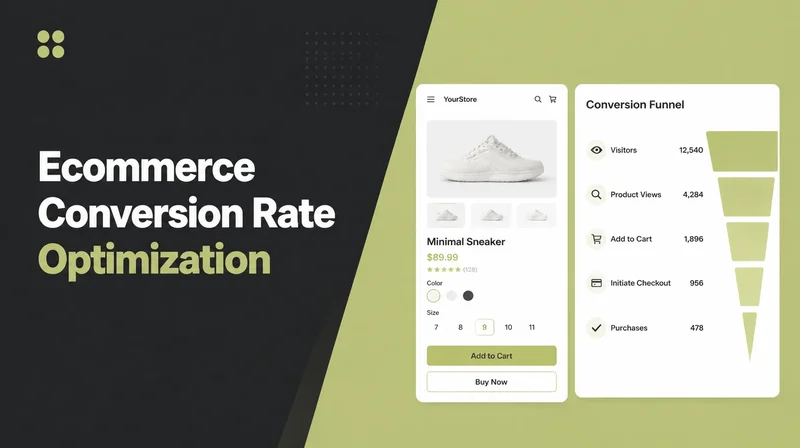
Ecommerce for beginners is mostly a sequencing problem. This guide covers the seven steps in order, the research on why people abandon carts, and how to get the first sale out of people you already know.
Key Takeaways
- Seven steps, in order. Skipping the first two costs you later.
- Niche beats broad. One clear problem for one clear person.
- Most carts get abandoned. Baymard documents an average of 70.22%.
- Surprise costs are the top reason. Show them before checkout.
- Launch before it feels ready. The first sale teaches you most.
What Starting an Online Store Involves
Seven steps cover how to start an online store, and the order matters far more than the speed.
Decide what to sell, choose how products reach customers, pick a platform, add the products properly, set up payments and shipping, design for trust, then launch and drive traffic.
An online store for beginners fails at step one far more often than it fails at step three.
Most people start at step three, because picking a platform feels like progress and deciding what to sell feels like homework.
The first two steps are the ones that decide whether the store works. Everything after them is execution.
None of this requires a developer any more. It requires decisions, and then a fairly boring week of entering things carefully.
Why Niche Beats Broad
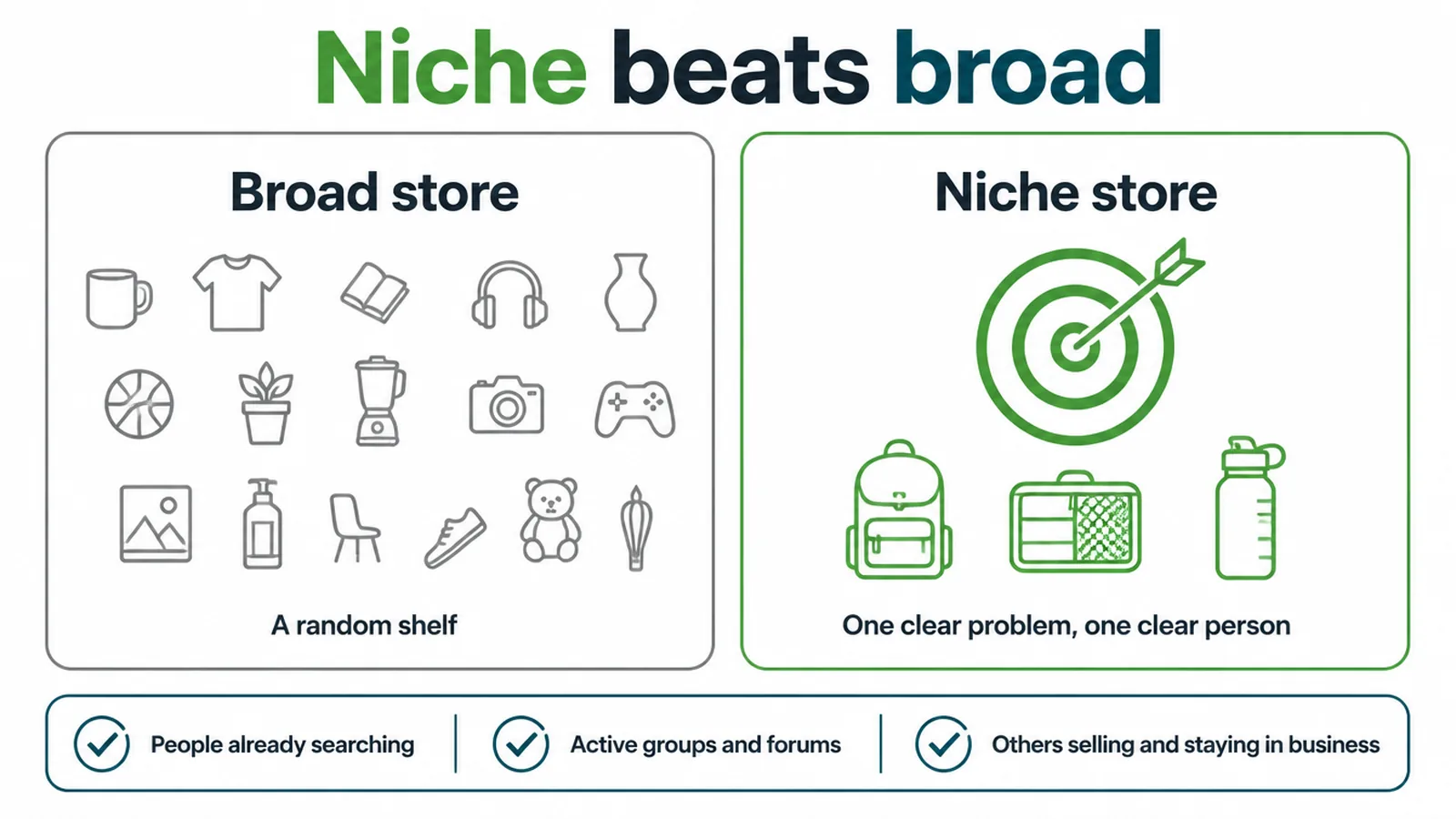
A broad store is just a random shelf of things. A niche store solves one clear problem for one clear person, and that is a different business entirely.
The reason is not taste, it is findability. Somebody searching for a specific thing finds a specific shop, and nobody searches for a general one.
A niche also makes every later decision easier. What to photograph, what to write, who to talk to, which channel to use.
Three signals tell you a niche is real. People are already searching for it, there are active groups and forums discussing it, and other businesses are selling into it and staying open.
A niche can be narrower than it feels comfortable to be. Backpacks for cyclists who commute is a better starting point than bags.
That last one reassures people least and should reassure them most. Competition means somebody has proved people pay.
How to Start an Online Store, Step by Step
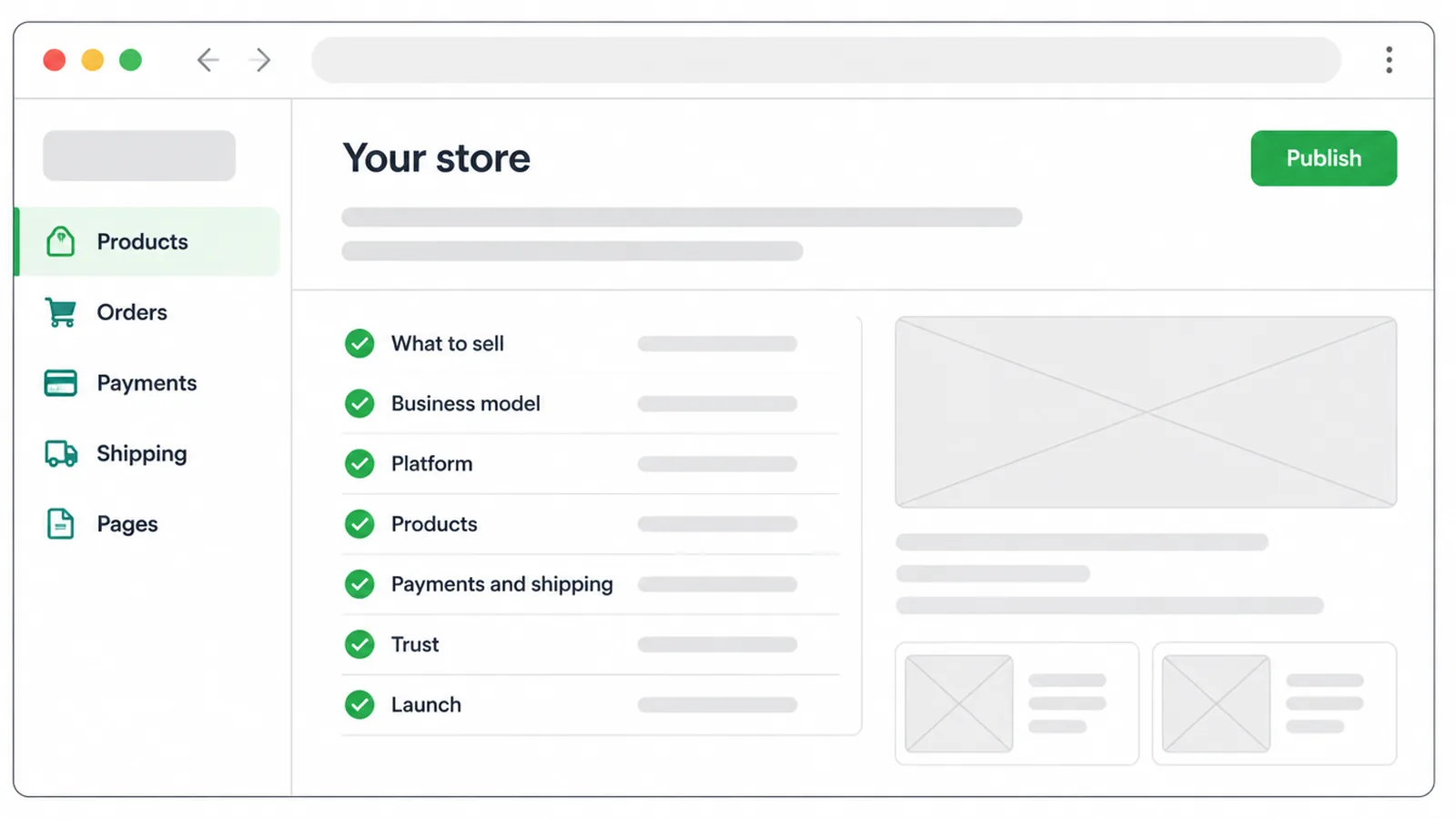
Four decisions, then the setup. This is where how to start an online store stops being a question and becomes a week of work.
1. Choose how products reach customers
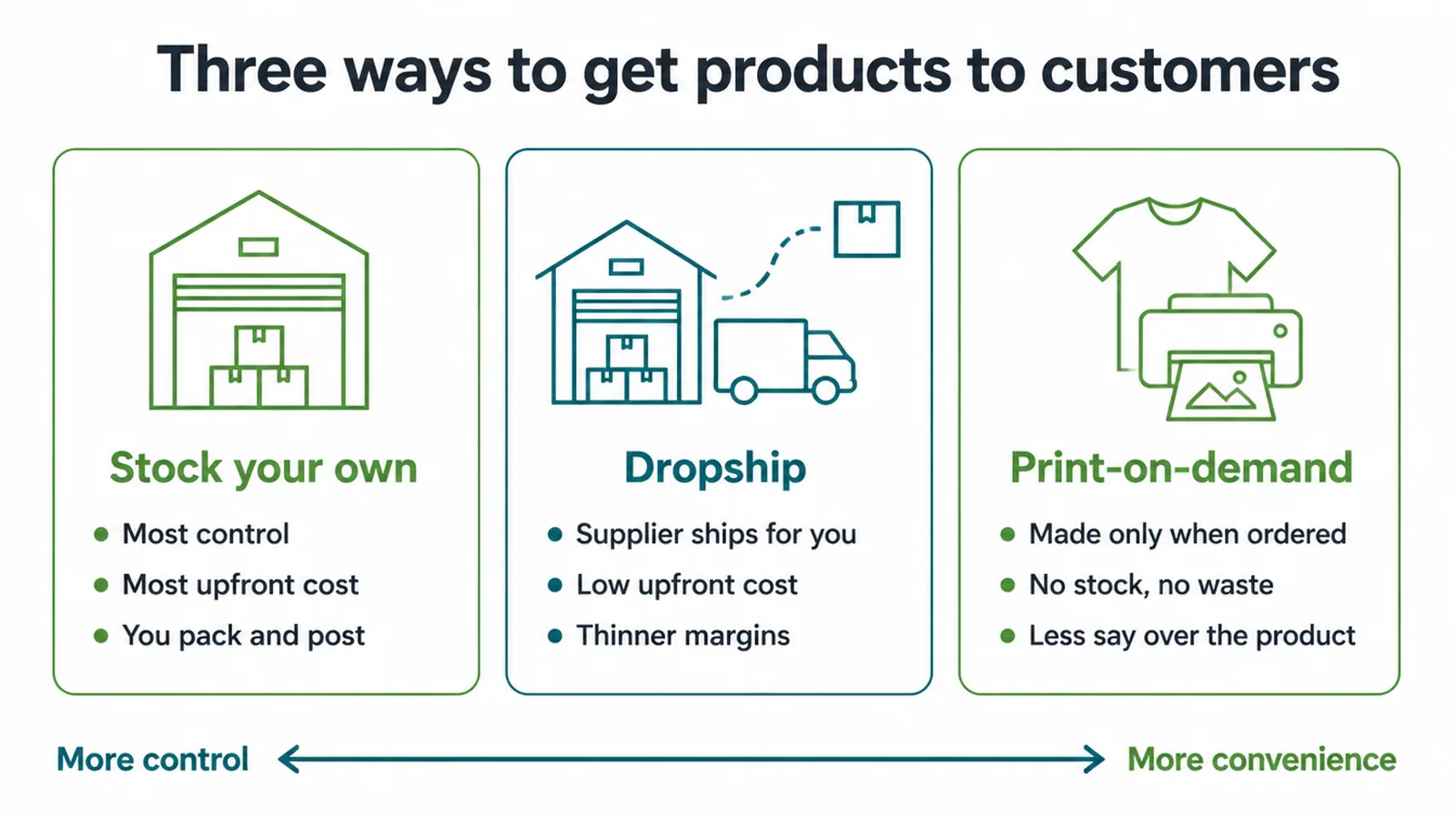
Three models to choose between, and the trade you are making is always the same one, control against convenience.
Stocking your own gives the most control and costs the most upfront, and you pack and post everything.
Dropshipping has a supplier ship for you, with low upfront cost and thinner margins. Print on demand makes each item only when ordered, so there is no stock and no waste, and less say over the product.
Match the model to your time and your budget rather than to the margin. A model you cannot service is worse than a thinner one you can.
Margin is the other axis. Stocking your own pays best per sale and ties up money, and print on demand pays least and ties up nothing.
Many stores run two, stocking the fast movers and dropshipping the long tail.
2. Pick a platform, quickly
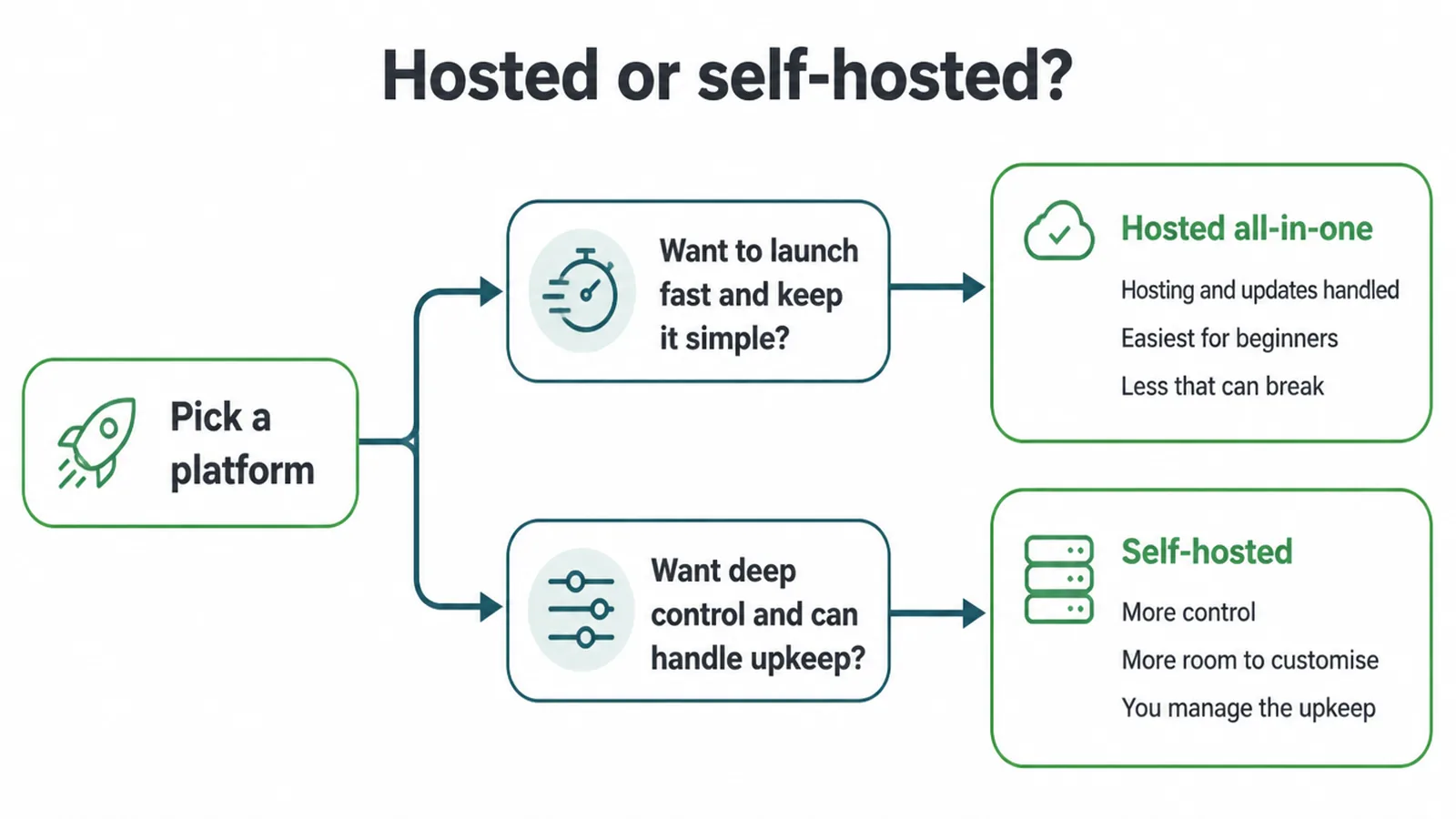
This decision absorbs more time than it deserves, and one question settles it for most people.
If you want to launch fast and keep it simple, a hosted all in one platform handles hosting and updates, and there is less that can break.
If you want deeper control and can handle the upkeep, self hosted gives more room to customise and makes maintenance your job.
Beginners should lean hosted. The time saved goes into products and photographs, and that is where it actually earns something.
You can move later. Choose carefully rather than permanently.
3. Add your products properly
This is the boring week, and it is where most stores are won or lost.
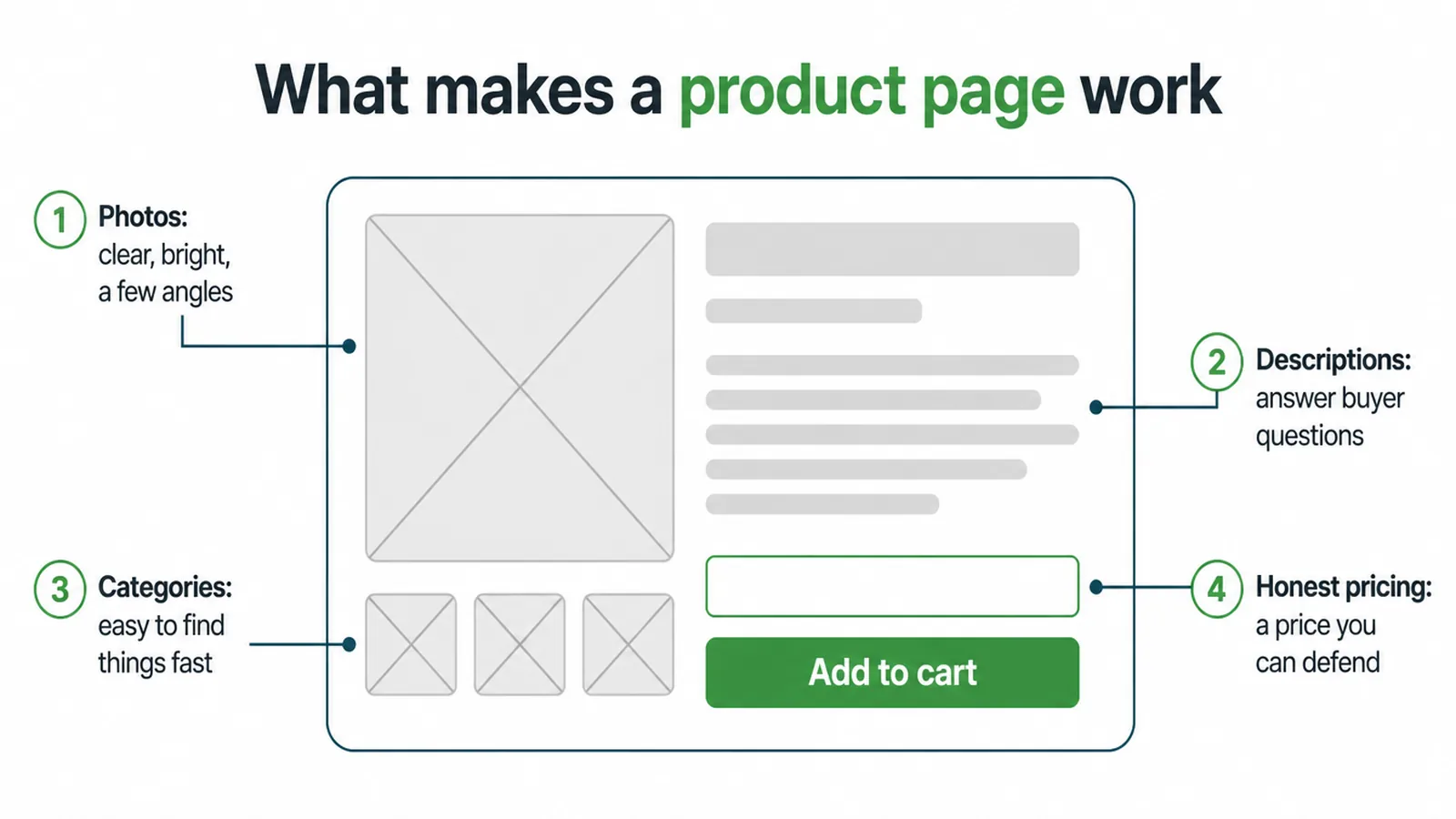
Photographs come first. Clear, bright, taken from several angles, and consistent right across the catalogue so that the shop looks like one shop rather than three.
Descriptions answer buyer questions rather than listing features. Size, fit, materials, what is included, what it is not suitable for.
Categories let people find things fast, and pricing has to be a number you can defend when somebody asks.
Write the descriptions before uploading rather than in the admin panel. A document is easier to be consistent in than fifty separate boxes.
Do ten products properly rather than fifty badly. A thin catalogue done well outsells a large one nobody trusts.
4. Set up payments, shipping and trust together
These three things belong together because they tend to fail together, in the same place, at checkout.
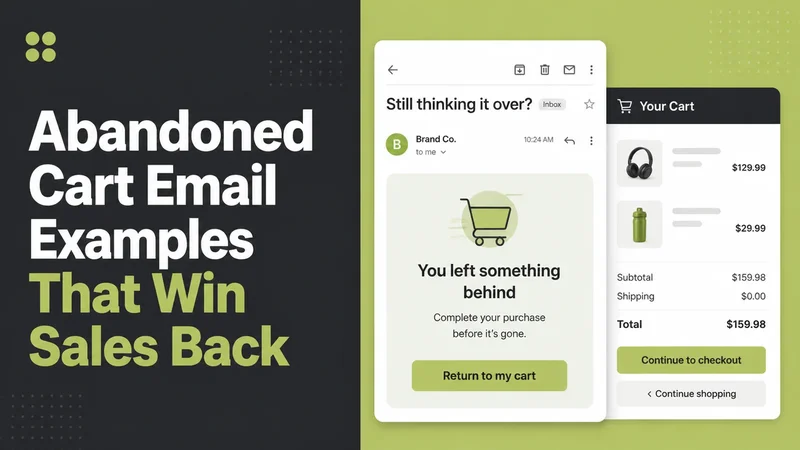
Baymard Institute documents an average cart abandonment rate of 70.22% across fifty studies, and the reasons are worth reading rather than guessing at.
Excluding people who were only browsing, the top reason is extra costs for shipping, tax or fees being too high, at 40%. Delivery being too slow accounts for 20%.
Distrust of the site with card details accounts for 19%, and being forced to create an account accounts for 18%.
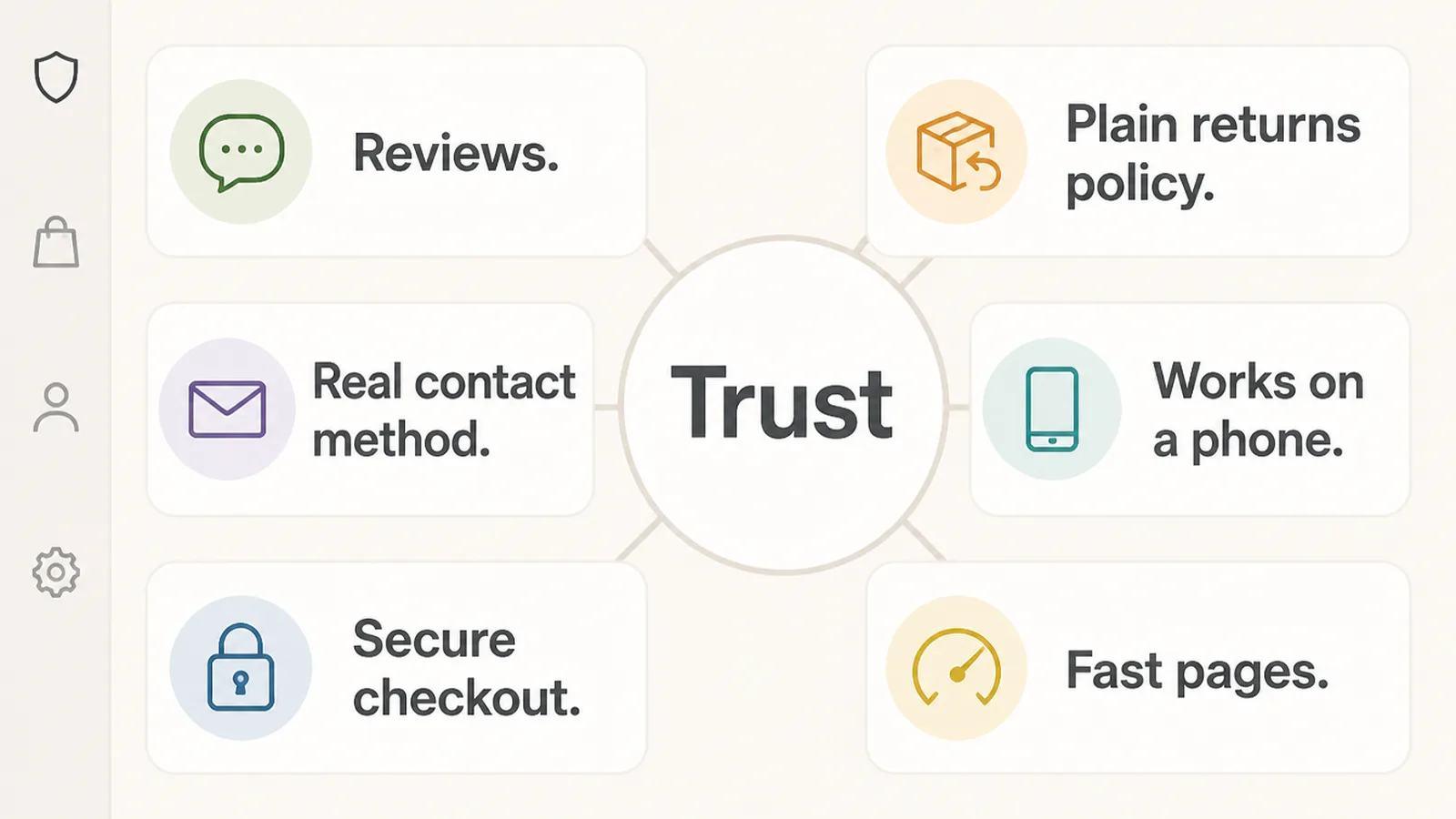
Three of those four are decisions you make before anybody reaches checkout. Show the full cost early, offer a guest checkout, and make the site look like somewhere it is safe to type a card number.
Getting the First Sale
Five things that work better than waiting for traffic, and all of them suit an online store for beginners rather than an established one.
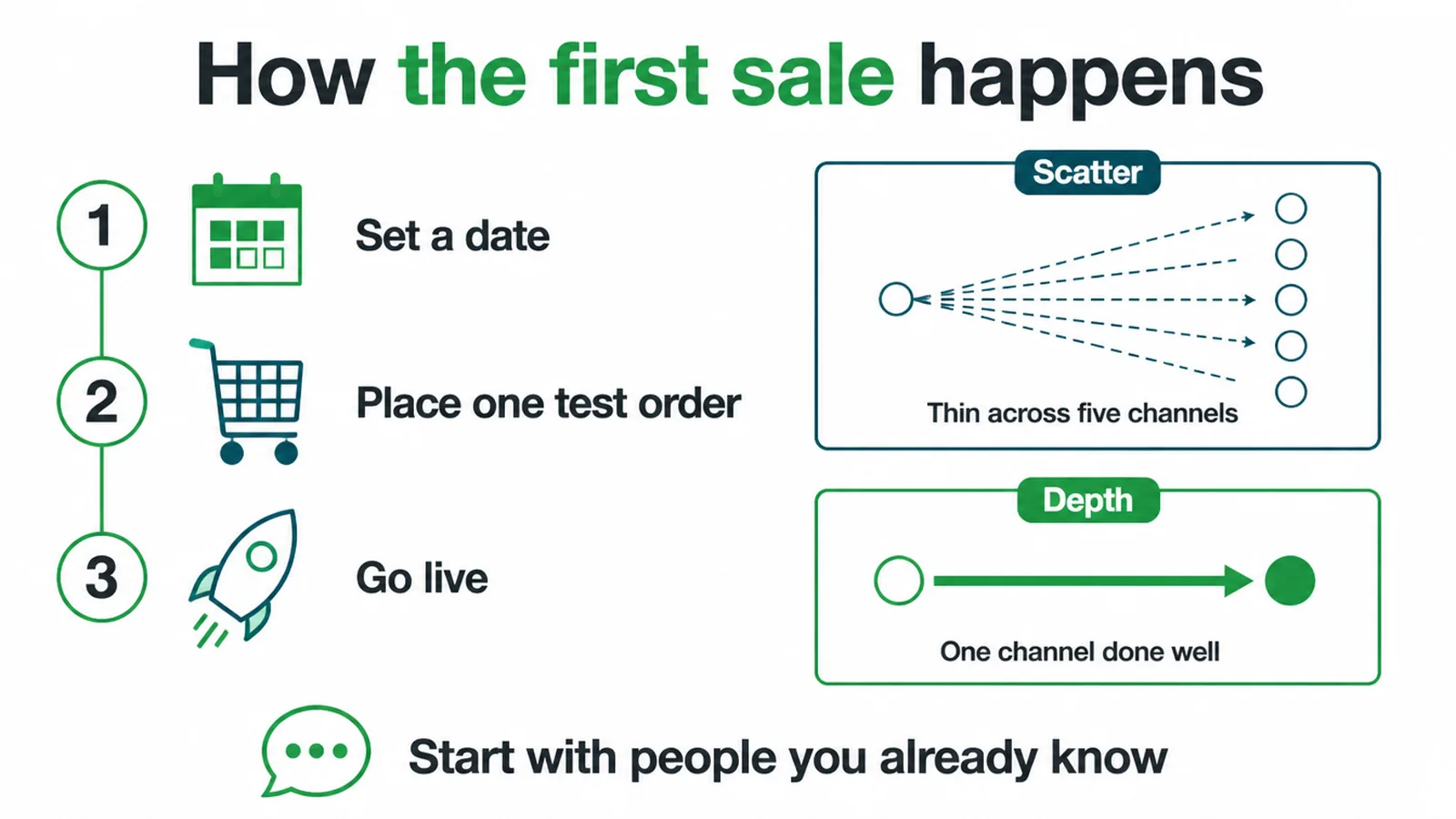
- Set a launch date. Before it feels ready, deliberately.
- Place a test order yourself. All the way through to the email.
- Tell people you already know. The first sale usually comes from there.
- Pick one channel. Done properly, rather than five done thinly.
- Ask the first buyer what nearly stopped them. Then fix that.
The Seven Steps at a Glance
| Step | What you do |
|---|---|
| Decide what to sell | Solve one clear problem for one clear person, rather than stocking a shelf |
| Choose a business model | Stock, dropship or print on demand, matched to your time and budget |
| Pick a platform | Hosted for speed and simplicity, self hosted for control and upkeep |
| Add your products | Photographs, descriptions that answer questions, categories, honest pricing |
| Payments and shipping | Set rates and zones, and show the full cost before checkout |
| Design for trust | Reviews, a plain returns policy, a real contact method, fast pages |
| Launch and get sales | Go live before it feels perfect, and work one channel properly |
Printed out on a single page, that table is the whole project. Everything else is detail inside one of those rows.
Work through them in order. Each row is easier to answer once the one above it has been decided properly.
Common Mistakes Starting a Store
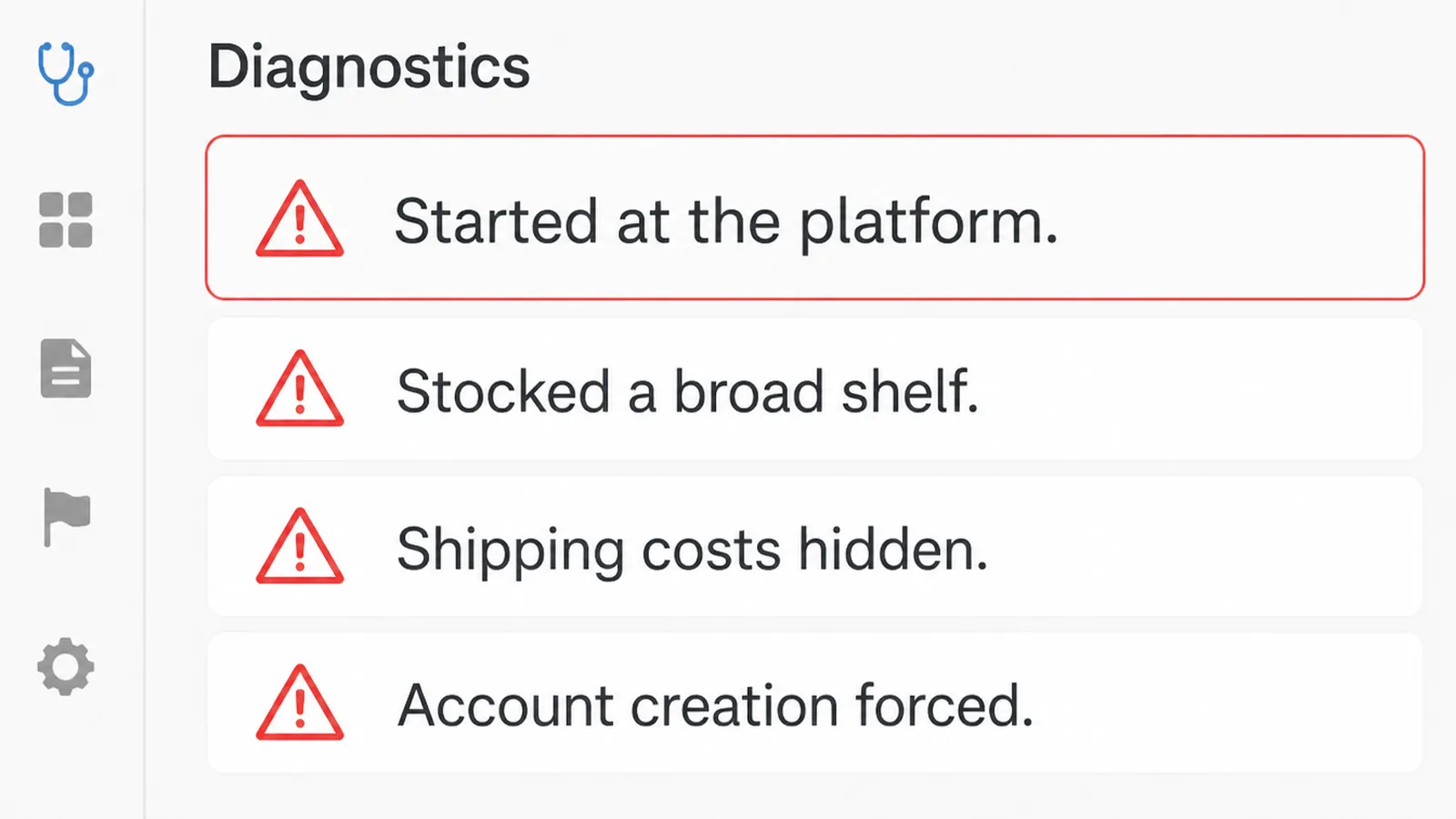
- Starting at the platform. It feels like progress and decides nothing.
- Stocking a broad shelf. Nobody searches for a general shop.
- Hiding shipping costs. The top documented reason carts are abandoned.
- Forcing account creation. Baymard puts that at 18% of abandonments.
- Listing fifty products badly. Ten done properly outsells them.
- Waiting until it feels ready. The first sale teaches you what to fix.
How Long It Takes
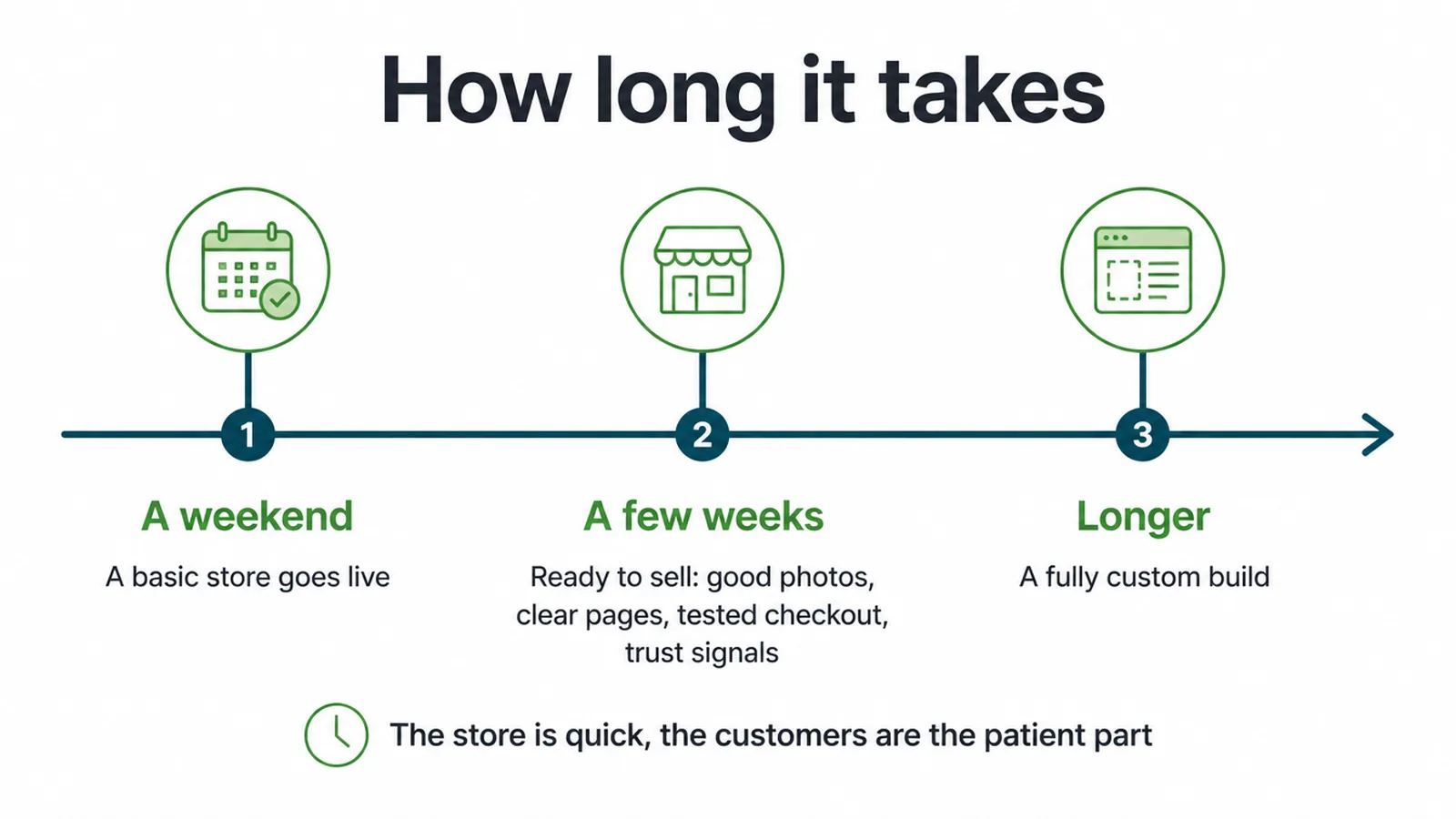
Most ecommerce for beginners advice skips this question. A basic store can go live in a weekend, and being ready to sell properly takes longer.
Good photographs, clear pages, a tested checkout and visible trust signals are usually a few weeks rather than a few days.
A fully custom build takes longer again, and almost no first store needs one.
The store itself is the quick part. Customers are the patient part, and the timeline that matters is how long until somebody buys rather than how long until the site exists.
Which is why launching early and fixing from real orders beats polishing in private.
A store with three orders tells you more than a store with three months of work and none.
FAQs
How do I start an online store?
Work seven steps in order. Decide what to sell, choose a business model, pick a platform, add products properly, set up payments and shipping, design for trust, then launch and drive traffic. The first two decide whether the rest matter.
What should I sell online?
Something specific rather than something general, because people search for specific things. Look for three signals: people already searching for it, active groups and forums discussing it, and other businesses selling it and staying open. Competition proves somebody actually pays.
Why do so many people abandon their carts?
Baymard Institute documents an average abandonment rate of 70.22% across fifty studies. Excluding browsers, the leading reasons are extra costs being too high at 40%, slow delivery at 20%, distrust of the site with card details at 19% and forced account creation at 18%.
How long does it take to set up a store?
A basic store can go live in a weekend. Being genuinely ready to sell, with good photographs, tested checkout and visible trust signals, usually takes a few weeks. A fully custom build takes longer and almost no first store needs one.
How do I get my first sale?
Set a launch date before it feels ready, place a test order yourself to check the whole path works end to end, then tell the people you already know. Pick one channel and work it properly rather than spreading thinly across five.
Conclusion
Knowing how to start an online store is mostly knowing the order to do things in.
Knowing how to sell online is downstream of knowing who you are selling to.
Decide what you sell and who for, choose a model you can service, pick a hosted platform and stop agonising about it.
Then do ten products properly, show the full cost before checkout, and make the site look safe to buy from.
Launch before it feels ready, and let the first buyer tell you what to fix.
If you would rather hand it over, see how we approach ecommerce.