Link Building Tools 2026: Best Free and Paid Options

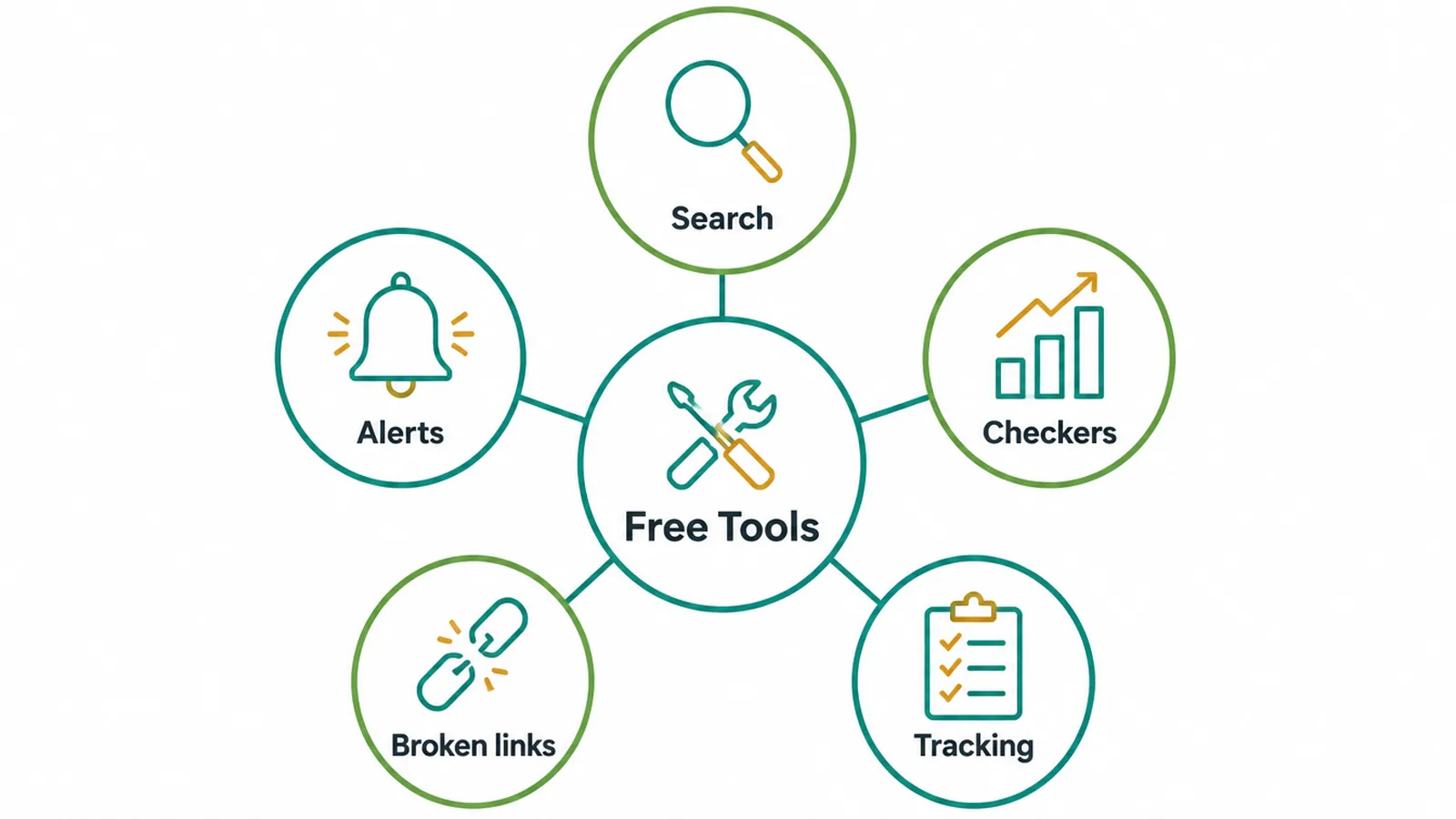
The free link building tools cover most of what a small business needs: Search Console shows who links to you, Bing Webmaster Tools shows any site, and Ahrefs Webmaster Tools audits your own. Seed Light starts there before paying for anything.
Most articles about link building tools are affiliate pages. That is why they all recommend the same two subscriptions.
The honest version is shorter. Three free tools cover what a small business actually needs, and the paid ones become worth it at a size most small businesses never reach.
This guide covers what each tool shows, what the free tiers really allow, and what Google documents about links before you go looking for any.
Key Takeaways
- Start with Search Console. It is the only view of what Google recorded.
- Every tool shows a sample. Google and Bing both say so in their own documentation.
- Bing checks any domain free. Ahrefs free only works on sites you own.
- Buying links is named spam. Qualify paid placements with sponsored.
- Most sites should never disavow. Google says so plainly.
What Link Building Tools Actually Show You
Every one of these link building tools is doing the same thing underneath. That is worth understanding before comparing them.
Every backlink tool is a crawler with an index. It shows the links its own crawler happened to find, stored for as long as that vendor keeps them.
That is why two tools never agree, and why the honest way to read any number is as a sample rather than a census.
A backlink checker is therefore useful for direction and poor for arithmetic. Use it to see who links to a competitor, not to count anybody's links.
Both free sources say this themselves. Google states its Links report is not a comprehensive list of every link to your site. Bing says its backlink report considers the top five hundred referring domains and is a representative set, not a complete profile.
The Free Link Building Tools That Cover Most Needs
Google Search Console shows your top linked pages, your top linking sites and your top linking text, grouped by root domain. On screen it caps at a thousand rows, and exports reach a hundred thousand.
Bing Webmaster Tools is the one people forget. It shows a backlink profile for your site and for any other website, lets you compare against two other sites, and suggests similar sites to check.
Ahrefs Webmaster Tools gives Site Explorer, Site Audit and Web Analytics free, with a limit worth knowing: it only works on sites whose ownership you verify, so competitor research needs a paid plan.
It caps the view at a thousand backlinks and a thousand keywords at once, and gives five thousand crawl credits per verified project each month.
For a site under a few hundred pages that is more than enough to find everything worth fixing.
What the Paid Tools Add
Ahrefs Site Explorer adds competitor backlink research, a best links filter, most linked pages and a link intersect view. Its entry plan is twenty nine dollars a month, though the first genuinely useful tier is one hundred and twenty nine.
Semrush Backlink Analytics covers the same ground from its own index, starting at one hundred and thirty nine dollars a month, with no published row cap on backlink data.
Majestic is the cheapest serious index at around fifty dollars a month, metered in analysis units, with the historic index reserved for its higher tier.
All three publish index sizes. None of those numbers is independently measured, so they are claims rather than findings.
The limit that actually bites is rows of data and export allowance, not index size. Ahrefs' cheapest tier publishes zero export rows.
What Google Documents About Links
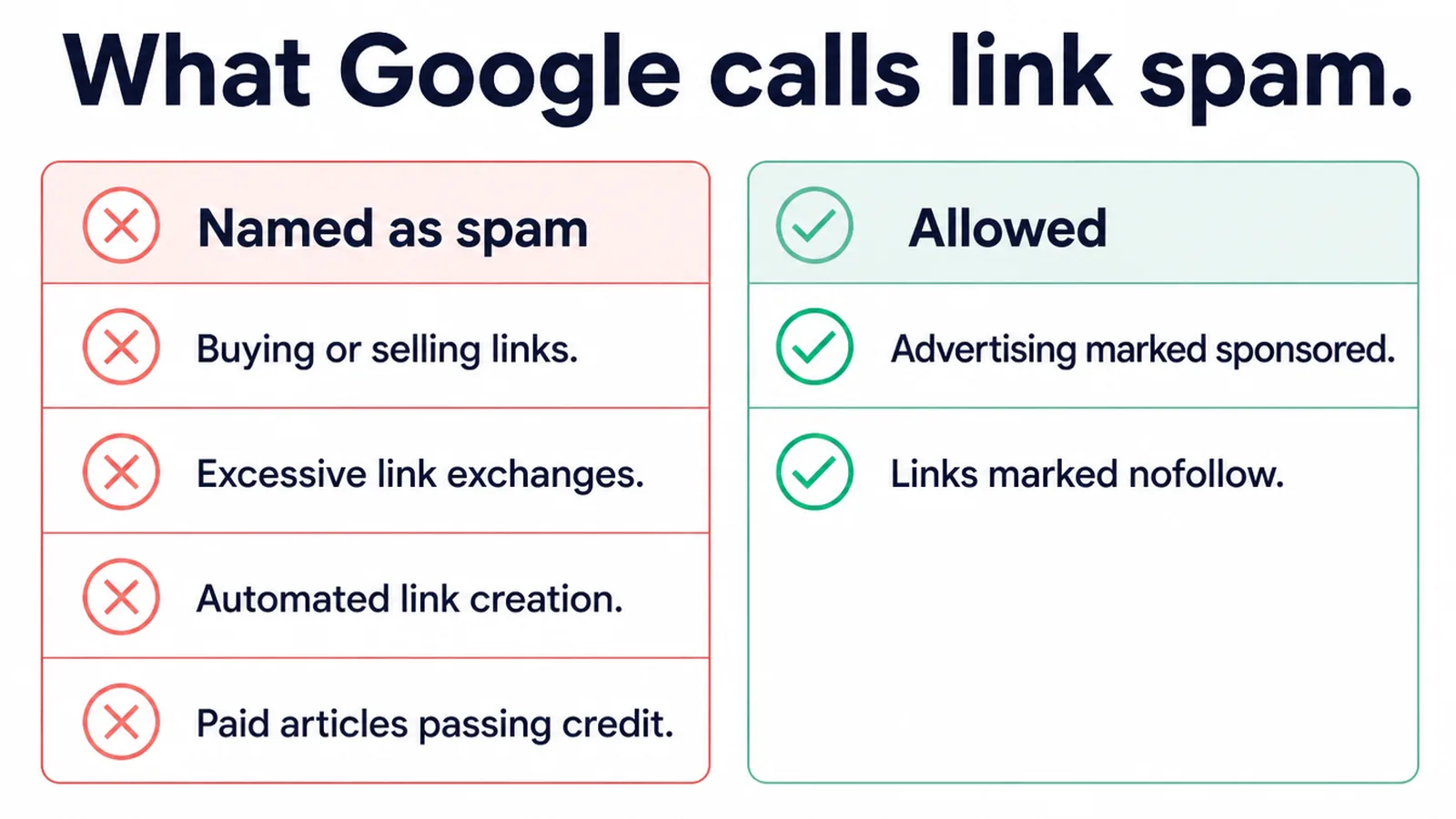
Before using any tool to find links, it is worth knowing what Google says about acquiring them. Its spam policies define link spam as creating links to or from a site primarily to manipulate search rankings.
Named in that list: buying or selling links for ranking purposes, excessive link exchanges, automated link creation, requiring a link in terms of service, and advertorials where payment buys links that pass ranking credit.
Advertising links are fine when qualified. Google says it is not a violation to have such links as long as they carry the sponsored or nofollow attribute.
How to Use These Tools, Step by Step
Four steps. The first two are free and cover most small sites entirely.
1. Read your own profile first
Open the Links report in Search Console and read the top linking sites and the top linking text. That is what Google recorded about you.
Note that the report does not show whether a link is nofollow, and that some links may be stale or already removed.
Read the top linking text closely. If it does not describe your business, somebody else is describing you badly.
Links grouped by root domain means protocols and subdomains are combined, so the count is of domains rather than pages.
2. Find competitor backlinks in Bing
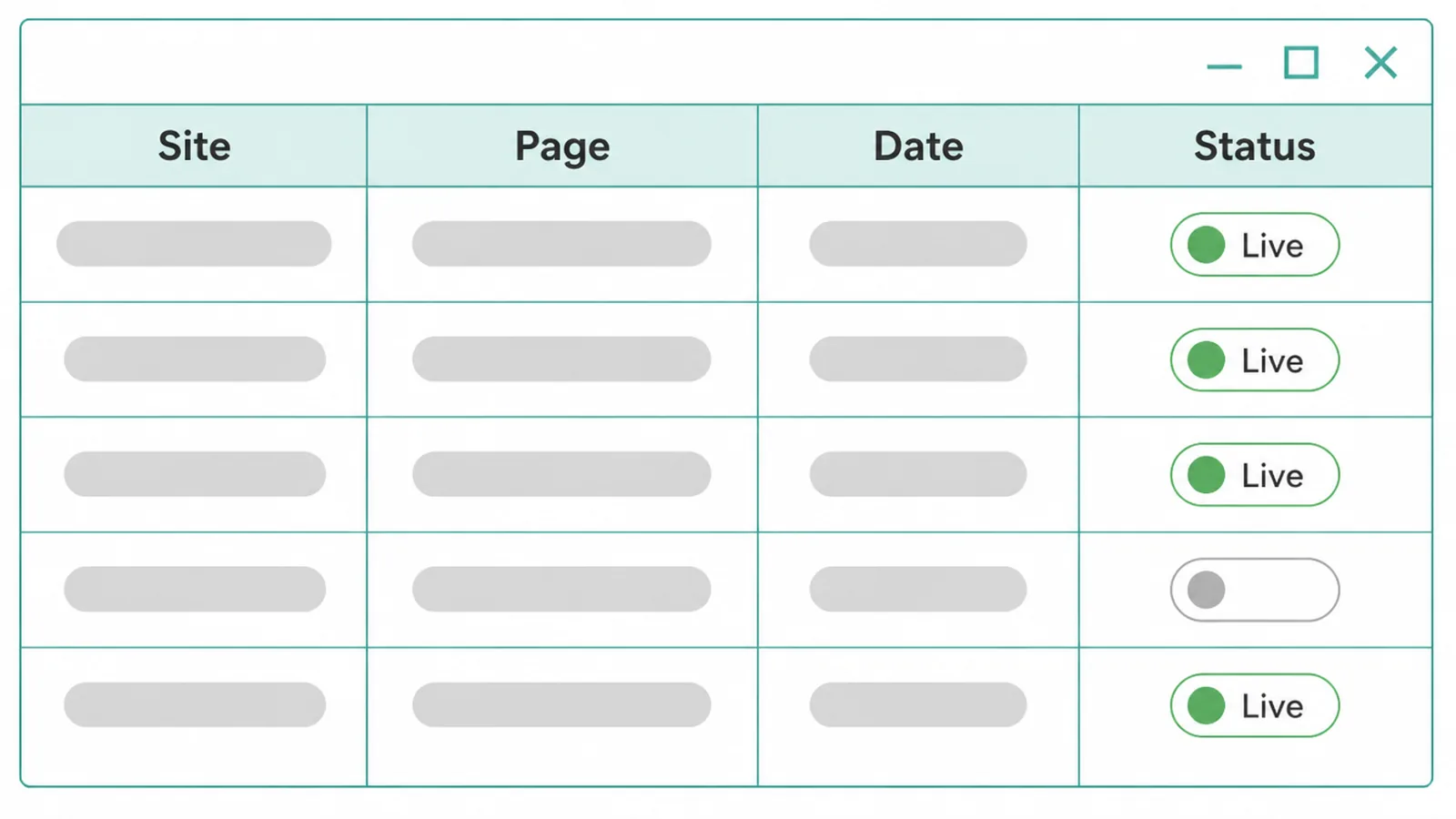
Bing Webmaster Tools will show a backlink profile for any site and compare yours against two others, with filters for domains linking to them but not to you.
That comparison is the single most useful free thing in this topic, and almost nobody uses it.
It is the only way to find competitor backlinks without paying, because the Ahrefs free tier will not look at a site you do not own.
Export the domains linking to them but not to you. That list is your actual shortlist.
3. Find pages that already list businesses like yours
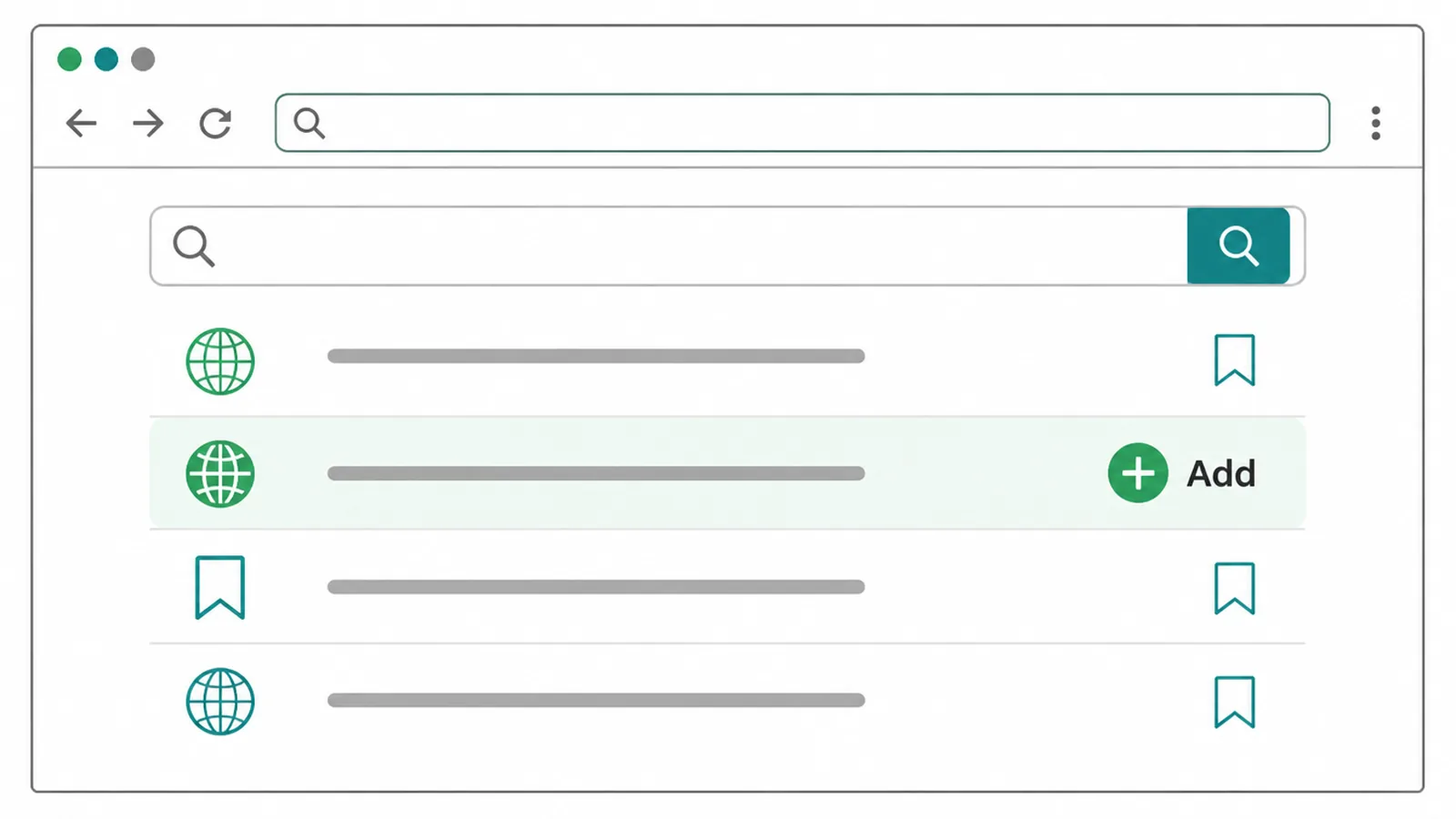
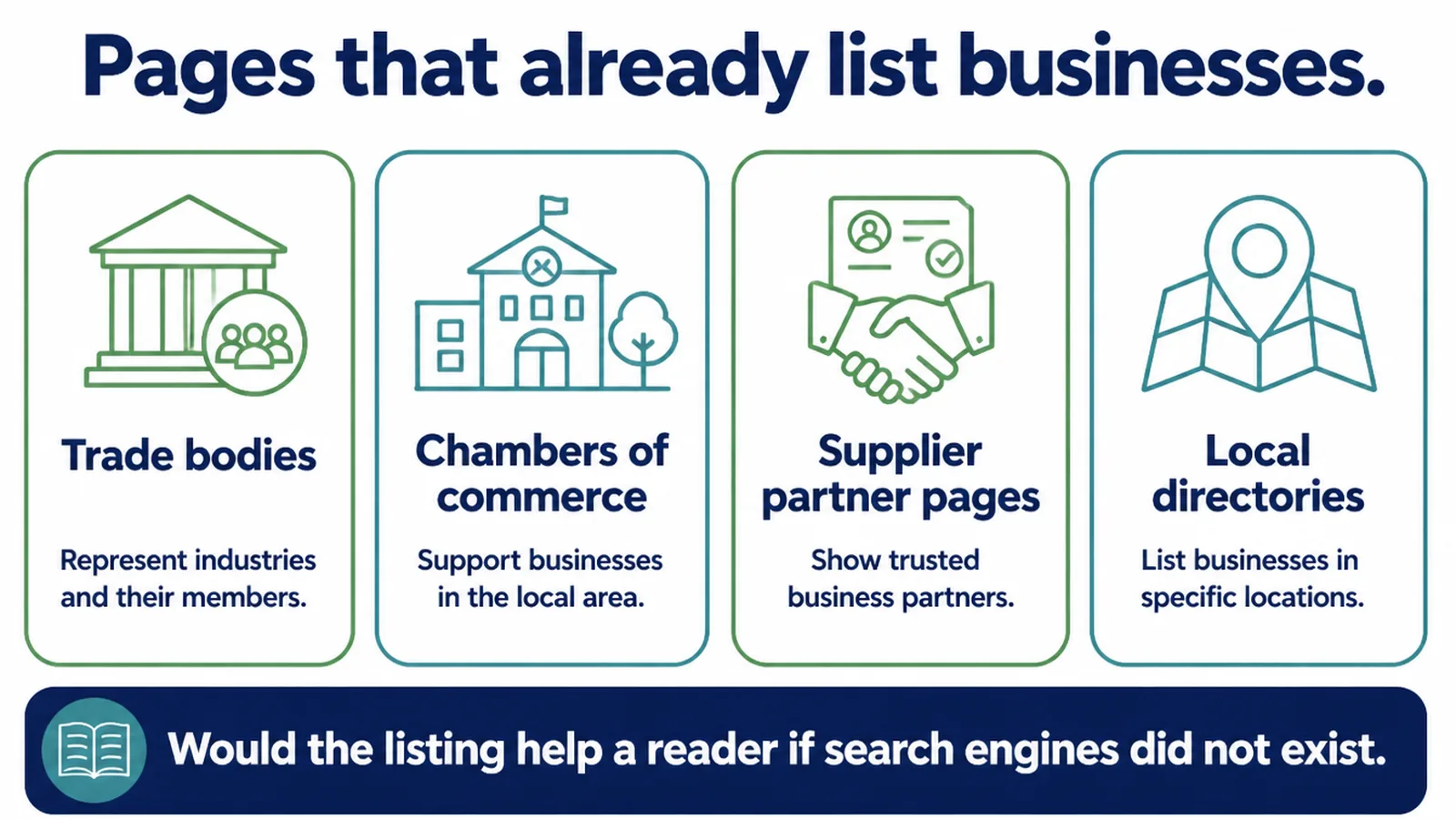
Local directories, trade bodies, supplier pages and community listings are links you can genuinely earn by being eligible for them.
Being listed somewhere relevant is not a scheme. Paying a directory that exists only to sell links is the thing Google names.
The test is whether the listing would still be useful to a reader if search engines did not exist.
Trade bodies, chambers of commerce and supplier partner pages all pass it. Most paid directory packages do not.
Check the listing is on a page a person would browse rather than a page built only to hold links. A chamber directory with a search box and real member profiles is one thing. A page of five hundred unrelated company names is another, and Google names that pattern directly.
4. Broken link building starts with your own
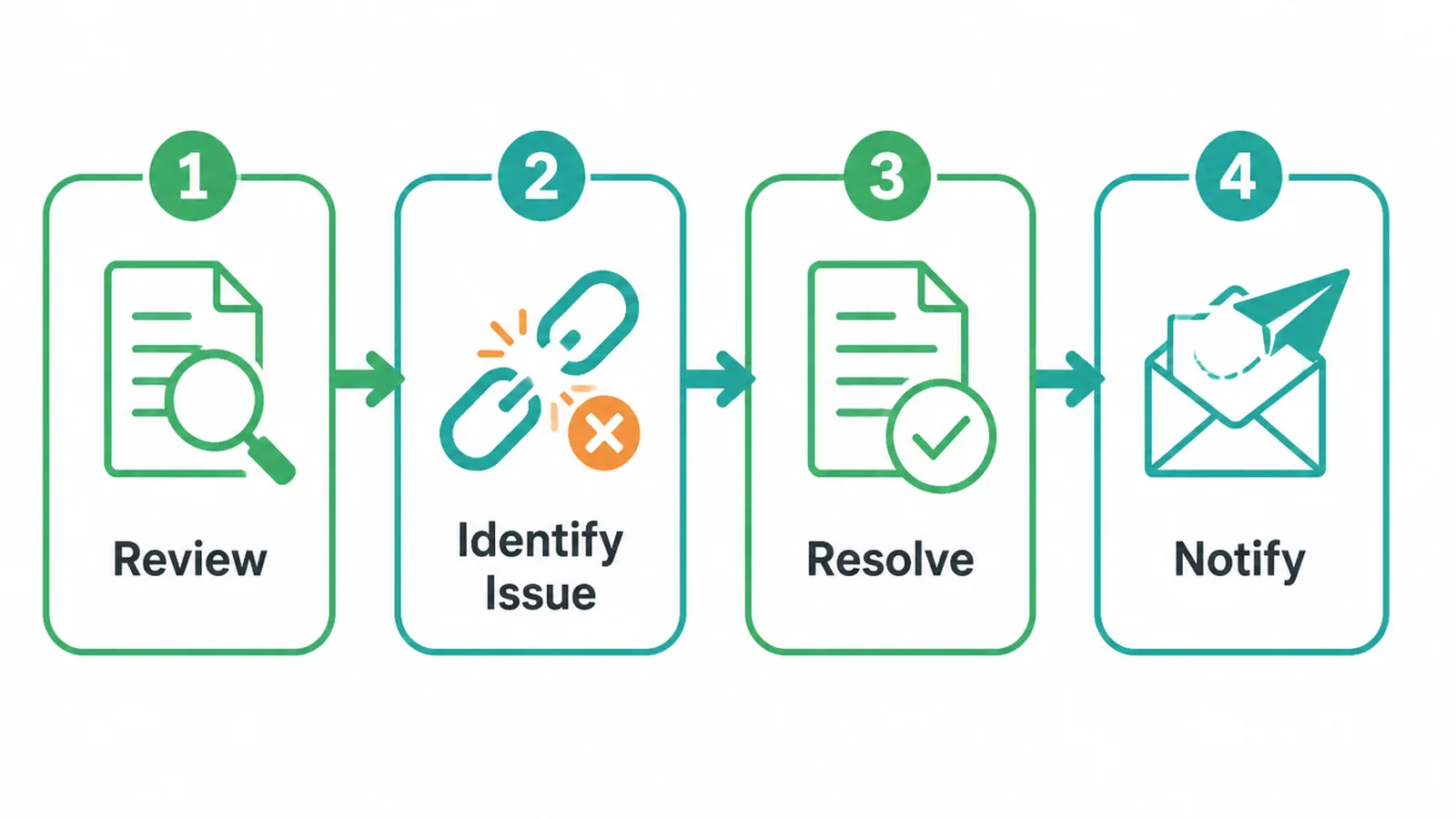
Ahrefs Webmaster Tools reports broken internal and external links on a verified site, free, and that is work nobody has to agree to.
A broken outbound link costs a reader something. It is also the cheapest thing on this page to put right.
Broken link building, the outreach version, means finding a dead page somebody links to and offering yours instead. It works, slowly, and it needs a genuinely better replacement.
Doing it on your own site first costs no goodwill and takes an afternoon.
Google documents a disavow tool for links you cannot remove, and says most sites will not need it. It also warns that using it incorrectly can harm your performance in Search.
Read that twice before uploading anything.
Ideas That Work Right Now
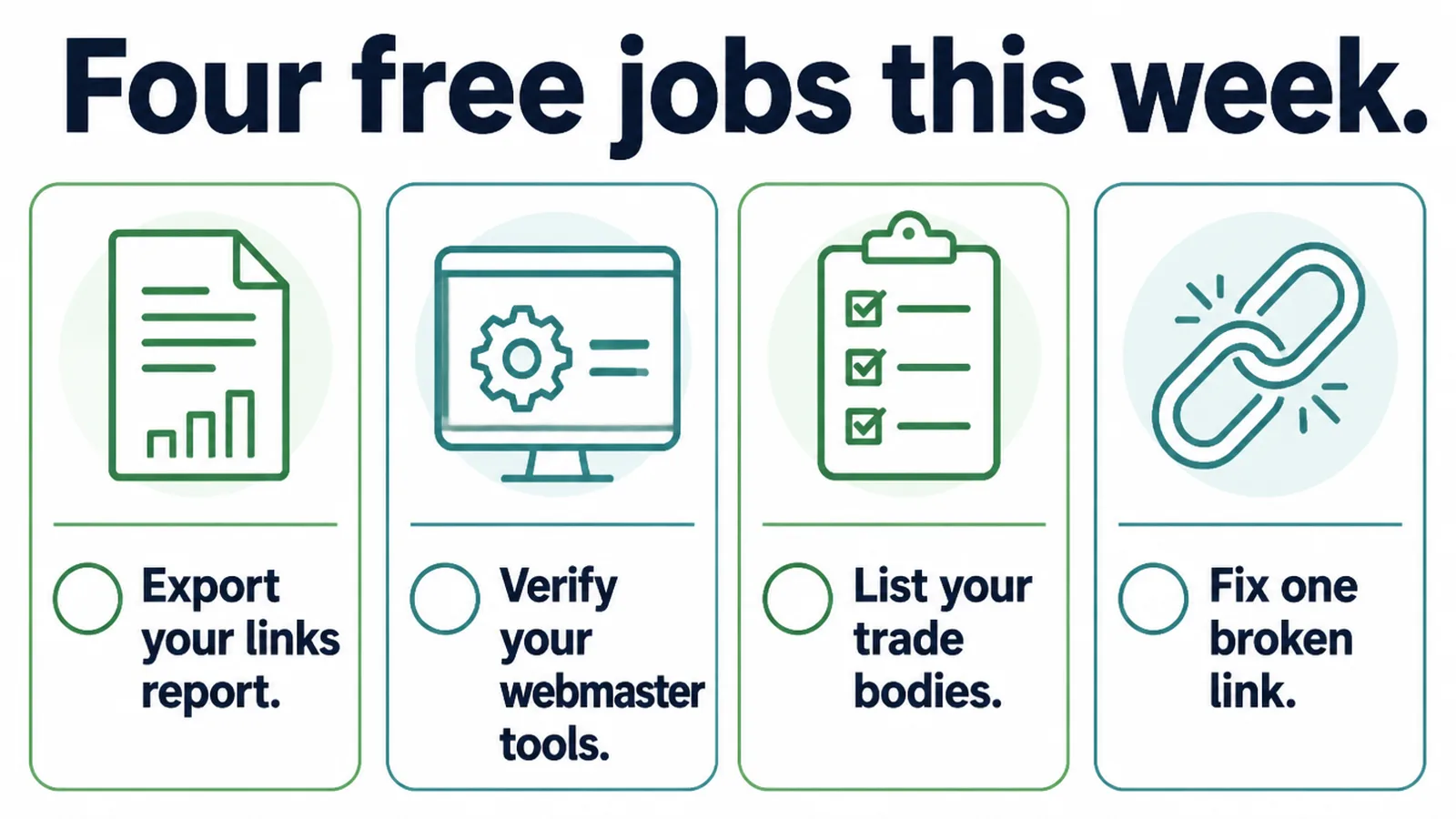
Four things to do this week, all free.
- Export your Links report. It is the only Google-sourced view.
- Verify Bing Webmaster Tools. Then compare two competitors.
- List your trade bodies. Membership often comes with a listing.
- Fix one broken outbound link. Then schedule the rest.
Which Link Building Tool for Which Job
| Job | Tool | Cost |
|---|---|---|
| See what Google recorded | Search Console Links report | Free |
| Check any competitor | Bing Webmaster Tools | Free |
| Audit your own site | Ahrefs Webmaster Tools | Free, verified sites |
| Deep competitor research | Ahrefs or Semrush | From about a hundred and thirty a month |
| Cheapest serious index | Majestic | From about fifty a month |
Work down it. Most small businesses never need the bottom two rows, and the ones that do usually know why.
The row you are on is decided by how many pages you publish, not by how competitive you feel.
Common Mistakes With Free Backlink Tools
Six ways people waste money on link building tools they did not need yet.
- Treating a count as a census. Both Google and Bing call theirs a sample.
- Comparing index sizes. No independent party measures them.
- Buying a directory package. Google names paid links as spam.
- Disavowing on instinct. Google says most sites never need to.
- Paying before the free tiers run out. They cover more than people expect.
- Chasing links before fixing broken ones. The second costs nobody a favour.
FAQs
What is the best free backlink checker?
Google Search Console for your own site, because it is the only source showing what Google itself recorded. Bing Webmaster Tools is the best free option for checking any domain, and Ahrefs Webmaster Tools gives deeper data once you verify ownership of the site.
Do free link building tools show every backlink?
No, and both Google and Bing say so. Google states its report is not a comprehensive list of every link to your site, and Bing says its backlink report is a representative set rather than a complete profile. Treat every tool's figure as a sample.
Is buying links against Google's rules?
Yes. Google's spam policies name buying or selling links for ranking purposes as link spam, alongside excessive link exchanges and automated link creation. Paid placements are allowed when the links carry the sponsored or nofollow attribute, which stops them passing ranking credit.
Should I use the disavow tool?
Almost certainly not. Google says most sites will not need it, and recommends it only when you have many spammy links that have caused a manual action or likely will. Google also warns that using it incorrectly can harm your performance in Search.
Which paid tool is worth it for a small site?
None of them until the free tiers run out. The cheapest useful paid access is Majestic at around fifty dollars a month, then Ahrefs Lite and Semrush at roughly a hundred and thirty, and the limit you hit first is usually rows of data rather than index size.
Conclusion
The free link building tools cover most of what a small business needs, and the paid ones answer a question most small businesses are not yet asking.
Read your own profile, find competitor backlinks in Bing, earn the listings you are genuinely eligible for, and fix your own broken links first.
Free backlink tools will carry a small site further than any article funded by a subscription will tell you.
If you would rather hand it over, see how we approach SEO.