
SEO Report Template: What to Include and How to Read It

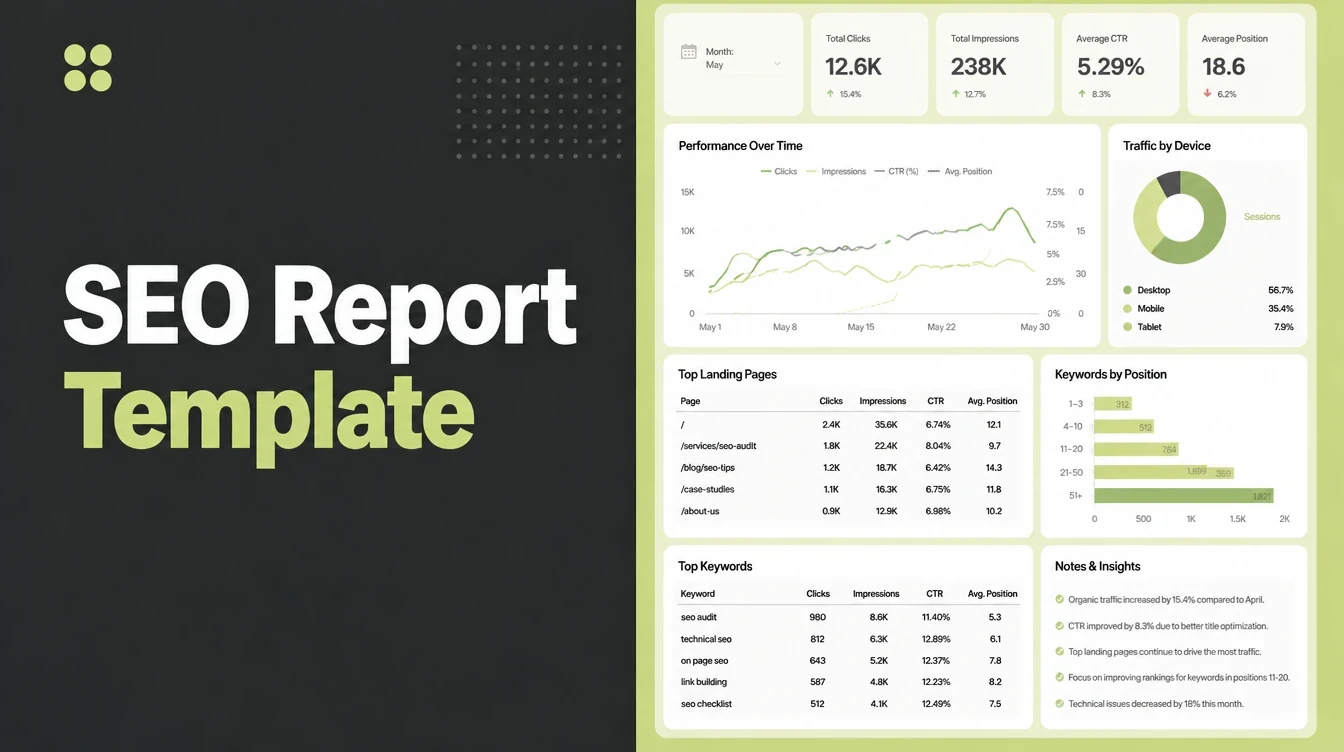
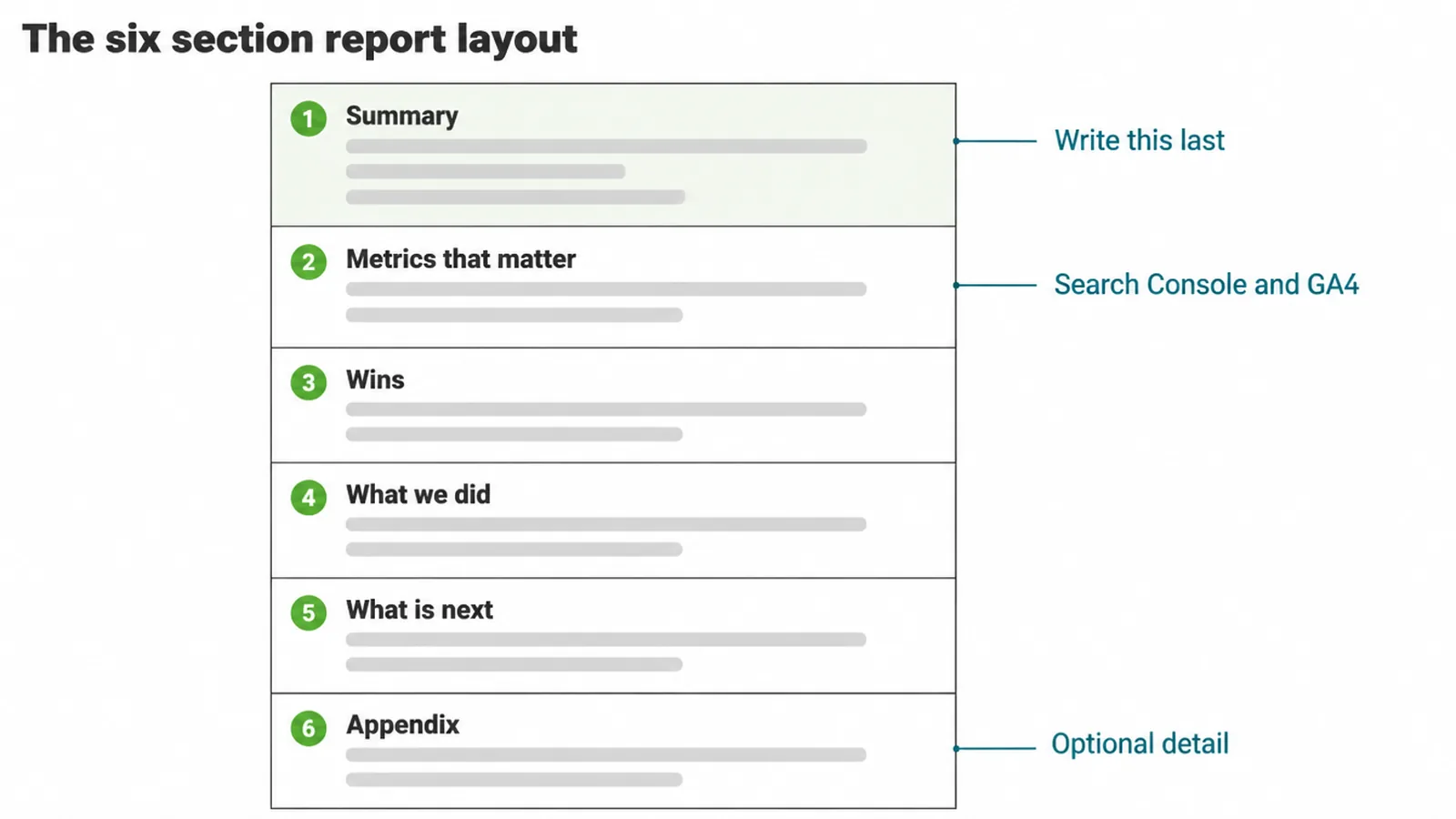
An SEO report is a short monthly summary with six fixed sections: summary, metrics that matter, wins, what we did, what is next, and an optional appendix. Write the summary last and keep it to one page. Seed Light builds these free in a Google Doc, Sheet or Looker Studio.
Key takeaways
- SEO is your biggest traffic source. Organic search drives 53% of all trackable website traffic versus about 15% from paid (BrightEdge, 2019, via Search Engine Land), so it deserves a clear monthly report.
- Use a fixed layout. Summary, metrics that matter, wins, what we did, what's next. Fill the same sections each month.
- Build it free. A Google Doc is simplest. A Sheet or Looker Studio one-pager can pull data on its own.
- Monthly beats weekly. SEO moves slowly, so weekly reports just show random wobble.
- Every number needs a "so what". A wall of charts with no plain takeaway helps no one.
1. What an SEO report is for
An SEO report is a short, regular summary of how your site is doing in search plus what you did about it.
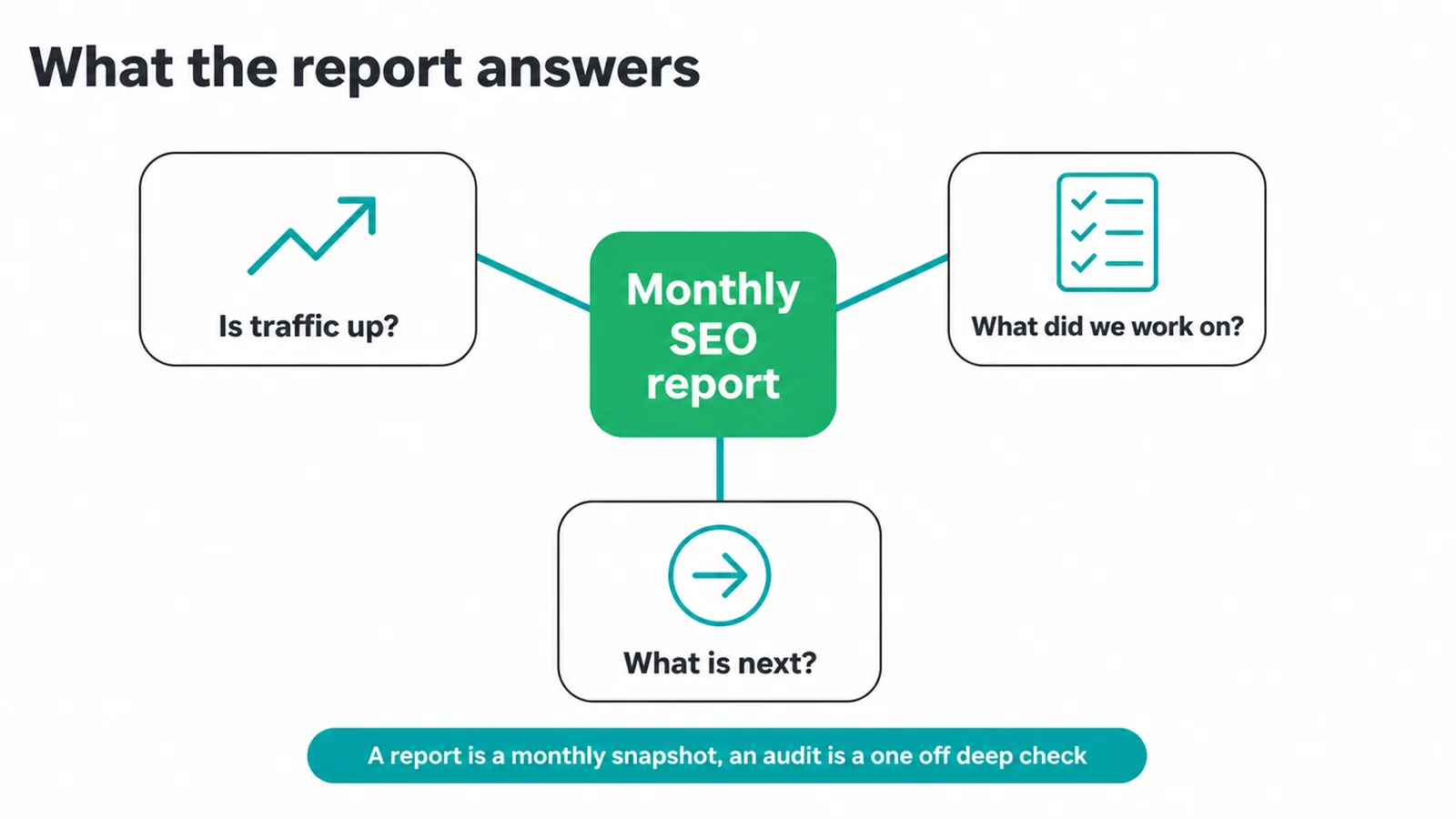
Think of it as a repeatable layout you fill in monthly, not a fresh essay each time. It answers three plain questions: is search traffic going up, what did we work on, and what is next.
Why bother writing it down? Because proving the value of marketing is hard, and SEO is no exception. In one study, 55% of marketers said measuring return was their greatest challenge, and only 10% strongly agreed they could measure it (Social Media Examiner).
A simple, honest report fixes that. It ties the work you pay for to results you can see. If you want a hand setting up the work behind the report, that is what our SEO service is for.
A report is not an audit. An audit is a one-off deep check of what is broken. A report is the monthly snapshot you send on a schedule. You will do a few audits a year and many reports.
2. The SEO report layout you can copy
Here is the SEO report template, section by section. Copy this table into a doc and it becomes your blank form. Each row is a heading. Fill the same six every month and your report writes itself.
| Section | What goes here | Where it comes from free |
|---|---|---|
| Summary | Three or four plain sentences. Did traffic go up or down, why, and what is next. Write this last. | You, after reading the numbers below |
| Metrics that matter | Organic clicks and trend, top queries, top pages, a few target rankings, leads or sales from organic. | Google Search Console + GA4 |
| Wins | Real results this month. A page that started ranking, a query you now show up for, a lead from search. | Search Console + your lead inbox |
| What we did | The work done. New pages, fixed pages, links earned, technical fixes. Keep it short. | Your own task list |
| What's next | The plan for next month. Two or three clear actions, not a wishlist. | You |
| Appendix | Optional. Extra tables or screenshots for anyone who wants detail. Nobody is forced to read it. | Your tools |
That is the whole thing. Need help deciding which numbers belong in the metrics row? Our guide to the SEO metrics that actually matter covers it. And when the report flags a weak page, the next step is a content audit to find and fix it.
3. The few metrics that matter
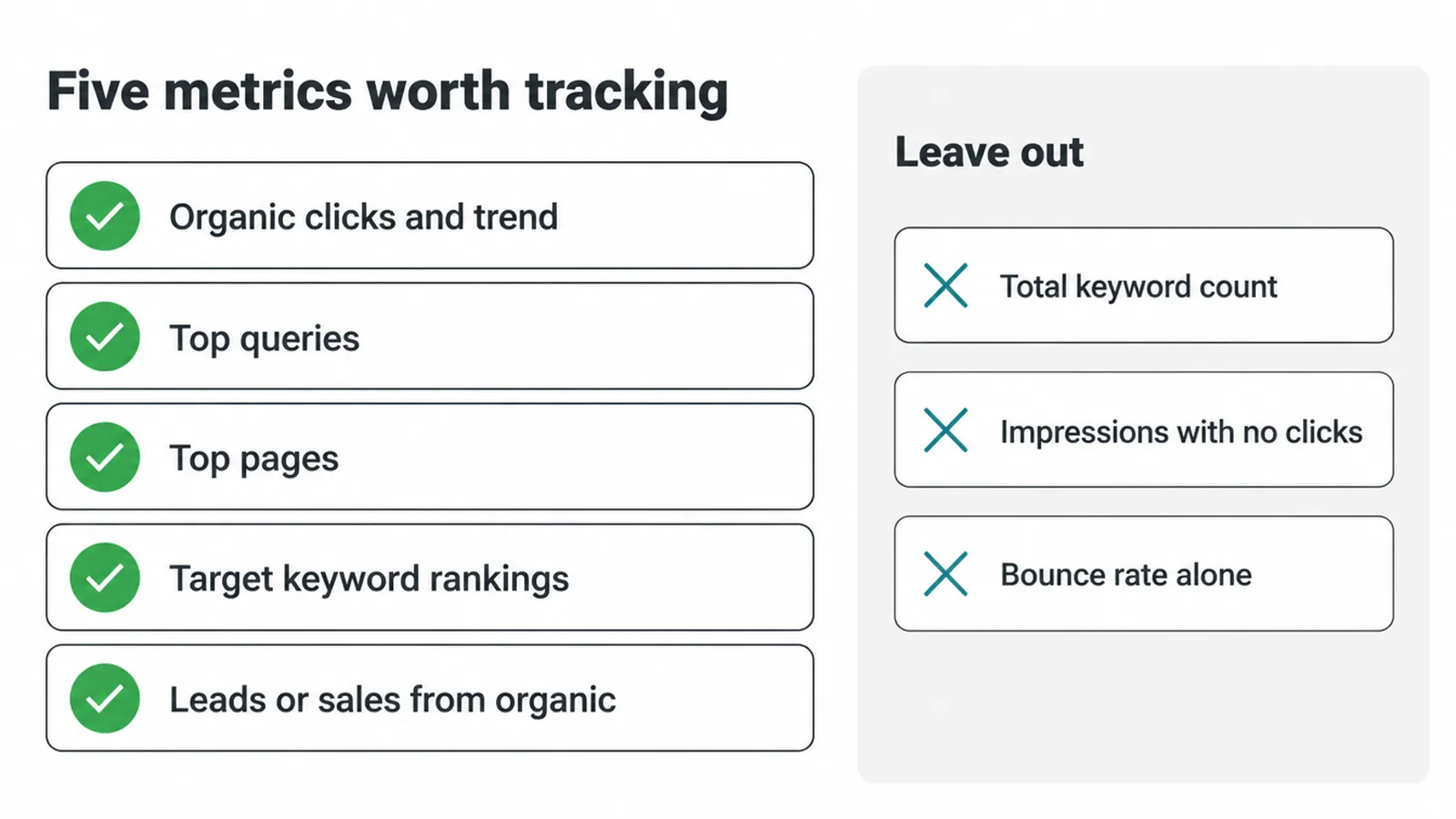
Keep your metrics row tiny. Five numbers beat fifty. The ones worth tracking are organic clicks and their trend, top queries, top pages, rankings for a short list of target terms, and any leads or sales from organic traffic. Those connect effort to money.
Rankings matter because clicks pile up at the top. Almost 96.98% of desktop clicks happen in the top 10 results (Ahrefs). And the drop within page one is steep.
The first organic result wins around 28.5% of clicks, position two gets about 15%, and position ten gets roughly 2.5% (Sistrix via Search Engine Journal). So "we ranked #4" and "we ranked #1" are very different wins. Show how far a page moved, along with where it sits now.
Most of your raw numbers come from one free tool. If Search Console is new to you, start with our walkthrough on how to use Google Search Console.
Leave out the vanity stuff: total keyword count, impressions with no clicks, and bounce rate on its own. Dumping those in is one of the most common small business SEO mistakes.
4. Build your SEO report free
You do not need a paid reporting platform to make a clean SEO report. You have three free routes, from simplest to fanciest. Pick one and stop shopping.
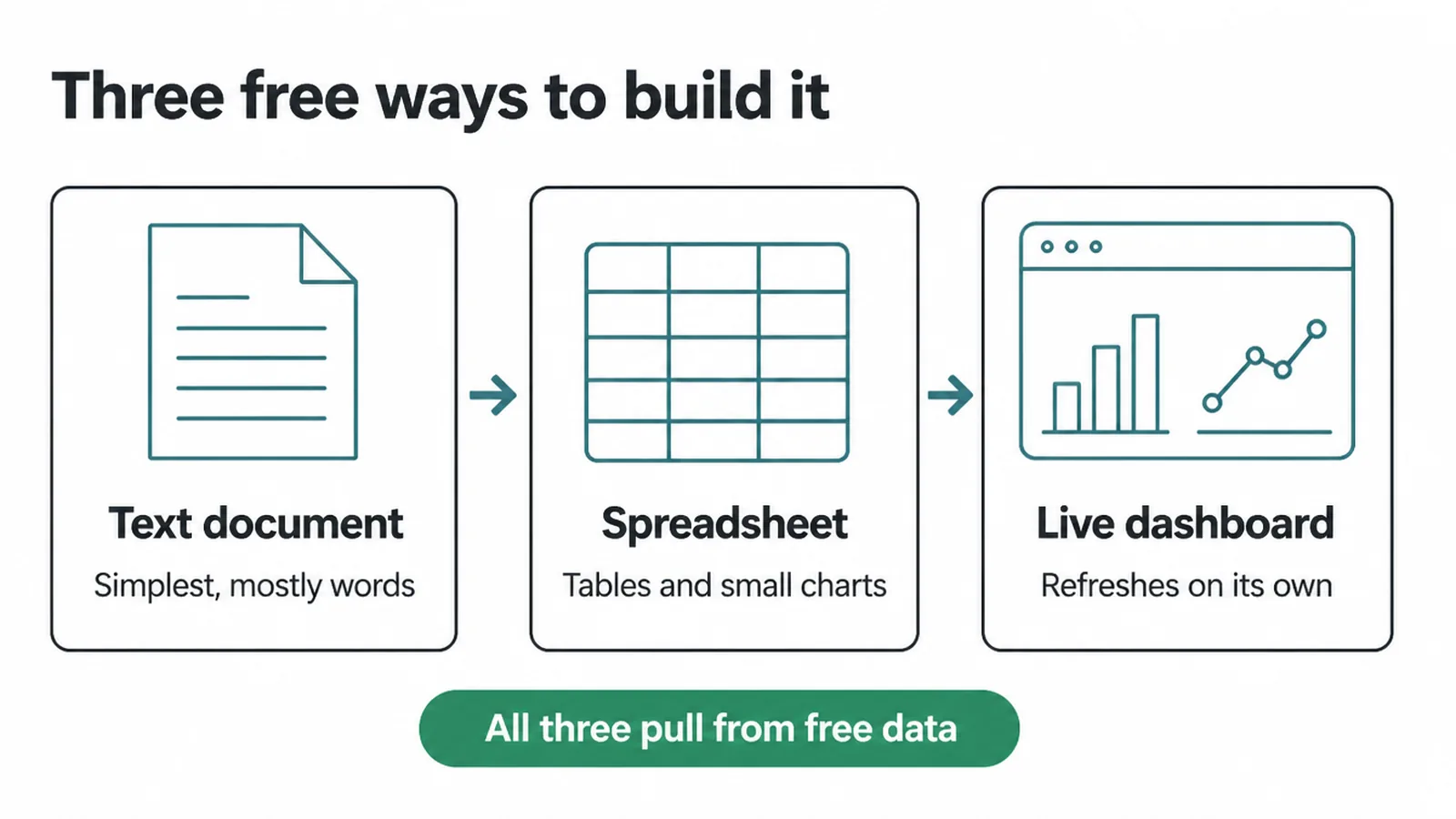
A Google Doc. The easiest start. Paste the six-section table, write your summary, drop in two or three screenshots. Perfect if the report is mostly words and you send it by hand.
A Google Sheet. Better if you like tables and small charts you control. One tab per month, or one row per month so you can see the trend across the year. Still free, still copyable.
A Looker Studio one-pager. This one updates itself. Wire it to Search Console and GA4 once, and it refreshes on its own. A bit more setup, no ongoing cost. Worth it if you report every month and hate copy-pasting.
All three pull from free sources. For a wider look at what is free versus paid, see our roundup of SEO tools for small businesses.
5. How often to send it
Send your SEO report once a month. That is the right rhythm for almost every small business. SEO is slow, so a monthly view smooths out the noise and shows the real direction.
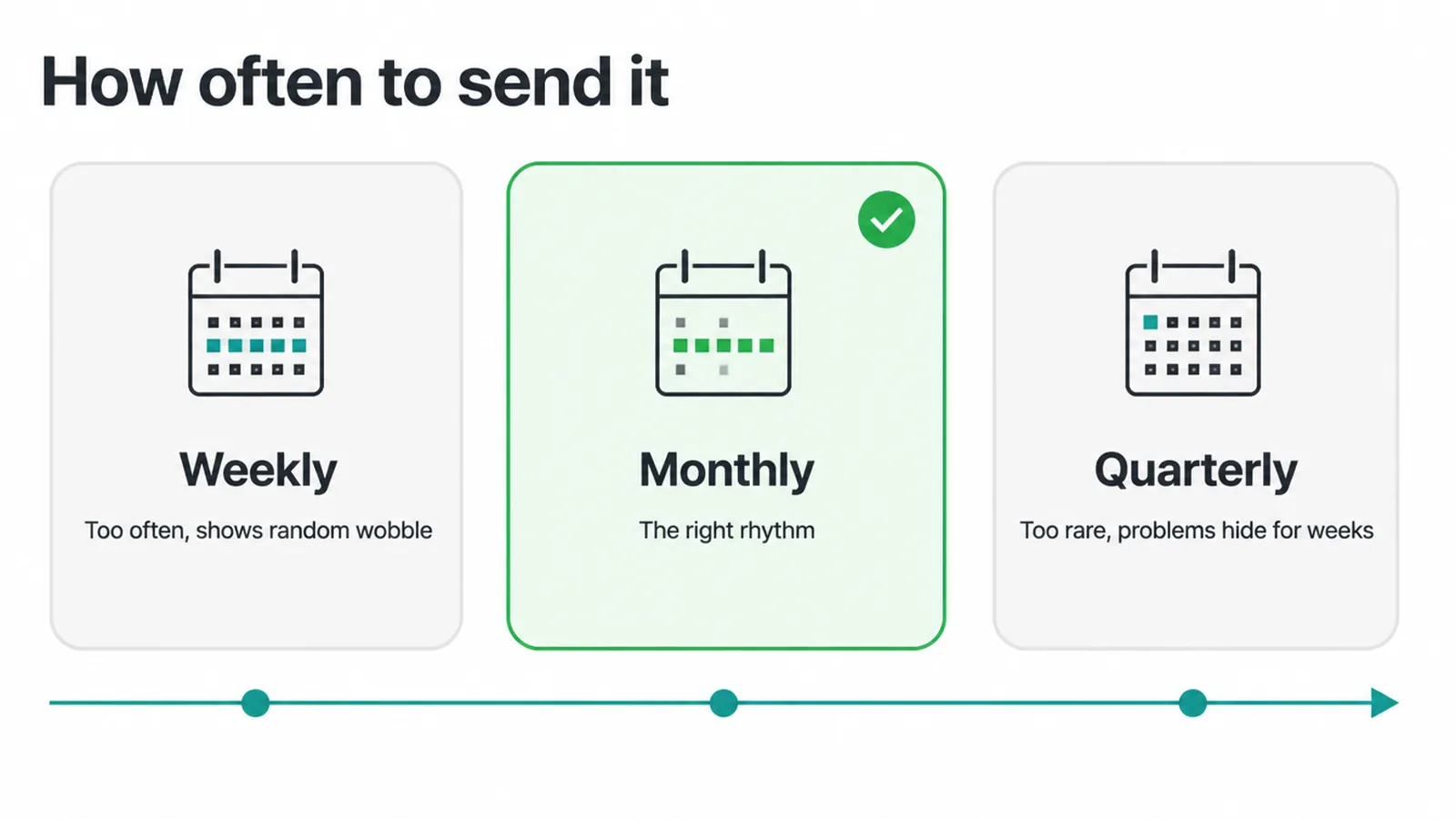
Weekly is too often. Search traffic bounces around day to day for reasons nobody controls, so a weekly report makes you panic over nothing and react to wobble. Quarterly is too rare. If something breaks in week two, you find out twelve weeks later, which is far too late.
Monthly also matches how SEO pays off. Results build over time, not overnight, which is why our post on how long SEO takes to work matters here. One clear monthly report keeps expectations calm and lets the slow wins show up.
6. The mistake that kills most reports
The big one is the data dump. A page packed with twenty charts and no words is not a report, it is homework. The reader sees a wall of colour, feels lost, and trusts it less. More numbers do not mean more proof.
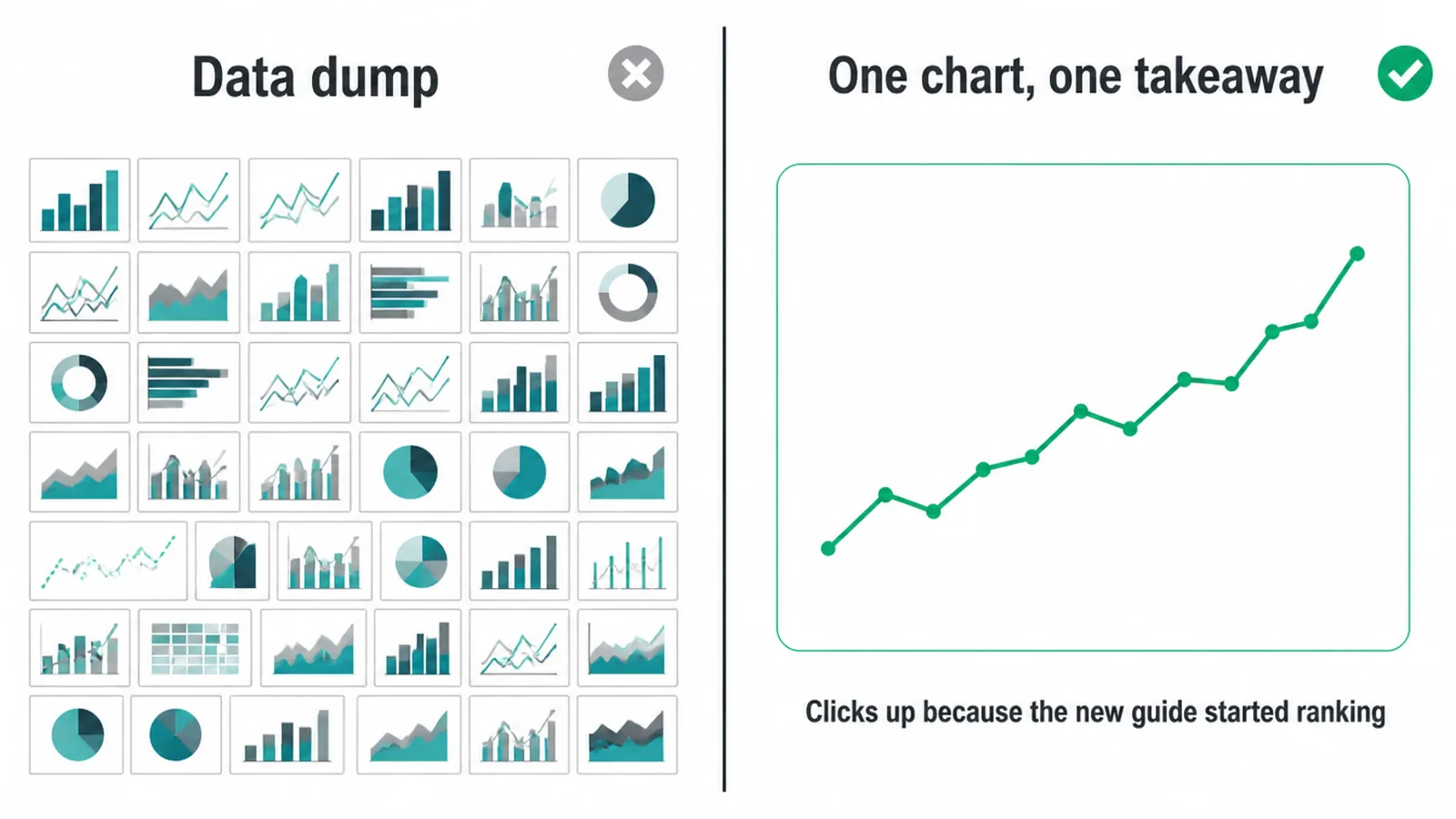
Every number needs a "so what". Next to each chart, write one plain line: what it means and what you will do about it. "Clicks up 12% because the new guide started ranking, so we will write two more like it." That sentence is worth more than the chart on its own.
The other trap is vanity metrics. Big impression counts and total keyword numbers look impressive and prove nothing. Cut anything that does not change a decision. When a chart shows a weak page, that is your cue to run a content audit and fix it, then report the fix next month.
SEO report questions, answered
1. What should an SEO report include?
A short summary, a few metrics that matter, the wins, what you did, and what is next. Keep it to one page if you can. The summary is the most important part because most readers stop there. Skip raw data dumps and vanity numbers.
2. How do I create an SEO report?
Pick a layout with fixed sections, then fill in the same sections each month. Pull free numbers from Google Search Console and GA4. Write a plain one-line takeaway for every chart. Start in a Google Doc. Move to a Sheet or Looker Studio later if you want it to update on its own.
3. How often should I send an SEO report?
Monthly is the sweet spot for most small businesses. Weekly is noise because SEO moves slowly and you will react to random wobble. Quarterly hides problems for too long. One clear monthly report keeps everyone calm and on the same page.
4. Can I make an SEO report in Google Sheets or Docs?
Yes. A Google Doc is the simplest and is perfect for a written summary. A Google Sheet is better if you want tables and small charts you control. Both are free, and you can copy the layout and reuse it every month.
5. What is the difference between an SEO report and an SEO audit?
A report is a regular snapshot of how the site is doing and what you did. An audit is a one-off deep check of what is broken or missing. You run an audit now and then. You send a report on a set schedule, usually monthly.
6. Which metrics matter most in an SEO report?
Organic clicks and their trend, top queries, top pages, rankings for a small set of target terms, and any leads or sales from organic traffic. Those tie effort to money. Leave out raw impressions on their own, bounce rate, and total keyword counts.
7. How long should an SEO report be?
Short. One page is a great target. If a number does not change a decision, cut it. A busy owner should be able to read the whole thing in two minutes and know if things are going up, flat, or down.
8. What is an executive summary in an SEO report?
An executive summary in an SEO report is the few sentences at the top that say how things went in plain words. Did traffic go up or down, why, and what you plan next. Write it last, after you have looked at the numbers, and write it for someone who never reads the rest.







