How to Write Website Copy for a Service Business

Website copy for services has to name the job, say what the outcome looks like, and be honest about what it does not cover. Seed Light writes service pages in that order, because a reader is deciding whether you have done their exact job before, not whether your company sounds impressive.
Most service pages describe the company. The reader is trying to find out about the job.
That mismatch is why so many of them read as brochures: a paragraph of history, three values, and nothing that tells somebody whether their particular problem is one you have solved before.
This guide covers what a service page has to say, why describing yourself falls flat, and the order that answers a reader's questions as they occur to them.
Key Takeaways
- Describe the job, not the firm. The reader is checking whether you have done theirs.
- Say what the outcome looks like. In their terms, not in deliverables.
- Name what is not included. It builds more trust than another claim.
- Put the questions on the page. The ones you answer on every call.
- One page per real service. Combined pages are vague about everything.
Good website copy for services is mostly a transcript. You already answer these questions on the phone every week.
The page is where those answers get written down once, so the enquiries that reach you are from people who already know what they are asking for.
What Website Copy For Services Has To Say
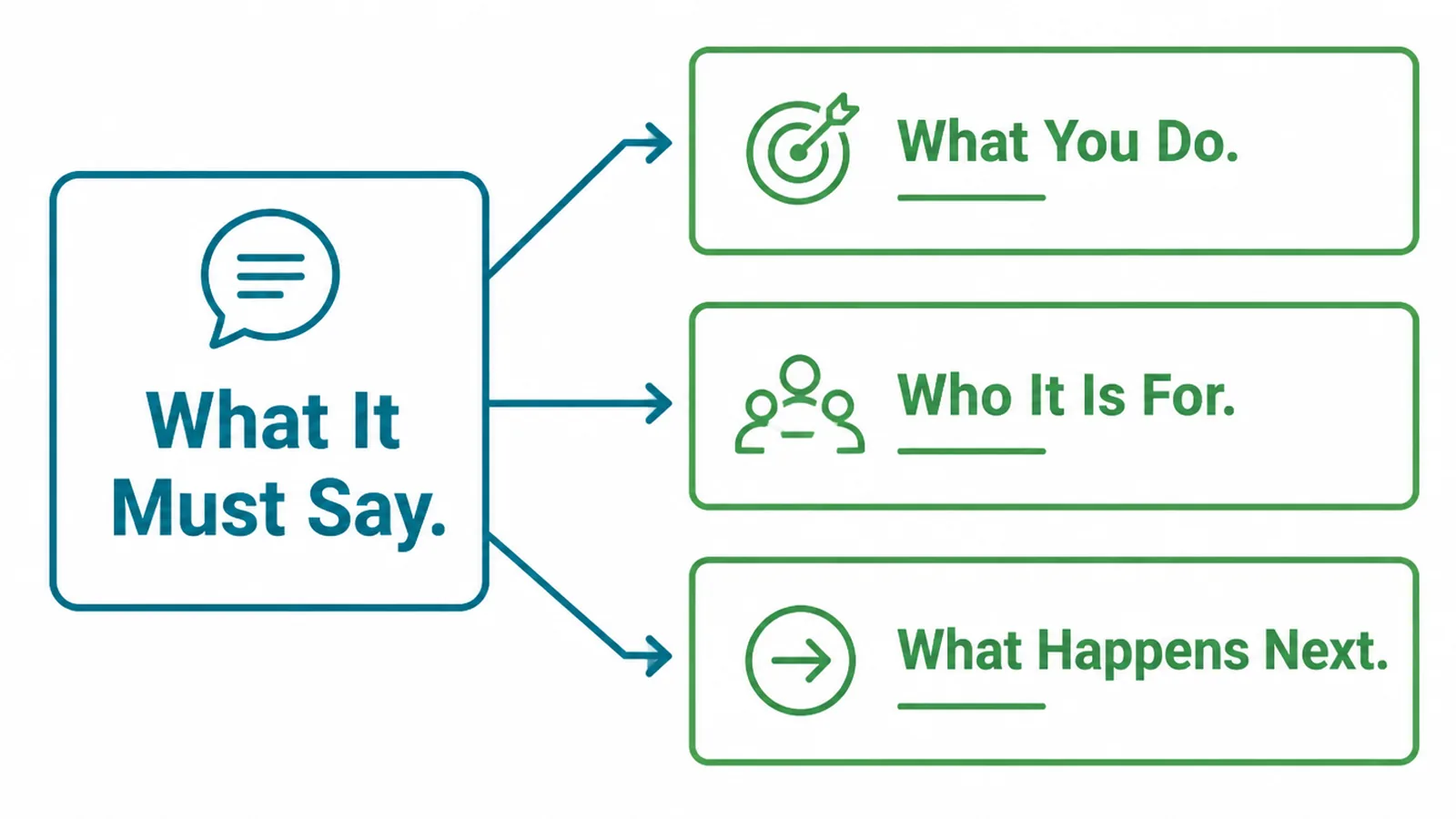
A reader arrives mid-decision. They have a job in mind and they are checking three things, quickly.
- What you do. The job, named the way they would name it rather than the way your trade does.
- Who it is for. So somebody recognises their own situation in the first few lines.
- What happens next. The cost, the timescale, and the first step from their side.
The third is the one most pages avoid, and it is the one that builds trust. Cost, timescale and exclusions stated plainly are far more convincing than a page that claims everything.
It also saves you time. Enquiries from people who have read the exclusions arrive already qualified, and that is worth more than a larger number of vague ones.
Most owners worry that exclusions lose work. In practice they lose the work you would have turned down, and win the reader who was checking whether you are straight with people.
Website copy for services lives or dies on vocabulary, so write the job in the customer's. If they say "leaking roof" and your trade says "roof remediation", the page uses their words and mentions yours once.
Why Describing Yourself Falls Flat
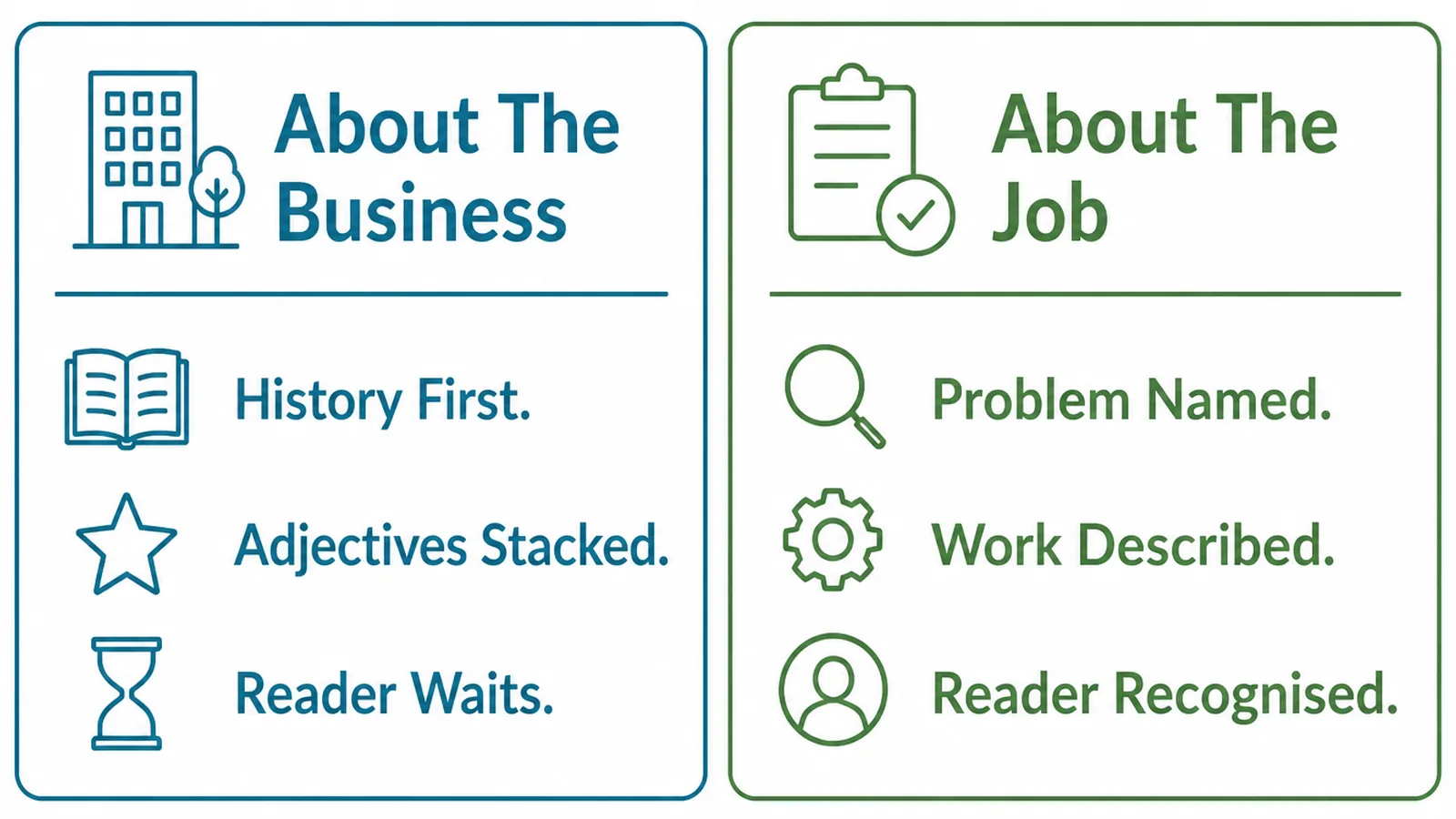
Company-first copy is the default because it is easier to write. You know your own history; you have to think to describe somebody else's problem.
The result reads as a page about you, when the reader came for a page about them. Years in business, values and a team photograph are reassurance, and reassurance only works after relevance.
Lead with the job, then earn the right to talk about yourself. By the time somebody has read what the work involves, your experience is interesting rather than self-regarding.
There is a simple edit that fixes half of it. Count the sentences whose subject is "we" and rewrite most of them so the subject is the job or the reader.
Keep the few that matter. "We only take on two of these a month" says something useful about availability and standards.
The same applies to credentials. A licence, a certification or a membership belongs on the page, stated once, near the work it qualifies you for rather than in a paragraph about the company's journey.
How To Write Service Page Copy, Step By Step
Three steps, and the first one happens away from the page entirely.
1. Write The Promise First
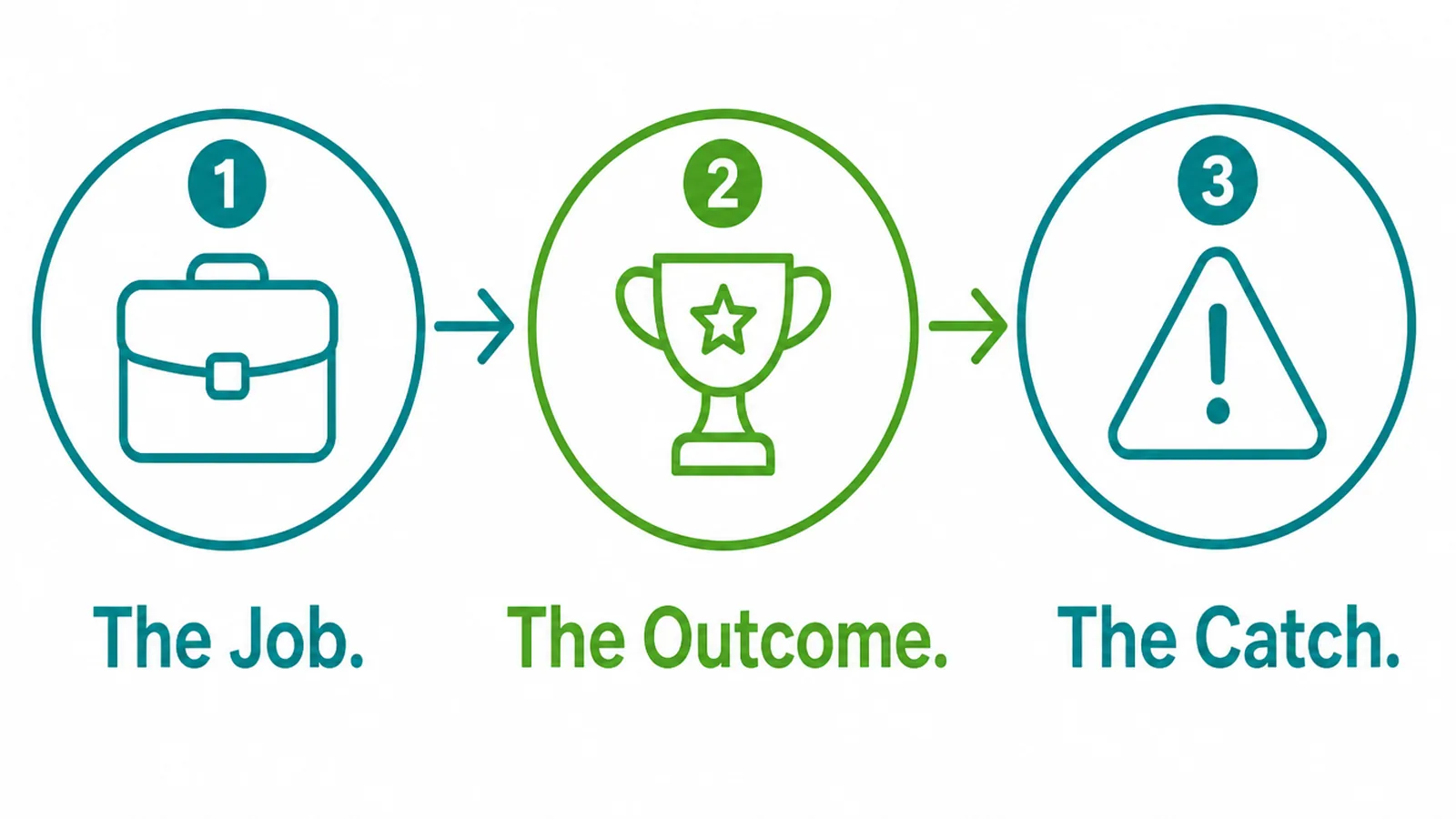
Write three sentences before you think about the page at all.
- The job. What you actually do, in the words a customer uses to describe it.
- The outcome. What they have at the end, and how their situation differs.
- The catch. Price shape, timescale, and what is not in it.
Those three sentences become the top of the page. Everything below is evidence, detail and the route to an enquiry.
If the catch sentence is hard to write, it is usually because the answer is "it depends". Write what it depends on. That is more useful than a number and more honest than silence.
Keep the outcome concrete. "A site you can update yourself" lands; "a digital presence that works for you" does not.
2. Lay The Page Out
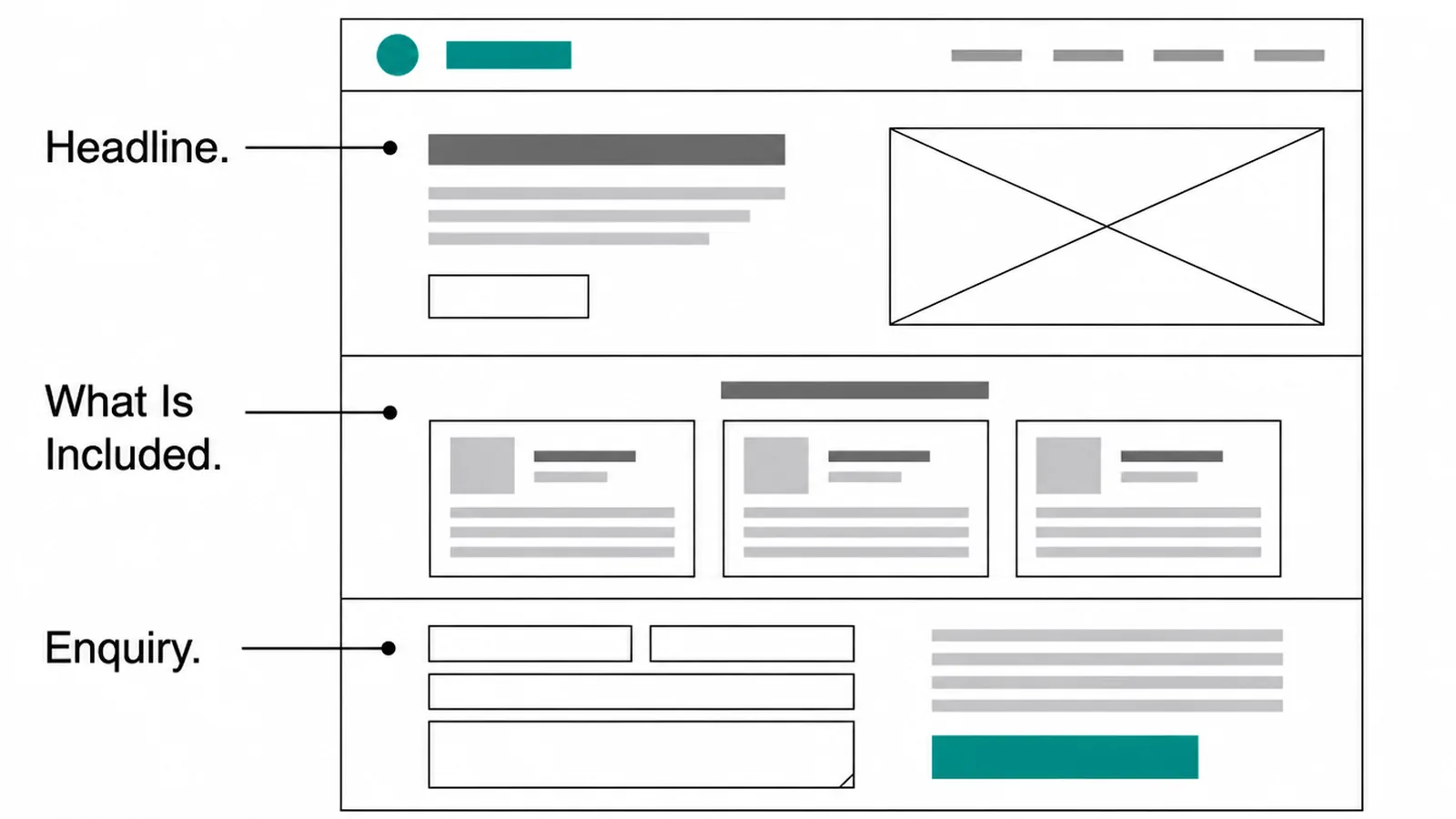
The order matters more than the wording, because a reader leaves the moment the page stops answering.
- Headline. The service and who it is for, in plain words.
- What is included. A list of what you actually do, specific enough to picture.
- Enquiry. The next step, repeated where somebody is likely to be convinced.
Between those, add proof of that service specifically. A testimonial about the job on the page beats a general one about how pleasant you are to deal with.
Photographs of that service do the same job faster. One picture of the finished work answers a question a paragraph takes three sentences to approach.
Then add the practical section: how it works, how long it takes, what you need from them. People read that section carefully even though it is the least exciting part of the page.
Put the enquiry step after each section that might convince somebody. Not once, at the bottom, where only the thorough reader arrives.
3. Answer The Questions They Ask
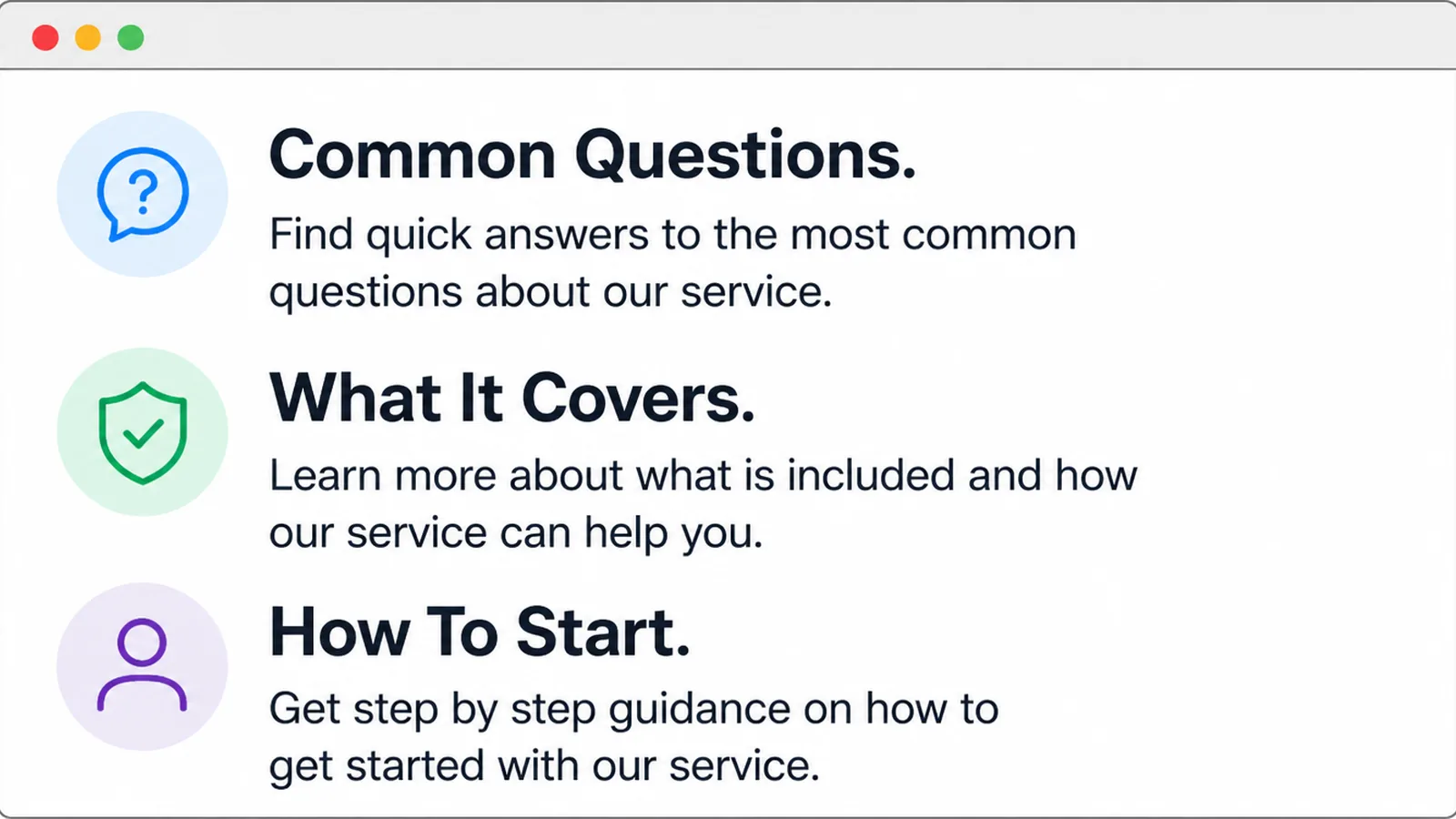
Every service has five or six questions that arrive on every call. Those belong on the page, written out.
- Common questions. The ones you have answered more than three times this month.
- What it covers. Boundaries, so nobody is surprised halfway through.
- How to start. The first step from their side, described as a small action.
Write them in the order they are usually asked rather than the order that flatters you. Price is often first, and pretending otherwise does not move it down the list.
Answer each one properly. A question answered with "contact us to find out" is a question that has been left on the page without being answered.
This section is also where most of a page's useful search traffic comes from, because people search in questions. That is a side benefit rather than the reason to write it.
Keep adding to it. Every new question that arrives twice is a line that belongs on the page, and the section improves on its own if somebody tends it.
What Belongs On Every Service Page
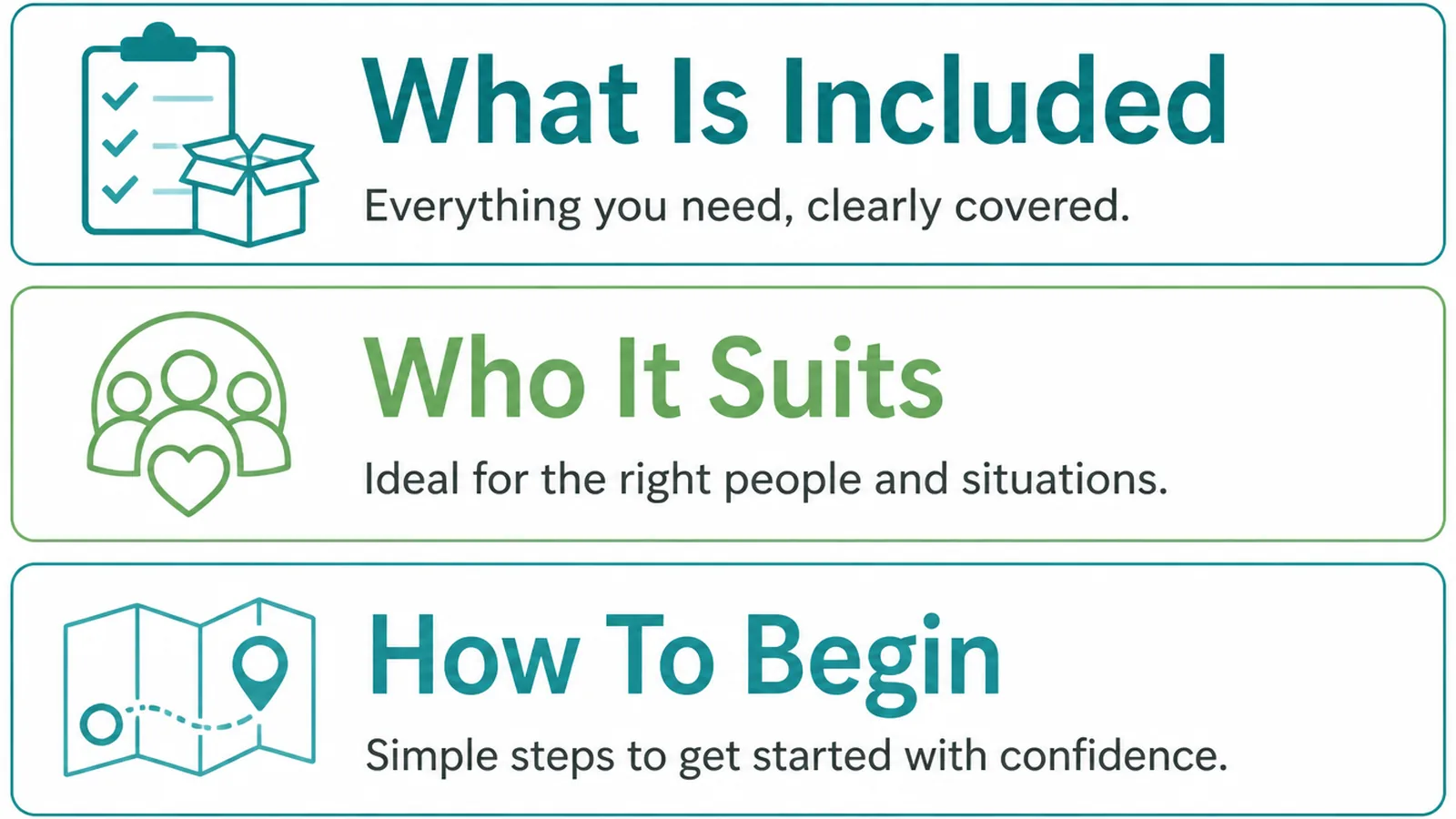
Whatever the service, these three earn their place on the page.
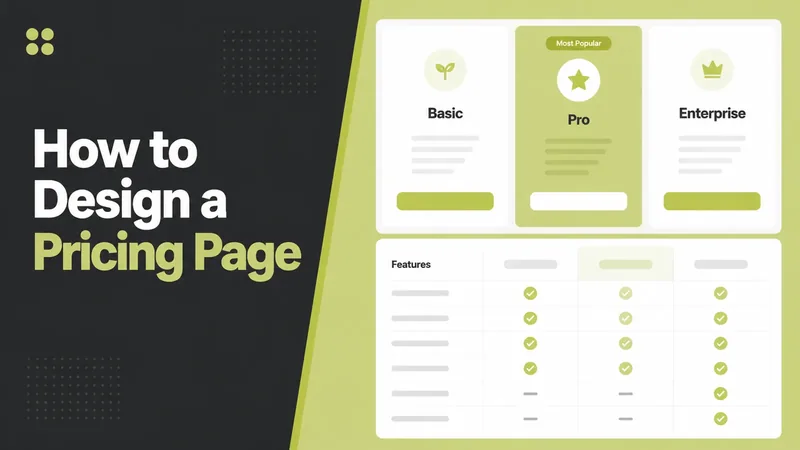
- A price signal. A from price, a range, or what drives the cost.
- Proof of that service. A job like theirs, with a photograph or a named customer.
- One clear next step. The same action, described the same way, each time it appears.
The price signal is the most argued about and the most useful. Without one, every enquiry starts with a question you could have answered in a sentence.
It does not have to be a fixed figure. "Most kitchens we fit land between these two numbers, depending on the units" tells somebody enough to decide whether to call.
If you genuinely cannot publish a number, publish the method. How you price is almost as useful as what you charge.
Say what makes a job more expensive as well. Access, materials, urgency and scope are the usual four, and naming them lets somebody place themselves in the range.
Review the figures twice a year. A stale price on a service page is worse than none, because the conversation then starts with a correction.
Copywriting Tools
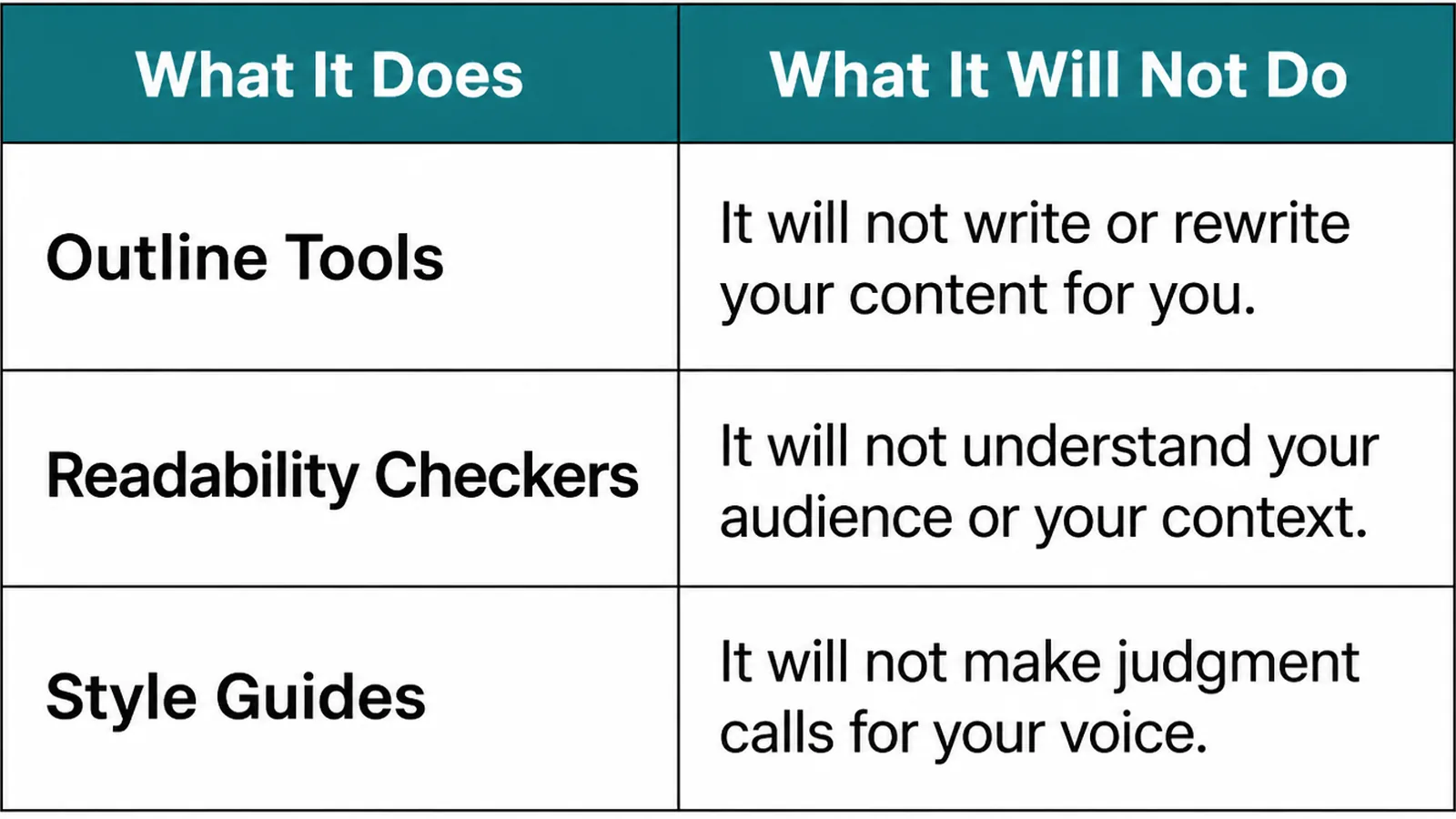
| What it does | What it leaves to you |
|---|---|
| Your own enquiry inbox shows how customers describe the job | Reading it as source material rather than as admin |
| Writing assistants restructure and tighten a draft quickly | Every fact, price and claim, which they will invent |
| Readability checkers flag long sentences and dense sections | Deciding whether the sentence was worth keeping |
The first row is the one people overlook. Your sent folder contains the best version of your own service page, written one reply at a time.
Pull three recent replies into a document and you will have most of a page, in language a customer already understood.
Strip the pleasantries, keep the explanations, and put the headings back. What remains is usually closer to a finished service page than a first draft written from scratch.
Common Copy Mistakes
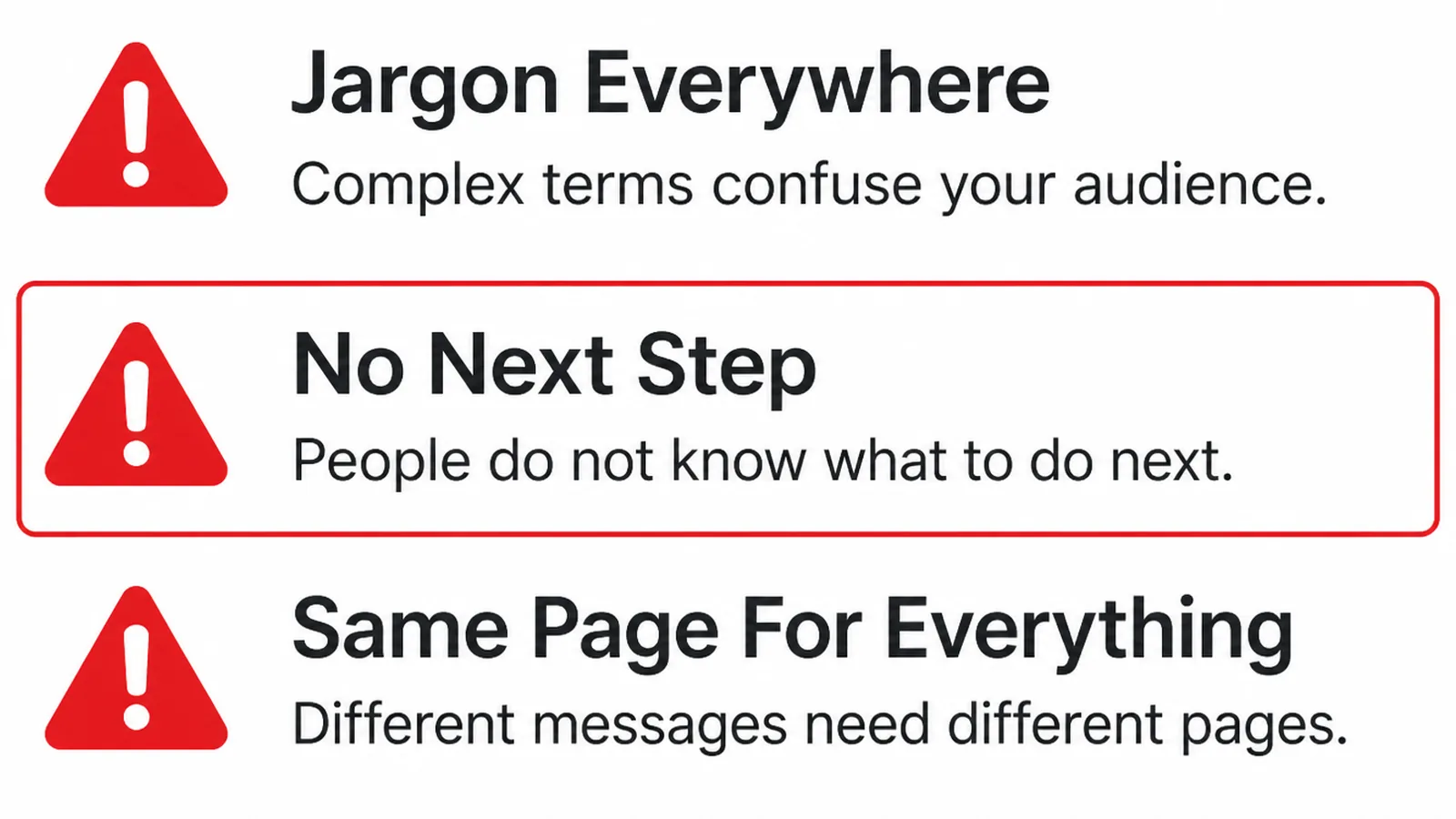
- All about the company. History and values where the job description should be.
- No price signal. Every enquiry begins with the question the page avoided.
- One page for five services. Vague about each, findable for none.
A fourth is industry vocabulary. Words that are precise inside your trade are often invisible outside it, and the reader simply does not recognise their own problem.
Read the page to somebody outside the business and watch for the moment they stop following. That sentence is the one to rewrite, and it is usually a term you had stopped noticing.
If you are writing the home page as well, the wider guide to website copywriting covers the promise and the editing passes in more detail.
FAQs
Should I have one page per service?
Yes, where the services are genuinely different jobs with different buyers. One page per service gives each one room to answer its own questions and to be found on its own terms. Combining them produces a page that is vague about all of them.
Should prices go on a service page?
Something about money should. A from price, a typical range, or a clear explanation of what drives the cost all help a reader self select. Saying nothing at all makes price the first thing every enquiry has to ask about.
How long should a service page be?
Long enough to answer what the job involves, what it costs, what is included, how long it takes and what happens next. For most small businesses that lands somewhere under a thousand words, and the length follows the questions rather than a target.
What if my services overlap?
Write each page for the person searching for that phrase, and cross link them where somebody might need both. Overlap in the work is fine; overlap in the pages is a problem only when two pages are competing to answer the same question.
Conclusion
Website copy for services is a description of the job, an honest outcome, and the catch stated plainly.
Write those three sentences first, lay the page out so it answers questions in the order they arrive, then put your real answers to real questions at the bottom.
If you would rather have the pages written for you, see how we approach web design, or get in touch and we will start from the replies you are already sending.