Using WhatsApp Business to Handle Enquiries

WhatsApp Business for leads works when the profile is complete, the common replies are written once, and every thread carries a label. Seed Light sets it up this way because WhatsApp's own business app adds a profile, a product showcase, and greeting and away messages that a personal number simply does not have.
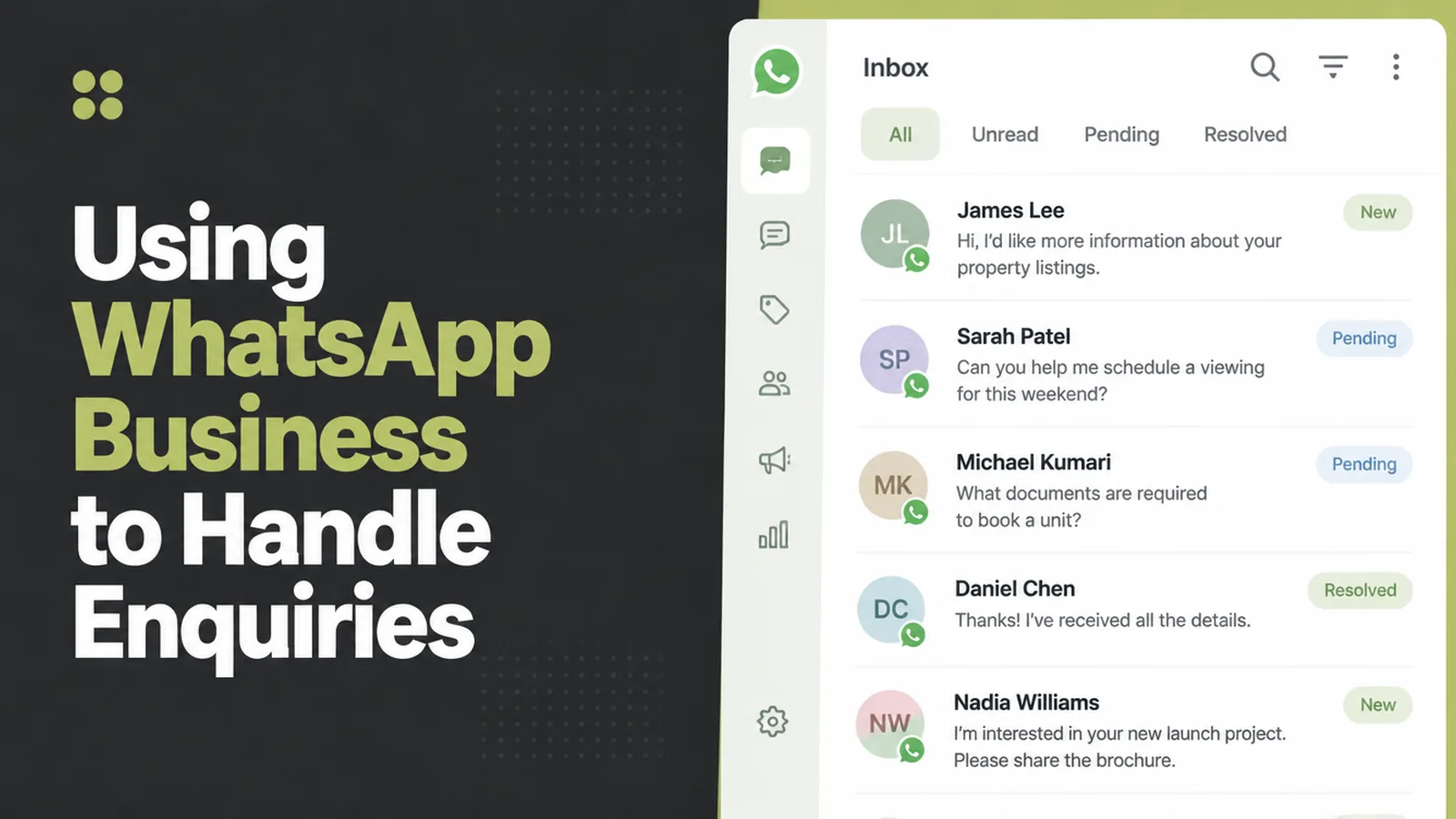
In Malaysia most enquiries arrive on WhatsApp. That is not a strategy anyone chose, it is just where customers already are.
What usually happens next is that the business runs on a personal number, in a chat list sorted by whoever messaged most recently, between family groups and school announcements.
This guide covers what the business app actually adds, and how to set it up so an enquiry does not quietly scroll out of view.
By the end you will have a profile worth landing on, replies you are not retyping, and a chat list you can read as a pipeline.
Key Takeaways
- The business app is free and different. It adds a business profile a personal account cannot have.
- Write the common replies once. Hours, service area and how to get a quote, saved and reused.
- Label every thread. New enquiry, quoted, booked, so the list means something.
- Set an away message. It buys you the evening without losing the enquiry.
- It is not a record. Past a certain volume, the enquiry needs to live somewhere other than a phone.
Using WhatsApp Business for leads is less about automation than about making the inbox legible. Most of the gain comes from three settings and one habit.
None of it requires paying for anything. The business app, the profile, the saved replies and the labels are all in the free version. This is usually the cheapest improvement available to a small business.
What WhatsApp Business Adds
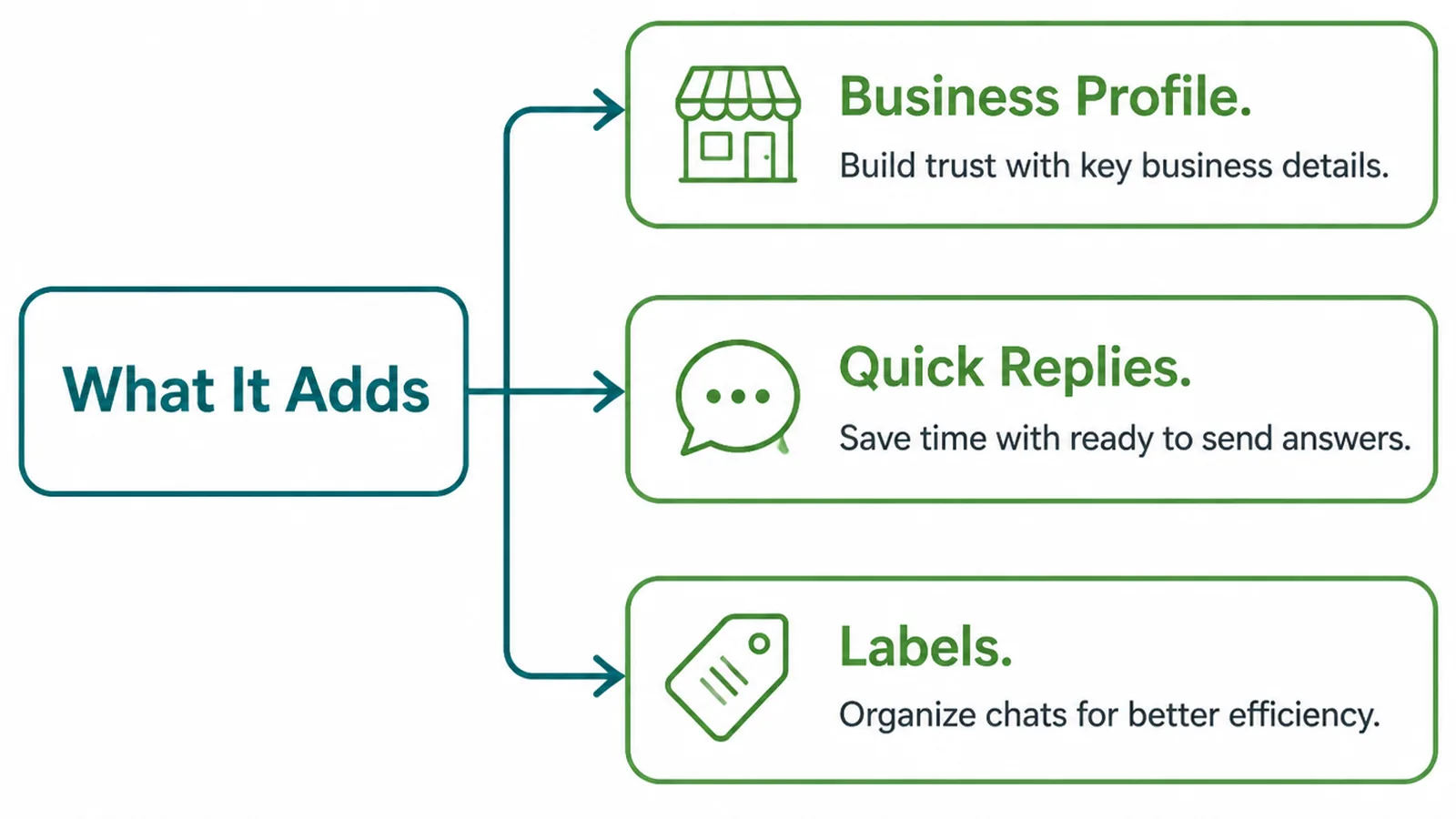
The business app is a separate free app from the same company, and it is the version designed for exactly this.
- Business profile. Name, address, hours, website and a description, shown before anyone messages you.
- Quick replies. Saved answers you insert with a shortcut rather than retyping.
- Labels. Coloured tags on chats, so the list can be filtered by stage.
WhatsApp describes the profile as a way to make a first impression with helpful information in one place, and the messaging features as greeting people the moment they start a conversation and replying when you are away.
There is also a product showcase for anything you sell, which WhatsApp describes as a way to show what the business offers and set prices. For a service business it works well as a short list of what you do.
Why A Personal Number Falls Over
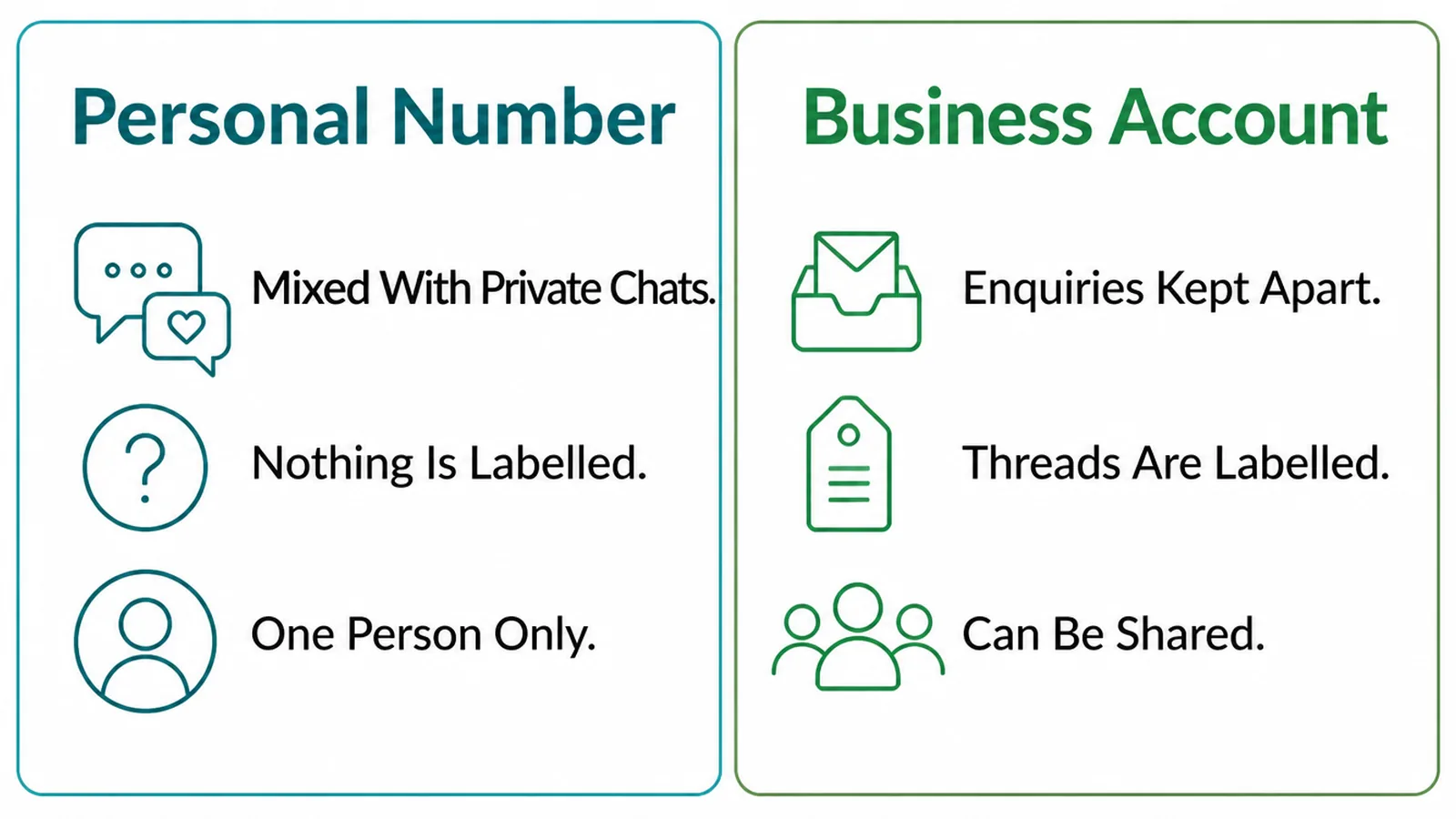
A personal number works until you have more than a few enquiries at once. Then three things go wrong, reliably.
First, there is nothing to tell a new enquiry apart from an old one. The list is ordered by recency, so a customer who messaged on Tuesday and has not been answered is now below a friend sending a video.
Second, every answer is typed from scratch, which means the quality of your reply depends on how busy you were that hour.
Third, it cannot be handed over. When the only copy of a conversation is on one person's phone, holidays, resignations and lost handsets all become business problems.
None of that is solved by discipline. It is solved by giving the enquiries somewhere to live.
There is a quieter cost too. Answering from a personal account means your customers see your profile photo, your status and your last seen, and you lose the ability to stop being at work.
How To Set It Up Properly
Three steps. The first two are one-off, the third is the habit that makes the rest worth having.
1. Set The Profile Up
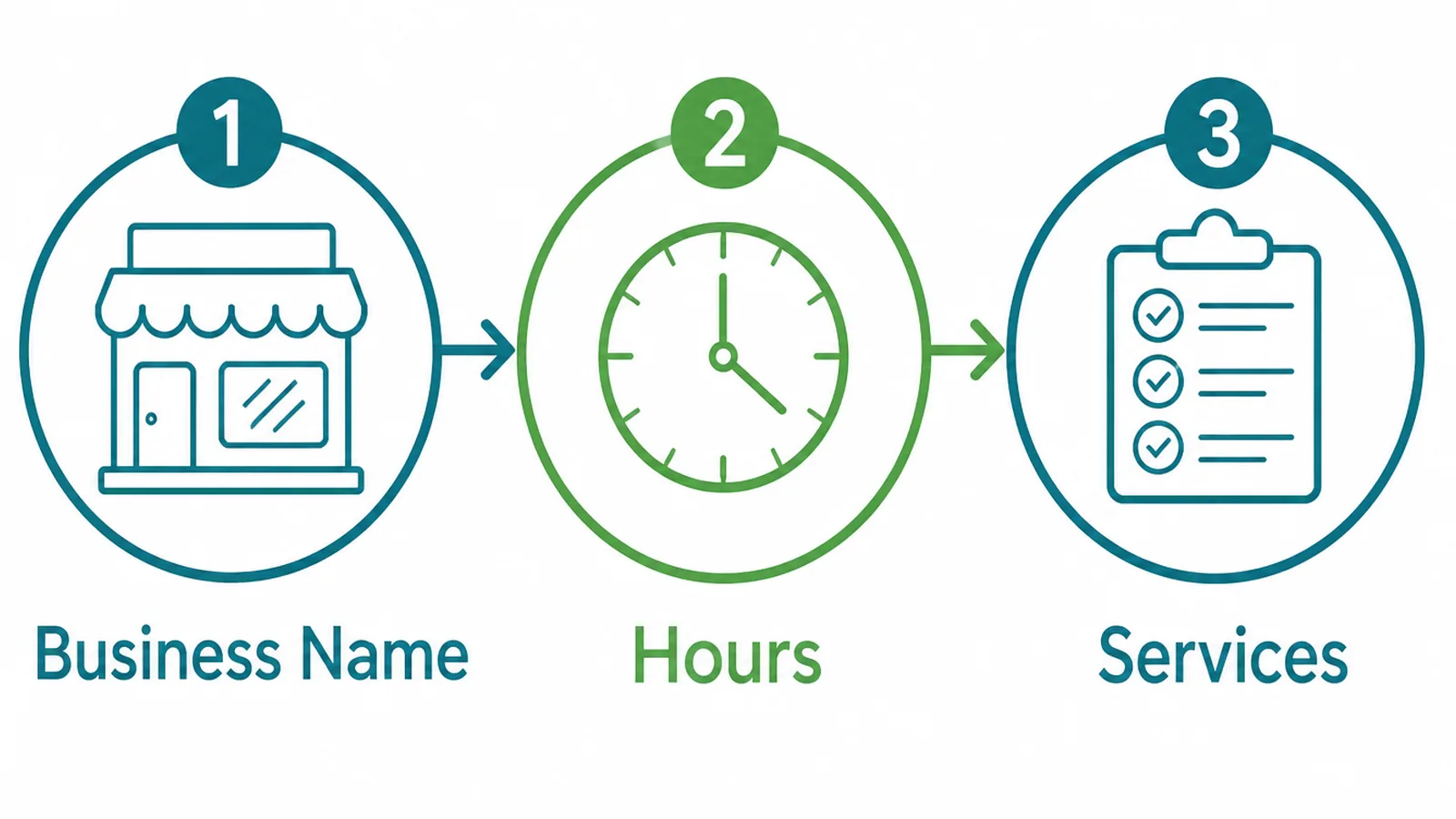
Fill in the profile completely, because it is the only thing a stranger sees before deciding whether to type.
- Business name. The name on your signage and your website, spelled the same way.
- Hours. Real ones. They set the expectation your away message then has to meet.
- Services. A short list of what you do, so nobody has to ask whether you cover their job.
Add the website and the address while you are there. The profile is also where a cautious customer checks that the number belongs to an actual business.
Spell the name exactly as it appears on your website and your Google listing. A number that answers under a slightly different name reads as a reseller. That is the opposite of the impression the profile exists to create.
2. Write The Replies Once
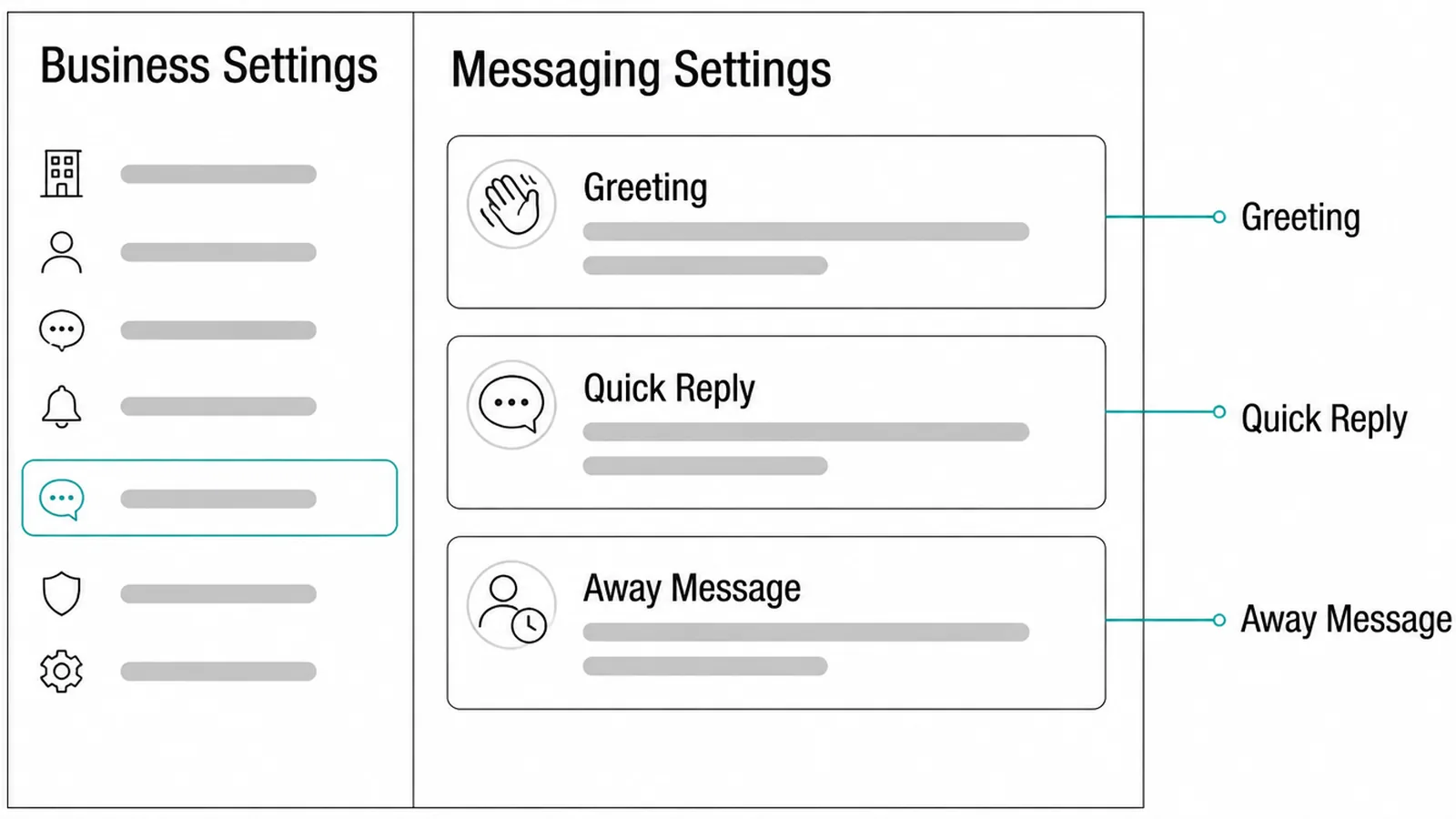
There are three message types, and they do different jobs.
- Greeting. Sent when someone opens a conversation. Short, warm, and it says what you need from them.
- Quick reply. Saved answers you choose, for the questions you answer every week.
- Away message. Sent outside your hours. It says when you will reply, not that you are sorry.
Write the greeting to ask for the two things you always end up asking for anyway, usually what the job is and where it is. That one change shortens most threads by several messages.
Keep the saved replies in plain language and read them aloud before saving. A canned answer that sounds canned is worse than a slower human one.
3. Label Every Thread
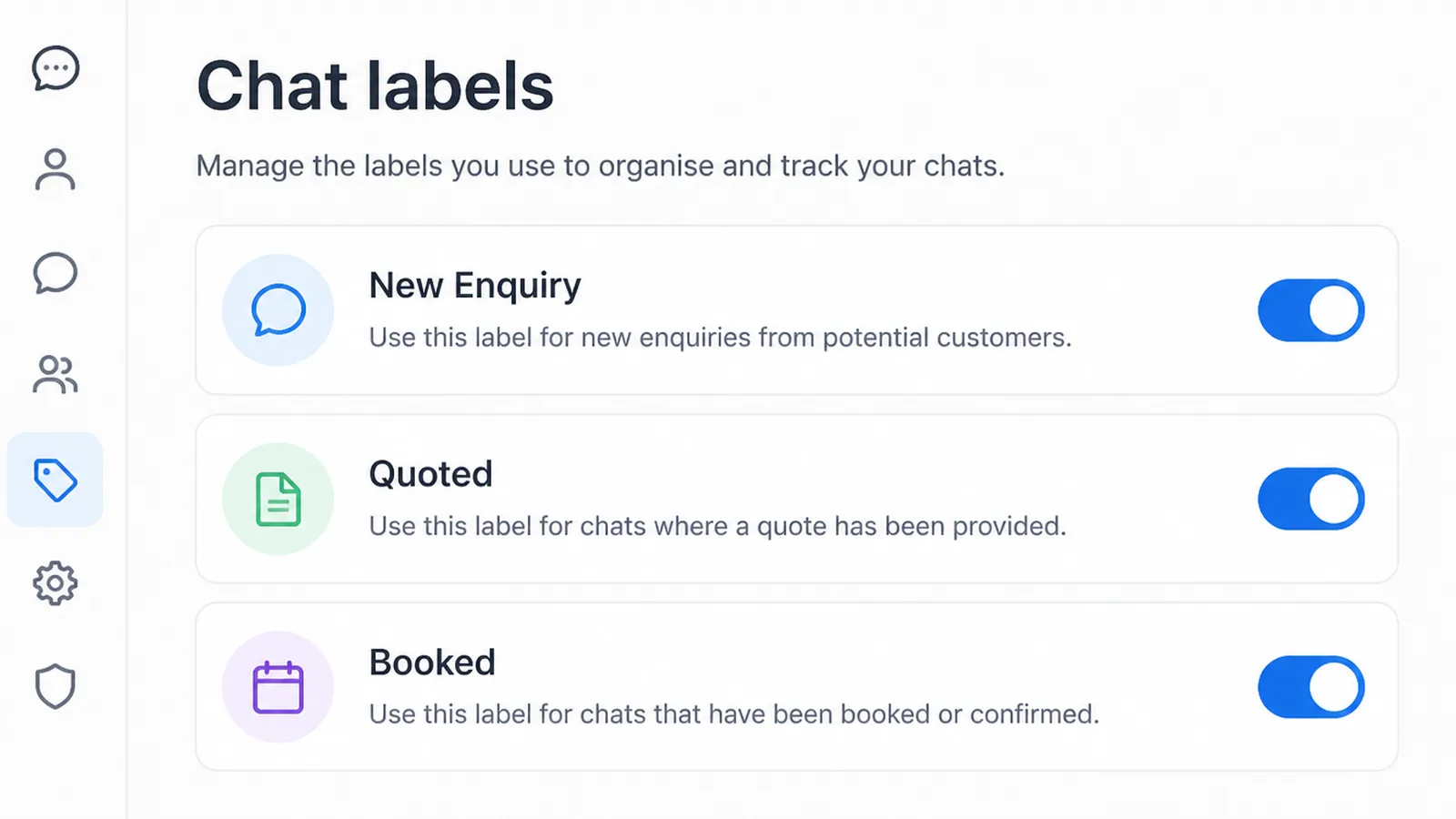
Labels turn a chat list into a pipeline, and they only work if you apply one every time.
- New enquiry. Arrived, not yet answered. This label should empty every day.
- Quoted. You have given a price and are waiting. These are the ones worth following up.
- Booked. Agreed and scheduled, so it stops showing up in the list you scan.
Three is the right number to start with. Add a fourth only when you can name the decision it helps you make.
The one worth adding early is a label for work that is finished, so you know who to ask for a review. That is the moment a happy customer is easiest to reach.
Then set a time to work the labels rather than the list, once in the morning and once before you close. Reading the labelled list is what catches the quote nobody chased.
Two short passes beat being available all day. Enquiries get a better answer, and you get your evening back without anyone waiting longer than they expected to.
Replies Worth Saving For WhatsApp Business Leads
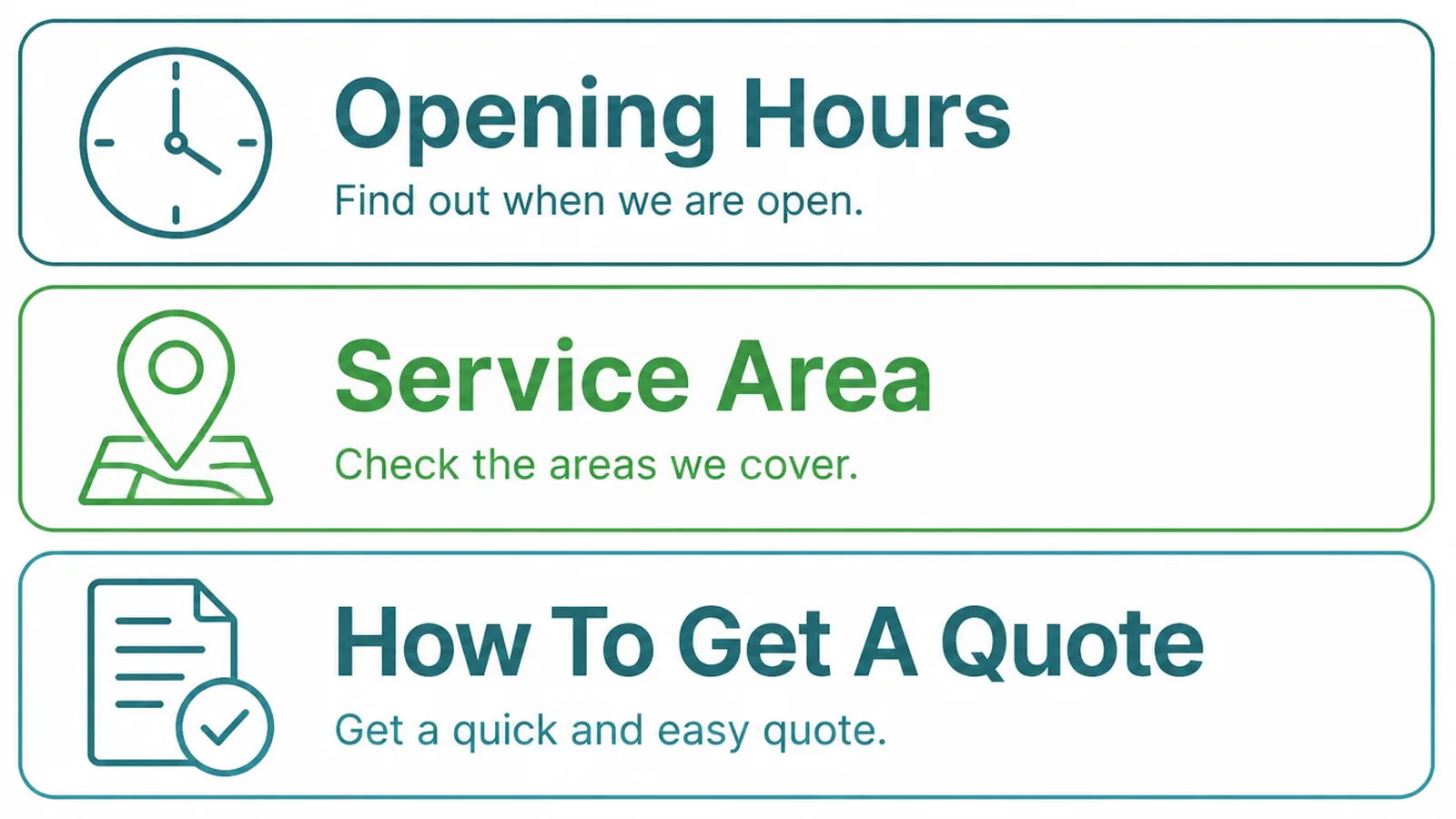
Start with the three questions you are asked most, which for most businesses are the same three.
- Opening hours. With the days as well as the times, and what happens on public holidays.
- Service area. Where you go, and plainly where you do not.
- How to get a quote. What you need from them before a price is possible.
Write the quote reply with care, because it filters your work. Asking for the photograph, the measurement or the address up front saves an exchange and tells a serious enquiry from a browsing one.
Do not save a price list as a quick reply unless the price genuinely never varies. A number sent in two taps is a number you will be held to.
Review the saved replies every few months. They drift out of date quietly, and an enquiry answered with last year's service area is worse than a slow answer.
Messaging Tools
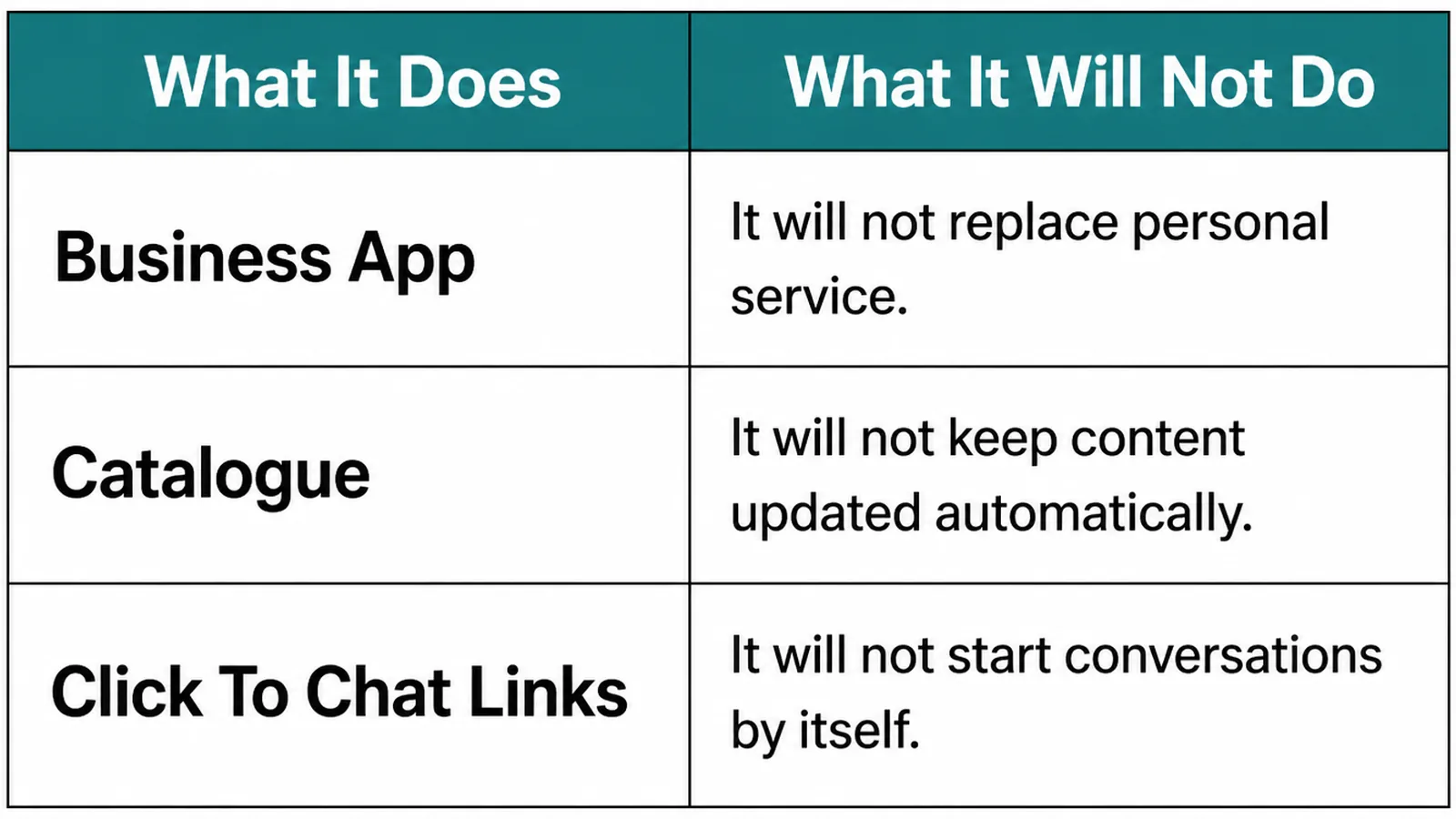
The toolkit is small on purpose. Each piece covers one thing and hands the rest back to you.
| What it does | What it leaves to you |
|---|---|
| The business app holds the profile, saved replies and labels | One phone, one number, and whoever is holding it |
| The product showcase lists what you sell with prices | Keeping those prices current when your costs move |
| Click to chat links open a thread from your website or an ad | Making the first message useful rather than an empty hello |
A click to chat link on your website is the one piece of wiring worth doing on day one. It removes the step where someone has to copy a number.
Pre-filling that link with a short first message helps more than it sounds, because an enquiry that opens with the service name starts the conversation two messages ahead.
Use a different pre-filled message per page, so you can tell which page the enquiry came from without asking. It is the cheapest tracking available on a channel that otherwise tells you nothing.
Common Mistakes
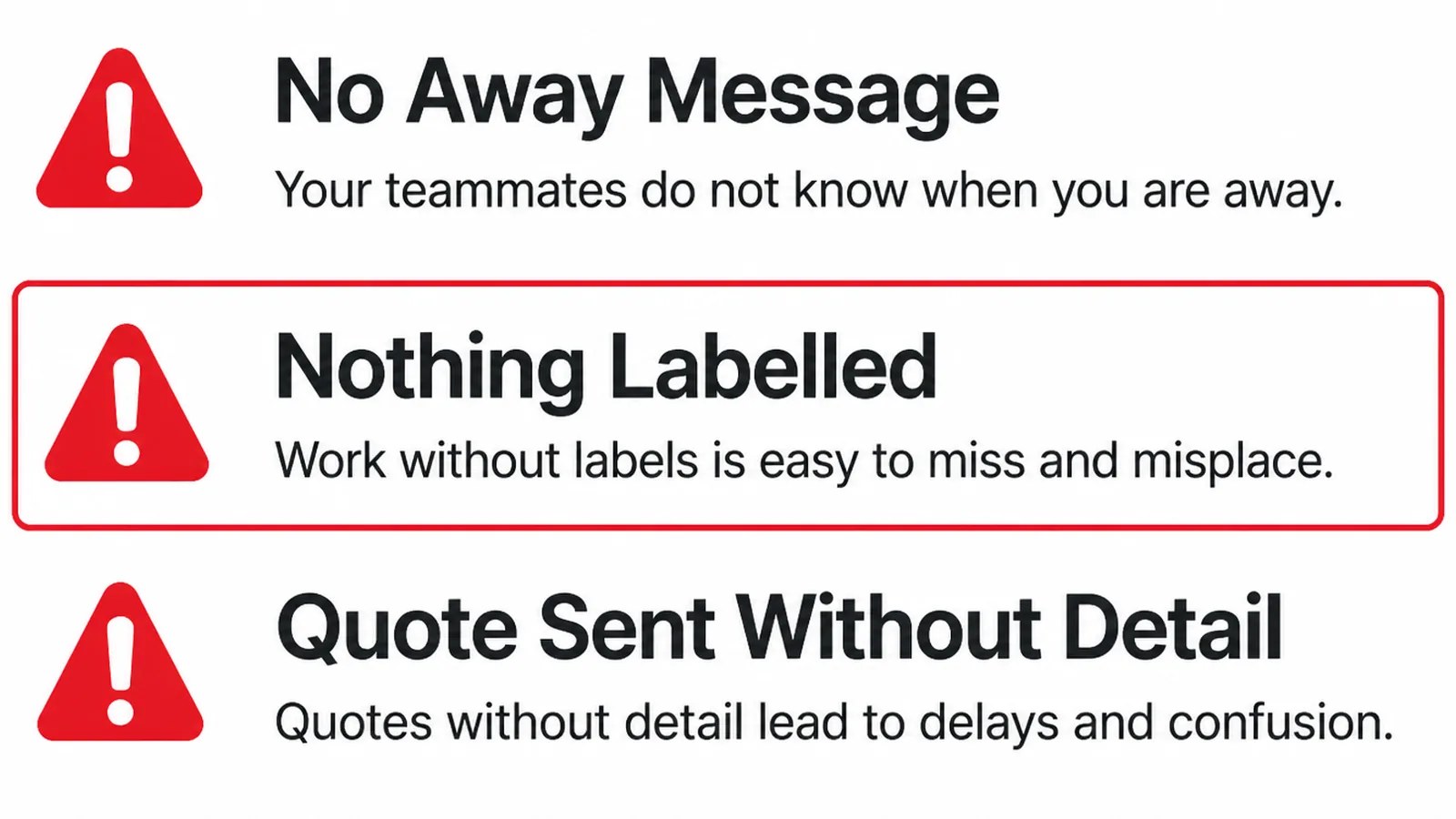
- No away message. The enquiry lands at ten at night, hears nothing, and messages a competitor.
- Nothing labelled. The pipeline exists only in somebody's memory of the last two days.
- Quote sent without detail. A price with no scope, which becomes an argument later.
There is a fourth that is harder to see. Treating WhatsApp as the record rather than the channel means every enquiry you have ever had lives on a phone, with no copy anywhere.
Once enquiry handling matters to your revenue, write the important ones down somewhere else, even if that somewhere is a spreadsheet. A phone is the one business system most likely to be dropped in a drain.
The simplest version is one row per enquiry: date, name, what they wanted, what you quoted, what happened. That alone tells you which pages and which ads are worth paying for next month.
FAQs
Can I keep my existing number?
Usually yes, if that number is not already on a personal WhatsApp account you want to keep. One number lives on one account at a time, so decide whether the business number is moving across or whether you are starting a separate one, before you install anything.
Do I need the API version?
Most small businesses do not. The free business app covers a profile, a product showcase, greeting and away messages, saved replies and labels, on one phone. The API matters when several staff need the same number at once, or when messaging has to connect to other systems.
What should the away message say?
When you will reply and what they can do meanwhile. A time window is enough: say that messages after hours are answered the next working morning, and point them at the page or the phone number they would want if the thing is urgent tonight.
Is WhatsApp enough on its own?
It is enough to receive enquiries and answer them, but not to remember anything. Once you are handling more than a handful at a time, the labels stop being a record and you want the enquiry written down somewhere that survives a lost or replaced phone.
Conclusion
WhatsApp Business for leads is a profile filled in properly, three saved replies, three labels and a habit of reading the labels instead of the list.
That is an afternoon of work, and it is the difference between enquiries you answer and enquiries you find a week later.
If you would rather have the enquiries landing somewhere that remembers them, see how we handle automation, or get in touch and we will look at where yours currently go.