Launching a New Brand Without the Noise

A brand launch plan has three stages: prepare quietly, switch everything on one day, then tidy for weeks afterwards. Seed Light plans the third stage first, because Google warns that ranking fluctuates while it recrawls a moved site and a business listing name change can trigger re-verification.
The logo gets signed off and everyone relaxes. Then the website moves, the listing goes under review, and for a fortnight nobody can find you under either name.
This guide covers the three stages of a brand launch plan, what Google documents about each, and the order that keeps the quiet weeks quiet.
By the end you will know what to do before the day, on the day, and in the month that follows.
Key Takeaways
- Search the register before you fall in love. A trade mark search is cheap; a renaming twice is not.
- Expect a dip if the domain moves. Google says to expect temporary fluctuation in ranking during a move.
- A listing name change may need re-verification. Google states that outright, and edits are reviewed first.
- Keep redirects for at least a year. The change of address tool only acts for 180 days.
- Switch what customers see in one day. Two live brands at once is the thing that confuses people.
A rebrand is a creative project with a technical event buried in the middle of it. The creative part is the bit everyone plans.
What A Brand Launch Plan Covers
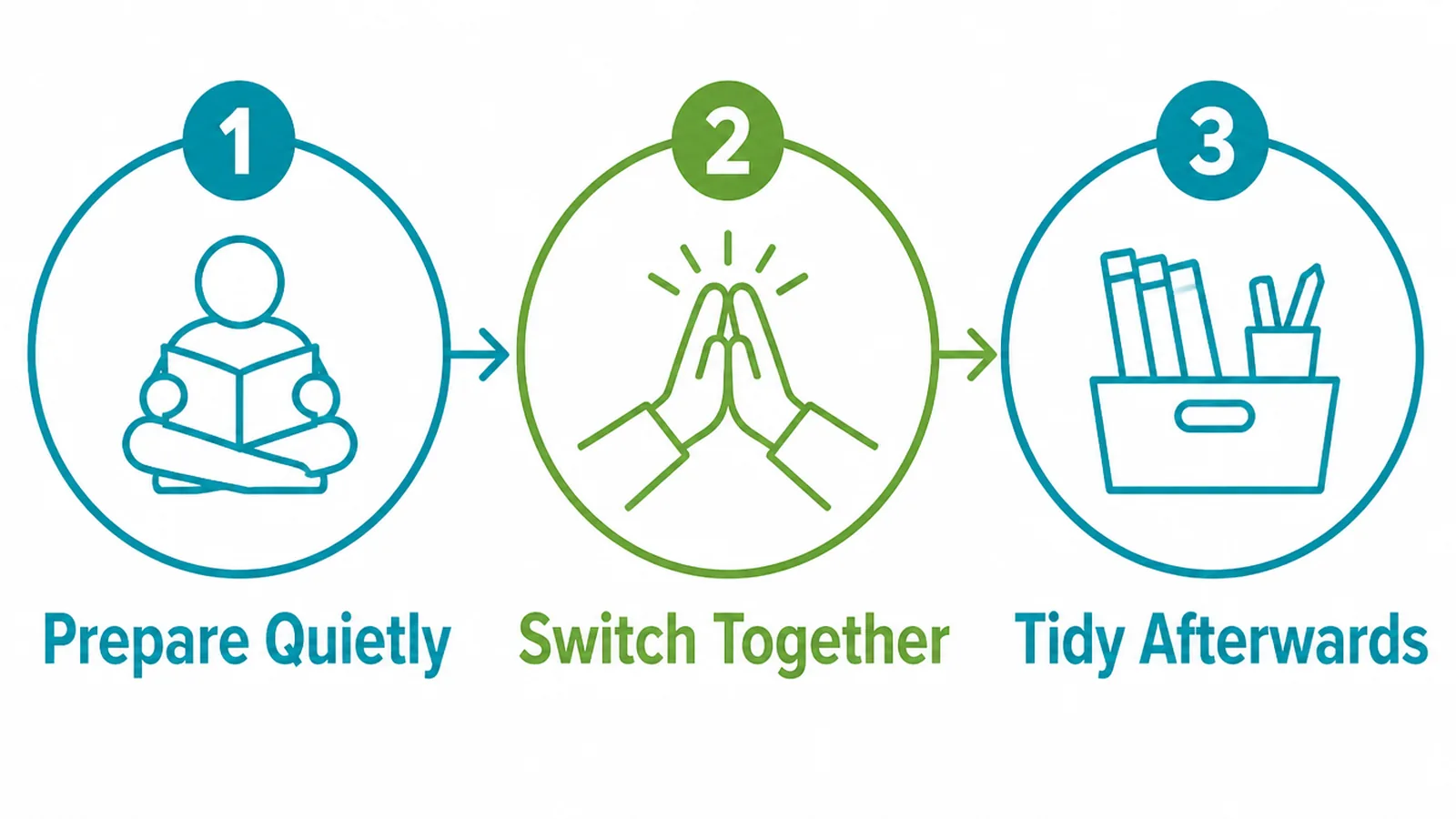
Every plan has the same shape, whatever the size of the business.
- Prepare quietly. Files, accounts, permissions and the trade mark search, none of it visible to customers.
- Switch together. One day, everything customers can see changes at once.
- Tidy afterwards. Weeks of redirects settling, listings being reviewed and stray old assets turning up.
The mistake is treating stage three as an afterthought. It is the longest of the three and the only one with Google's timetable rather than yours.
Start the preparation with a search of the register. IP Australia puts it plainly: searching first can save time and money and avoid infringing someone else's rights.
WIPO's Global Brand Database covers international marks and participating national offices, and says plainly that it may still be prudent to search national registers as well.
In Malaysia that national register is MyIPO. Do this before the logo work starts, not after it is signed off.
Before The Switch
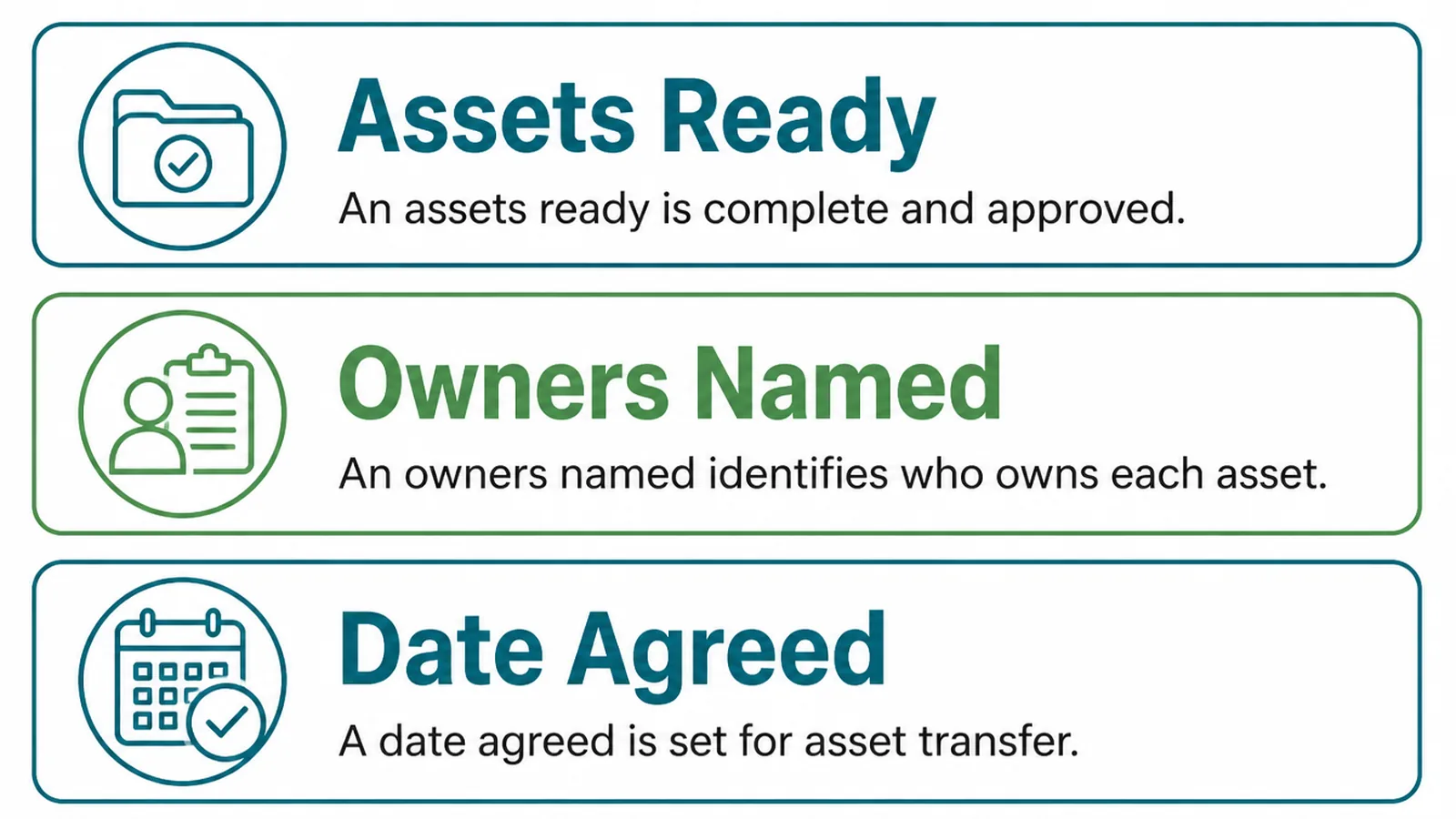
Preparation is mostly boring. That is why it gets skipped, and why skipping it shows.
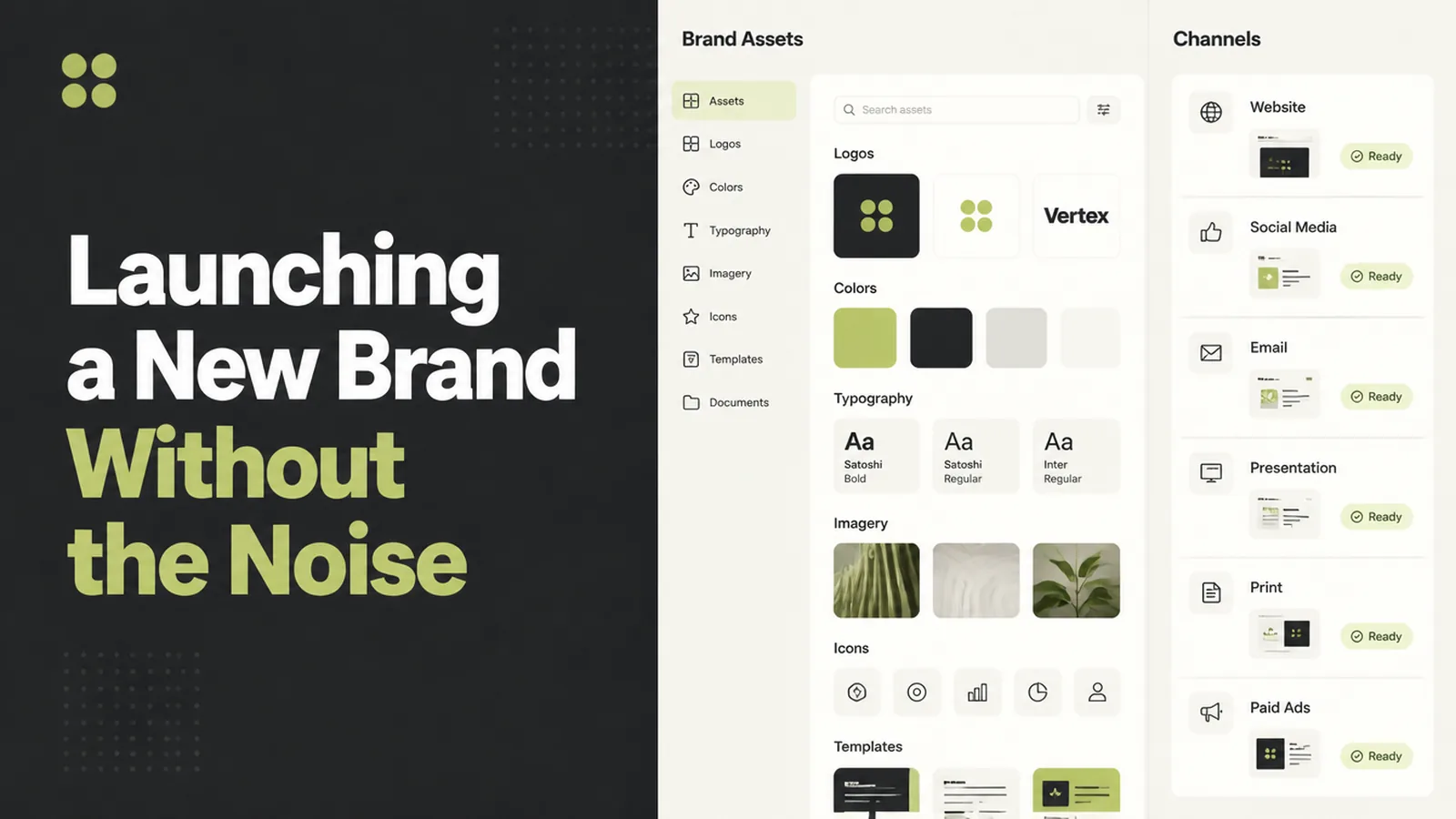
Assets ready means every file in every format someone will ask for, in one place, with the old versions clearly marked as old.
Owners named means a person against each channel. Not a department. The website, the listing, each social account, the email signatures, the invoices.
Date agreed means everyone works to one switch date, including whoever has to be awake to do it.
The owner list is the one that saves the most time later. Write it as a plain inventory of everywhere the old name appears.
- Website and domain. Pages, header, footer, favicon, email addresses on the domain.
- Listings and profiles. The Google listing, directories, social accounts, marketplaces.
- Paperwork. Invoice templates, quotations, contracts, email signatures, proposal decks.
- Physical. Signage, vehicles, uniforms, printed material, packaging.
Mark each line with a person and a date. The ones without an owner are the ones still showing the old name in March.
There is one technical prerequisite worth doing early. If you are using Google's change of address tool, you must own both the old and new properties in Search Console under the same account.
Set that up weeks ahead. Verifying a brand new property on launch day, under pressure, is not when you want to discover a DNS problem.
The same goes for anything with a review queue attached. A listing edit, a marketplace profile and a verified social handle all run on somebody else's schedule.
Decide early what happens to the old name as well. Keeping the old domain registered, pointing at the new one, costs very little and saves every bookmark, business card and old email signature still in circulation.
If the site is also moving host without changing URLs, Google suggests lowering your DNS time to live at least a week in advance.
On The Day
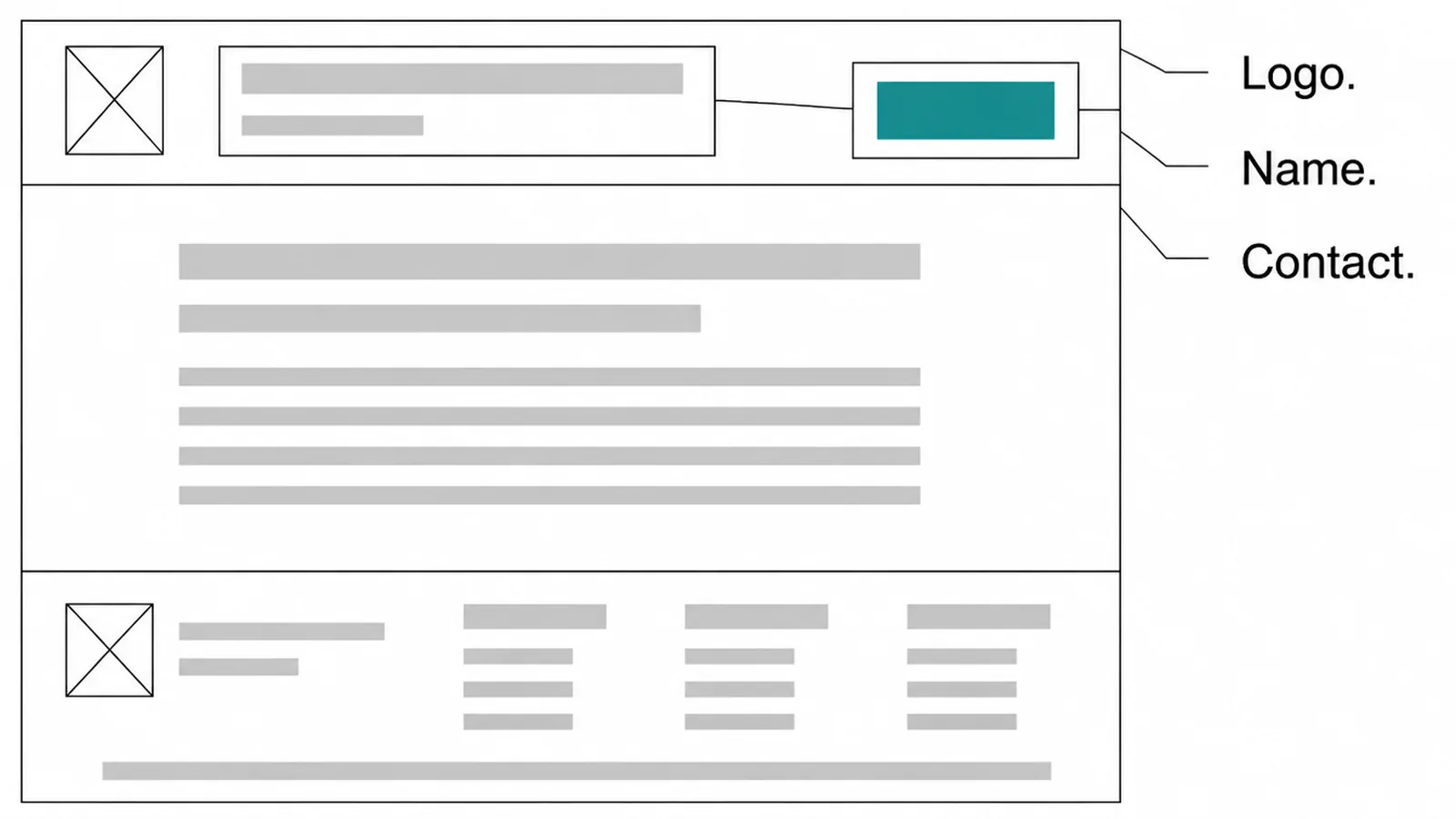
Everything a customer can see changes together. That is the whole discipline of the day.
If the domain is changing, the redirect comes first. Google requires a 301 redirect from your old homepage to your new one before the change of address tool will work.
Submit the tool after the redirects are live, not before. It is a signal that the move has happened, not an instruction to make it happen.
Then the listing. Google says it reviews changes before updating them live, and that changing a verified business name might require verifying again.
That one catches people out on launch day. The listing is often the single biggest source of enquiries, and it is the one you control least.
Google also asks that the name you enter reflects your real world name as it appears on signage and stationery. A name that changes beyond that is treated as a new business.
Work through the website redirects list methodically. Header, footer, contact page, invoice template, email signatures, and the favicon everybody forgets.
The Week After
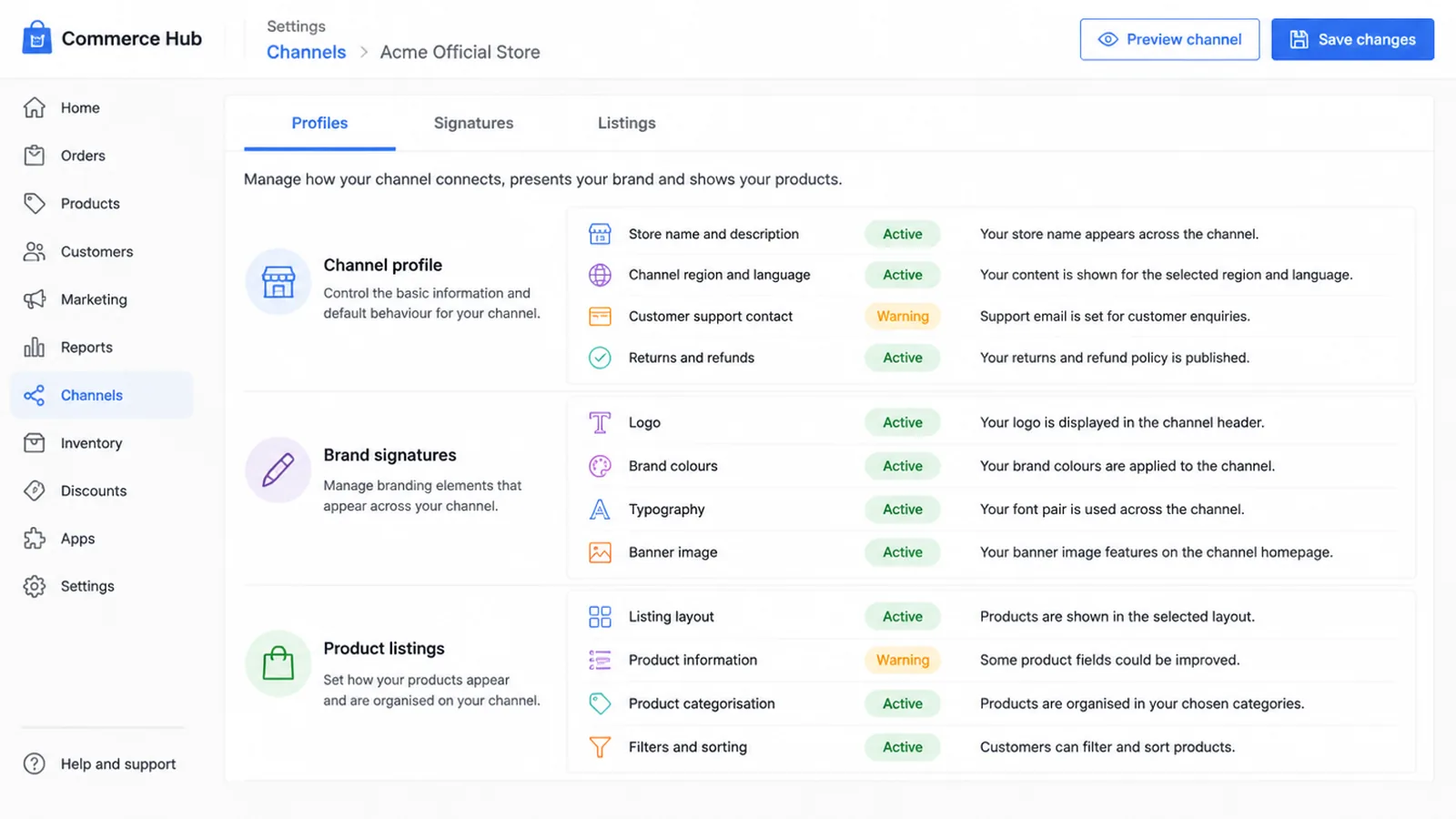
This is the stage nobody budgets for, and the one where the brand launch plan earns its keep.
Search moves on its own schedule. Google says it can take a few weeks or more before it starts showing the new URLs, because Googlebot has to visit every URL on both sites at least once.
During that period you should expect temporary fluctuation in ranking, traffic dropping on the old site and rising on the new one, and rankings settling over time.
The name shown in search lags too. Google generates a site name from your home page markup and says to allow time for re-crawling and re-indexing, noting crawling can take several days to several weeks.
So do not panic in week two. A dip during a documented reprocessing window is not evidence the rebrand failed.
Meanwhile, work the channel list: profiles, signatures, directory listings, invoice templates, and anywhere your old name was typed by a human rather than pulled from a file.
Work it in the order that customers notice, not the order it is easiest to tick off.
- Anything a customer types. Email addresses, the domain, the phone listing.
- Anything a customer searches. The Google listing, directories, review profiles.
- Anything a customer receives. Invoices, quotations, automated email, receipts.
- Anything a customer scrolls past. Social profiles, bios, pinned posts, cover images.
Then set a reminder for a month out and search your own old name. Whatever still comes back is the part of the list nobody owned.
Keep a note of what you changed and when. If search traffic behaves oddly in six weeks, the first question is always what else moved on the same day.
What To Judge It On
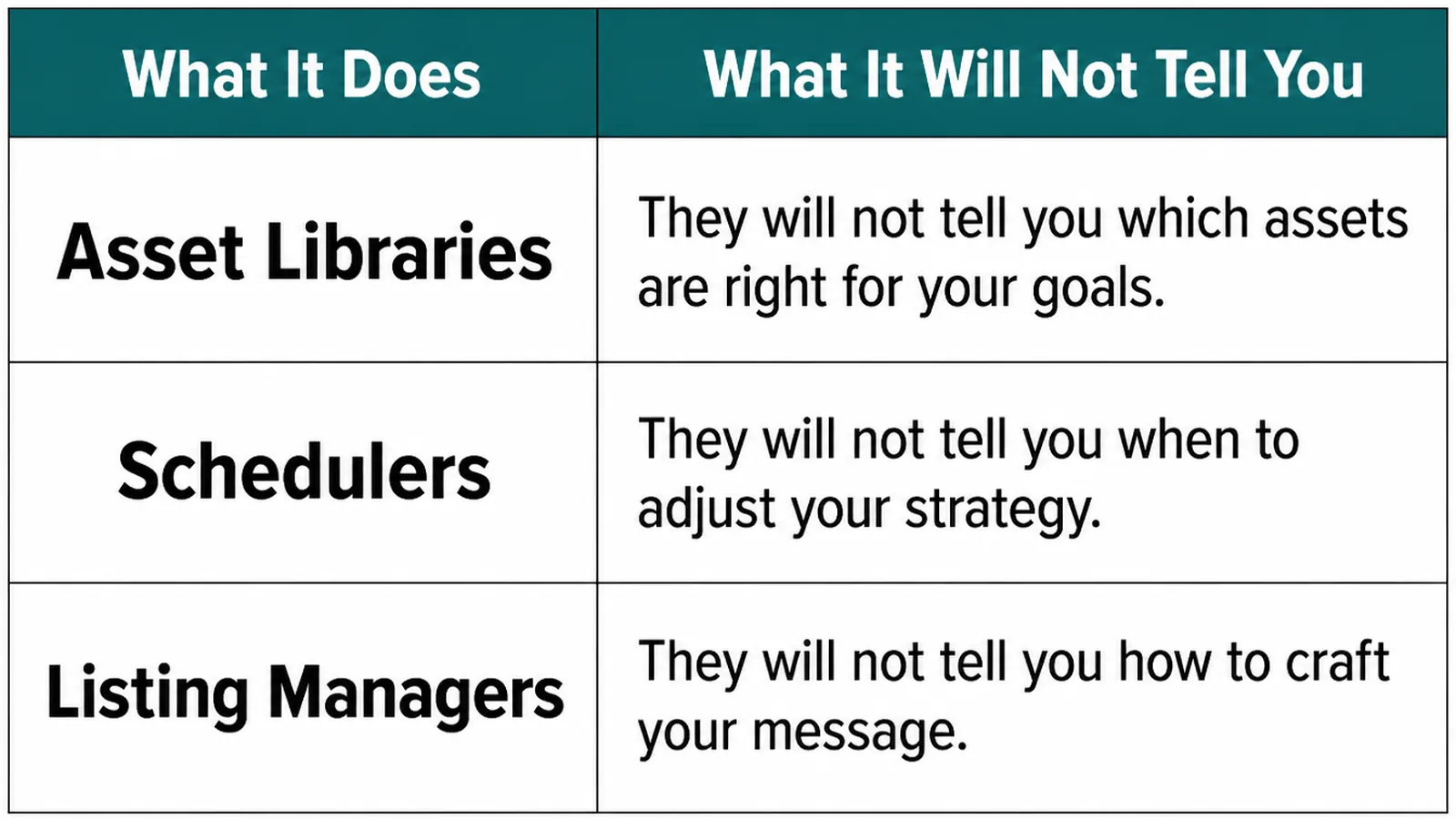
Tools help with the mechanical half and none of them covers the whole job.
| What it does | What it will not tell you |
|---|---|
| Asset libraries hold the files and the versions | Whether the old logo is still live somewhere you forgot |
| Schedulers push the new look across social accounts | Whether a profile you no longer control still carries the old one |
| Listing managers sync your details to directories | Whether a name change triggered a review or re-verification |
| The change of address tool migrates search results | That it does not move subdomains, or work at path level |
That last row is worth reading twice. Google documents that the tool does not move subdomains below the specified domain, including www, and cannot move properties at path level.
It is also not for moving from http to https, or between www and non-www on the same domain. Those are different jobs.
Judge the launch on whether people can find you and reach you, not on whether the week felt smooth. A quiet week with broken contact details is worse than a noisy one.
Two checks are worth running by hand. Search your own business name and see which site answers, then send yourself an enquiry through the contact form and confirm it arrives.
Early Against Later
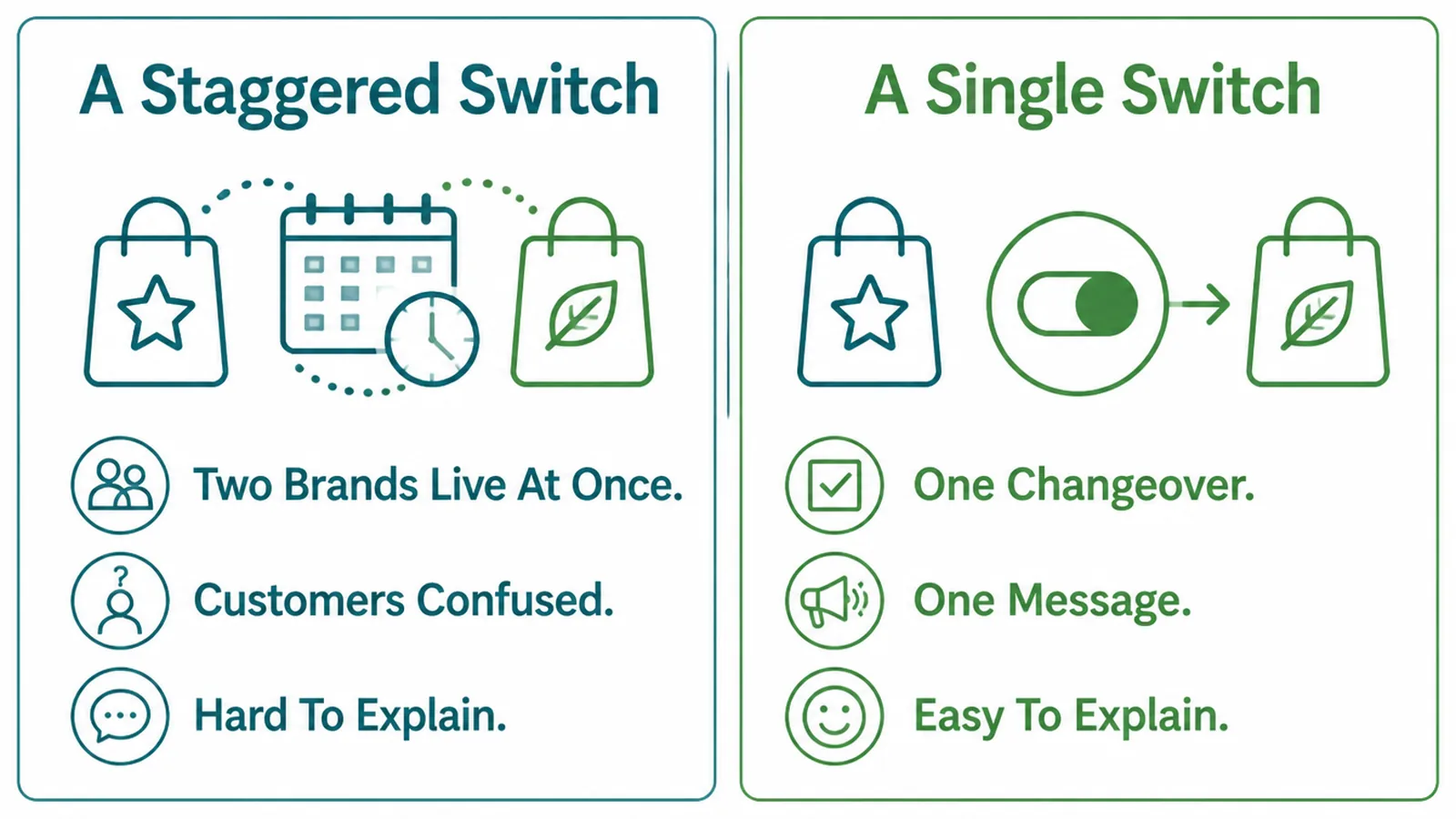
The genuine choice in a rebrand checklist is whether to switch everything at once or phase it.
A staggered switch means two brands live at the same time. Customers see one name on the invoice and another on the website, and you spend the period explaining yourself.
A single switch means one changeover, one message, and one thing to explain. It needs more preparation and far less narration afterwards.
There is a mechanical argument for it too. Because Googlebot must visit every URL on both sites at least once, a phased move stretches that reprocessing across months rather than weeks.
What can legitimately phase is the invisible work. Printed material, vehicle livery and signage can follow when they are due for replacement.
What cannot phase is anything a customer uses to find or verify you. The website, the listing and the contact details move together or they confuse people.
Keep the redirects long after you stop thinking about it. The change of address actions continue for 180 days, while Search Central suggests keeping redirects generally at least a year, and indefinitely where you can.
FAQs
How long should I keep the old redirects?
Longer than feels necessary. Google's change of address actions continue for 180 days, and its own guidance says to keep redirects for as long as possible, generally at least a year. For visitors with old bookmarks, keeping them indefinitely costs nothing.
Will changing my name hurt my rankings?
If the domain changes, expect movement. Google states plainly that you should expect temporary fluctuation in site ranking during a move, and that it can take a few weeks or more before new URLs are shown consistently. That dip is part of the documented reprocessing, not a sign the rebrand failed.
Do I need to re-verify my Google listing?
Possibly. Google says that if you change your business name after it is verified, you might need to verify your business again. Edits are also reviewed before going live, so submit the change rather than expecting it instantly, and keep the entered name matching your signage and stationery.
Should I launch everything on one day?
Yes, for anything customers see. Running two brands at once makes you hard to recognise and harder to explain. The quiet preparation and the slow tidying can stretch over weeks, but the visible switch should be a single moment, on a date everyone agreed in advance.
Conclusion
A brand launch plan is three stages, and the one that decides how it feels is the third.
Search the register early, verify both properties before the day, switch everything customers see at once, then hold the redirects far longer than you think you need to.
If you would rather not run the technical half yourself, see how we handle brand work, or get in touch and we will map the switch against your own channels.