What to Look for in Website Hosting

Website hosting provides space, delivery and a safety net, and the third is what separates plans that look identical on price. Seed Light checks backups, certificates and who can restore a site before anything else, because the cost of hosting is never the monthly fee, it is the day the site is down.
Hosting is the part of a website nobody thinks about, right up until the morning the site is not there.
Then it becomes the only thing anybody is thinking about, and the questions are all ones that should have been asked when the plan was bought.
This guide covers what a hosting plan actually provides, why the cheapest one can cost the most, and the three checks worth doing before you commit.
Key Takeaways
- Hosting is space, delivery and a safety net. The third is where plans differ.
- Backups you cannot restore are not backups. Test one before you need it.
- Certificates should renew themselves. An expired one breaks the whole site.
- Keep the accounts in your own name. Including the domain and the hosting login.
- Support matters most at the worst moment. Buy the plan that answers on a Sunday.
Most hosting decisions are made on price, because the plans read identically. What separates them is what happens on the bad day.
What Website Hosting Actually Provides
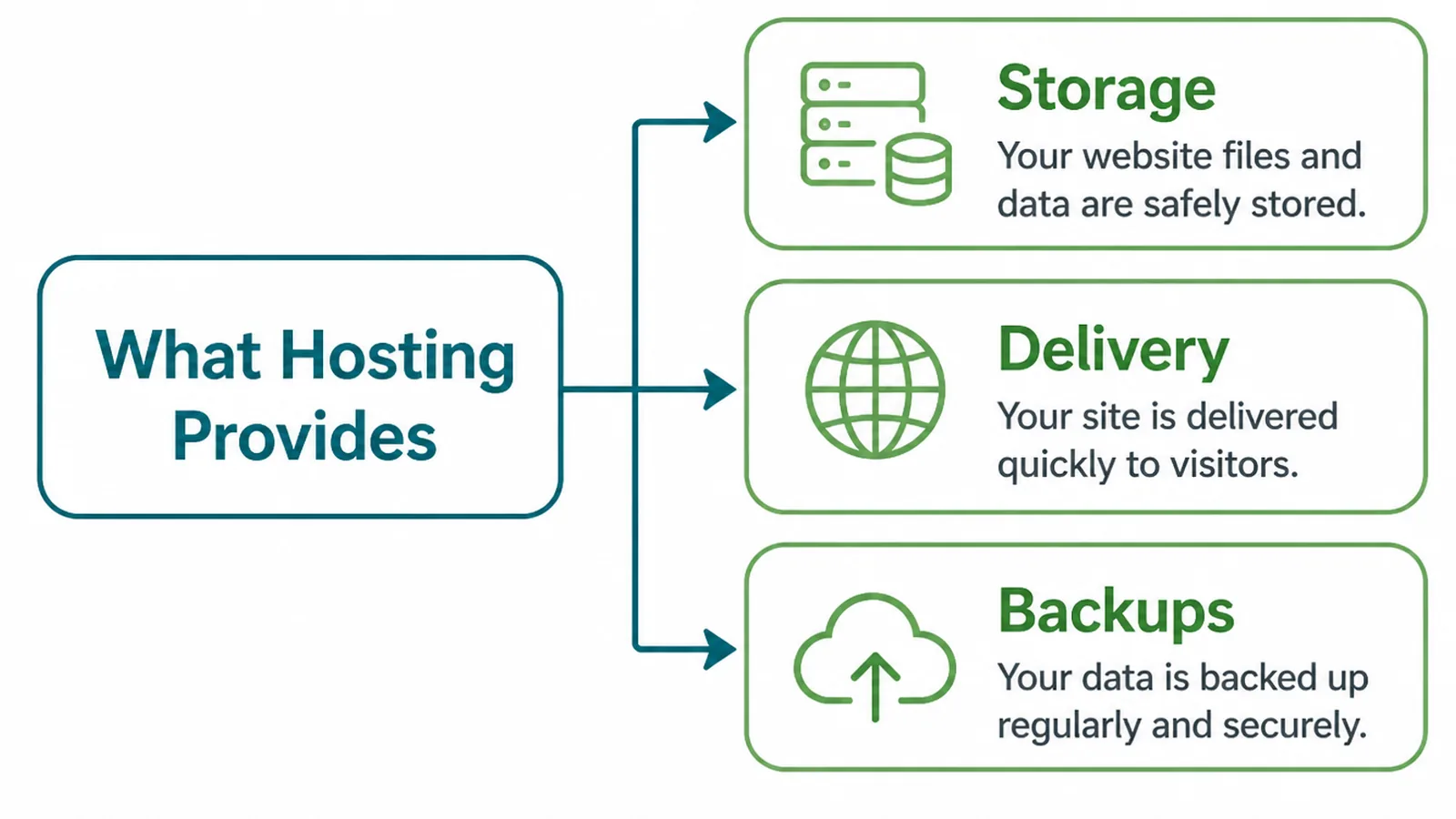
Strip the marketing away and a hosting plan is three things.
- Space. Somewhere your files and database live, with a limit you will probably never reach.
- Delivery. A machine that answers when somebody asks for your page, quickly and reliably.
- A safety net. Backups, certificates, and somebody to ask when it goes wrong.
The first is the one every plan advertises and the one that matters least. A small business site is rarely short of space.
Delivery is what visitors experience as speed. The safety net is what you experience as a quiet year or a terrible week.
Plans are sold on the first and judged on the third. That mismatch is why two businesses on identical plans can have completely different years.
It is worth knowing which of the three your current plan is actually good at. Most people have never asked, because nothing has gone wrong yet.
Why The Cheapest Plan Can Cost More
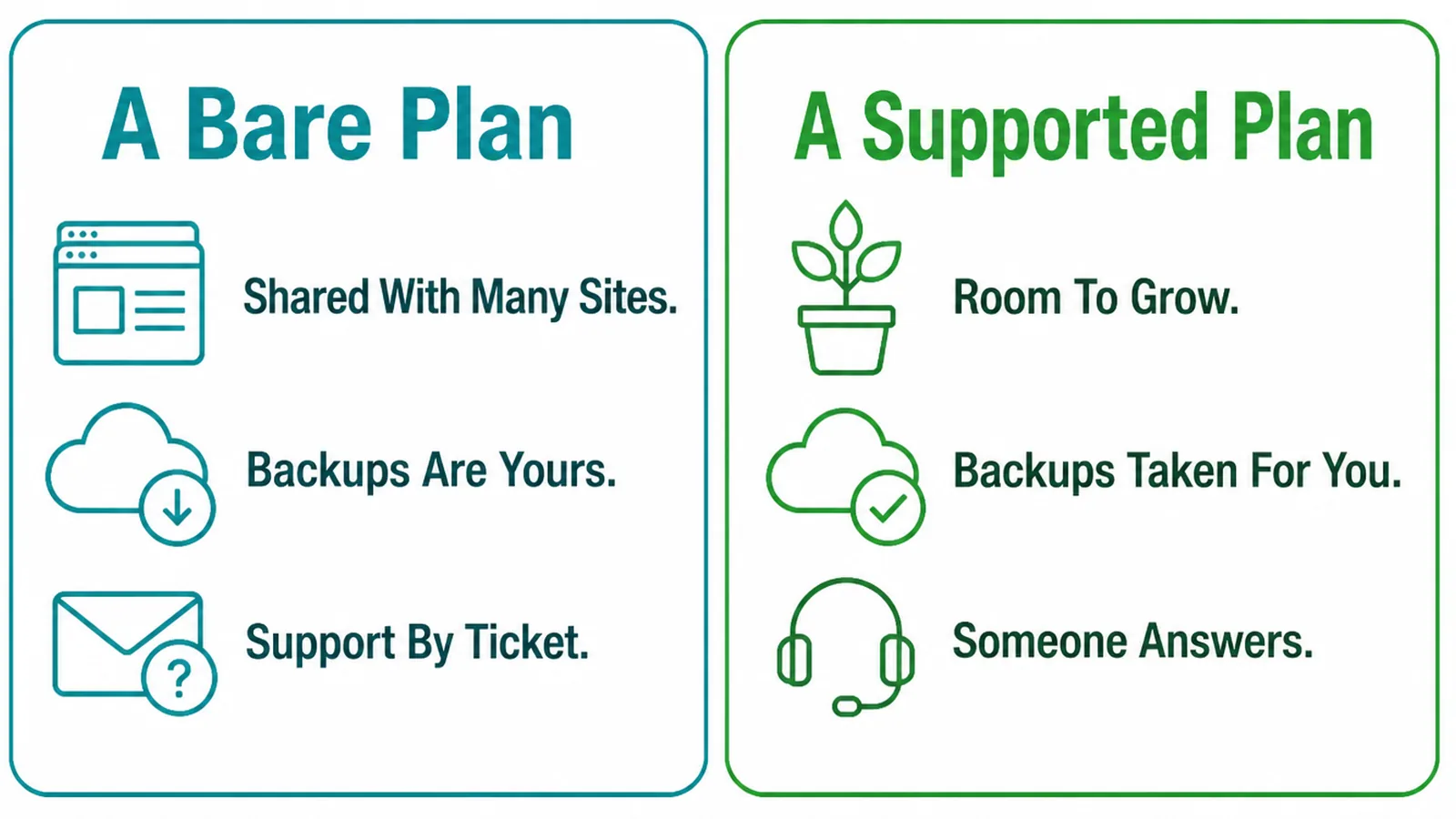
A bare plan is cheap because the things that cost money have been removed.
Usually that means backups are an add-on, support is a ticket queue, and the renewal price is double the first year. None of that is dishonest, and all of it is easy to miss.
The cost arrives later. A site down for two days, a restore that turns out to be a week old, or an afternoon of your own time spent reading support documentation.
None of that appears on an invoice, so the cheap plan keeps winning the comparison. The expensive part of bad hosting is always paid in time and lost enquiries.
Ask the supplier what the last outage was and how long it lasted. A host that answers plainly is worth more than one with a flawless marketing page.
Work out the cost of a day offline for your business. If that figure is meaningful, the difference between the cheap plan and the sensible one stops being a saving.
The reverse is also true. A small brochure site with no shop does not need the expensive tier, and plenty of businesses pay for capacity they will never use.
How To Choose Website Hosting, Step By Step
Three steps, and the third is the one almost nobody does before buying.
1. Work Out What The Site Needs
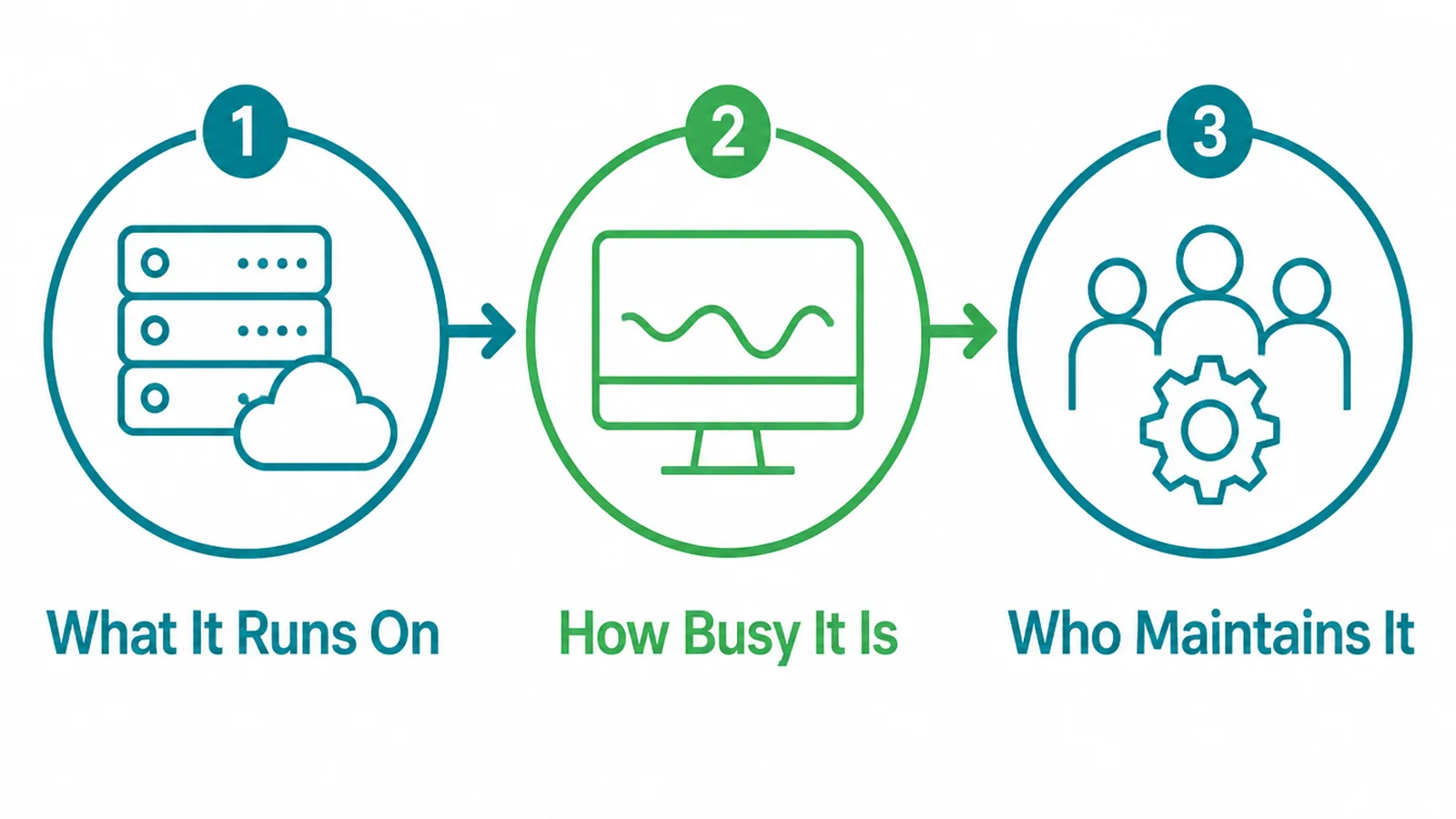
Before comparing anything, write down three facts about the site you have.
- What it runs on. A content system, a shop, or static files, since each has different needs.
- How busy it is. Your real monthly visitors, taken from analytics rather than estimated.
- Who maintains it. You, a developer, or nobody, which decides how much the host must do.
That last one is the most decisive and the least asked. A site nobody maintains needs a host that applies updates and takes backups without being told.
Managed plans cost more and do exactly that. If nobody in your business is going to log in for a year, paying somebody to mind it is the cheaper arrangement.
If you do not know what the site runs on, your developer will, and it takes one message to find out.
Write the three answers down before you look at a single plan. Reading plans first is how people end up buying the tier the page recommended rather than the one the site needs.
Traffic is the one people over-estimate most. A busy small business site is a few thousand visits a month, which almost any plan handles without noticing.
2. Read The Control Panel
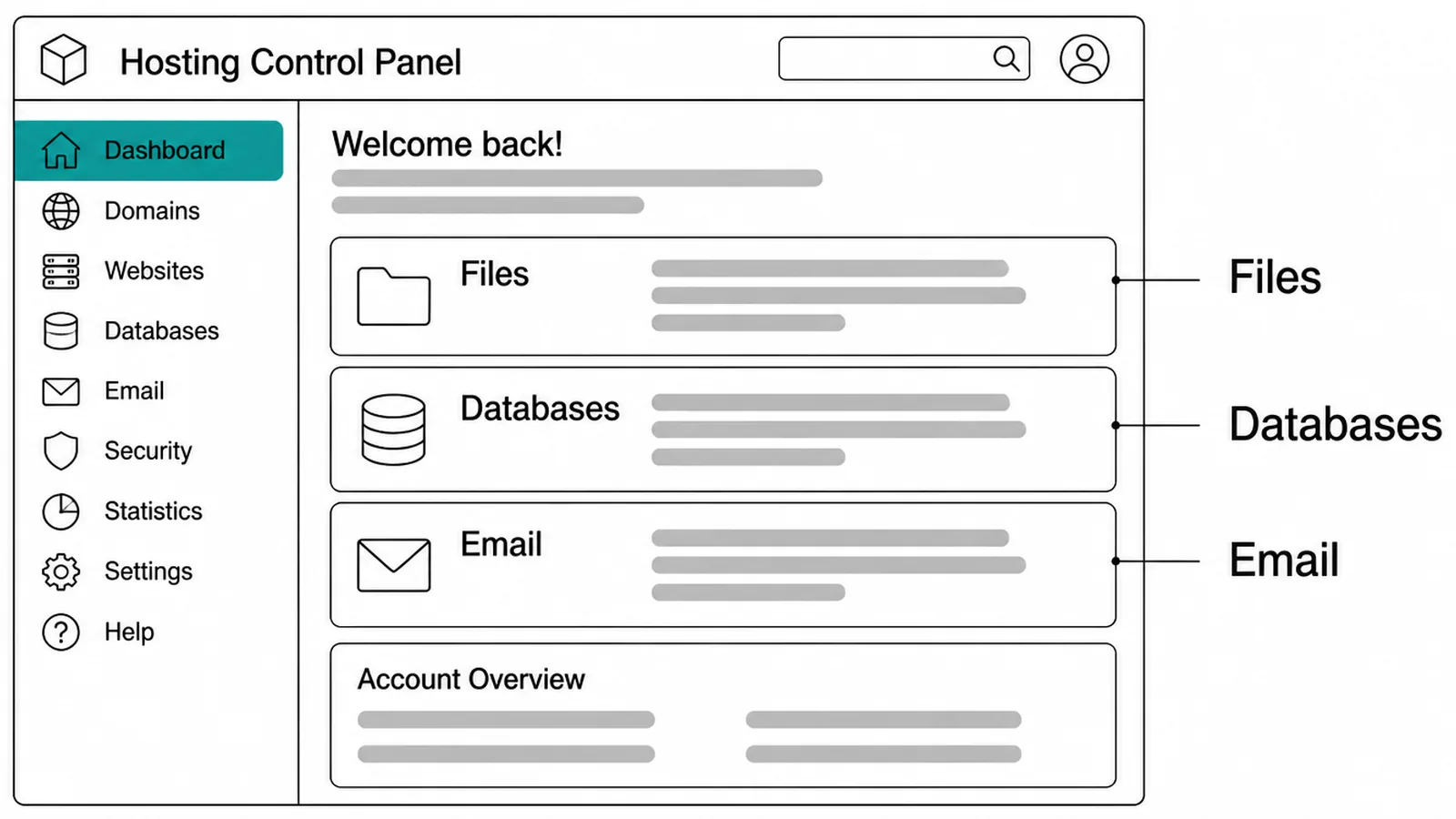
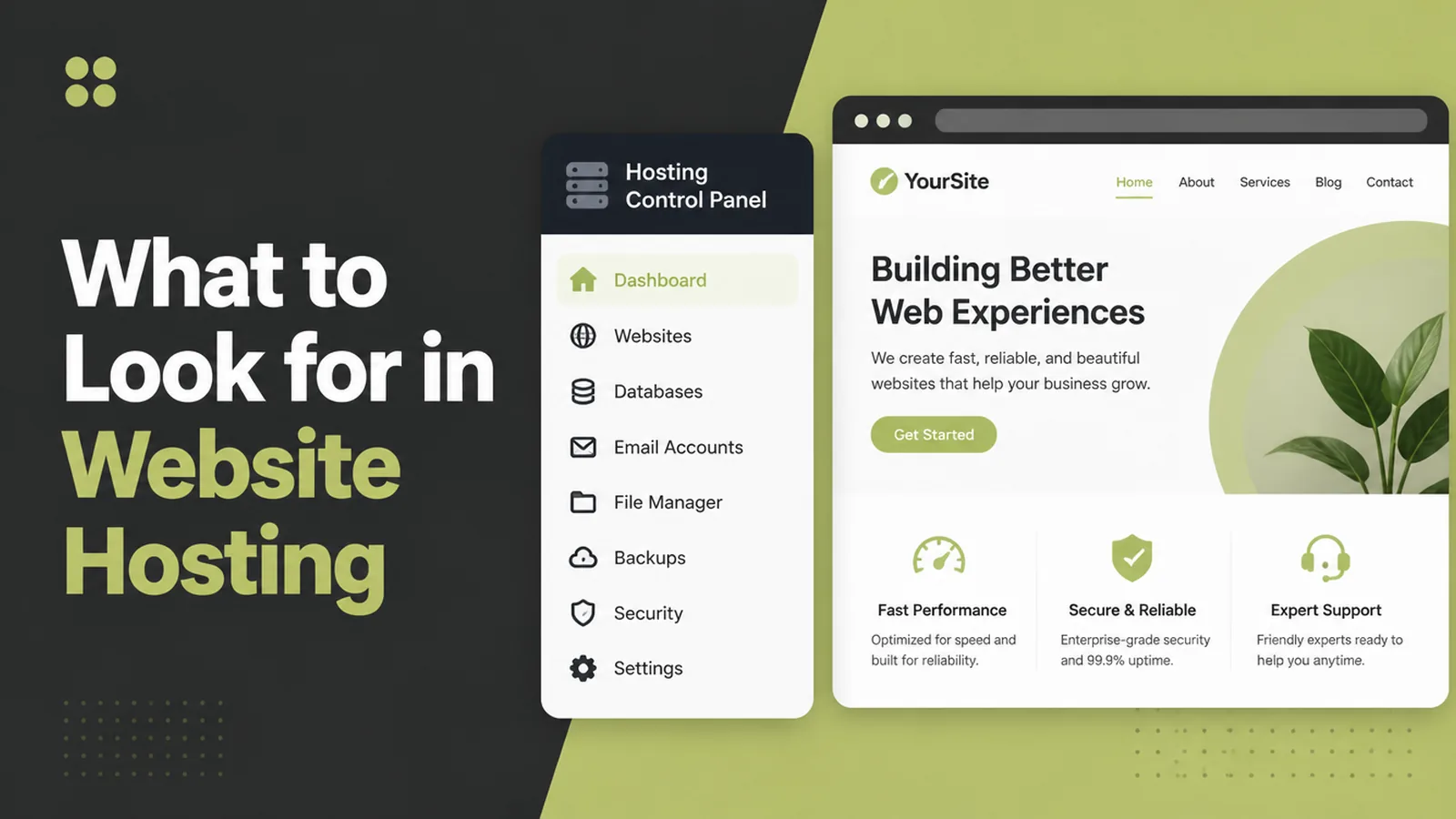
Ask for a demonstration of the control panel, or find a video of one. This is the thing you will be using at the worst possible moment.
- Files. Can you see, download and replace the site's files without a support ticket.
- Databases. Can you export one yourself. That is half of a real backup.
- Email. Whether mail is included here or sits with another provider entirely.
Email deserves a moment of thought. Keeping website hosting and business email with the same supplier is convenient, and it also means one account problem takes out both.
Many small businesses separate them deliberately for that reason. Mail with one provider, the site with another, so a bad week is only ever half a bad week.
A panel you cannot navigate is a hidden cost, because every small change becomes a request to somebody else.
3. Check The Safety Net
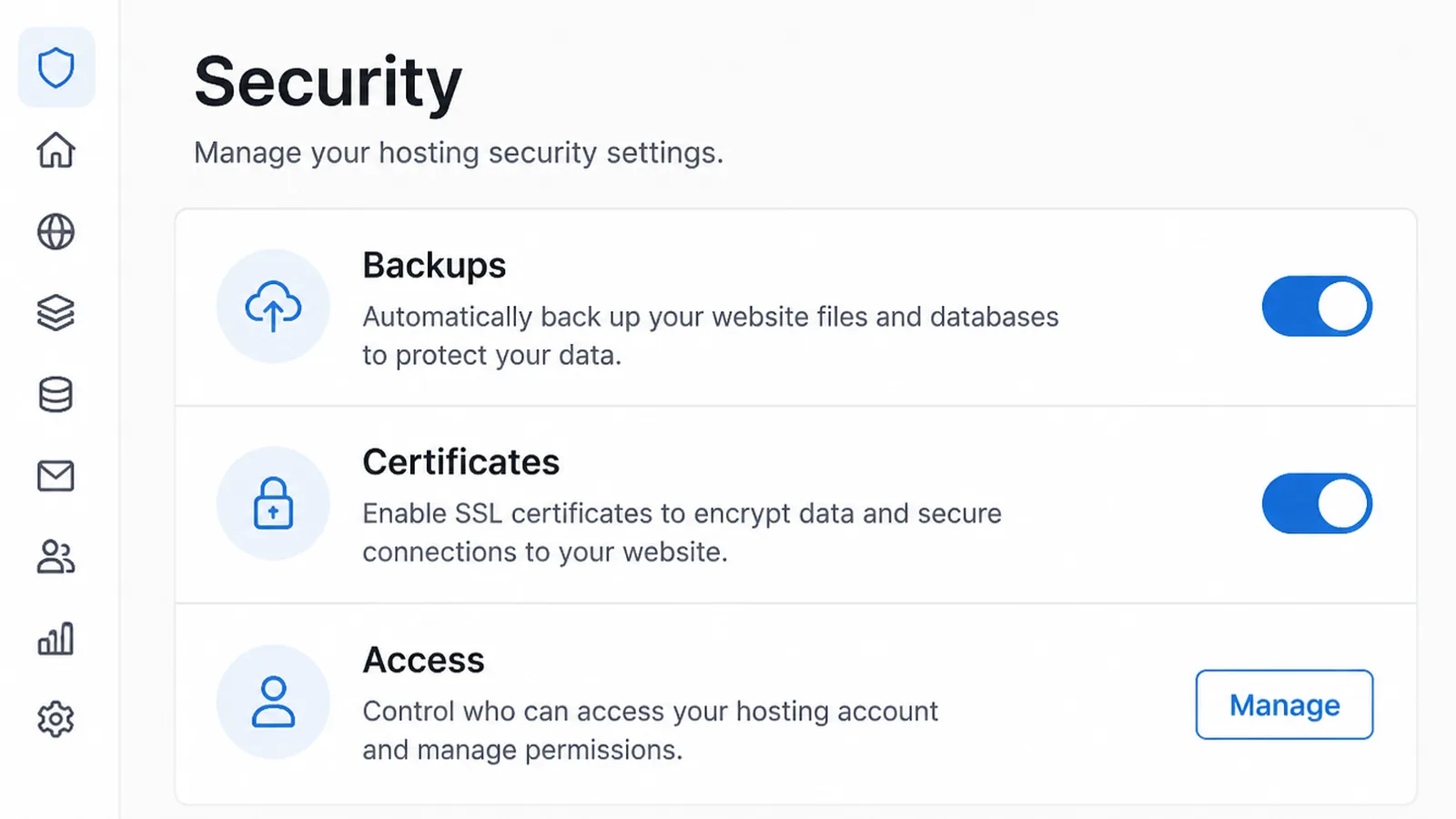
This is the step that separates a plan that looks fine from one that is fine.
- Backups. How often, how far back they go, and whether you can restore one yourself.
- Certificates. Whether the security certificate renews automatically and what happens if it fails.
- Access. Who holds the account, and whether you can add your developer without sharing your password.
Then do a restore while nothing is wrong. A backup nobody has ever restored is a belief, not a safety net.
Keep one copy somewhere your host does not control. If the account itself is the problem, every backup inside it is unreachable at exactly the wrong moment.
What To Compare
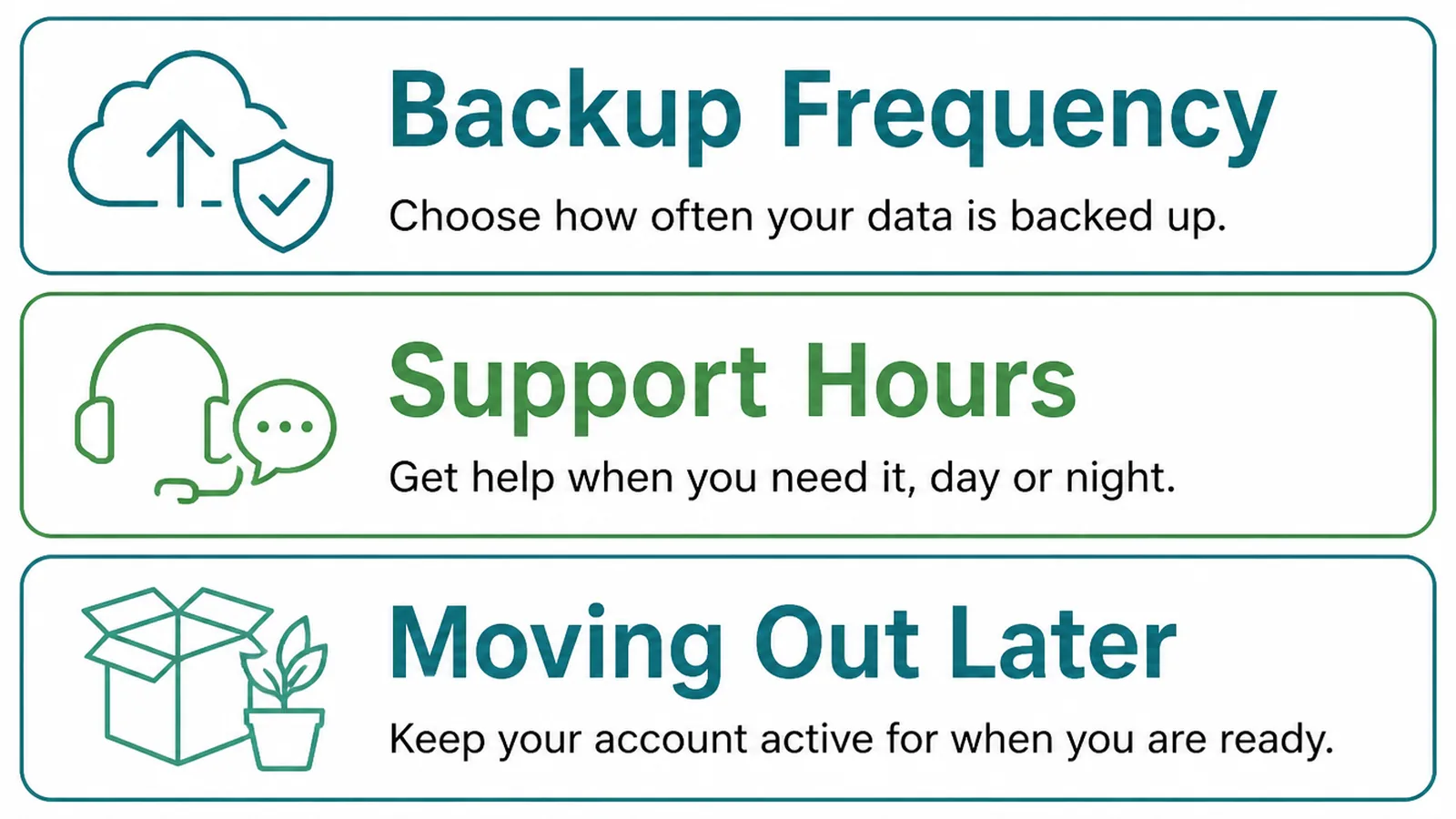
Plans are written to look alike. These three questions pull them apart.
- Renewal price. Not the first year. Ask what it becomes, and whether that is fixed.
- Support hours. Whether a human answers at the weekend and in your own time zone.
- Restore process. Who performs it, how long it takes, and whether it costs anything.
Uptime figures are worth reading and worth keeping in proportion. Every host publishes a good one, and the number tells you nothing about how a bad hour is handled.
What matters more is whether you find out from a monitor or from a customer, and whether anybody is reachable while it is happening.
Where the servers sit matters less than it used to, though it still has a small effect on speed. If most of your customers are local, a nearby location is a reasonable preference rather than a requirement.
Ask what happens when you outgrow the plan. A host that can move you to a larger one without a migration project is worth more than one that is slightly cheaper today.
And ask how you leave. A supplier who makes an export easy is telling you something about how they expect to keep customers.
Hosting Tools
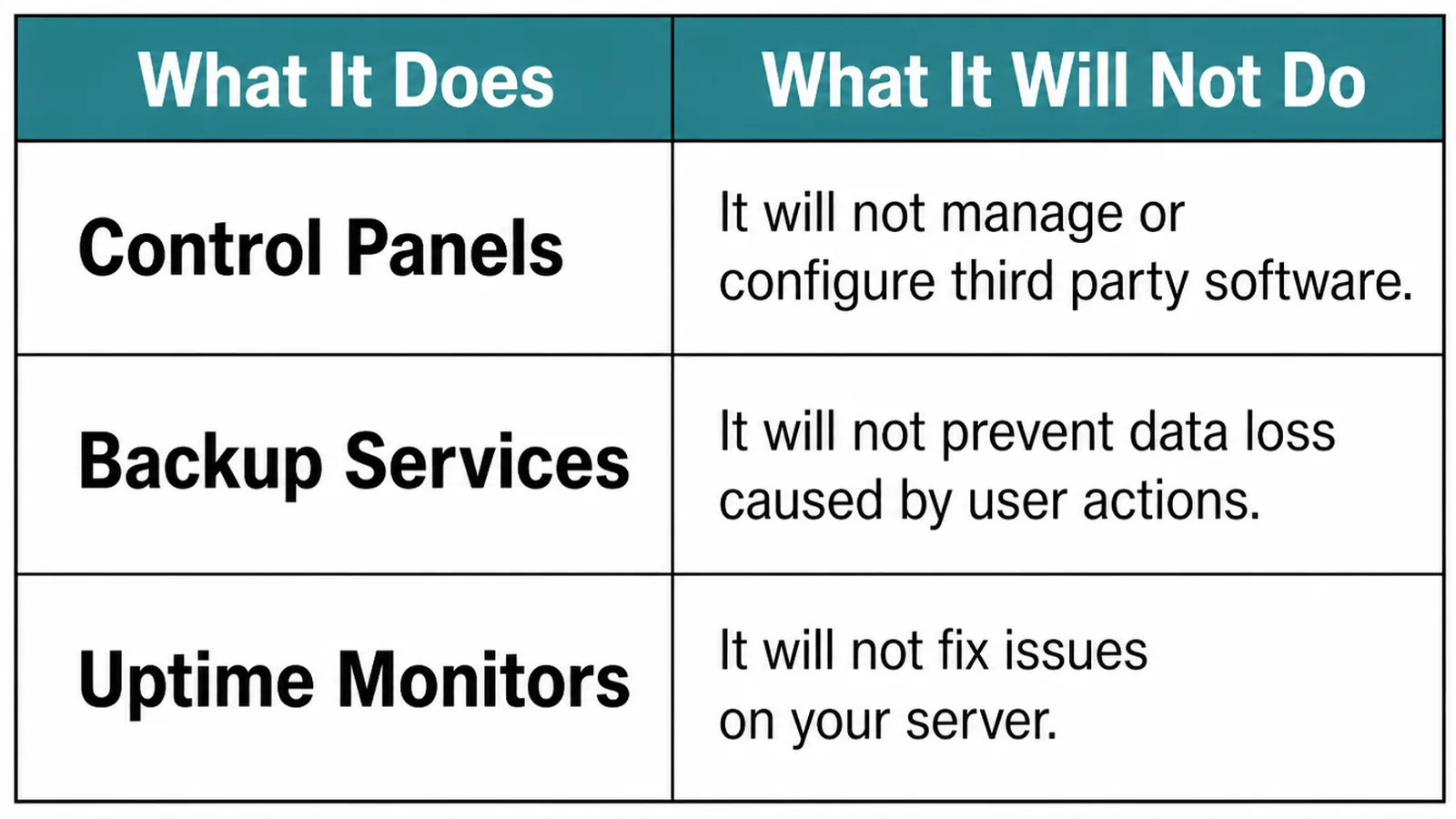
| What it does | What it leaves to you |
|---|---|
| Uptime monitors tell you the site is down before a customer does | Having somebody able to act when the message arrives |
| Backup plugins keep copies on a schedule you choose | Storing one copy off the server and testing a restore |
| Content delivery networks serve files from nearer the visitor | Fixing the heavy pages the network is now delivering faster |
An uptime monitor is the cheapest of the three and the one most worth having. Finding out from a customer is both late and embarrassing.
A delivery network is not a substitute for a light page. It makes a heavy site arrive sooner, and the page is still heavy.
Start with the monitor, add your own backup copy, and leave the network until somebody can show you it is the bottleneck.
Common Hosting Mistakes
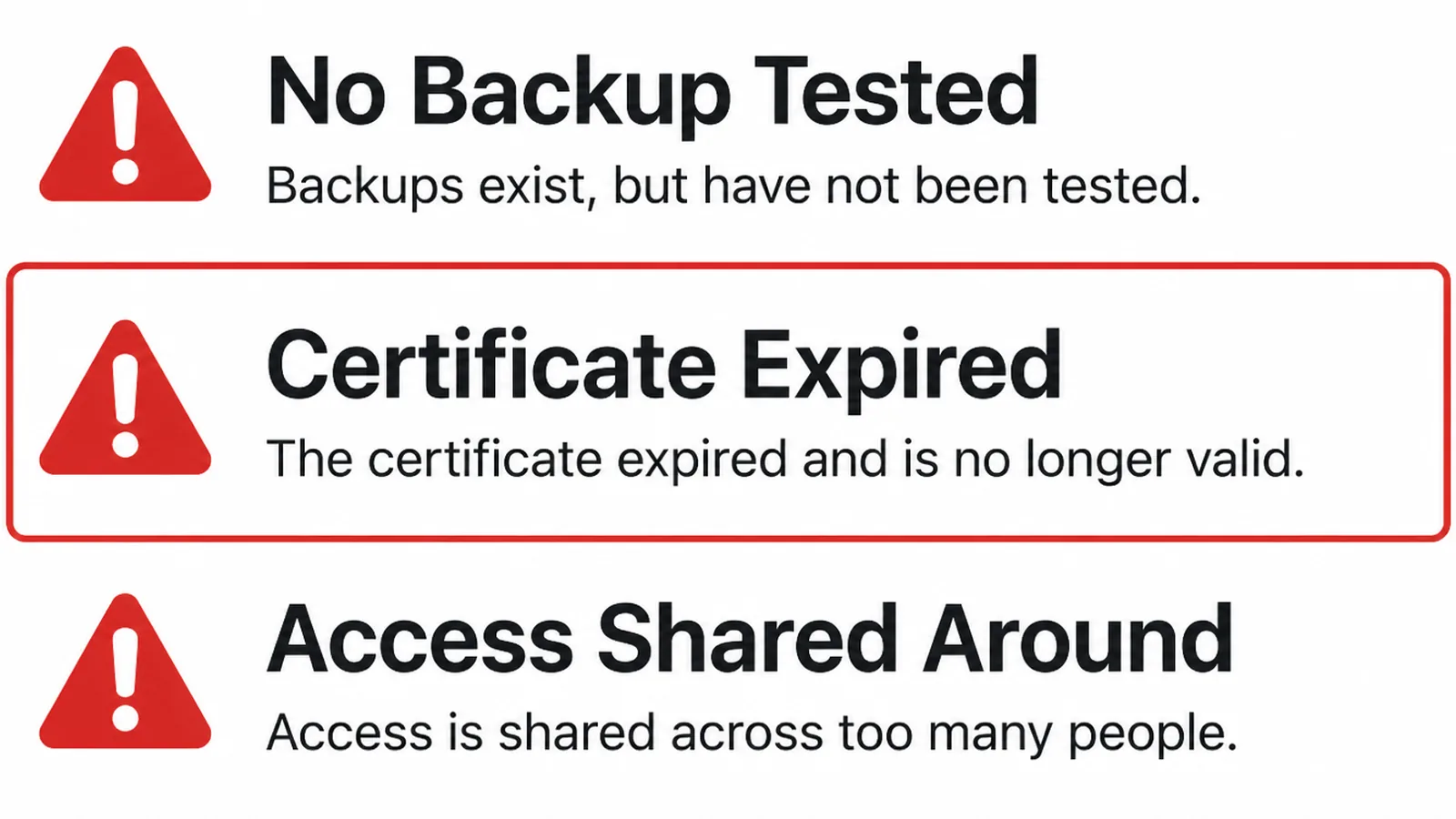
- Accounts in somebody else's name. The hosting and the domain registered to an agency or a cousin.
- Backups never tested. Ticked on the plan, never restored, discovered on the bad day.
- Letting the domain lapse. Auto renew off, card expired, notice sent to an old address.
The first is the most expensive to undo and the easiest to prevent. Buy hosting and domains in your own business name, then invite whoever does the work.
The third happens more often than it should, and it takes the website and the email with it. Check that the renewal notice goes to an address somebody still reads.
Put the renewal dates in a calendar as well, with a reminder a month ahead. Auto renew fails quietly when a card expires, and the first sign is usually a customer asking why your site has gone.
FAQs
How much should hosting cost?
For a small brochure site, less than a phone bill. The number matters far less than what is included: whether backups are taken and restorable, whether certificates renew on their own, and whether anybody answers when the site is down on a public holiday.
Is shared hosting good enough?
For most small business sites, yes. Shared hosting means your site sits on a machine with others. That is fine until one of them misbehaves. You move up when traffic or a busy application makes that sharing noticeable, not before.
Do I need backups if the host takes them?
You need a backup you can restore yourself. A host's backup is for the host's benefit first, and a plan that keeps one nightly copy is no help if a problem went unnoticed for a week. Keep your own copy somewhere the host does not control.
Does hosting affect SEO?
Indirectly, through speed and availability. A slow or frequently unreachable site is a worse experience, and that shows up in how people behave rather than as a setting anyone can tune. Good hosting removes a problem rather than winning you anything.
Conclusion
Website hosting is space, delivery and a safety net, and only the last one decides how a bad week goes.
Write down what your site runs on, look at the control panel before you buy, then confirm the backups, the certificate and who owns the account. Restore something once while nothing is wrong.
If you would rather hand the whole thing over, see how we handle website maintenance, or get in touch and we will tell you what your current plan actually includes.