How to Choose Brand Colors That Work Together

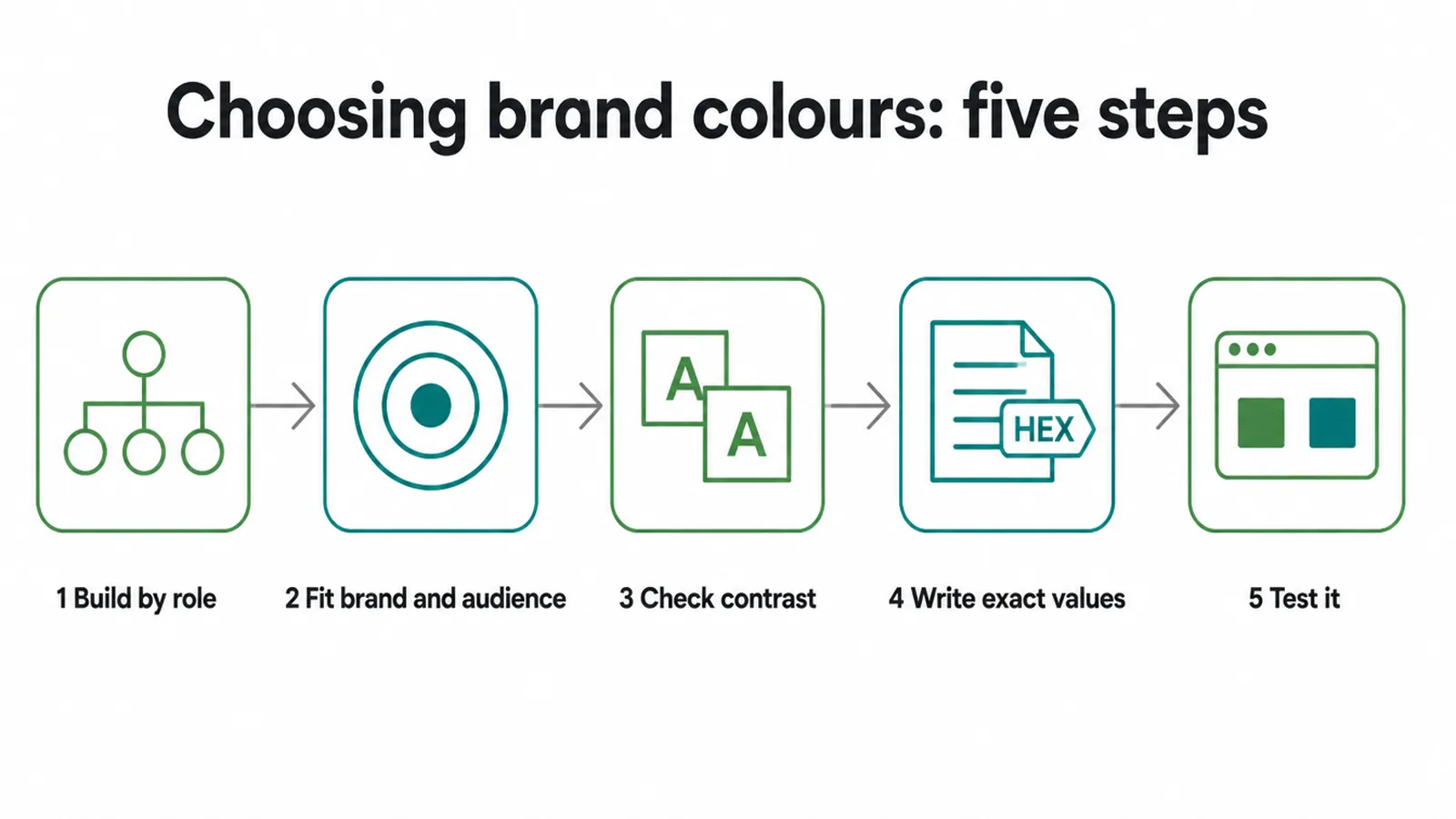
Choose brand colours by role: one primary, one or two secondary, one accent and a few neutrals. Pick shades that fit your brand and your audience, keep every text pairing above the 4.5 to 1 contrast minimum, and write the exact values down. Seed Light builds palettes this way for small business brands.
Key takeaways
- Build by role, not by vibe. One primary, one or two secondary, one accent, plus neutrals. Roles are what make a palette usable.
- Colour "meanings" are soft signals, not rules. They shift by culture and context, so fit your brand and audience first, then sanity-check.
- Readability is the one hard rule. Normal text needs a contrast ratio of at least 4.5 to 1 under WCAG.
- Write down exact values. "The blue one" drifts. HEX for screen, plus print notes, keeps you consistent.
- Test small, on a phone, and in one colour before you commit anything.
1. Choosing brand colours: the short answer
To choose brand colours, build a small palette by role: one primary, one or two secondary, one accent, and a few neutrals. Pick shades that fit your brand personality and your audience, not a colour-emotion chart. Make sure any pairing you put text on meets the minimum contrast for reading.
Write down the exact values so every tool and printer matches. Then test it small, on a phone, and in one colour before you sign it off. That is the whole job.
One thing to get straight up front. You will read a lot of confident claims like "blue means trust" or "red means urgency". Treat those as common associations, not facts. What a colour "means" depends on culture, context, and the person looking.
So you do not need to decode secret emotions. You need a small, readable palette that looks like you and stays the same everywhere. Let us build one.
2. Build your palette by role, not by vibe
The thing that makes a palette actually work is not the colours you pick. It is giving each colour a job. Without roles you end up with five colours that all shout at once and a website that looks messy.
With roles, every colour knows where it belongs, and the whole brand starts to feel calm and deliberate. Here are the four roles you need.
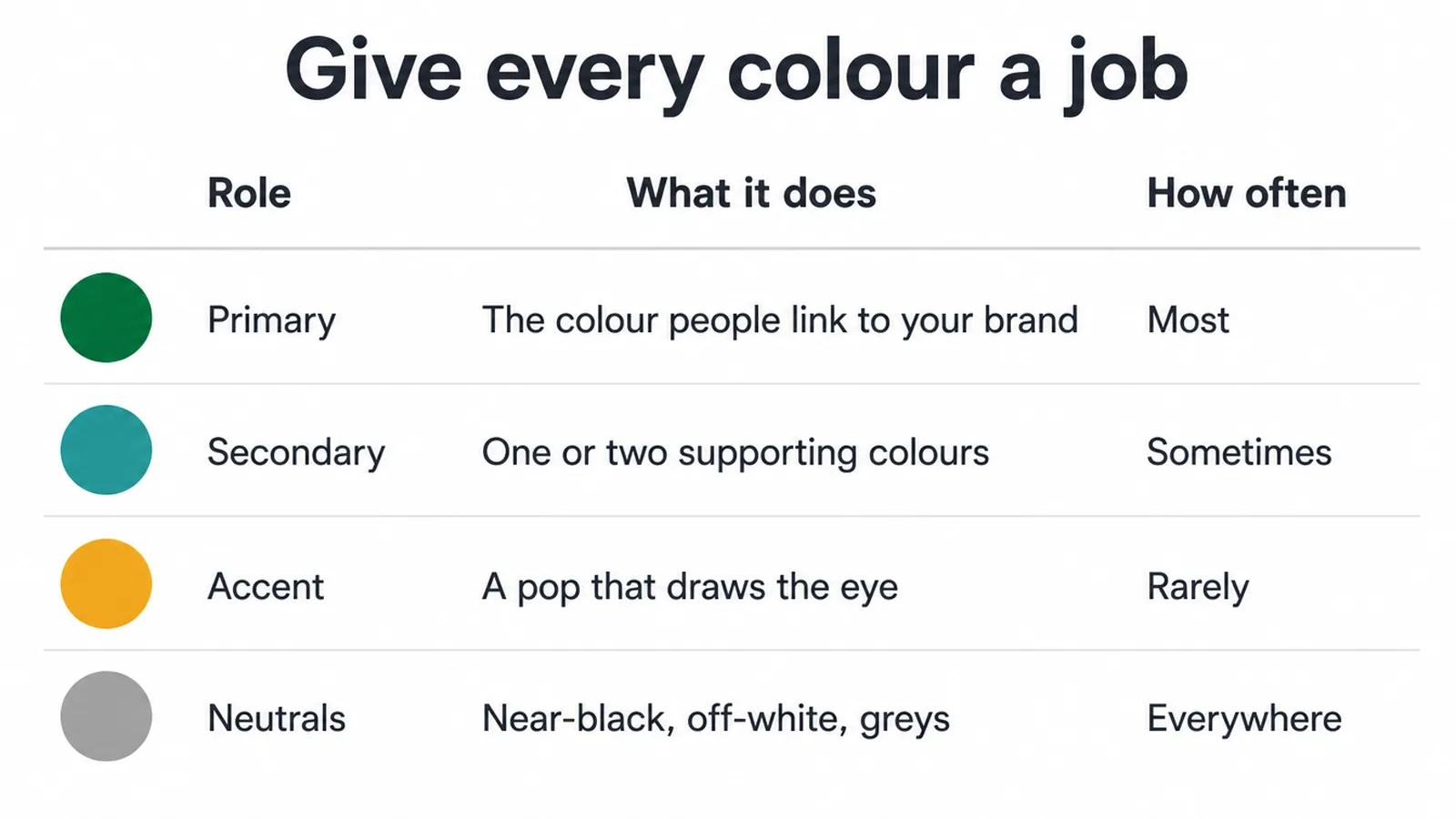
Your primary is the one colour people link to your brand. It does the most work: logo, main buttons, headers. Your secondary colours, one or two of them, back it up on backgrounds and section blocks.
Your accent is a small pop you use on purpose to pull the eye to the important thing, like a call-to-action button.
And your neutrals, a near-black, an off-white, a grey or two, quietly carry your body text and borders everywhere. Most of what a visitor reads sits on neutrals, not on your bright colours.
| Role | What it does | How often you use it | Example use |
|---|---|---|---|
| Primary | The one colour people link to your brand | Most | Logo, main buttons, headers |
| Secondary | One or two supporting colours | Sometimes | Backgrounds, section blocks, illustrations |
| Accent | A pop that draws the eye | Rarely, on purpose | Call-to-action, highlights, links |
| Neutrals | Near-black, off-white, greys | Everywhere | Body text, backgrounds, borders |
This structure is what lets the same palette carry across a logo, a website, and a social post without falling apart. If you want to see how these colours show up on a website, the role split is exactly how a good site is laid out too.
3. Colour associations: common, but not rules
They look scientific, but they are not laws
Now for the part most guides get wrong. You have seen the charts: blue is trust, green is health, yellow is happy, red is urgent. They look scientific. They are not laws.
Help Scout puts the limit plainly: "personal preferences, experiences, upbringings, cultural differences, and context muddy the effect that individual colors have on us" (Help Scout).
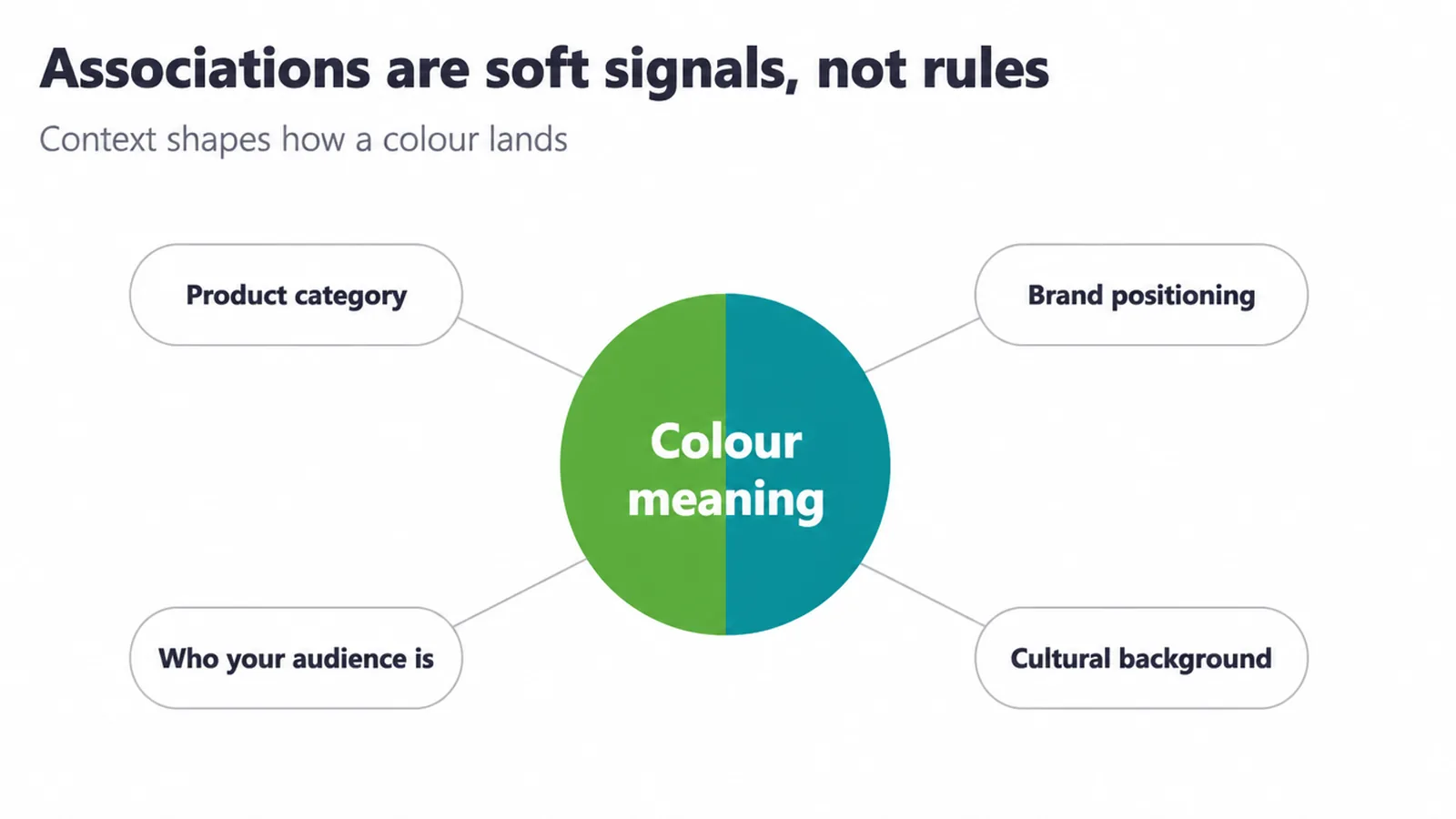
In other words, the same colour can do different jobs depending on where and who it is for.
Culture changes what a colour means
Culture is a big part of this. Red can be linked with luck and celebration in some wedding settings, while elsewhere it can suggest warning or passion.
And colour preferences themselves are not universal: a study comparing British and Himba people found their colour preferences shared few features, and the Himba showed none of the supposedly universal patterns (PubMed). Even the way languages carve up colour into categories differs from culture to culture (Journal of Experimental Psychology: General).
Fit is what predicts how a colour lands
So what actually predicts how a colour lands? Fit. Whether the colour feels right for the brand and the audience matters more than the colour on its own, and personal experience shapes the response too (Help Scout).
Even the pull of a colour like red on behaviour is moderated by the situation, not fixed (PMC).
The takeaway is simple. Do not start from a one-size chart. Start from your brand and your people, pick colours that fit, then check the common associations as a sanity test. A lot of this ties back to the personality behind your colours, which is where you should really begin.
4. Start from your brand personality and audience
A method you can do in ten minutes
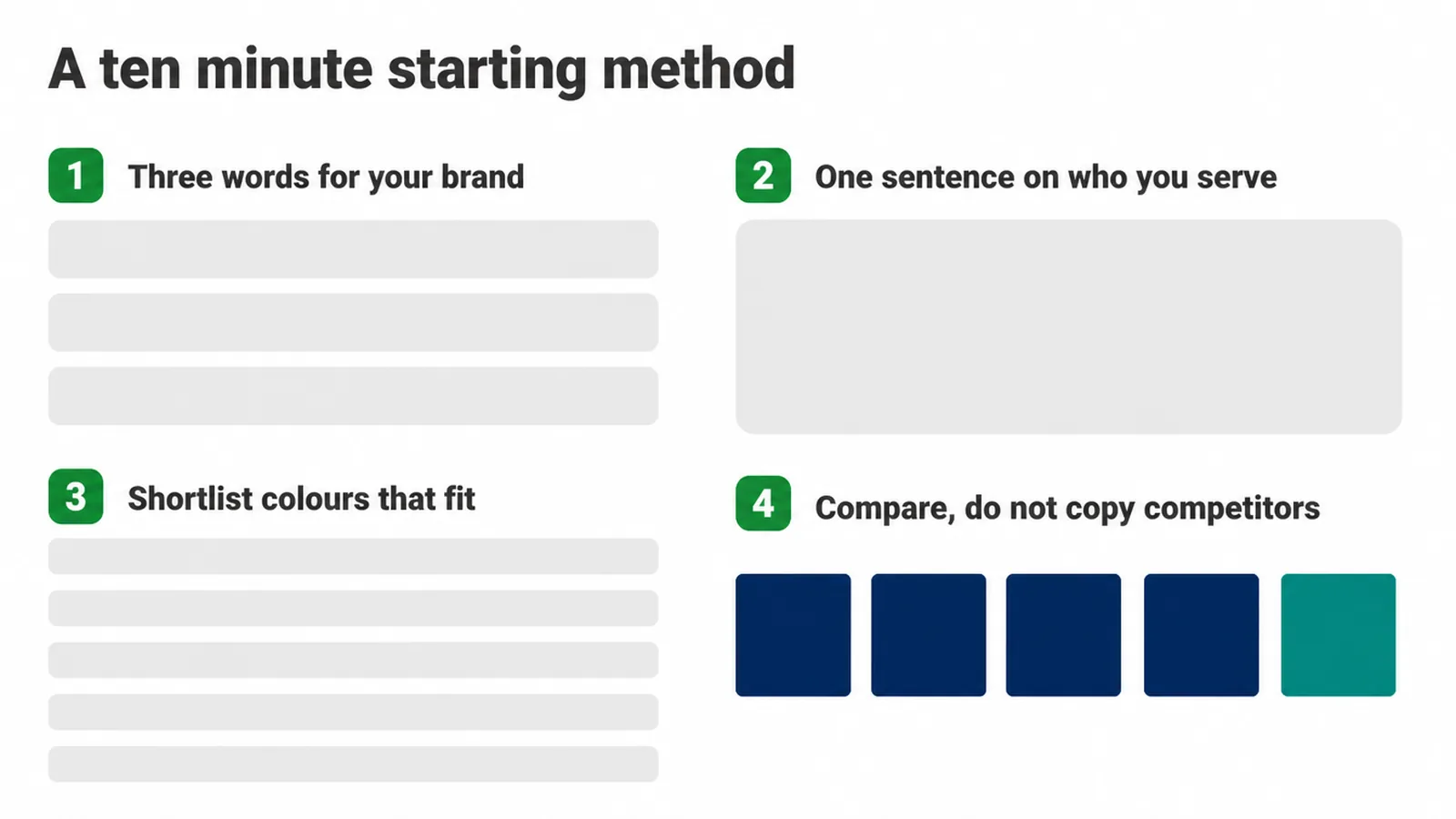
Here is a simple method you can do in ten minutes. First, describe your brand in three plain words. Warm and honest and grown-up. Or bold and fast and fun. Whatever is true for you. Second, describe who you serve in one sentence: busy parents, small shop owners, first-time buyers, whoever they are.
Now you have a target. Shortlist a handful of colours that feel like those three words to that specific audience. Not to a chart. To them.
Look at competitors, but do not copy them
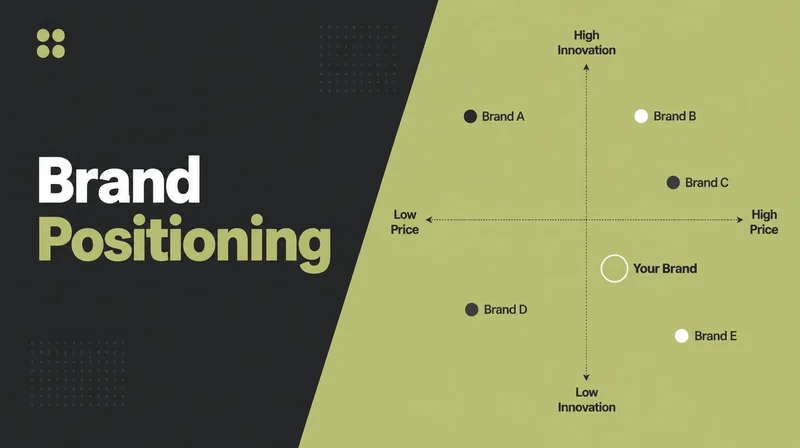
Then do one more thing: look at your competitors, but do not copy them. Pull up five or six brands your audience already knows in your space and notice the colours they all use.
If everyone is navy blue, being navy blue makes you blend in and forgettable. A different but still fitting choice helps people tell you apart.
You want to feel like you belong in the category and still stand out inside it. And remember your colours have to sit next to your logo, so check that your logo works with these colours before you fall in love with a shade.
5. Make it readable: accessibility and contrast
The one hard, measurable rule
This is the one hard, measurable rule in the whole topic. Everything else is taste. This is a standard. If you put text on a colour, that text has to be readable, and there is an actual number for it.
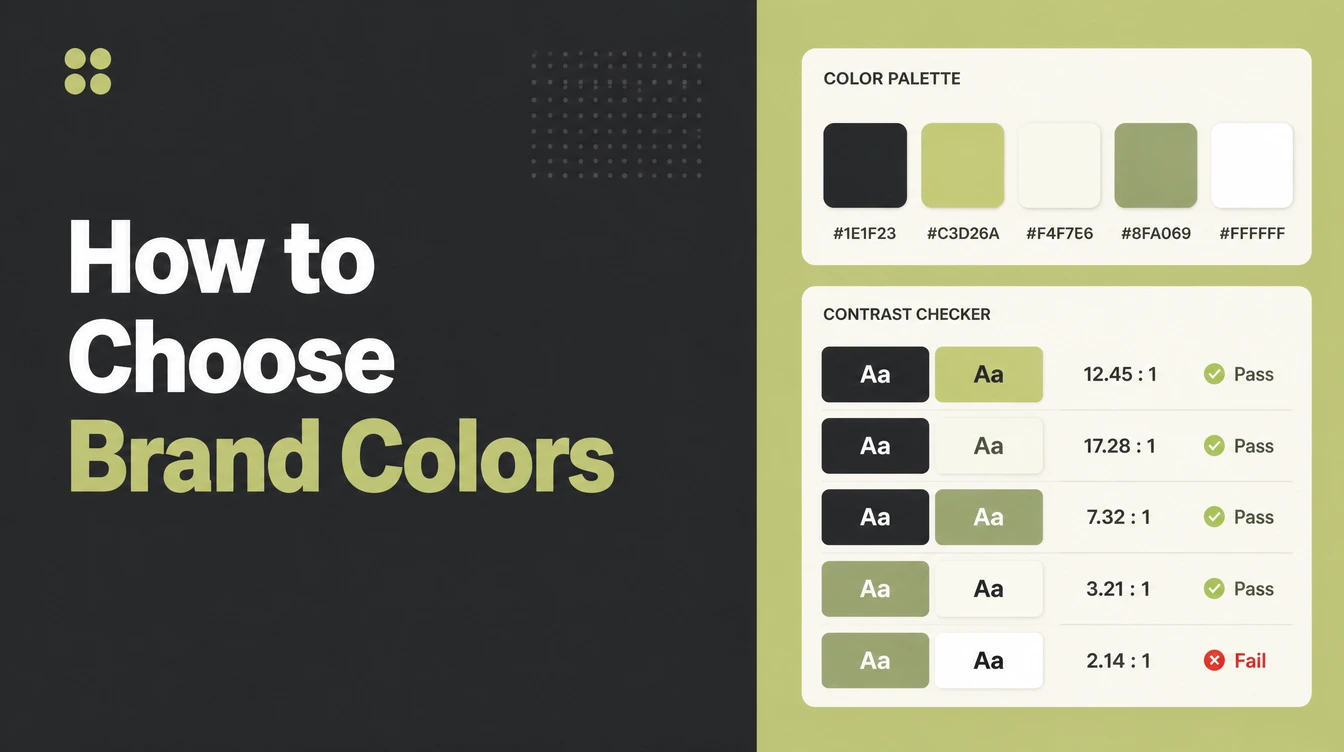
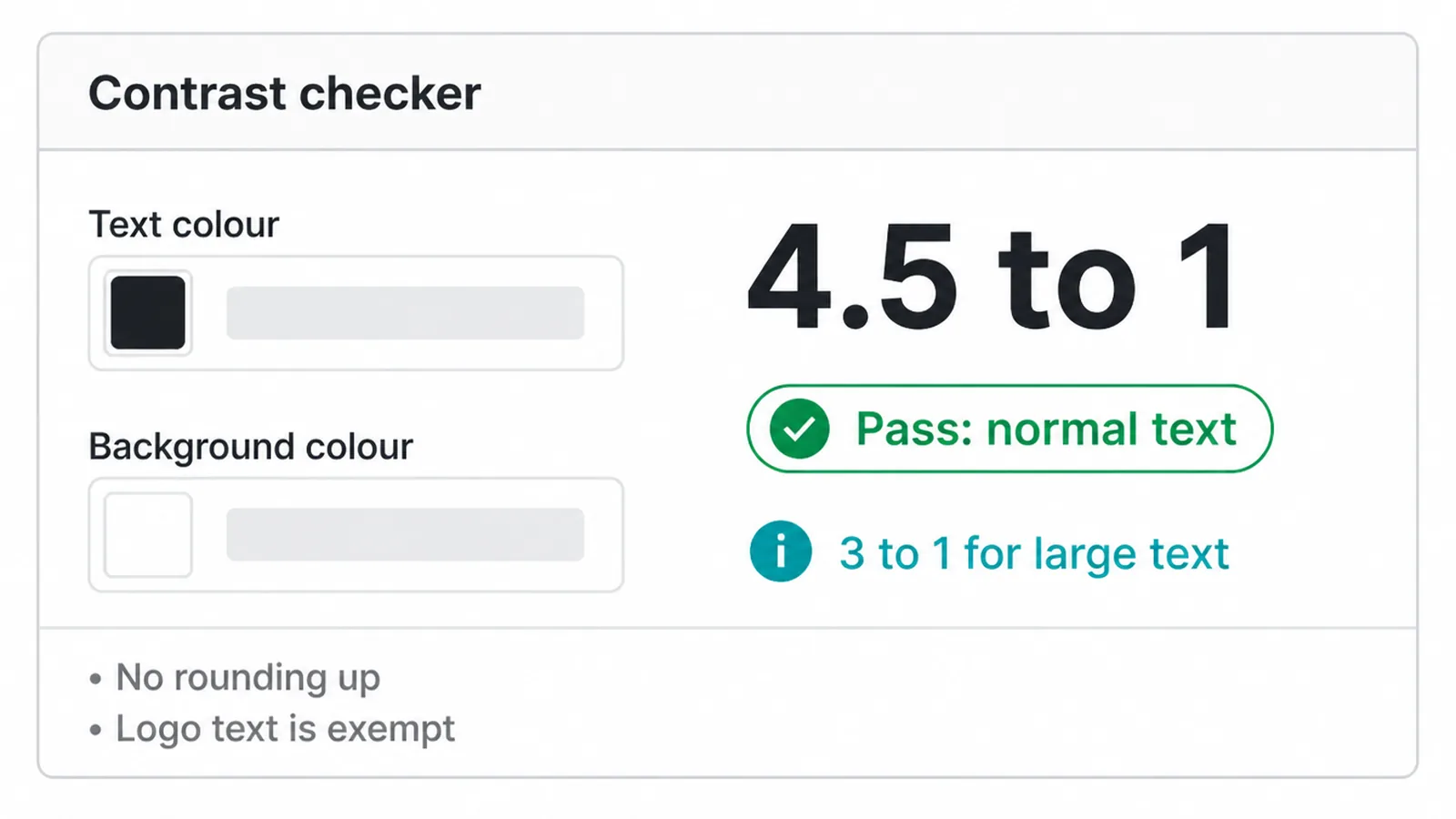
Under WCAG 2.1, normal text needs a contrast ratio of at least 4.5 to 1 against its background (W3C). Large text, meaning at least 18 point, or 14 point bold, needs at least 3 to 1 (W3C).
Two details save you from a common mistake
Two details save you from a common mistake. These are threshold values and you do not round up, so 4.499 to 1 does not pass 4.5 to 1 (W3C).
And text that is part of a logo or brand name is exempt, it has no contrast requirement (W3C). So your logo can do whatever it likes, but your buttons, headings, and body text on coloured backgrounds cannot.
What this means in practice
What this means in practice: run every text-on-colour pairing you plan to use through a free online contrast checker. Paste in the text colour and the background colour, and it tells you the ratio and whether it passes.
Make sure your palette has at least one solid, comfortable body-text pairing that clears 4.5 to 1, because that is the pairing people will read the most.
If your lovely brand colour fails as a text background, keep it for shapes and blocks, and put your words on a neutral instead. Pretty is optional. Readable is not.
6. Lock in exact values for consistency
"Use the blue one" is how brands drift. Your designer picks one blue, your printer picks another, someone grabs a third off a slide, and six months later nothing quite matches. The fix is boring and it works: write down the exact value of every colour so every tool uses the same one.
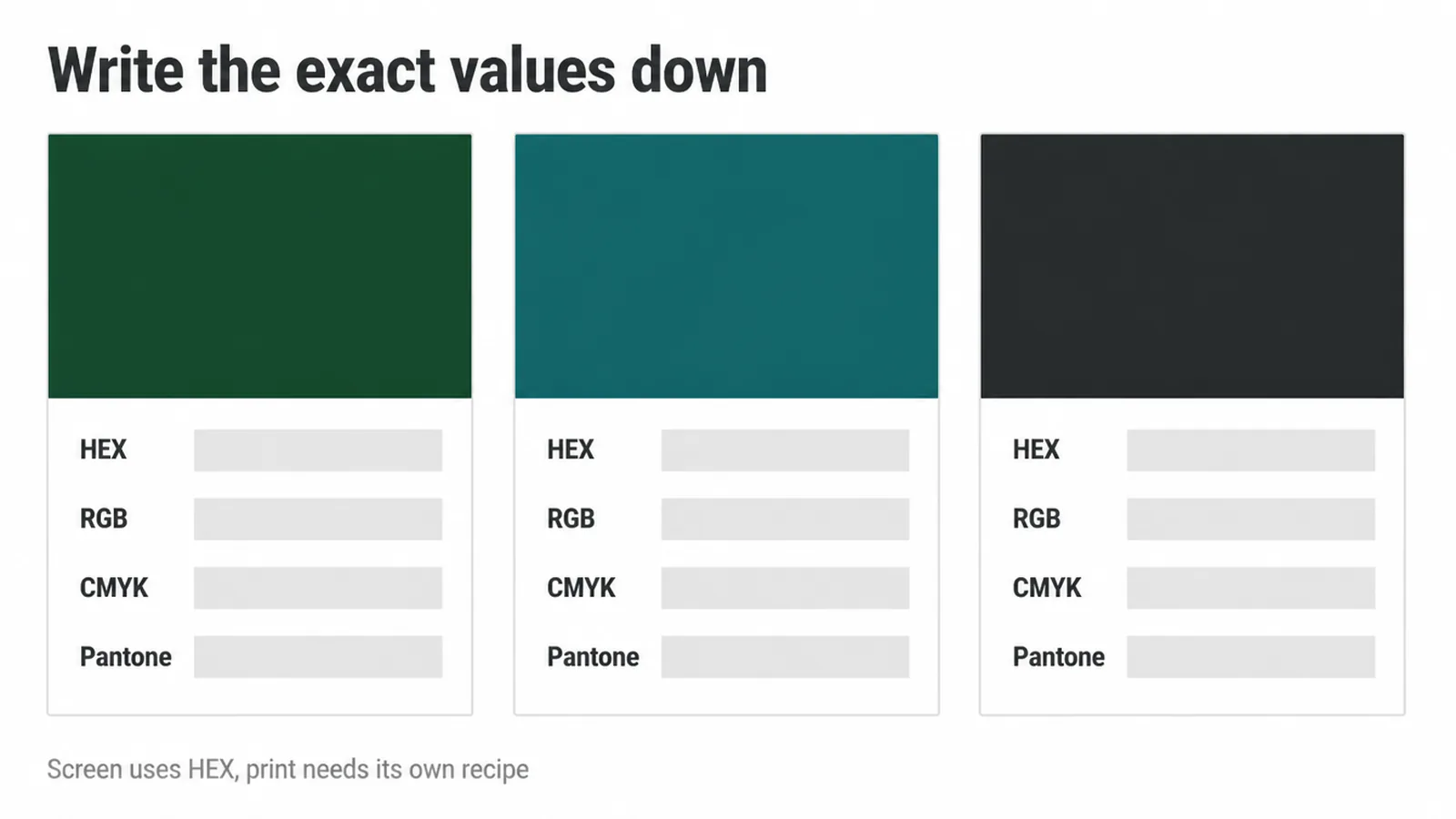
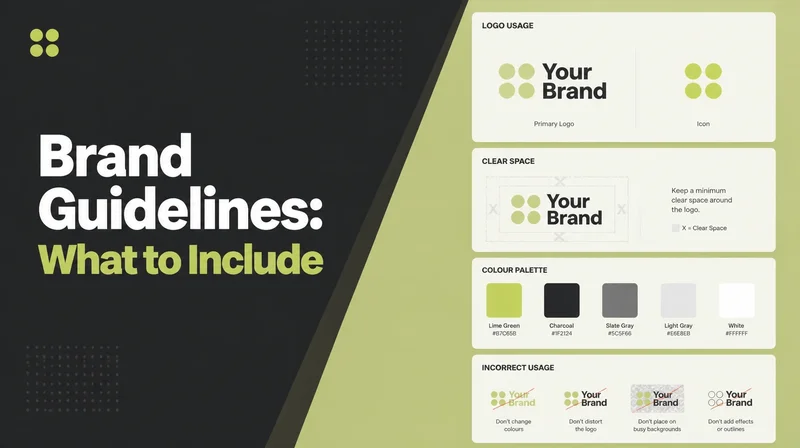
For screen, record the HEX code, the six characters that a website or app reads. For print, note the RGB and the CMYK values, and a Pantone reference if you have one, because ink mixes colour differently from a screen and needs its own recipe.
You do not have to understand the maths. You just have to write the numbers down once and hand them over. Put those values somewhere your team and your vendors can actually find them, not buried in one person's laptop.
The tidiest home for this is a short brand guide, which is part of what proper branding work delivers. Do it once and you stop having the same "which blue is it" conversation forever.
7. Test before you commit
Before you make it official, run your palette through a quick five-point check. It takes minutes and it catches the problems that only show up in the real world.
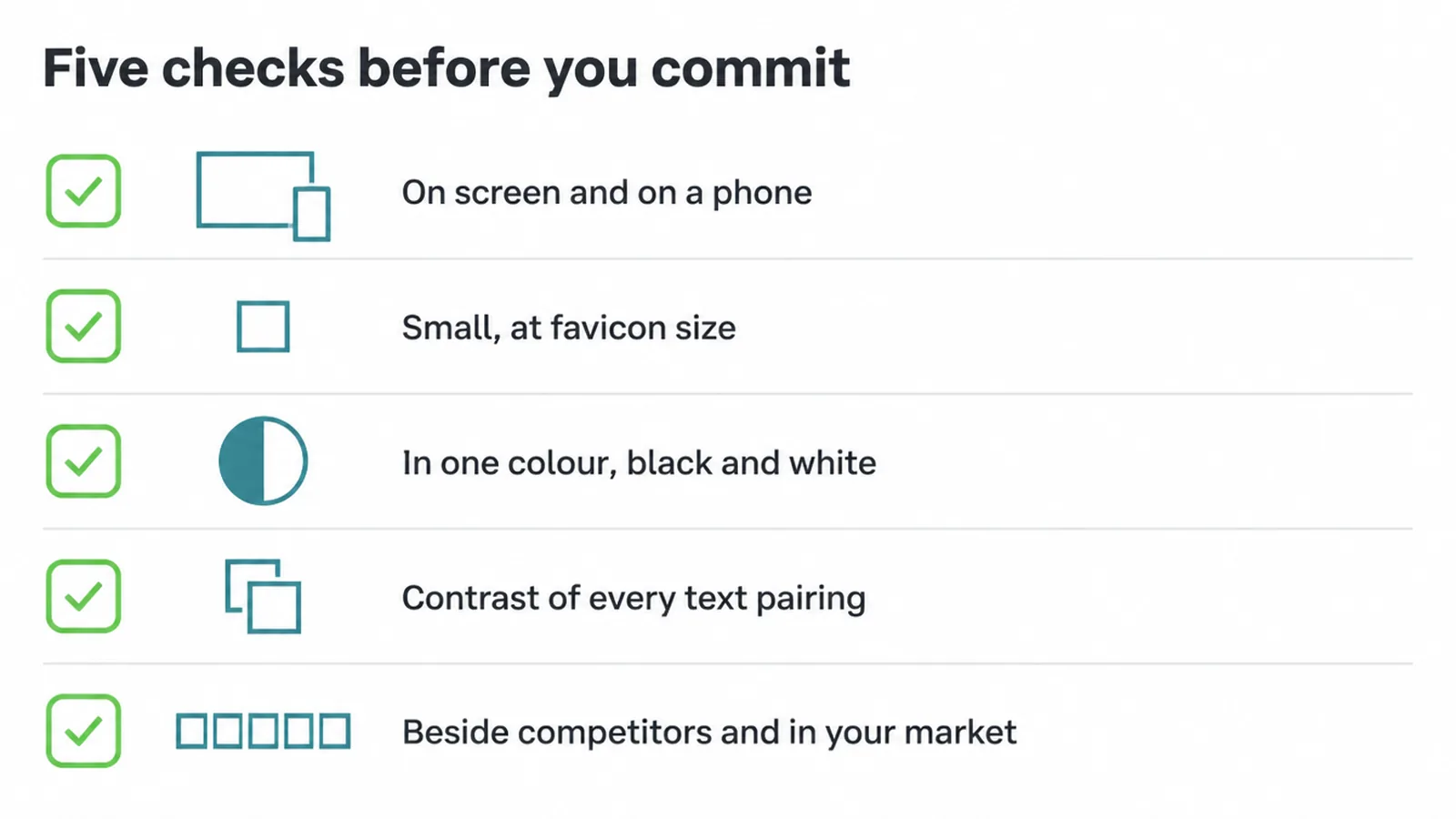
- On screen and on a phone. Colours look different on a bright laptop and a small phone in sunlight. Look at both.
- Small. Shrink your logo and colours down to favicon size. Does anything muddy together or disappear?
- In one colour. Convert everything to black and white. It should still read and still look like you, because sometimes it will be printed that way.
- Contrast. Re-check your text pairings in a contrast checker, the way we covered above.
- Beside competitors and in your market. Place it next to the other brands your audience sees, and if you sell in more than one country, check the colour does not carry a strong unwanted meaning there.
If a colour fails a test, do not scrap the whole palette. Nudge the shade, or change where you use it. Small adjustments fix most of it.
8. Common brand colour mistakes to avoid
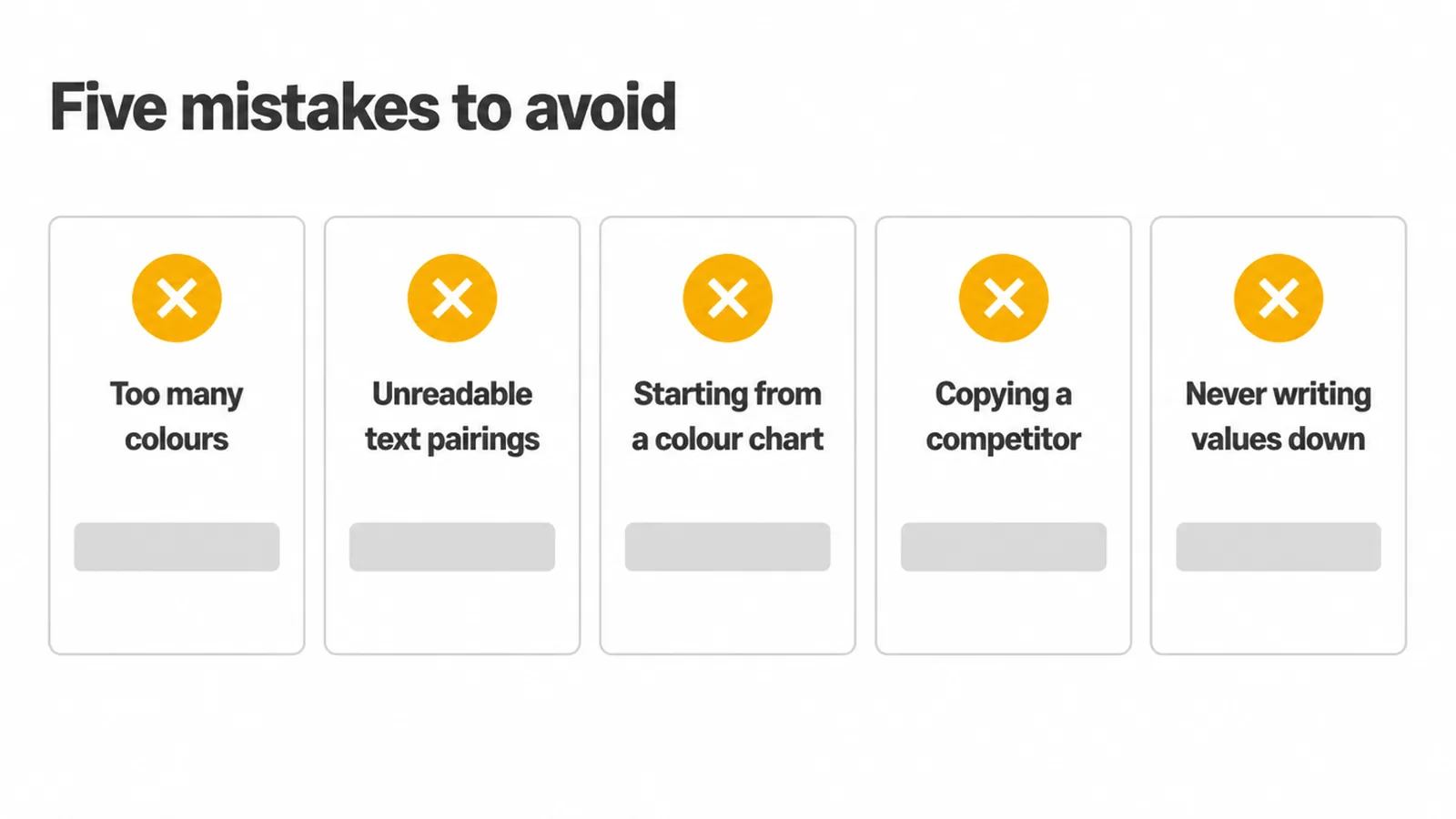
- Too many colours. If everything is a brand colour, nothing is. Keep the set small.
- Unreadable text pairings. A gorgeous colour that fails contrast is a problem, not a feature. Test it.
- Starting from a colour-emotion chart. Fit to your brand and audience first, check associations second.
- Copying a competitor. Look, learn, then choose something that is clearly yours.
- Never writing the values down. No exact codes means slow, steady drift. Record them once.
None of these are hard to avoid. They just need you to slow down for one afternoon before you lock things in.
FAQ
1. How many colours should a brand have?
Most small brands do best with a small set: one primary, one or two secondary, one accent, plus a couple of neutrals like a near-black and an off-white. Fewer colours are easier to stay consistent with and harder to get wrong.
2. Is colour psychology real?
Colours do carry common associations, but they are not fixed laws. Meaning depends on culture, context, and personal experience, so treat associations as soft signals to sanity-check your choice. Pick colours that fit your brand and audience, then sanity-check the associations.
3. What is a primary brand colour?
It is the colour people link to your brand first, used most often and in the most important spots like your logo and main buttons. Secondary and accent colours support it; they should not compete with it.
4. What colours should I avoid?
Avoid colours that make text hard to read, colours that clash with your industry in a confusing way, and picking so many colours that nothing feels like 'yours'. Also avoid copying a direct competitor so closely that people mix you up.
5. Do my brand colours need to pass accessibility contrast?
Any colour you put text on should. WCAG sets a minimum contrast ratio of 4.5 to 1 for normal text and 3 to 1 for large text, so your palette needs at least one combination that meets it for body copy. Decorative colour on its own has no rule, but readable text does.
6. How do I check colour contrast?
Put your text colour and background colour into a free online contrast checker. It gives you a ratio and tells you if it passes. Aim to clear 4.5 to 1 for normal text before you commit the pairing.
7. Can I just use my favourite colour?
You can start there, but test it. Check that it reads well small and in one colour, that text on it is readable, and that it does not send the wrong signal to your audience or culture. Favourite plus tested beats favourite alone.
8. What if I sell to more than one country?
Check how your main colours are read in each market, because meanings shift across cultures. If a colour carries a strong unwanted association somewhere you sell, adjust the shade or the way you use it, or lean on your neutrals and accent instead.
See our branding service if you want help choosing a palette.