Why Your Website Gets Traffic But No Enquiries

A website not converting almost always has one of three causes: the wrong visitors arrive, the page does not answer what they came for, or the enquiry never reaches your inbox. Seed Light checks them in that order, because fixing the page will not help if the form has been broken for a month.
The analytics look fine. Visitors arrive, pages get read, the number goes up. The inbox stays empty.
Traffic but no leads is the thing small business owners ask me about most, and it is rarely the fault they expect.
This guide covers the three faults that produce that exact pattern, how to tell them apart with reports you already have, and the order to work through them.
By the end you will know which one you have, and you will have tested the thing almost nobody tests.
Key Takeaways
- Three faults look identical from the dashboard. Wrong visitors, a page that does not answer, or an enquiry that never arrives.
- Check them in that order. A better page cannot rescue a form that has been silently failing.
- The landing page report tells you which. It records the first page of each session, so it shows what visitors actually chose.
- Test the form yourself, from a phone. No one publishes a trustworthy failure rate for enquiry notifications.
- Diagnose before you redesign. Changing everything at once removes the evidence and moves your URLs.
Traffic is a measure of how many people arrived. It says nothing about whether they were the right people, or whether the page gave them a reason to act.
Website Not Converting: Check This First
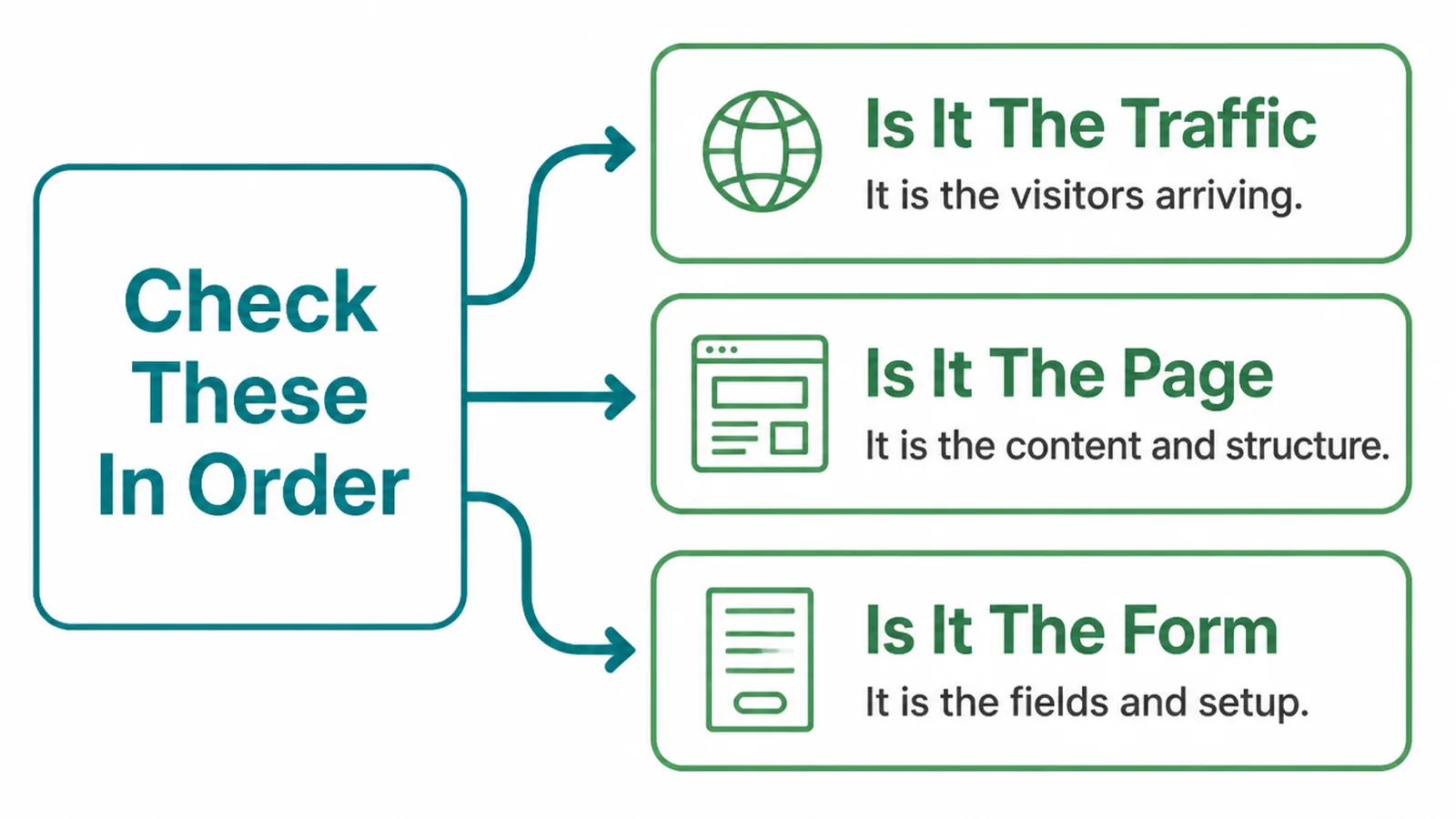
There are only three places an enquiry can be lost, and they need opposite fixes.
- The traffic. People arrive who were never going to buy, so nothing on the page would have changed the outcome.
- The page. The right people arrive and leave without the one thing they came to find out.
- The form. Someone did enquire and the message never reached you.
Most owners start at the page, because it is the part they can see and change. That is the middle link in the chain, and it is the wrong place to begin.
A website not getting enquiries has a cause, and the cause is findable. It is just rarely where the owner looks first.
Start at the ends instead. The traffic question is answered by a report, and the form question is answered in five minutes with your own phone.
Both are cheap. The page is where the expensive work lives, so you want to arrive there having ruled the other two out.
A website not converting is a diagnosis, not a symptom. Until you know which of the three you have, every change is a guess.
The Wrong Visitors
Traffic but no leads often means the traffic was never the right traffic. Google works out the intent behind a query before it decides what to show, so a page can rank well for a phrase its visitors meant differently.
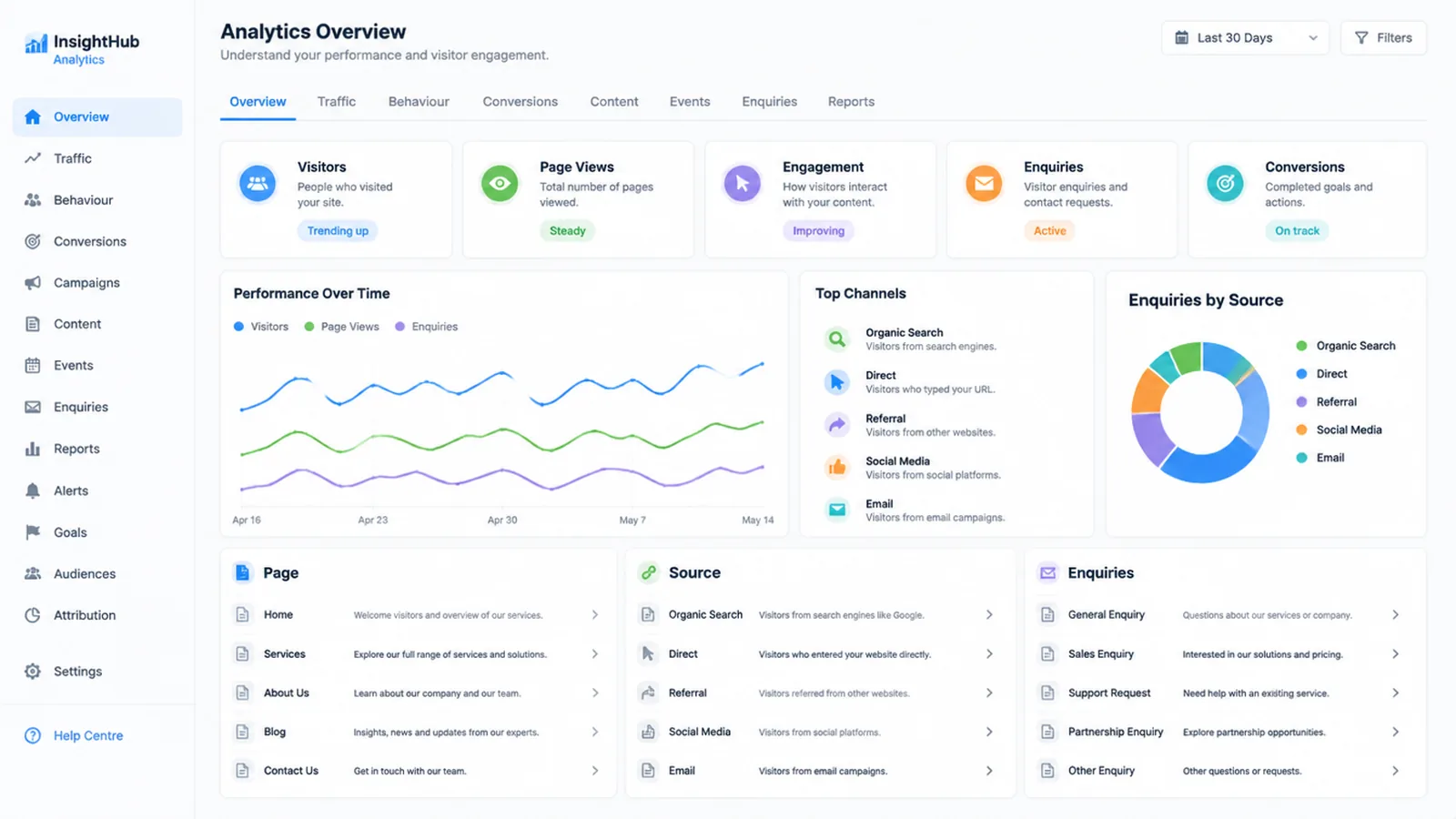
The landing page report is where this shows up. In Google Analytics, the landing page dimension is the page path of the first page view in a session, so it records what each visitor actually chose to open.
Read it alongside the queries in Search Console. That report defines impressions as how often you appeared and clicks as how often someone chose you.
Three patterns say your traffic is the problem:
- Your best page is a blog post. Readers arrived to learn something, not to hire anyone.
- The queries are informational. Lots of how and what, very little cost, near me or hire.
- The location is wrong. The visitors are real and they are nowhere you can serve.
Check the device split too. StatCounter put mobile at 59.9% of worldwide page views in October 2026, so a desktop-only review misses most of your audience.
If this is your fault, the fix is upstream. It is targeting, keywords and which pages you promote, not the wording of a button.
The Page Does Not Answer
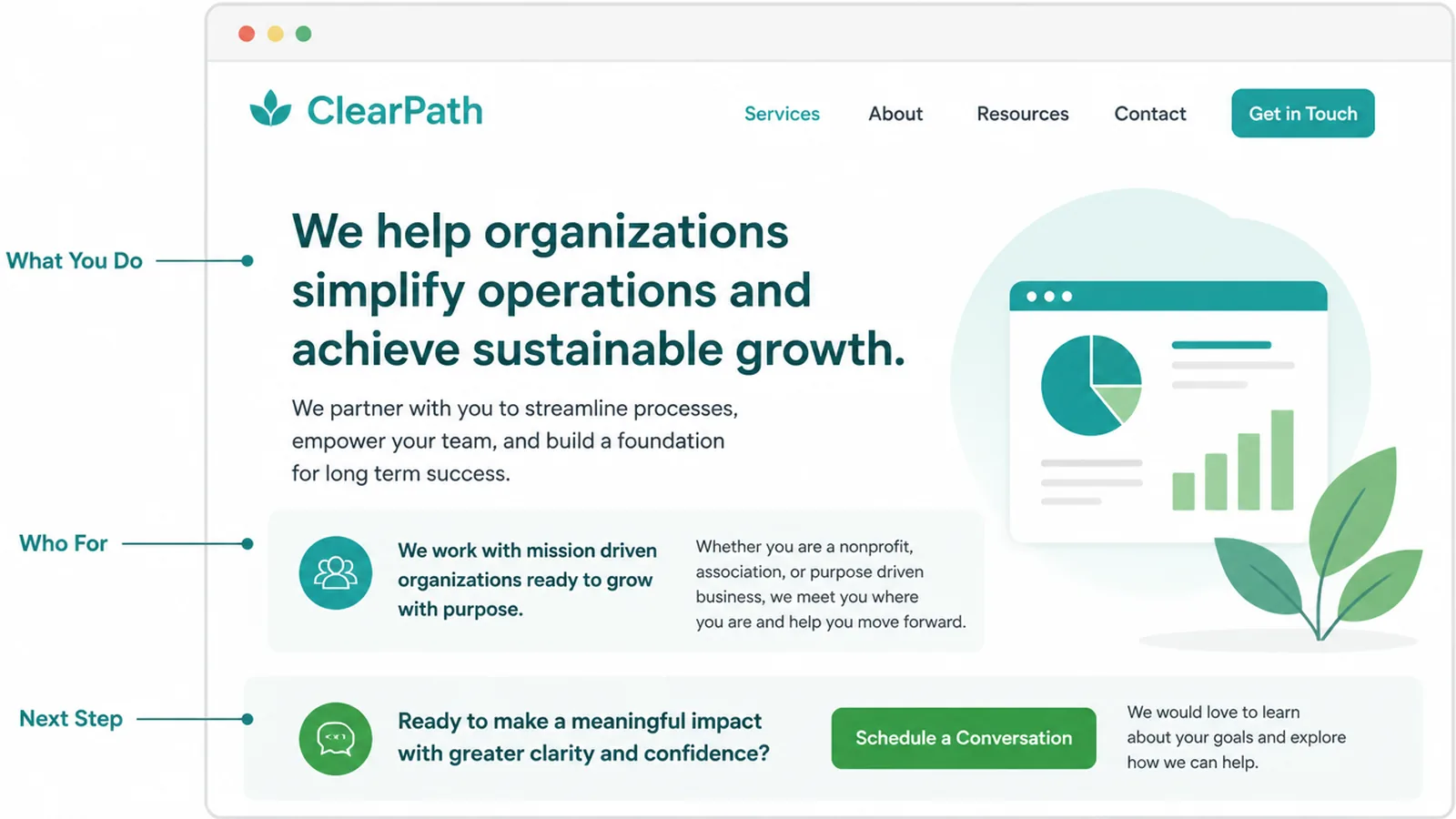
Right visitors, wrong page. They came with a question and left without it answered.
Google's own guidance on helpful content asks whether a reader leaves feeling they have learned enough to achieve their goal, rather than feeling they need to search again. That is a fair test for a service page.
Read your page out loud and look for three answers:
- What you do. In the words a customer would use, not your industry's words.
- Who it is for. So the wrong reader can leave and the right one recognises themselves.
- What happens next. One action, stated plainly, repeated where the reader finishes.
Speed belongs in this section, carefully. Google's thresholds are real: Largest Contentful Paint is good at 2.5 seconds or less and poor above 4, and Interaction to Next Paint is good at 200 milliseconds or less.
What Google does not publish is a point at which people leave. It says plainly that there is no single amount of time users wait before aborting a page load, and sets the thresholds from perception research instead.
So treat a slow page as one suspect. Anyone who tells you a precise second at which buyers give up is quoting something nobody measured.
The Form Is Broken
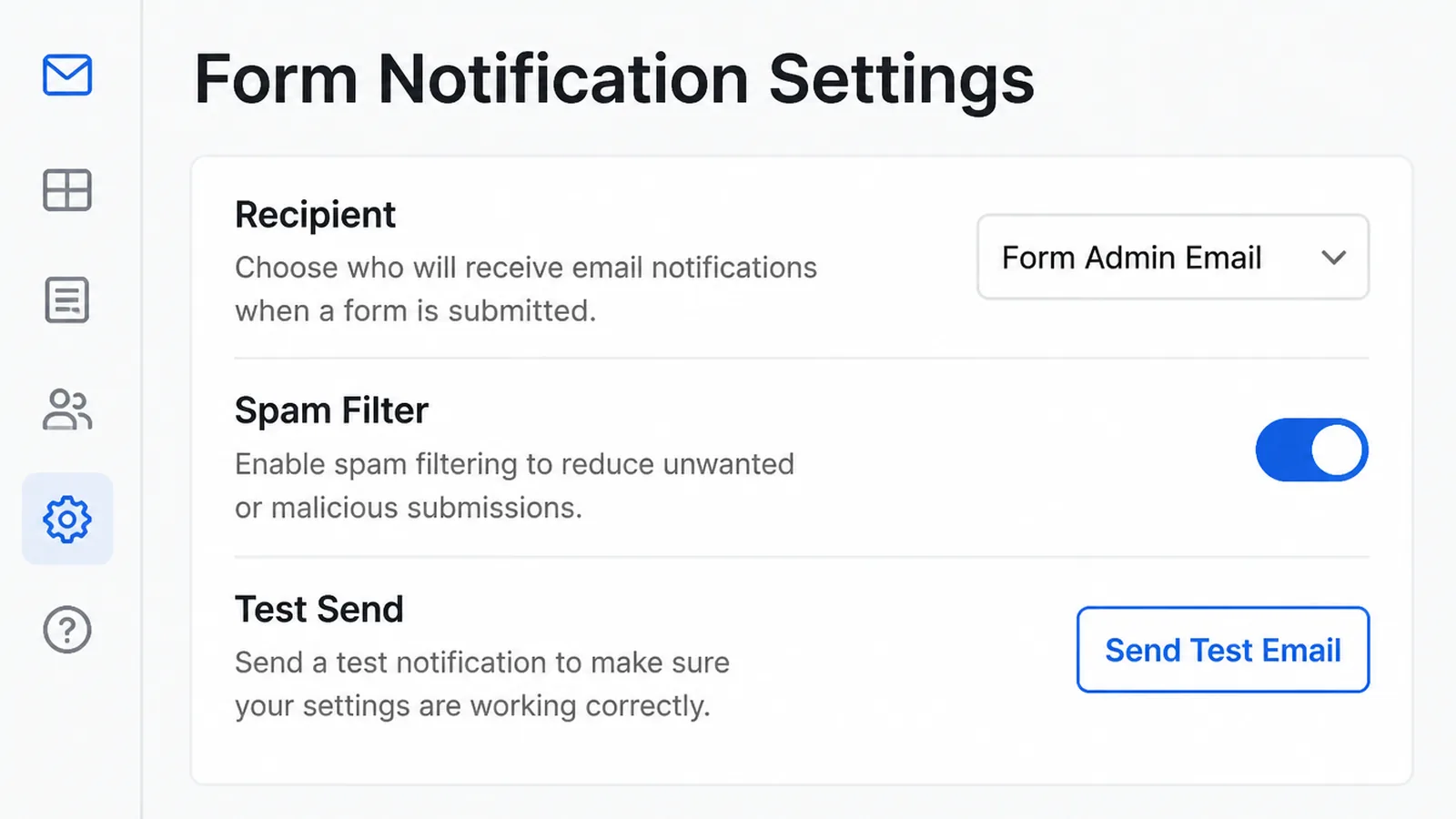
This is the one I find most often, and it is the one nobody checks. A contact form not working looks exactly like a website nobody wants to contact.
The site works, the form submits, and the notification goes nowhere. Nothing on the page tells you, because from the visitor's side it all behaved normally.
I will be honest about the evidence here. No one publishes a trustworthy figure for how often enquiry notifications fail. So test yours by hand rather than trusting a statistic.
Run the test properly:
- Submit from a phone on mobile data. Not from your office laptop, which may be on a different network.
- Use an address you can open. Then check the junk folder as well as the inbox.
- Wait a day before deciding. Delayed delivery looks identical to no delivery for the first hour.
- Repeat after any change. A plugin update, a new host or a changed email address all break it.
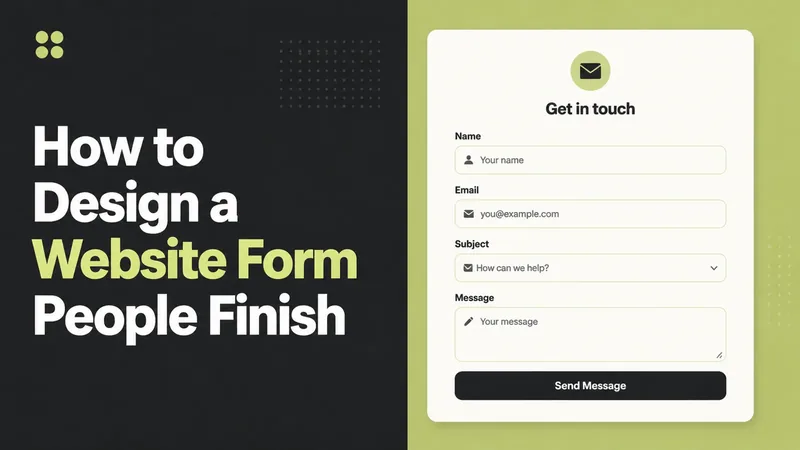
Then look at the form itself. The W3C's accessibility guidance is blunt that placeholder text is not a replacement for labels, because it disappears as soon as someone types.
Length matters too. Baymard Institute found checkout forms averaged 11.3 fields in 2024 while most sites need only 8. That is e-commerce checkout rather than an enquiry form, so read it as a direction rather than a target.
How To Tell Which One It Is
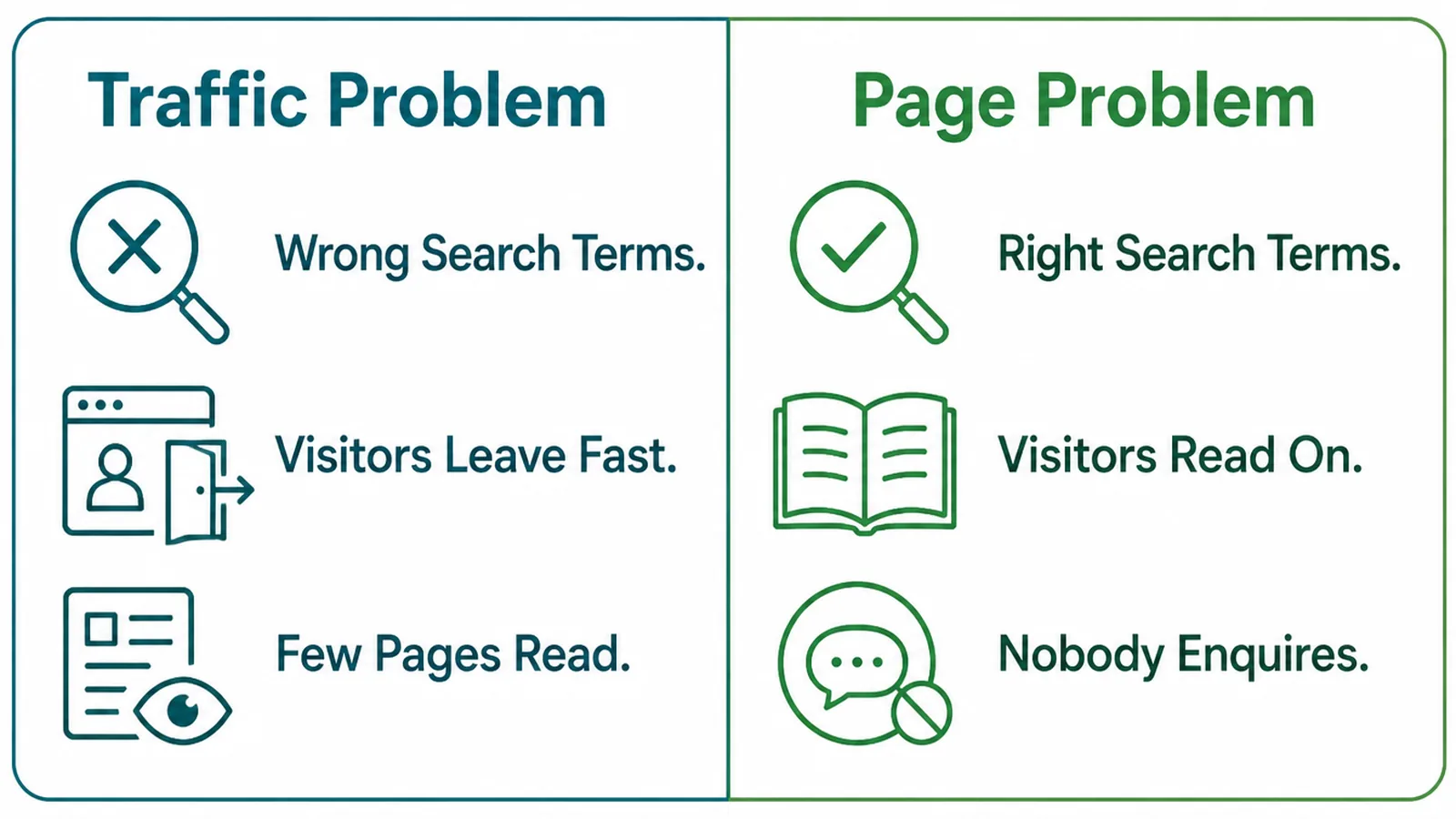
Each fault leaves a different fingerprint across the reports you already have.
| What you see | What it usually means |
|---|---|
| Visitors arrive and leave in seconds, from informational queries | A traffic problem. They were never buying. |
| Visitors stay, read several pages, and still do not contact you | A page problem. Interest without a clear next step. |
| Everything looks healthy and the inbox is empty | Test the form before you change anything else. |
| Enquiries stopped on a date you can name | Something changed that day. Start with what you updated. |
Google Analytics helps here if you know its definitions. A session counts as engaged when it lasts over ten seconds, triggers a key event, or has two or more page views, and bounce rate is simply the share that did none of those.
That matters for reading the table. High bounce on informational queries is normal. High engagement with no enquiries is the page, or the form.
The Order To Fix Them In
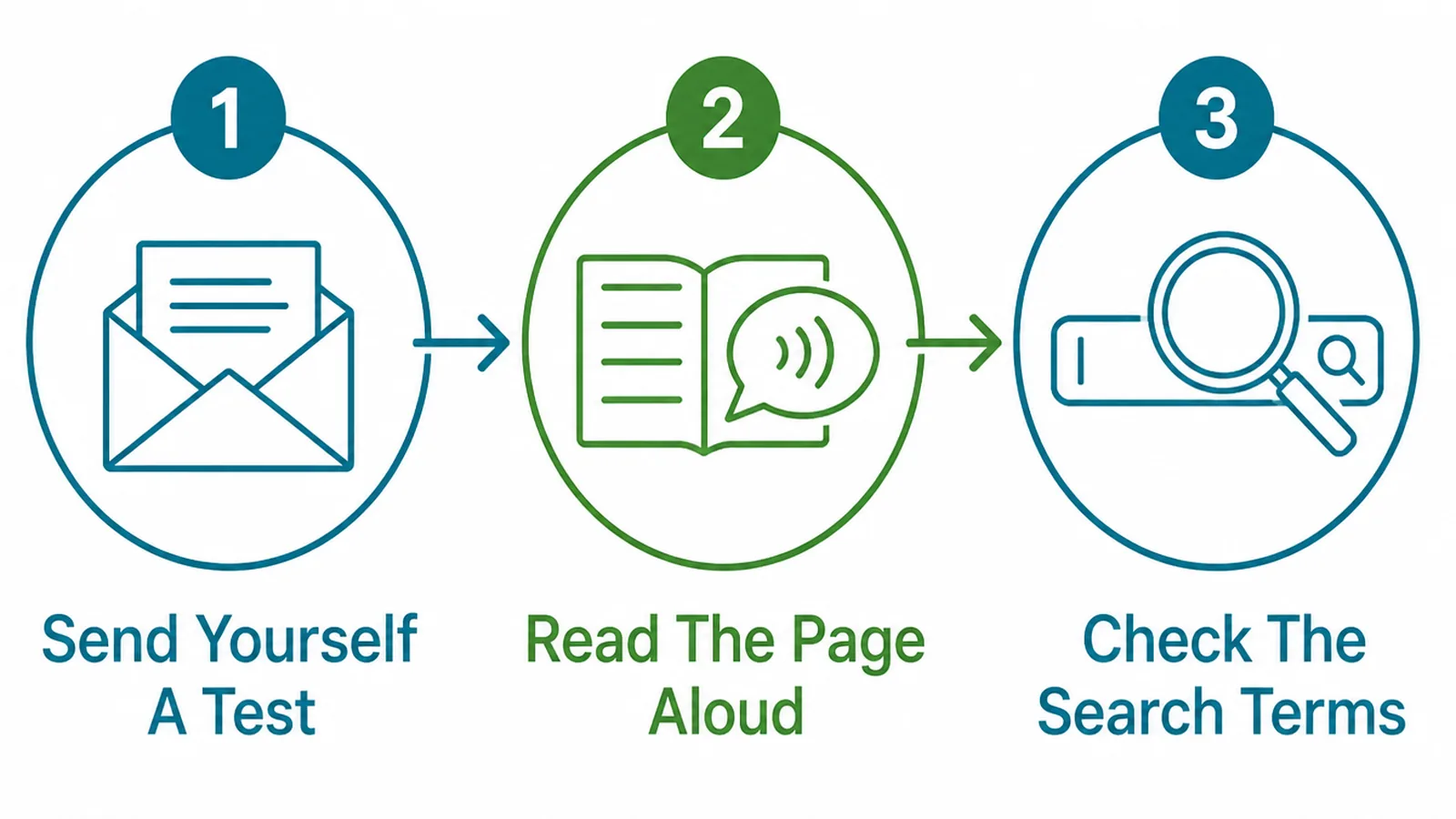
Work from the cheapest certainty to the most expensive guess.
Send yourself a test. Five minutes, and it either eliminates the form or finds the whole problem. Do this before anything else.
Read the page aloud. If you cannot say what you do, who for and what happens next inside a minute, neither can a stranger.
Check the search terms. Open the queries bringing people in and ask whether those people were ever going to buy.
Then change one thing and leave it alone long enough to read the result. Changing three things at once means you learn nothing from the outcome.
You do not need a big test group either. The Nielsen Norman Group's long-standing finding is that testing with five users surfaces around 85% of usability problems.
Five people who have never seen the page, asked to find your price and send an enquiry, will tell you more than a month of dashboards.
What Not To Do
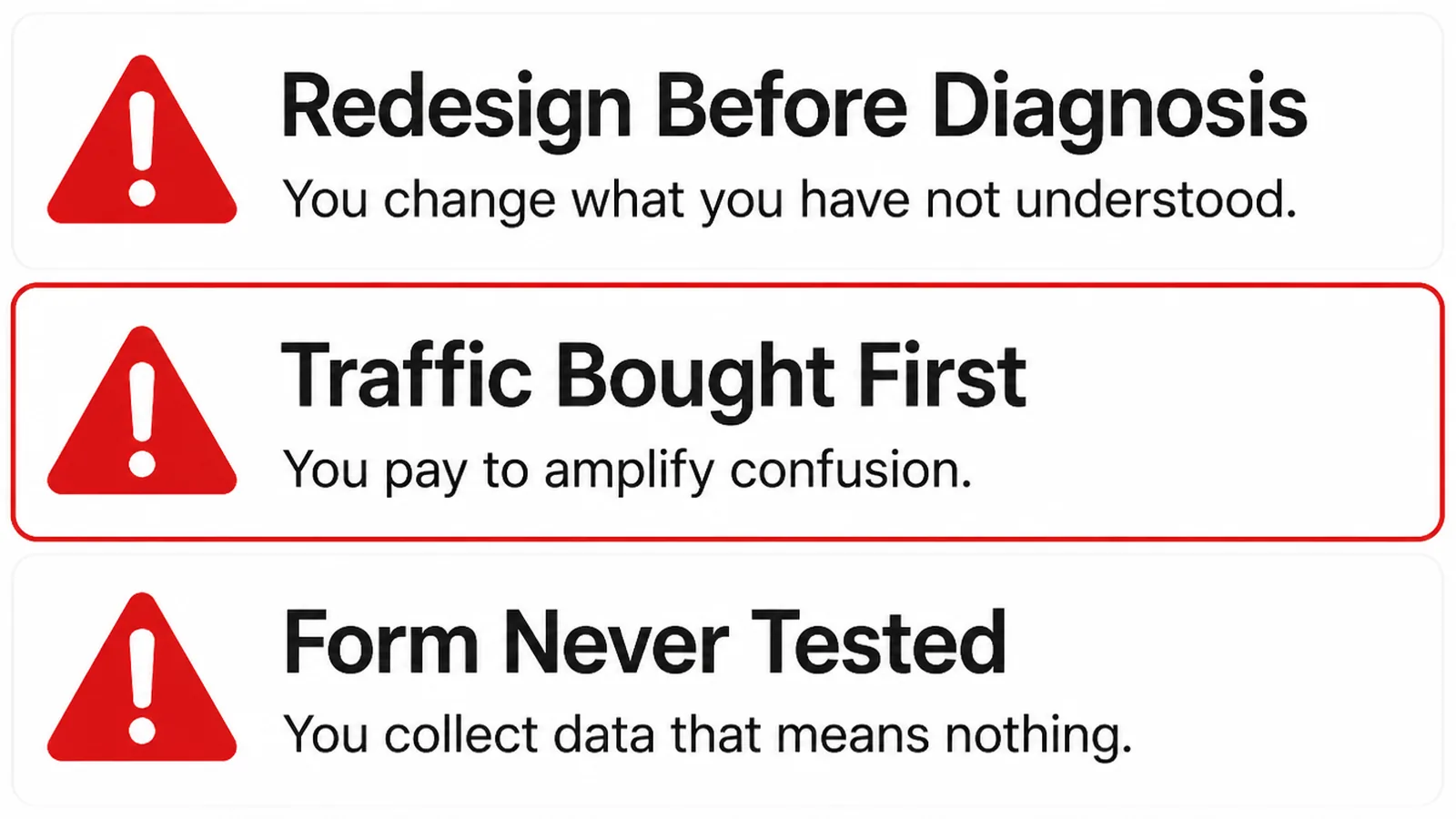
- Redesign before diagnosis. It changes everything at once, so you never learn which change mattered.
- Buy traffic first. Paying to send more people to a page that is not working multiplies the cost of the fault.
- Never test the form. The cheapest check on this list, skipped because the site looks fine from the outside.
- Blame the design on instinct. A contact form not working produces the same empty inbox as a page nobody likes.
The redesign one carries a cost people miss. A rebuild usually moves your URLs, and Google warns that ranking fluctuates while it recrawls and reindexes a moved site.
So you can lose the traffic you were trying to convert, for weeks, while you wait to find out whether the new design helped.
None of this means never redesign. It means knowing what you are fixing first, so the rebuild solves a problem you have actually identified.
FAQs
How much traffic do I need before I worry about conversions?
Enough that a quiet week is not the whole story. With twenty visits a month, zero enquiries tells you almost nothing. Look at a period long enough to contain a normal spread of visitors, then judge it. Below that, work on being found rather than on conversion.
Is a slow website the reason I get no enquiries?
It can contribute, but Google does not publish a point where visitors leave. It sets its speed thresholds from perception research and what real sites achieve, not from abandonment data. Treat speed as one suspect among several rather than the explanation.
How do I know if my contact form is actually working?
Submit it yourself from a phone, on mobile data, using an address you can check. Then wait a day. If nothing arrives, check the recipient address, the spam folder and whether the notification is being sent at all. Nobody publishes a reliable failure rate, so test it.
Should I redesign the website if it is not converting?
Not before you know which fault you have. A redesign changes everything at once, so it destroys the evidence and it usually changes your URLs. Google warns that ranking fluctuates while it recrawls a moved site, which means you lose traffic too.
Conclusion
A website not converting is three different problems that produce one identical symptom, and they do not share a fix.
Test the form, read the page aloud, then look at who is actually arriving. In that order, because the first two are nearly free.
Most of the time a website not getting enquiries is one small broken thing, not a verdict on the whole site.
If you would rather someone else worked through it, see how we build service pages, read our guide to forms that get completed and contact page design, or get in touch and we will tell you which of the three you have.