
H1 Tags for SEO: Write Headings for Users and Search

An H1 tag is the main heading of a page, the title at the top that names the topic. Use one clear H1 carrying your main phrase, then order H2s and H3s without skipping levels. WebAIM found 71.6% of screen reader users navigate long pages by headings. Seed Light sets heading structure this way on each build.
Key takeaways
- An H1 tag is the main heading of your page, the big title at the top that names the topic. Most pages should have one.
- One H1 is best practice, not a strict rule. Google's John Mueller has said a site will rank fine with no H1 or with five H1 tags.
- Headings really matter for accessibility. WebAIM found 71.6% of screen reader users navigate long pages by headings.
- Do not skip heading levels. The W3C says an H2 should not be followed directly by an H4.
- Add your keyword where it reads naturally, write for people first, and never stuff the same phrase into every heading.
1. What is an H1 tag?
An H1 tag is the main heading of a web page. It is the big title at the top that tells people, and search engines, what the page is about.
In your code it looks like this: <h1>Your Page Title</h1>. The H1 tag is the most important heading on the page, so for SEO you want it to be clear and to name your topic.
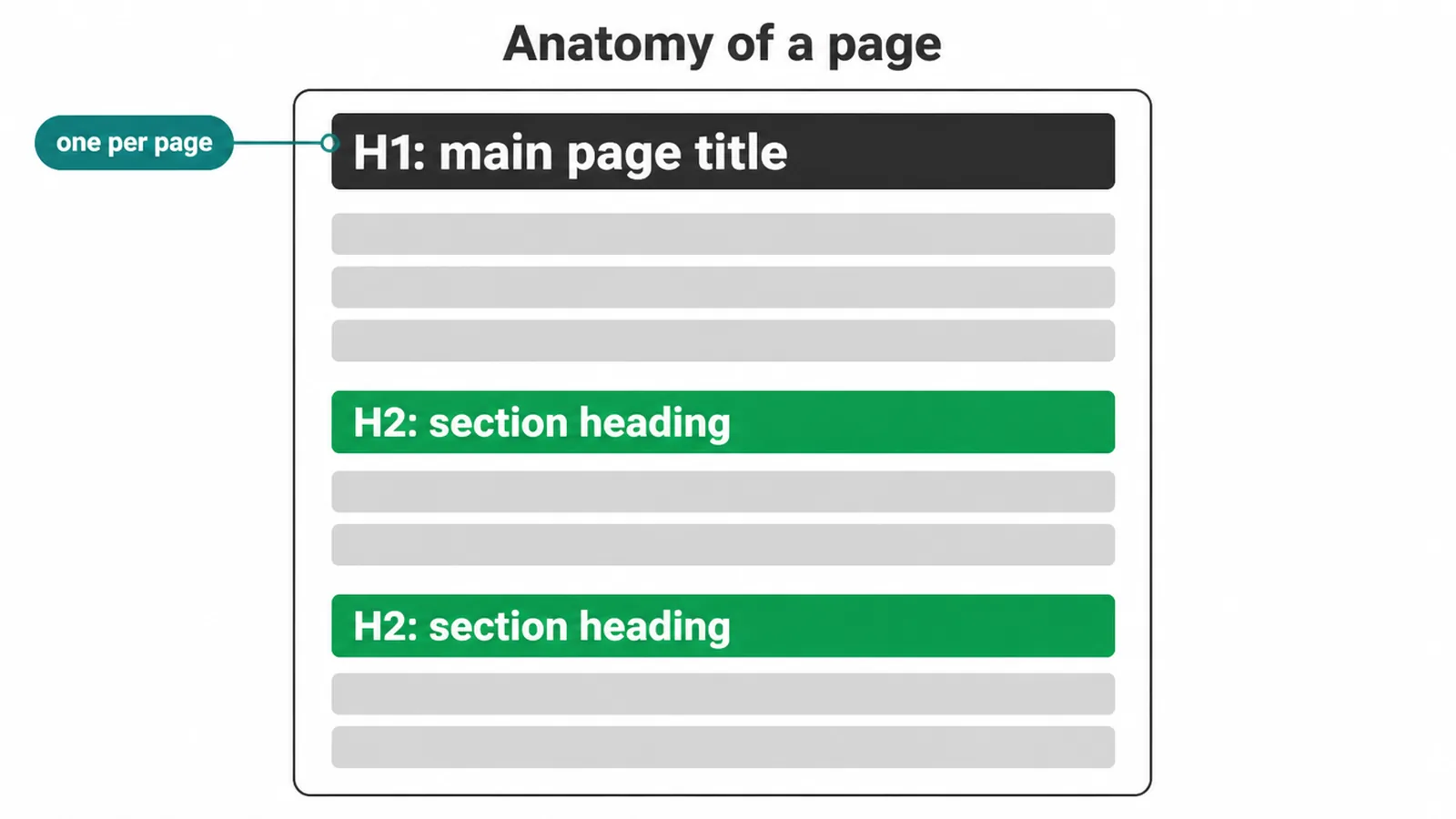
Think of it like the headline on the front of a newspaper. You read the big headline first, then the smaller section headings below it. A web page works the same way.
The H1 sits at the top, then smaller headings (H2, H3, and so on) break the rest into chunks. Later we will look at how the H1 is different from your title tag, because people mix the two up all the time.
2. Why headings matter for SEO and readers
Headings give your page a clear shape. Google's own advice is to provide headings to help users navigate your pages. Good headings do two jobs at once. They help search engines understand what each part of the page covers, and they help readers skim and find what they came for.
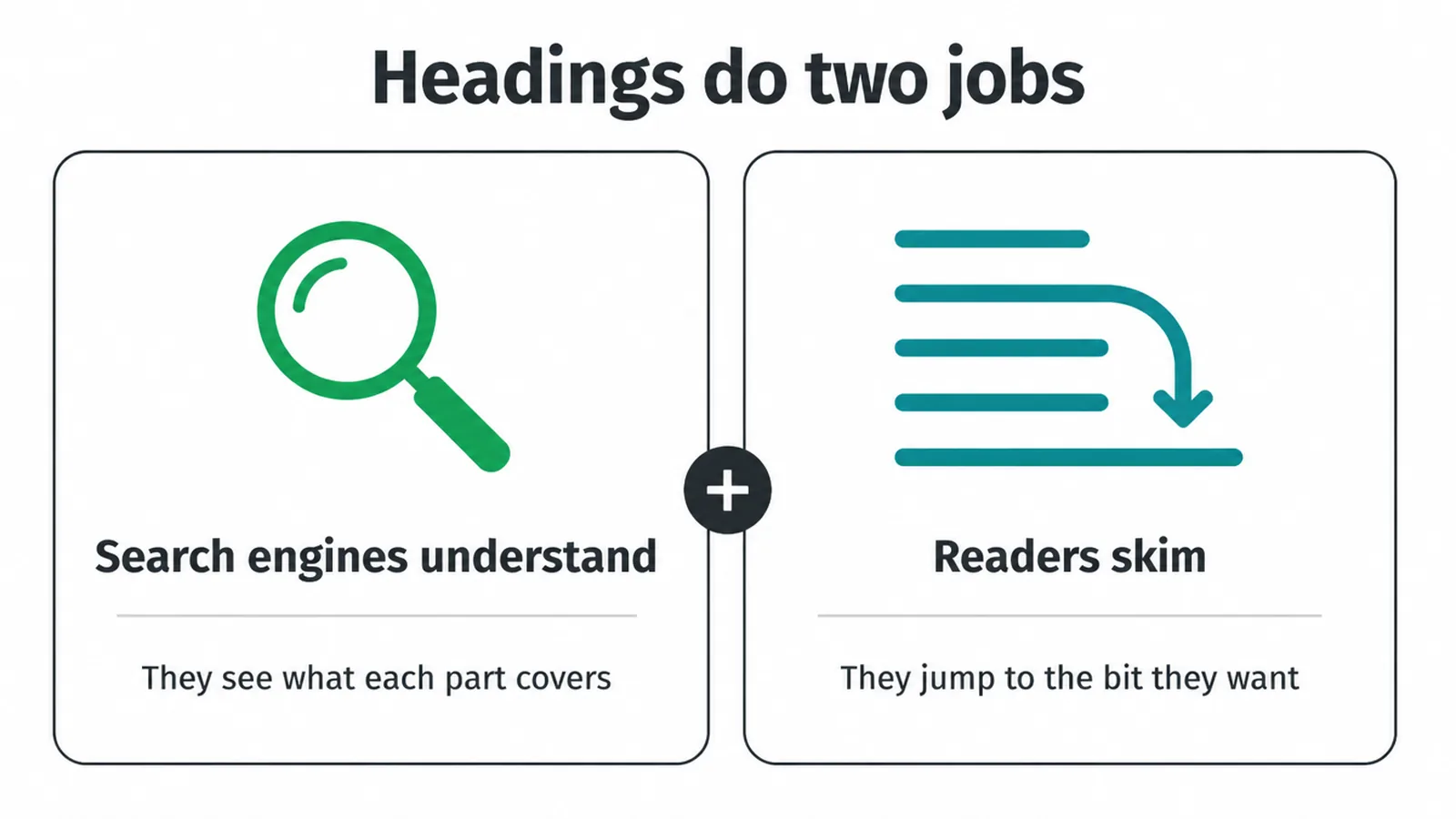
Most people do not read a page word for word. They scan. Clear headings let them jump straight to the bit they want. That keeps them on your page longer, which is good for you.
Just remember the H1 is not a confirmed ranking factor on its own, so do not obsess over it. Treat it as one piece of clean on-page structure. If you want the full list, see our on-page SEO checklist.
3. How many H1 tags should you have?
The short answer: one. One clear H1 per page is the cleanest setup for both readers and search engines. But here is the honest part. This is best practice, not a hard ranking rule.
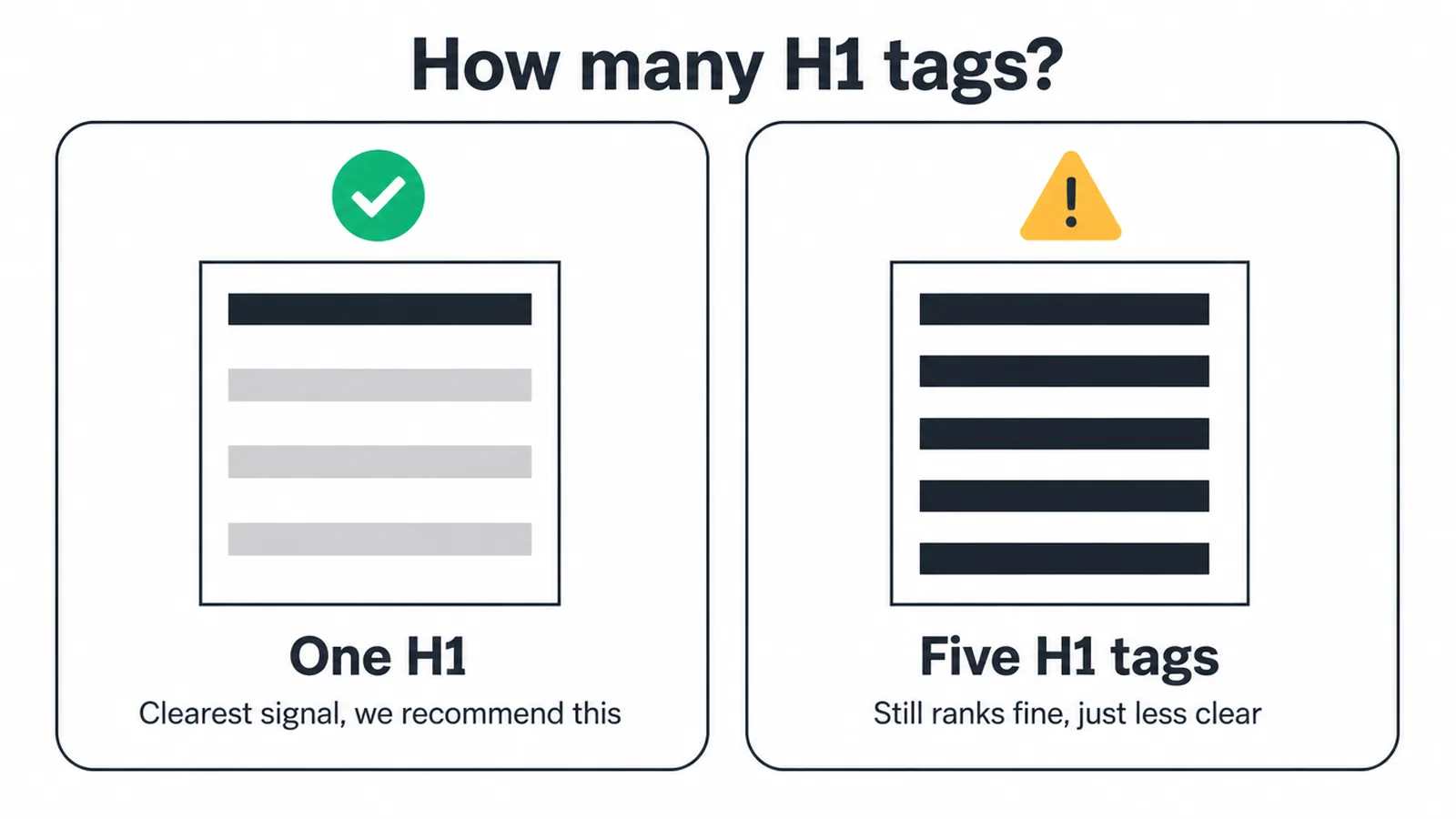
Google's John Mueller put it plainly. He said your site will rank perfectly fine with no H1 tags or with five H1 tags, and that you can use H1 tags as often as you want with no upper or lower limit.
So if your site has two H1s for some technical reason, you are not being penalised.
Still, we recommend one. A single main heading gives Google the clearest signal about your topic, and it gives a reader (especially someone using a screen reader) one obvious "you are here" marker at the top of the page. Clear beats clever.
4. H1 tag vs title tag: what is the difference?
These two get confused constantly, so let us settle it. The title tag lives in the page code and shows up in the browser tab and as the blue clickable link in Google. The H1 is the heading you see on the page once you click through. They are two separate things.
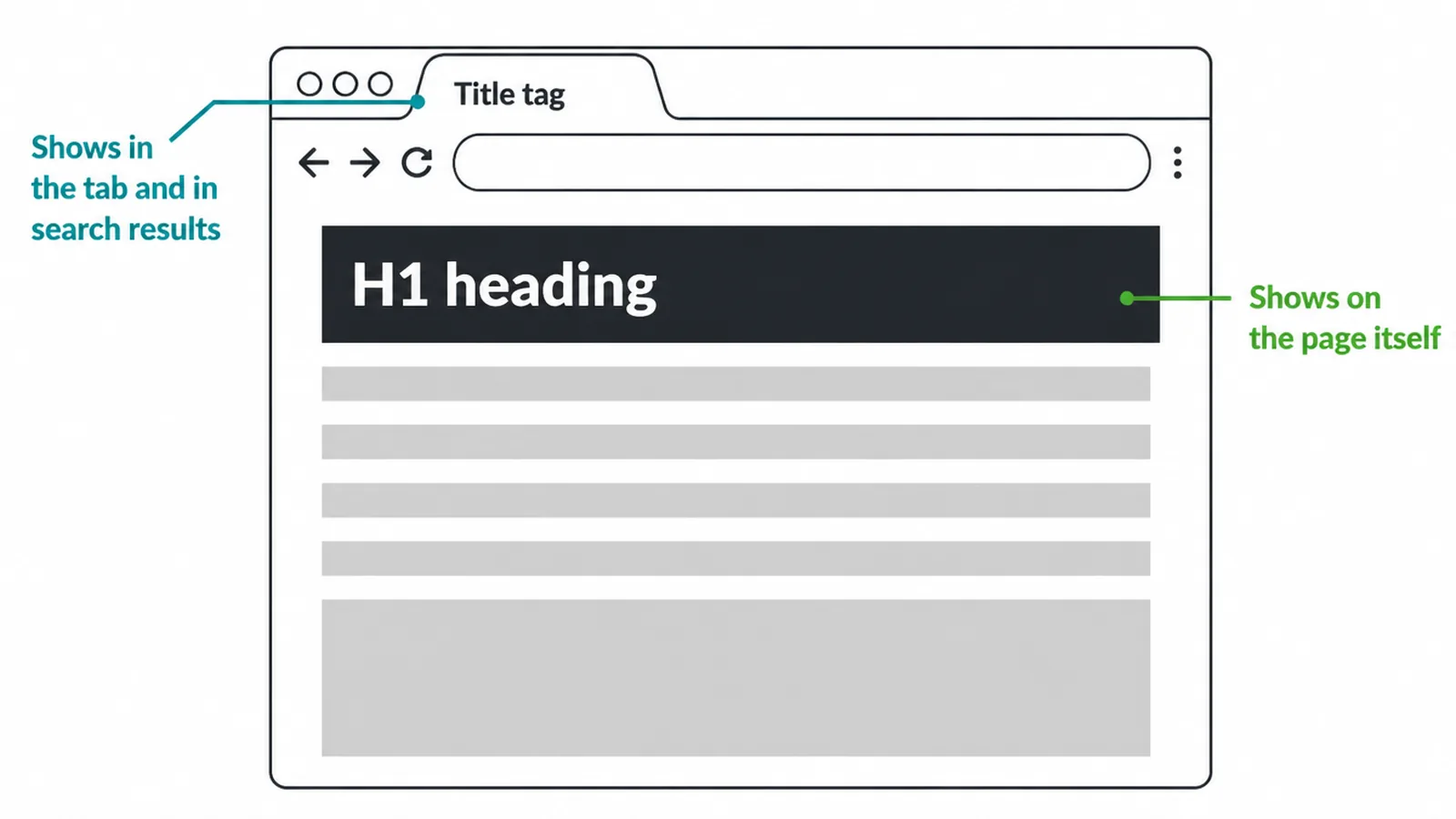
They should say roughly the same thing, but they do not need to be identical. The title tag often needs to be a bit punchier to earn the click in search results, while the H1 can read a little more naturally on the page.
Keep them aligned in topic, not copied word for word. (For the title's partner, see how to write meta descriptions that earn clicks.)
| Question | H1 tag | Title tag |
|---|---|---|
| Where does it show? | On the page, as the main heading | In the browser tab and the search result link |
| What is its job? | Tell readers on the page what it is about | Earn the click from search results |
| How many per page? | One clear one is best | Exactly one |
| Does it need the keyword? | Yes, where it reads naturally | Yes, ideally near the front |
| Must they match exactly? | No. Keep them aligned in topic, not word for word | |
5. How to order your headings
Headings work like an outline. One H1 names the whole page. H2s mark the main sections. H3s are sub-points inside a section. You go down a level as you go more specific, then back up when you start a new section.
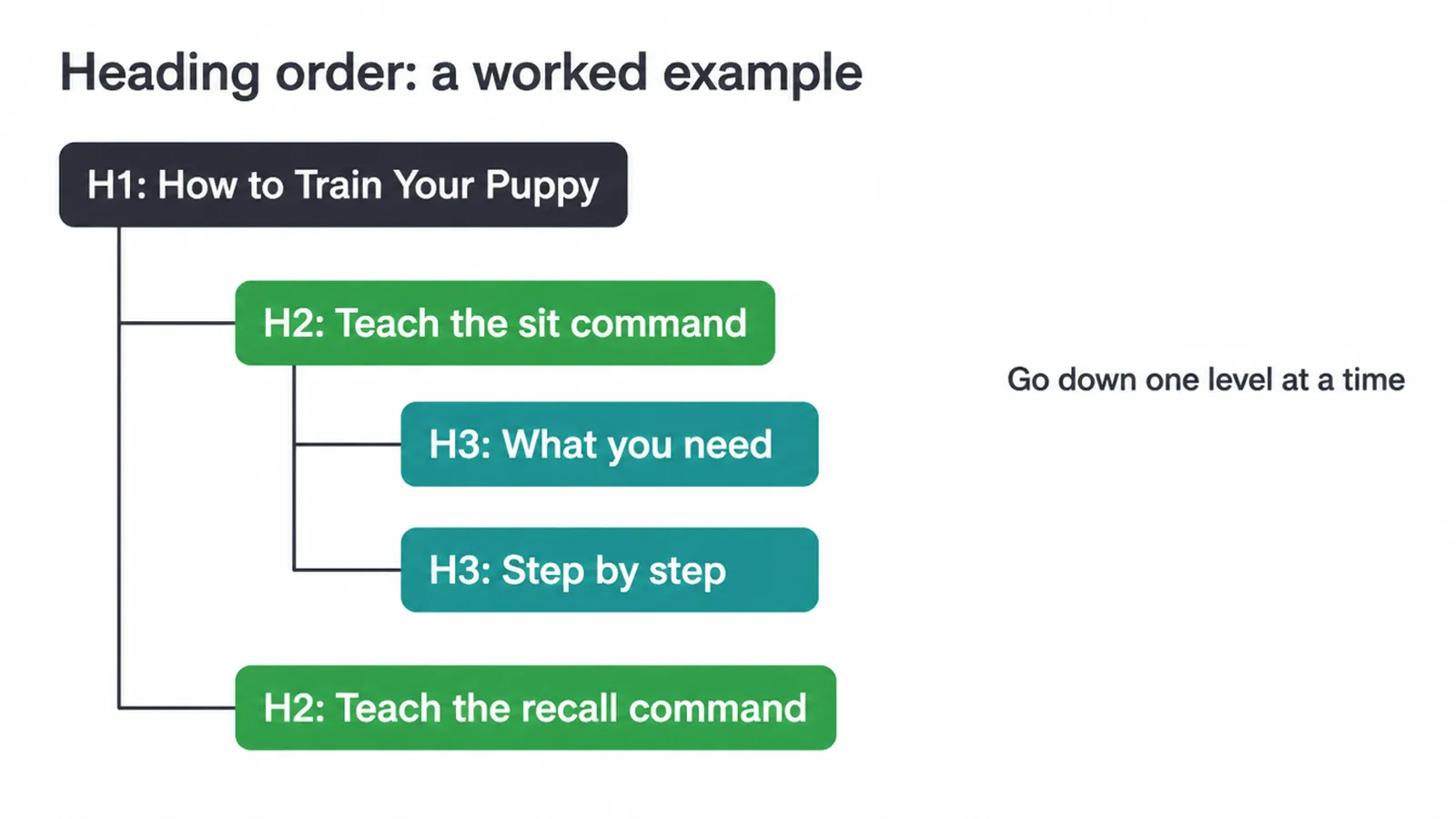
Here is a quick worked example for a page about dog training:
- H1: How to Train Your Puppy
- H2: Teach the sit command
- H3: What you need
- H3: Step by step
- H2: Teach the recall command
The big rule: do not skip levels. The W3C says an H2 should not be followed directly by an H4, so nest by rank instead. Here is the nuance from Google, though.
Google's documentation says heading order in semantic sequence is fantastic for screen readers, but from a Google Search view it does not matter if you use them out of order. So order is mostly for people, not for rankings. We still keep it tidy because tidy helps everyone.
6. Should you put keywords in your headings?
Yes, where it reads naturally. Put your main keyword in the H1 if a real person would say it that way. Then add related words to a few H2s where they fit. The key word there is "fit". Write the heading for a human first, then check the keyword is in it.
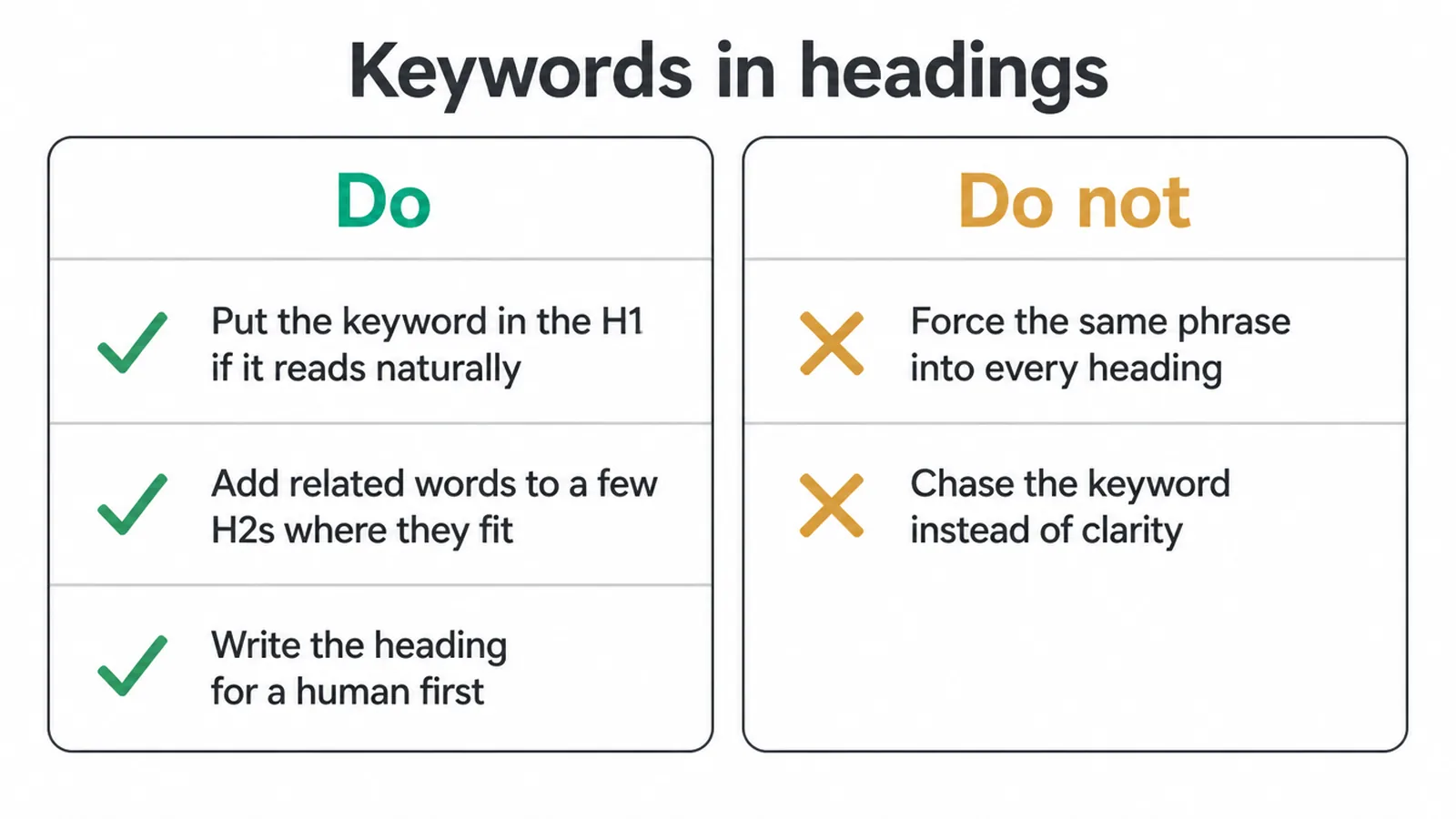
What you must not do is force the same phrase into every heading. That reads as keyword stuffing, it sounds robotic, and it helps no one.
Yoast's guidance lines up with this: use one H1, do not skip levels, and add your keyphrase to headings only where it makes sense. Headings are for clarity. The keyword is a bonus, not the goal.
7. Headings and accessibility: the real reason to get this right
Here is the part most SEO guides skip. The biggest reason to use clean headings is the people who rely on them. A person using a screen reader cannot scan a page with their eyes. They jump through it by heading, level by level, the way you would scan a table of contents.
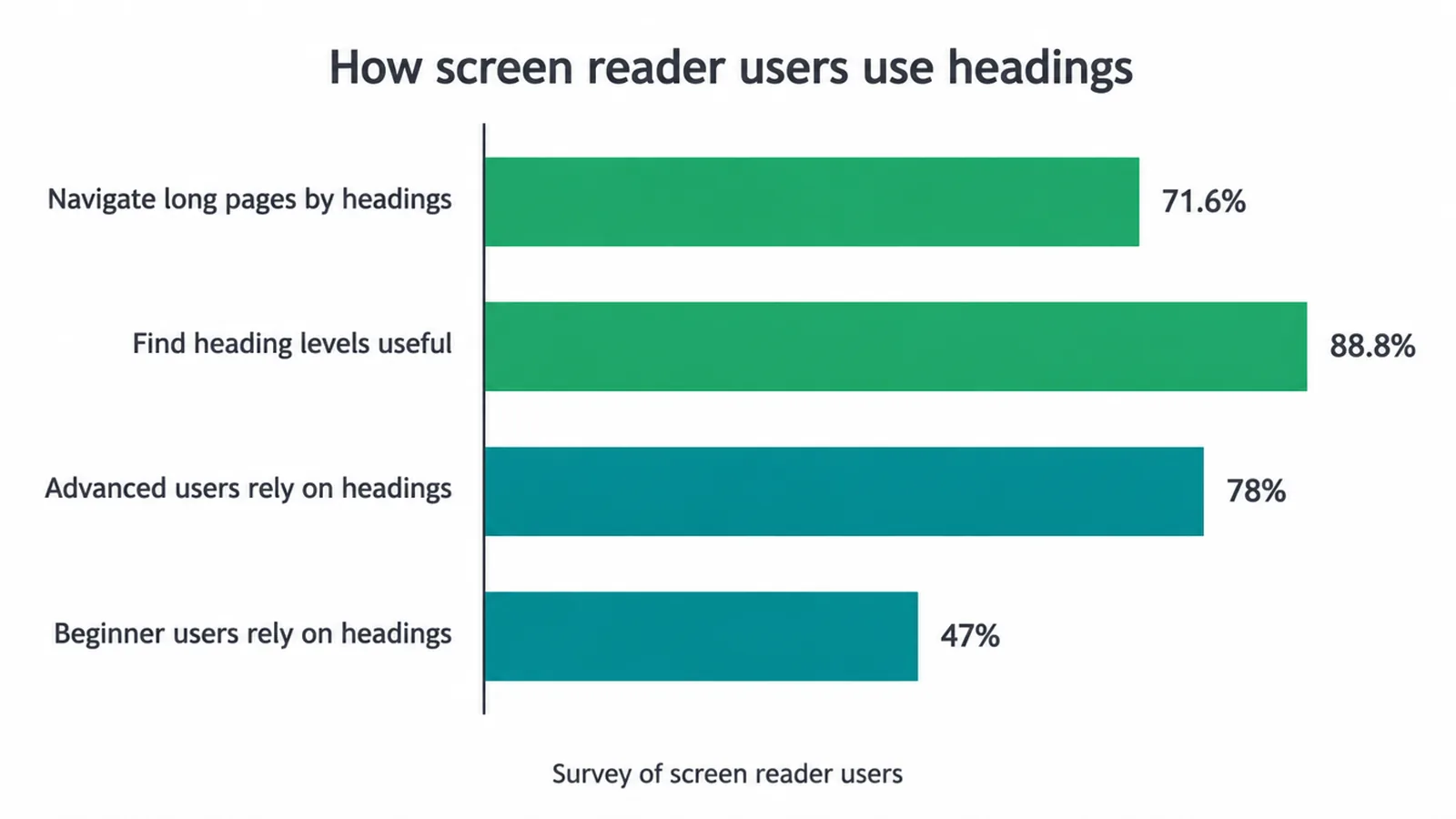
The numbers back this up. WebAIM's survey of screen reader users found that 71.6% navigate long pages by headings, and 88.8% find heading levels useful.
The same survey showed advanced users lean on headings far more (78%) than beginners (47%). So your H1 to H2 to H3 structure is literally how a blind visitor finds their way around your page.
Get the order right and you serve those visitors well. Skip levels or drop the H1 and you make the page hard to use for them. This is why we treat heading structure as part of good design as well as good SEO. For more, read our guide to website accessibility for small businesses.
8. Common heading mistakes to avoid
A few simple slips trip up most pages. Watch for these:
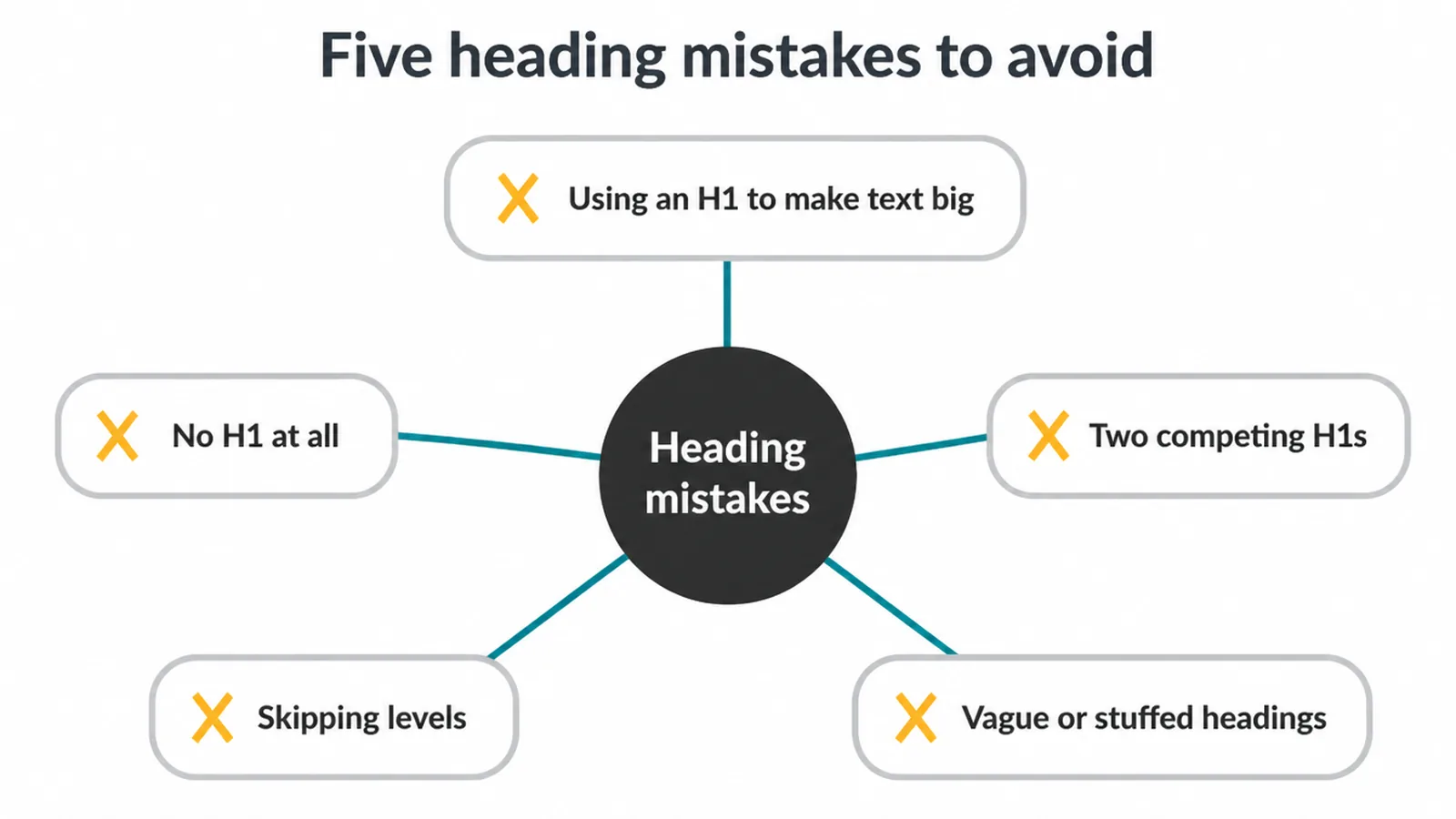
- Using an H1 just to make text big. Headings carry meaning as well as size. Style your text with CSS, and save the H1 for the real page title.
- Having no H1 at all. Your page rank may survive it, but readers and screen reader users lose their anchor at the top.
- Two competing H1s. If everything is the main heading, nothing is. Pick one clear topic.
- Skipping levels. Jumping from H2 to H4 breaks the outline. Go down one rank at a time.
- Vague or stuffed headings. "Welcome" tells nobody anything. Neither does the same keyword repeated five times. Say what the section is about.
Fix these and your pages get easier to read, easier to crawl, and friendlier to everyone who visits. If you would rather hand the whole thing off, our SEO service covers on-page structure as standard, and you can get in touch to talk it through.
Frequently asked questions
1. What is an H1 tag?
An H1 tag is the main heading of a web page, the big title at the top that tells people and search engines what the page is about. In the code it looks like this: <h1>Your Page Title</h1>. Most pages should have one clear H1 that names the topic.
2. How many H1 tags should a page have?
One clear H1 is best practice for readers and screen reader users. Google's John Mueller has said a site will rank fine with no H1 or with five H1 tags, so it is not a strict rule. But one main heading gives the clearest signal and the cleanest structure, so we recommend one per page.
3. Is the H1 the same as the title tag?
No. The title tag shows in the browser tab and as the clickable link in search results. The H1 is the heading people see on the page itself. They should say roughly the same thing, but they do not need to be identical word for word.
4. Does the H1 affect SEO?
Indirectly. Google has not confirmed the H1 as a direct ranking factor, and Mueller has said pages rank fine with zero or many H1 tags. But a clear H1 helps Google and readers understand the page, and clear pages tend to perform better, so a good H1 still matters.
5. Can I skip heading levels, like jumping from H2 to H4?
You should not. The W3C advises against skipping ranks, so an H2 should not be followed directly by an H4. Nest headings by rank: H1 for the page title, H2 for sections, H3 for sub-points inside those sections. This keeps the structure clear for screen reader users.
6. Should I put my keyword in the H1?
Yes, where it reads naturally. Add your main keyword to the H1 if it fits the way a person would say it. Write the heading for humans first, then check the keyword is there. Never force the same phrase into every heading, that reads as stuffing and helps no one.
7. How long should an H1 be?
Keep it short and clear, usually a handful of words to a short sentence. The H1 should name the topic at a glance. There is no hard character limit, but a long, rambling heading is harder to scan and weaker as a signal, so trim it down.
8. Can a page rank without an H1 tag?
Yes. John Mueller has said a site will rank perfectly fine with no H1 tags. That said, dropping the H1 makes the page harder to read and harder for screen reader users to navigate, so we still add one clear H1 to every page.







